Why Car Dealerships Are Getting Serious About Screens
A car dealership is one of the most content-rich environments in retail — and one of the most under-served by traditional signage. You have a showroom floor where purchase decisions worth tens of thousands of pounds are being formed, a service reception where customers wait anywhere from forty minutes to half a day, a handover bay, a parts counter, and often a separate business development centre. Each of those spaces has a different audience, a different dwell time and a different commercial job to do.
Static posters and A-boards cannot keep up. A manufacturer runs a finance offer for six weeks, then replaces it. A used-car campaign changes weekly. Service menu pricing gets revised. A screen that cannot be updated from a browser tab is a liability, not an asset — and a screen showing out-of-date finance rates in a regulated industry is a compliance problem.
The dealerships that are making digital signage work are doing it with software that separates content management from screen hardware, lets one person update every screen on site in minutes, and lets different zones show different content at the right time of day without anyone touching a USB stick.
The Four Distinct Zones in a Dealership — and What Each One Needs
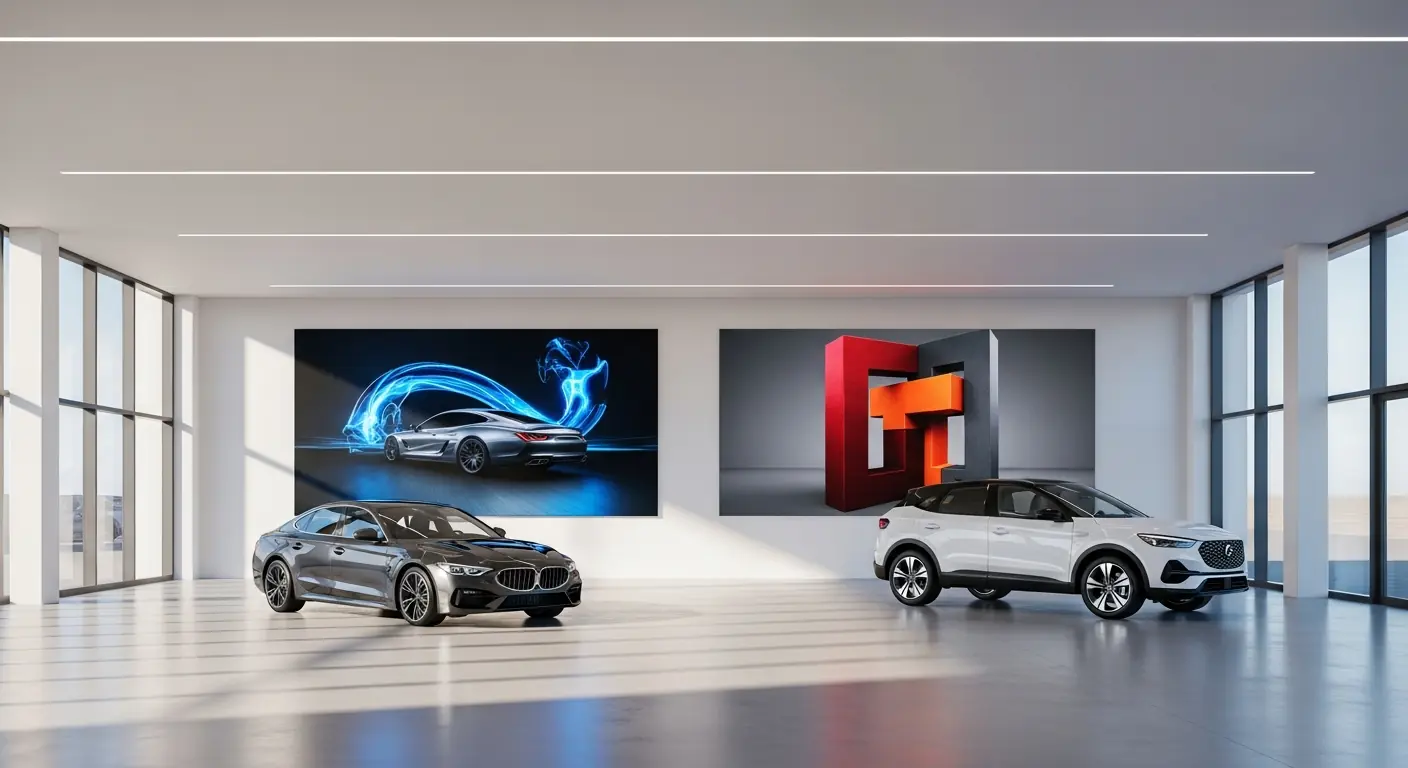
1. The Showroom Floor
Customers on the showroom floor are browsing and comparing. They are not yet committed, and they are often waiting for a salesperson to become free. This dwell time is valuable: it is an opportunity to move people up the range, surface finance options, and showcase models that are not physically on the floor.
What works here:
- Model highlight reels — short, looping clips of a model's key features (boot space, driver-assistance tech, interior finishes). These do not need to be broadcast-quality; clear and informative beats slick and vague.
- Finance offer slides — current PCP or PCH headlines, kept up to date. A screen showing last month's rate is worse than no screen at all.
- Range walk — if your showroom only has three or four cars on the floor, a screen can carry the rest of the line-up visually.
- Awards and reviews — "What Car? Car of the Year", owner review scores, press quotes. Third-party validation at the moment of decision.
The key discipline here is freshness. Manufacturer offer periods are short. If your content management system requires a design agency or an IT visit to change a slide, it will not get changed — and stale content destroys the credibility of the whole installation.
2. The Service Waiting Area
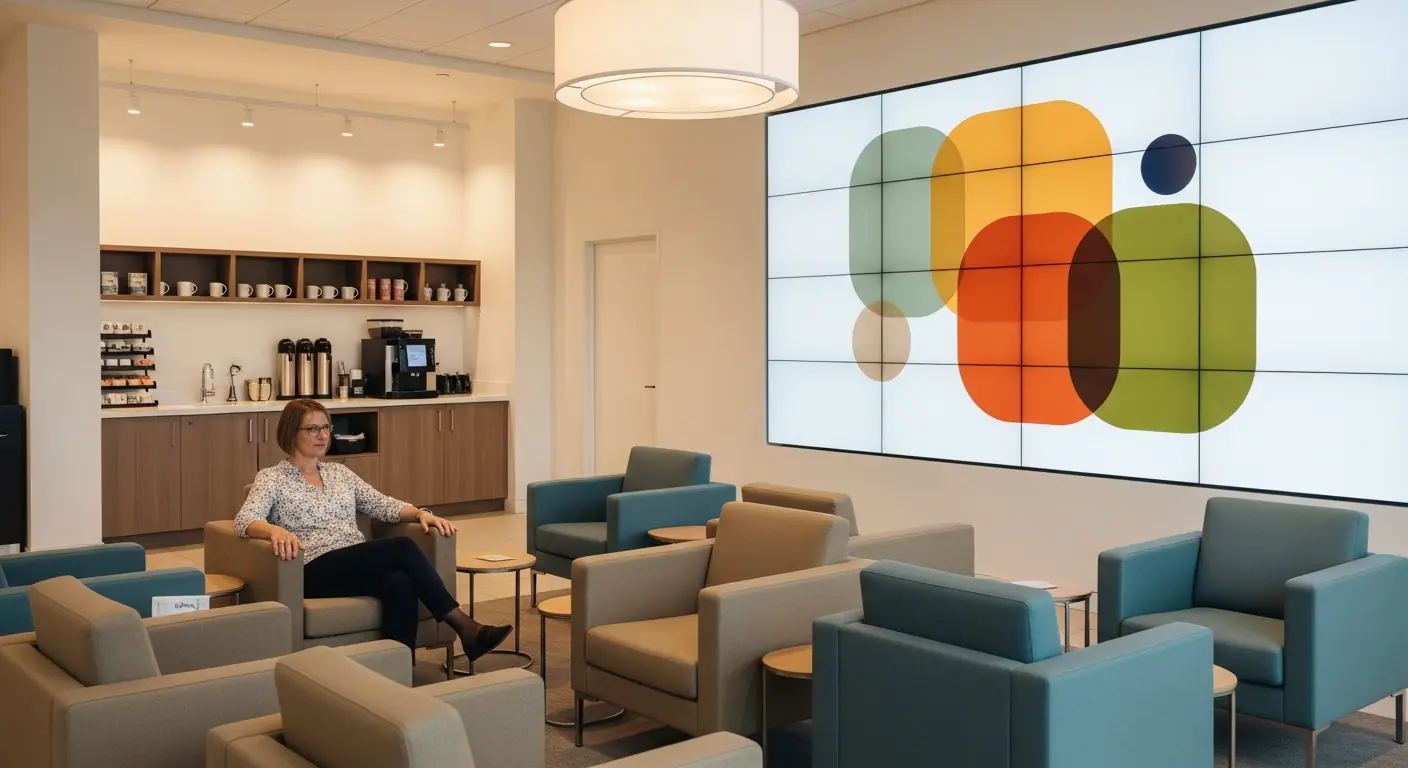
This is where digital signage earns its keep most clearly in a dealership. Service customers are captive — they have nothing to do but wait, and they have time to absorb information. The commercial opportunity is significant: upsells on service plans, accessories, tyres, the next MOT, even a part-exchange enquiry while their car is in the workshop.
What works here:
- Service plan promotions — explain what a service plan covers and why it costs less than pay-as-you-go servicing. Customers in the waiting room have just experienced the pain of a service bill; the timing is perfect.
- Accessories showcase — mats, tow bars, roof boxes, dash cams. Items with good margin that do not require a salesperson to sell them.
- Tyre condition and safety messaging — educational content ("when to replace your tyres", tread-depth guidance) that leads naturally into a tyre check upsell.
- Customer review feeds — live or curated Google or Trustpilot reviews. This builds confidence in the aftersales department specifically, where trust is sometimes lower than in sales.
- Wait time updates — even a simple "your vehicle is being serviced — we'll update you shortly" slide on a separate screen reduces counter interruptions and improves perceived service quality.
Because dwell time here is long (often 45–90 minutes), content variety matters. A loop that exhausts itself in eight minutes and starts repeating is noticeable and irritating. Building a longer, more varied playlist — or using a scheduling layer to rotate different content blocks across the wait — keeps the experience feeling fresh even for customers who visit every six months.
3. The Parts and Accessories Counter
Parts customers are often trade: mechanics, fleet managers, bodyshop staff. They know what they want and they are time-sensitive. The signage job here is different — less persuasion, more efficiency and ambient brand reinforcement.
What works here:
- Current trade offers — bulk-buy discounts, trade account benefits, current promotions on fast-moving lines.
- New parts availability — especially useful for bodyshops watching for superseded part numbers.
- Opening hours and contact information — reduces "can I call ahead?" friction.
4. The Vehicle Handover Bay
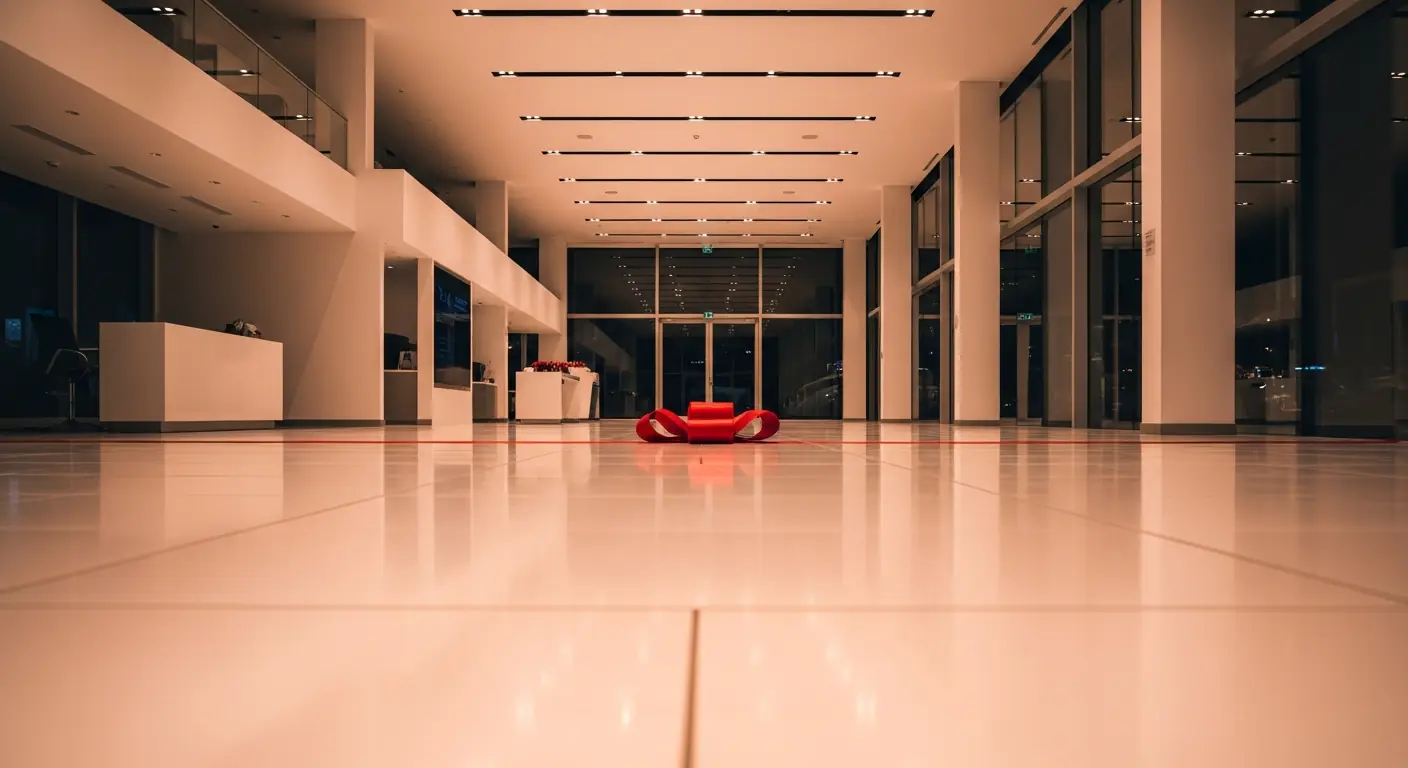
Handover is an emotionally charged moment — for many customers, the most memorable part of the entire purchase. A screen here is not primarily commercial; it is experiential.
What works here:
- Welcome message personalised to the customer — "Congratulations, Sarah — welcome to the [Model] family." Easy to update for each handover appointment via a simple slide edit.
- How-to guides for the model being handed over — pairing a phone, using the infotainment, setting up the driver profile. This reduces the volume of "how do I…?" calls to aftersales in the first two weeks.
- Accessories and protection products — paint protection, gap insurance, extended warranty. The customer is at peak satisfaction; this is the best moment to introduce add-ons they genuinely might want.
The Practical Problem: Multi-Zone Management Without Complexity
The challenge every dealership manager faces is that updating four different zones, showing four different content mixes, across a physical site they are not always present at, needs to be simple enough that it actually gets done. The moment it becomes a project — requiring design software, IT support, or a phone call to the installer — content goes stale and the screens become wallpaper.
This is exactly the problem Hangar Media is built for. You manage every screen on your site — showroom, service waiting, parts counter, handover bay — from a single browser-based dashboard. Organise your content into playlists, assign playlists to zones, and schedule different content to appear at different times of day without touching the hardware. Finance offer changed overnight? Log in, swap the slide, push to screen. It takes three minutes.
Because Hangar Media is priced at a flat £5 per screen per month (plus VAT) — no tiers, no annual "enterprise" uplift, no per-user licensing — a five-screen dealership pays £25 a month. That is less than a single A-board print run, for content you can change daily.
Content Scheduling: Thinking About Time of Day
One underused feature in dealership signage is time-of-day scheduling. Your screens do not need to show the same thing at 8 am as they do at 6 pm.
- Morning (8–10 am): Service customers dropping cars off. Show service plan messaging, courtesy car availability, early-bird tyre offers.
- Midday (10 am–3 pm): Showroom browsers peak. Show model highlights, finance offers, test-drive prompts.
- Late afternoon (3–6 pm): Service customers collecting cars. Show accessories, next service reminders, part-exchange "what's your car worth?" prompts.
- Saturdays: Showroom traffic is dominated by private buyers often making same-day decisions. Lean into social proof — reviews, awards, "most popular" models.
Scheduling this kind of rotation manually used to require IT involvement. With browser-based signage management software, you set the schedule once and it runs automatically.
Manufacturer Compliance and Brand Consistency
Franchised dealers operate within brand guidelines that govern how manufacturer logos, model imagery and finance messaging appear. This creates a real practical constraint: not every piece of content can be home-produced. Many dealers work with a mix of manufacturer-supplied assets (usually available via the brand's dealer portal) and locally produced content for aftersales and accessories.
The practical answer is a content system that can ingest both — manufacturer image files and locally created slides — and display them in a consistent, professional loop without requiring a designer to rebuild the playlist every time manufacturer assets are updated. Hangar Media's media library handles mixed asset types, so you can drop in a manufacturer-supplied JPEG or MP4 alongside your own slides and manage everything from the same place.
What Dealers Get Wrong with Digital Signage
Dealerships that have tried and stalled with digital signage tend to repeat a few patterns:
- Installing screens without a content plan. A screen with no content strategy defaults to manufacturer brand loops — which are fine, but waste the commercial opportunity entirely. Know before you install what each screen is trying to do.
- Treating content as a one-time job. A playlist built at installation and never touched is stale within a month in an automotive retail environment. Build a lightweight content rhythm: who updates finance offers, who updates service promotions, and when.
- Under-investing in the service waiting area. The showroom gets the attention, but the service waiting area is where the volume is — most dealerships see more aftersales customers per week than sales customers. The commercial return on well-managed signage is higher there.
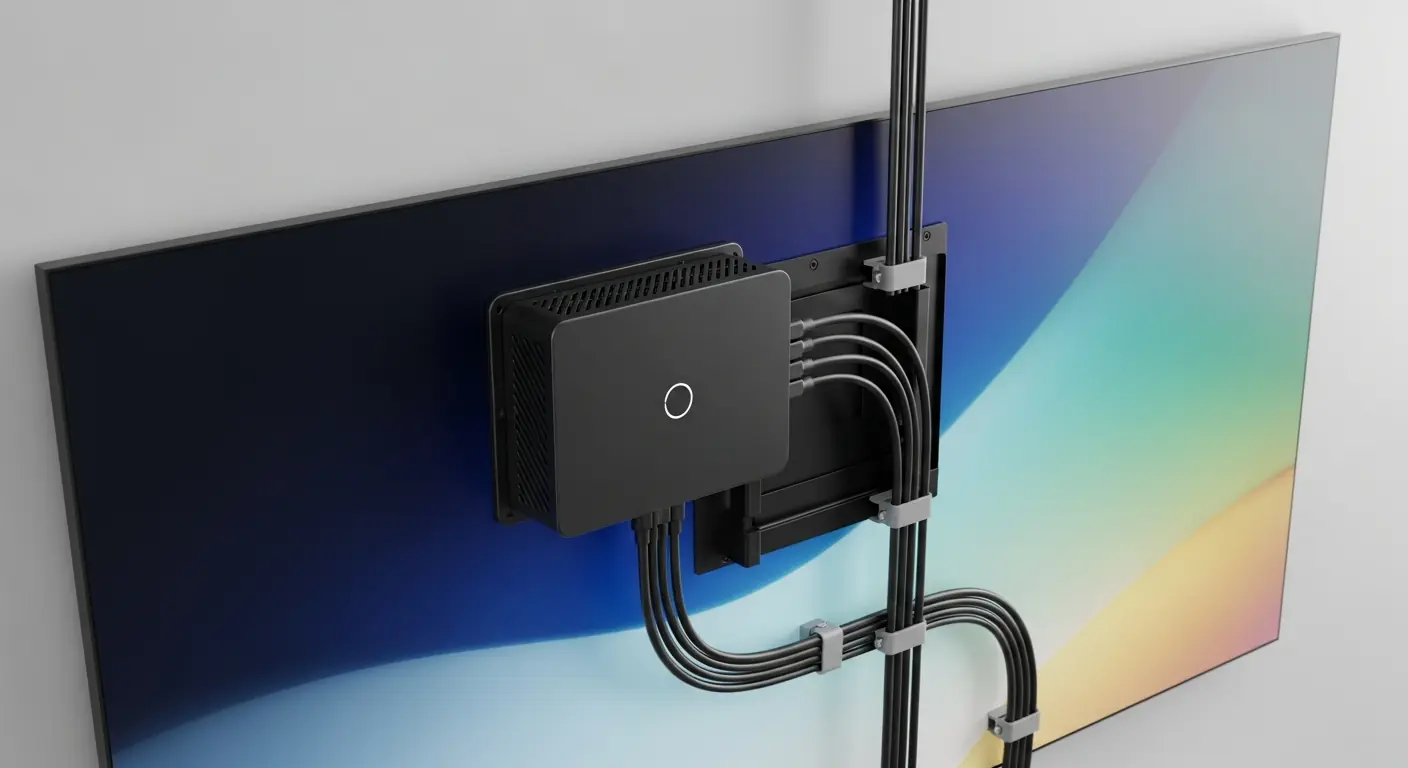
- Using consumer screens in a commercial environment. Consumer televisions are not rated for all-day operation and do not have the port configurations or remote management hooks that commercial displays do. This is a hardware decision, not a software one — but it affects reliability.
Getting Started
A sensible starting point for a single-site dealership is three screens: one in the showroom, one in the service waiting area, and one at the service reception desk. That covers the two highest-traffic zones and costs £15 a month with Hangar Media at £5 per screen — less than a tank of fuel. Add zones as you build confidence in the content workflow.
When you are ready, get started with Hangar Media: create your screens, organise content into playlists per zone, and schedule it by time of day — all from one browser, at a flat £5 per screen per month plus VAT.