Pipedream führt den Code aus. Bildschirme erzählen die Geschichte.
Pipedream verbindet 2.500+ APIs mit serverlosen Code-Schritten in Node, Python, Go oder Bash. Ein einziger Schritt sendet den Output eines beliebigen Workflows per POST an Ihre Hangar.Media-Bildschirme – HMAC-signiert, gemappt und als Tabelle oder Karten dargestellt.
Von jeder API zu jedem Bildschirm – in einem einzigen Workflow
Pipedream-Workflows werden durch Zeitpläne, HTTP-Events oder App-Events ausgelöst, transformieren Daten in echtem Code und schliessen mit einem Push an Ihren Hangar.Media-Inbound-Webhook ab. Ein Code-Schritt berechnet die HMAC-Signatur – so setzt die Zustellung durchgehend auf den stärksten Verifizierungsmodus.
Was Sie mit Bildschirme erzählen die Geschichte. tun können
Drei Funktionen, die diese Integration für Ihr Digital Signage-Netzwerk unverzichtbar machen.
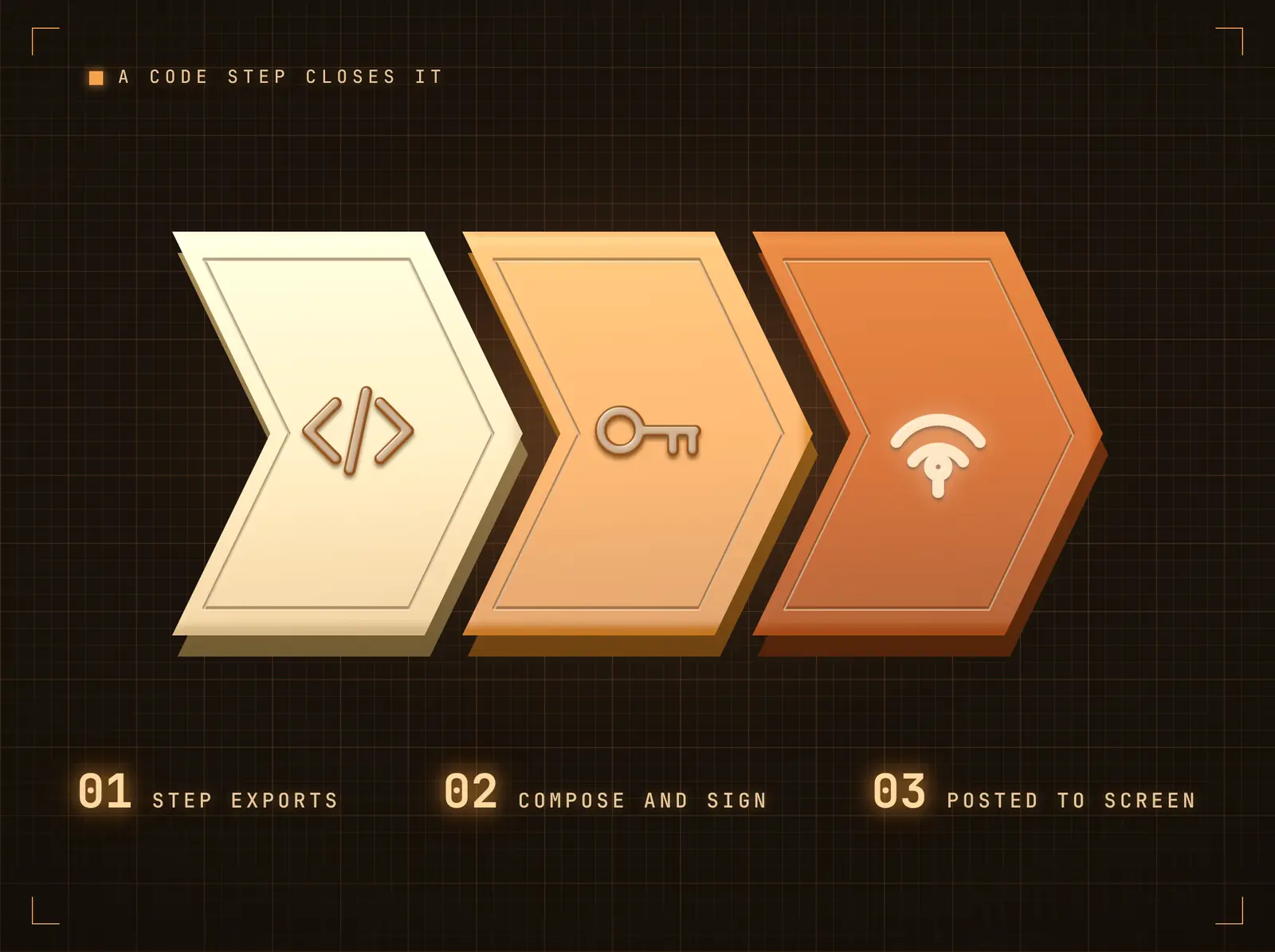
Ein Code-Schritt schliesst den Kreis
Schliessen Sie den Workflow mit einem Code-Schritt ab (oder der HTTP-Request-Aktion): Stellen Sie das JSON aus beliebigen Schritt-Exporten zusammen, signieren Sie es und senden Sie es per POST an Ihre eingehende Webhook-URL. Das vollständige npm/pip-Ökosystem steht zur Gestaltung des Payloads zur Verfügung.
Zweitausendfünfhundert APIs rein, ein signierter Push raus.
Schritt-Exporte machen jeden vorgelagerten Wert für den abschliessenden Push verfügbar
JSON-Payloads beliebiger Form – einzelne Datensätze oder Listen
Bildschirme werden innerhalb von Sekunden nach Eingang des Pushs aktualisiert
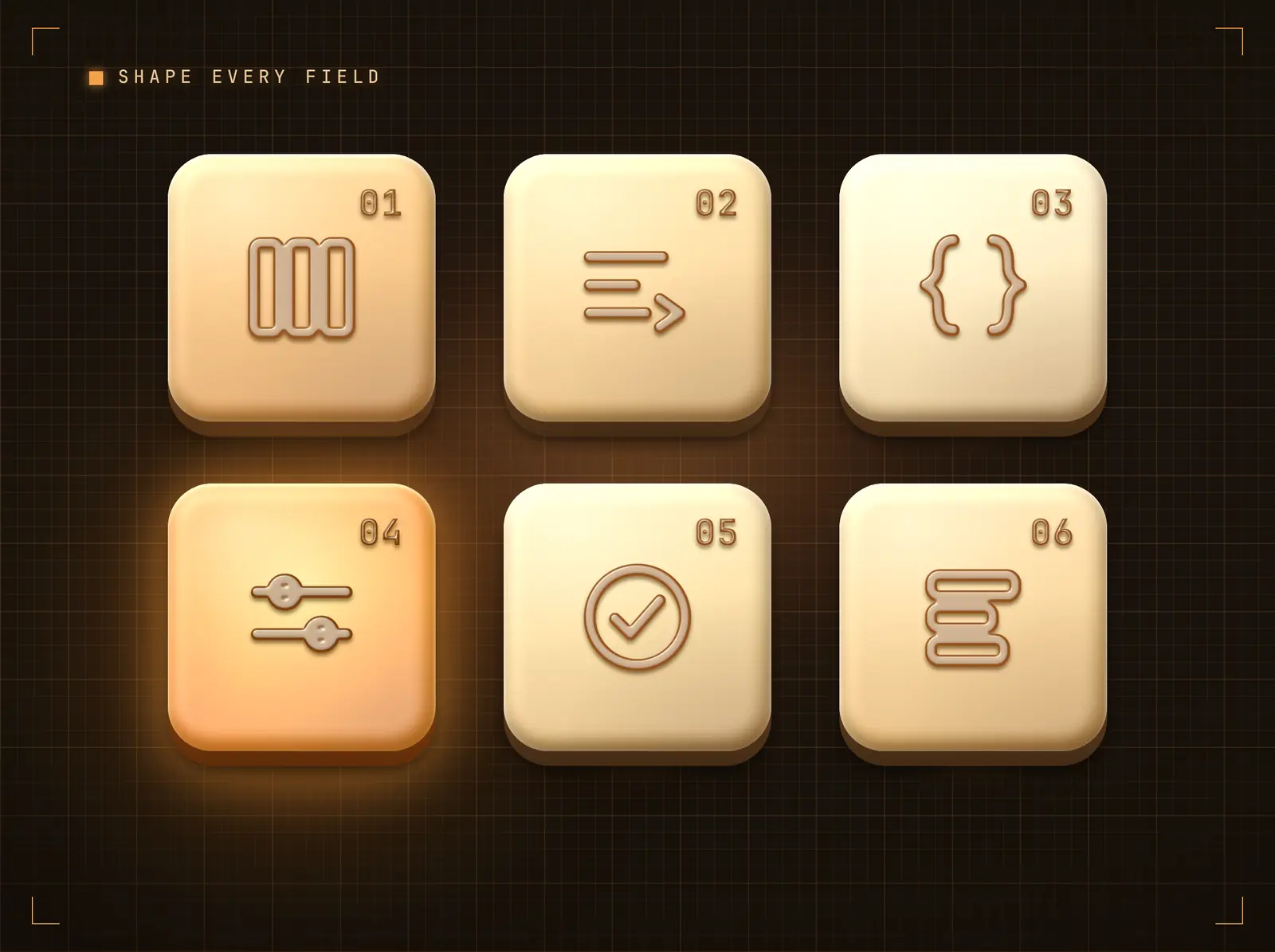
Payload in Bildschirminhalt umwandeln
Verweisen Sie Anzeigespalten mit Dot-Notation-Pfaden auf Payload-Felder, legen Sie Standardwerte für fehlende Felder fest und wenden Sie spaltenweise Transformationen an – Grossschreibung, Kleinschreibung, Kürzen, Präfix, Suffix. Dieselbe Zuordnungs-Engine treibt jede Automatisierungsplattform-Integration an – eine einmal erstellte Konfiguration ist plattformübergreifend einsetzbar.
Ihre Automatisierung liefert die Daten; die Zuordnung bestimmt, wie sie auf dem Bildschirm erscheinen.
Dot-Notation-Pfade erreichen verschachtelte Payload-Felder
Standardwerte füllen Lücken, damit Bildschirme nie leer bleiben
Transformationen bereinigen Werte, ohne die Automatisierung zu berühren
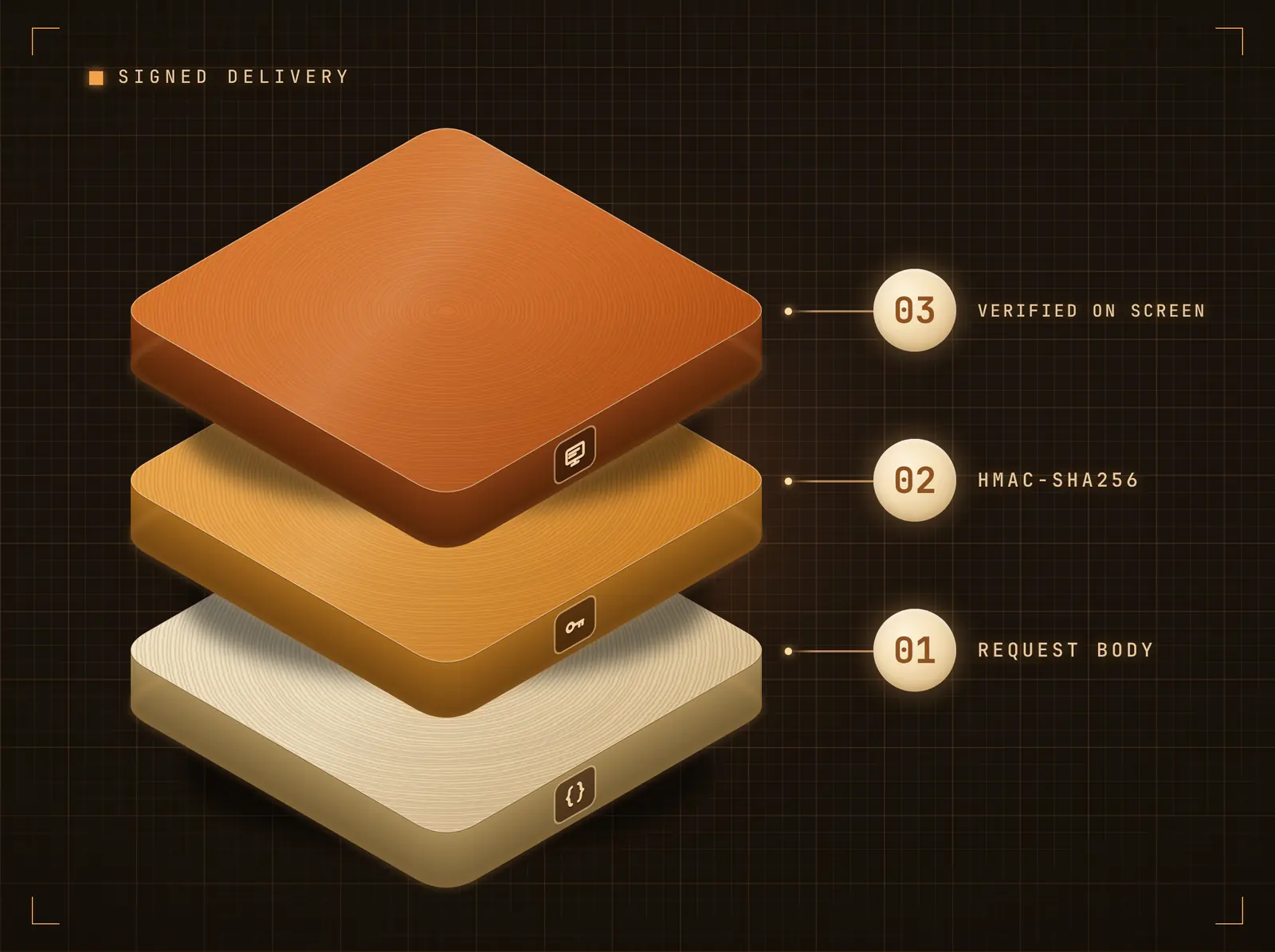
HMAC-signierte, replay-geschützte Zustellung
Der Code-Schritt berechnet einen HMAC-SHA256 des Bodys mit Ihrem Integrationsgeheimnis und sendet ihn als X-Webhook-Signature; Hangar.Media verifiziert in konstanter Zeit mit optionalem Replay-Schutz im Stripe-Stil.
Jeder Push wird authentifiziert, bevor sich ein Pixel verändert.
HMAC-SHA256-Body-Signierung in einem Code-Schritt (empfohlen)
Optionaler Replay-Schutz im Stripe-Stil
Secret-Header-Modus, wenn Sie keinen Code bevorzugen
Vier Schritte zu verbundene Bildschirme.
Von der Einrichtung bis zu Live-Inhalten in Minuten, nicht Tagen.
Integration verbinden
Fügen Sie die Pipedream-Integration in Hangar.Media hinzu. Ihre eindeutige eingehende Webhook-URL und Ihr Geheimnis werden sofort generiert.
Push-Schritt in Pipedream hinzufügen
Fügen Sie einen abschliessenden Code-Schritt hinzu: Erstellen Sie den JSON-Payload aus Schritt-Exporten, berechnen Sie einen HMAC-SHA256 mit Ihrem Integrationsgeheimnis und senden Sie ihn per POST an Ihre eingehende Webhook-URL – mit der Signatur als X-Webhook-Signature.
Felder der Anzeige zuordnen
Wählen Sie Datentabelle oder Inhaltskarten, und ordnen Sie dann Payload-Felder mithilfe des Feld-Mappers den Anzeigespalten zu. Standardwerte und Transformationen sind optional.
Pushen und veröffentlichen
Starten Sie die Automatisierung. Der Payload wird innerhalb von Sekunden im gebundenen Widget auf Ihren Bildschirmen gerendert – aktivieren Sie «Akkumulieren» für eine fortlaufende Übersicht der letzten Pushes.
Entwickelt für jeden Branche.
Erfahren Sie, wie verschiedene Branchen diese Integration nutzen, um Ergebnisse zu erzielen.
Deploy- und Incident-Boards
Workflows auf GitHub- und PagerDuty-Ereignissen halten ein Live-Engineering-Statusboard auf dem Team-Bildschirm aktuell.
HandelConversion-Pulse-Tabellen
Geplante Workflows fragen Analytics-APIs ab und übertragen stündliche Conversion-Pulse an den Handels-Bildschirm.
BildungBewerbungsereignis-Karten
Workflows auf Ereignissen der Bewerbungsplattform übertragen Meilenstein-Karten an den Zulassungs-Bildschirm.
GesundheitswesenWarteschlangen-Metrik-Anzeigen
Workflows, die Buchungs-APIs auslesen, übertragen Klinik-Warteschlangenmetriken den ganzen Tag über auf Mitarbeiter-Bildschirme.
Häufige Fragen. Direkte Antworten.
Wie wird der Webhook gesichert
Pushes werden in einem Pipedream-Code-Schritt mit Ihrem Integrationsgeheimnis per HMAC-SHA256 signiert und von Hangar.Media in konstanter Zeit verifiziert – mit optionalem Replay-Schutz. Dies ist der stärkste Modus, den die Plattform unterstützt.
Welches Payload-Format erwartet Hangar.Media
Beliebiges JSON. Ein einzelnes Objekt wird zu einer Zeile oder Karte; ein Array von Objekten ergibt eine Zeile oder Karte pro Datensatz. Mit einer konfigurierten Feldzuordnung werden nur die zugeordneten Felder angezeigt; ohne eine solche werden die Rohfelder als Schlüssel-Wert-Tabelle dargestellt.
Kann ein Push mehrere Bildschirme aktualisieren
Ja. Der Push landet im Datenfeed der Integration; jedes Design-Widget, das an diesen Feed gebunden ist, wird aktualisiert – unabhängig davon, wo diese Designs eingeplant sind. Ein einziger Push kann einen einzelnen Bildschirm oder den gesamten Bestand aktualisieren.
Welche Pipedream-Trigger-Typen funktionieren
Alle – Zeitpläne, HTTP-Endpunkte, E-Mail-Trigger und über 2'500 App-Ereignisquellen. Der Push an Hangar.Media ist lediglich der letzte Schritt des Workflows, unabhängig davon, was ihn ausgelöst hat.
Ein Preis. Die gesamte Plattform.
So stellen wir uns Digital Signage vor. Inhaltseditor, Bildschirmverwaltung und 200+ App-Integrationen – alles von Anfang an inklusive.
14 Tage kostenlos, bis zu 3 Bildschirme – keine Kreditkarte erforderlich.