Skripte laufen nach Zeitplan. Bildschirme bleiben aktuell.
Windmill verwandelt Skripte – TypeScript, Python, Go, Bash, SQL – in geplante Jobs und Flows, selbst gehostet oder in der Cloud. Mit wenigen Zeilen übermitteln Sie jedes Ergebnis HMAC-signiert an Ihre Hangar.Media-Bildschirme.
Vom Skript-Ergebnis zur dauerhaften Anzeige
Was auch immer ein Windmill-Skript berechnet – eine Datenbankabfrage, eine API-Aggregation, ein Bericht – mit wenigen Zeilen wird das Ergebnis per POST und HMAC-Signatur an Ihren Hangar.Media-Inbound-Webhook übermittelt. Flows verketten Skripte und Freigaben; der letzte Schritt ist der Bildschirm.
Was Sie mit Bildschirme bleiben aktuell. tun können
Drei Funktionen, die diese Integration für Ihr Digital Signage-Netzwerk unverzichtbar machen.
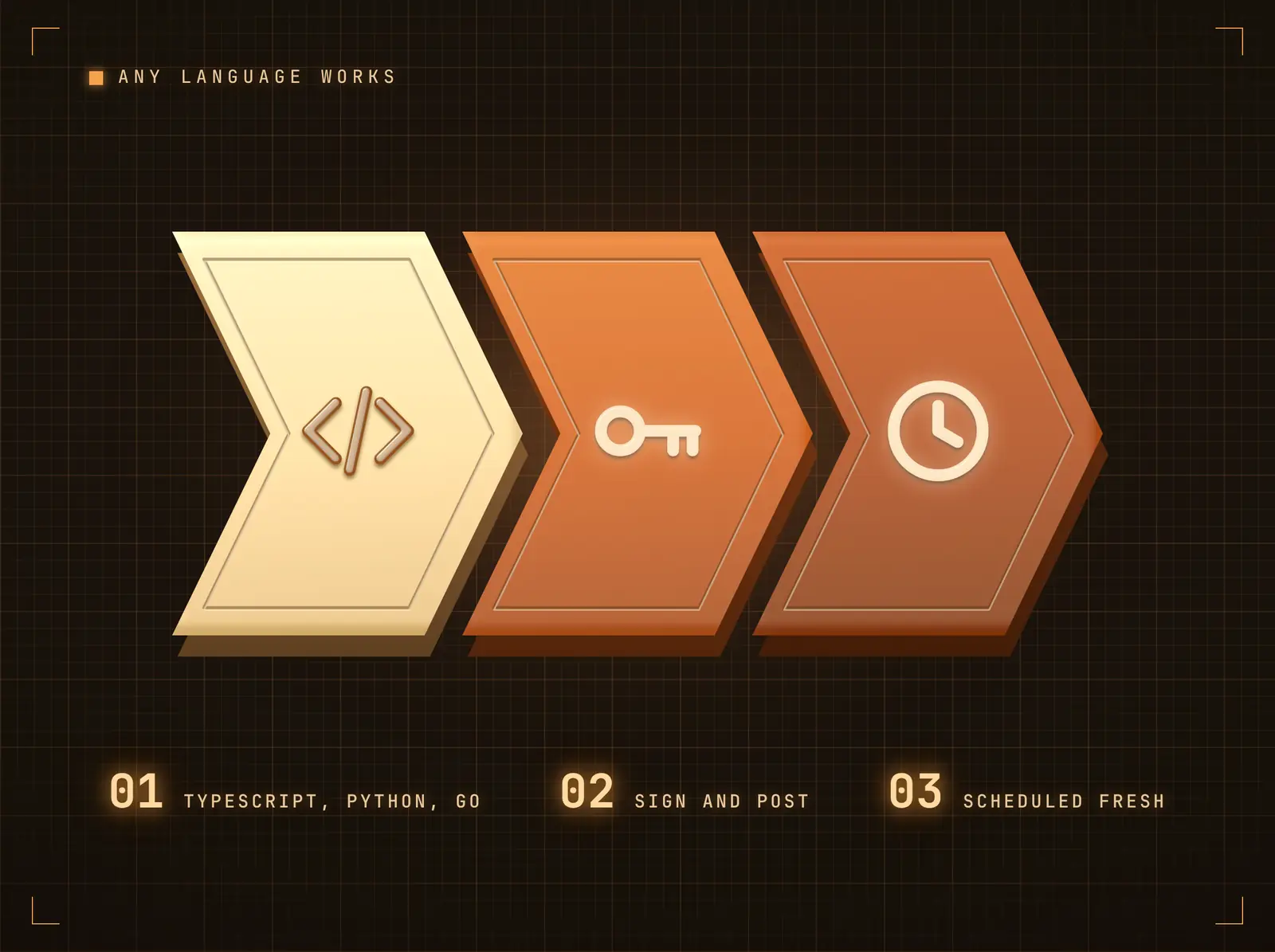
Wenige Zeilen in jeder Sprache
Jede Windmill-Laufzeitumgebung kann den Push ausführen: fetch in TypeScript, requests in Python, net/http in Go. Ergebnis berechnen, Body signieren, POST senden. Zeitpläne halten den Bildschirm aktuell — ohne dass jemand daran denken muss.
Der Cron-Job, den das ganze Büro sehen kann.
Flows fügen Genehmigungsschritte vor dem Push hinzu, wenn die Formulierung entscheidend ist
JSON-Payloads in beliebiger Form — einzelne Datensätze oder Listen
Bildschirme werden innerhalb von Sekunden nach Eingang des Pushs aktualisiert
Den Payload in Bildschirminhalt umwandeln
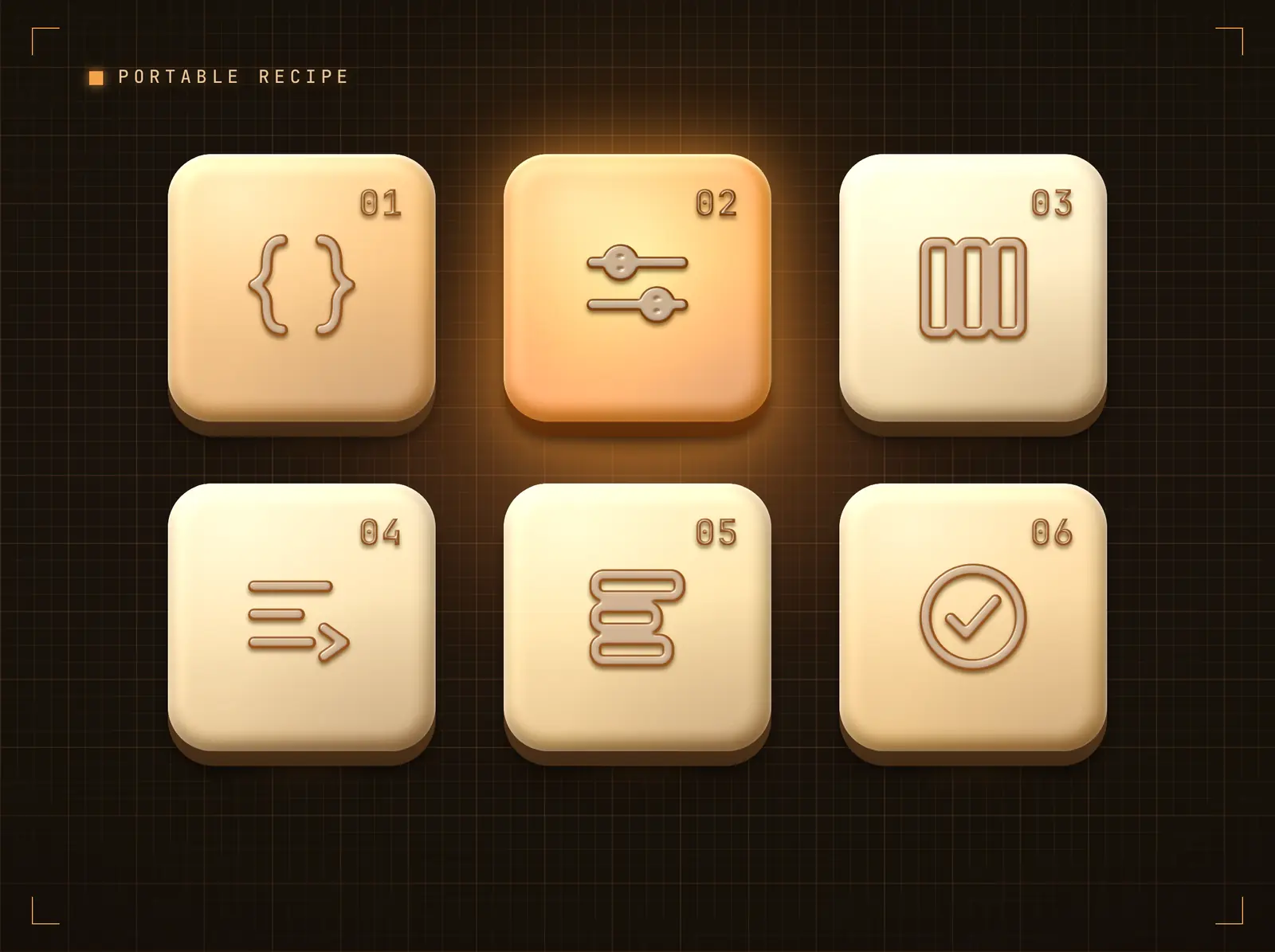
Weisen Sie Anzeigespalten Payload-Felder per Dot-Notation-Pfaden zu, legen Sie Standardwerte für fehlende Felder fest und wenden Sie spaltenweise Transformationen an — Grossschreibung, Kleinschreibung, Kürzen, Präfix, Suffix. Dieselbe Zuordnungs-Engine treibt jede Automatisierungsplattform-Integration an — eine einmal erstellte Vorlage ist über alle Tools hinweg wiederverwendbar.
Ihre Automatisierung liefert die Daten; die Zuordnung bestimmt, wie sie auf dem Bildschirm erscheinen.
Dot-Notation-Pfade erreichen verschachtelte Payload-Felder
Standardwerte füllen Lücken, damit Bildschirme nie leer bleiben
Transformationen bereinigen Werte, ohne die Automatisierung anzupassen
HMAC-signierte, replay-geschützte Zustellung
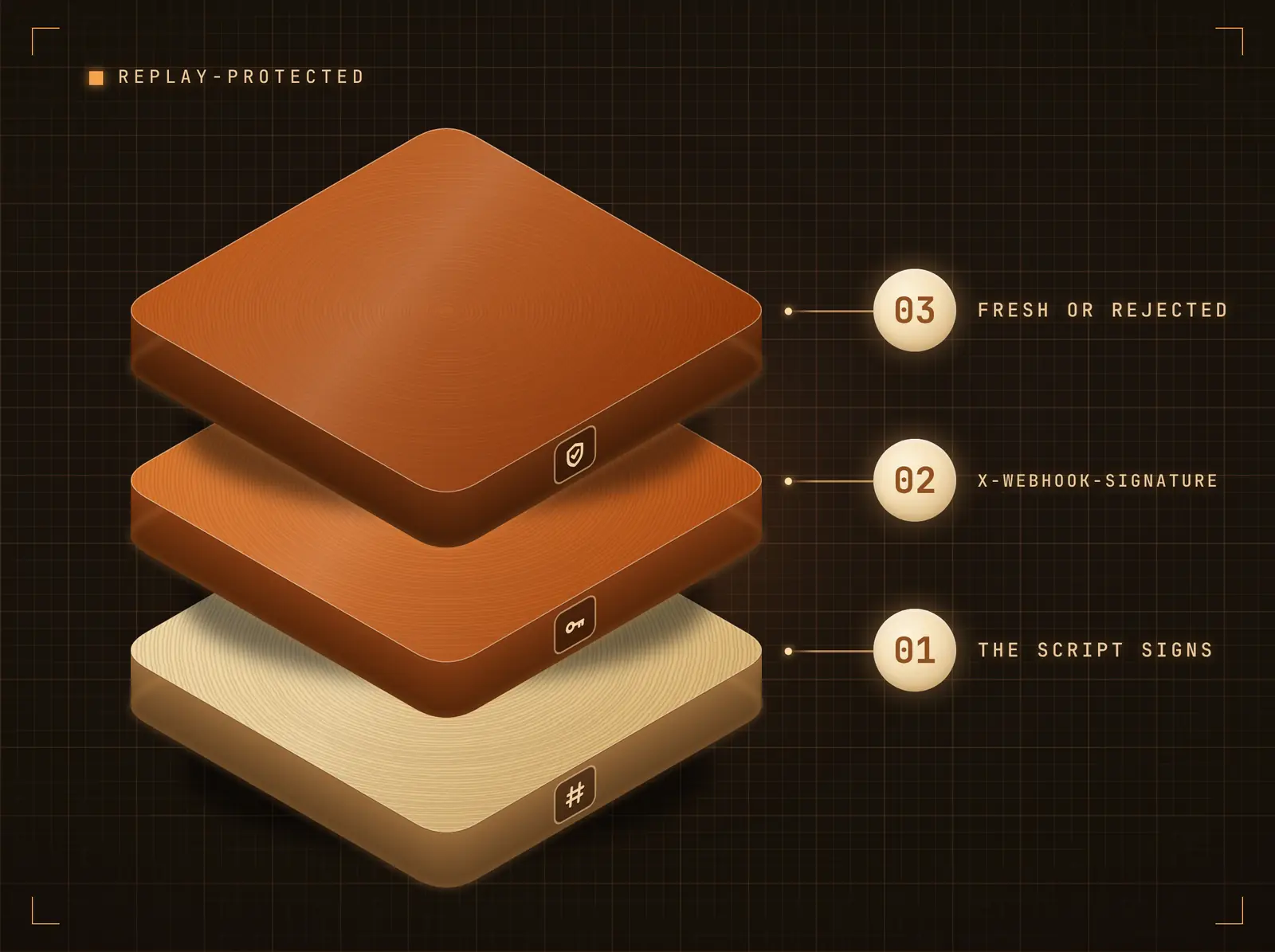
Das Skript berechnet einen HMAC-SHA256 des Body mit Ihrem Integrations-Secret (gespeichert als Windmill-Ressource) und sendet ihn als X-Webhook-Signature; Hangar.Media verifiziert in konstanter Zeit mit optionalem Replay-Schutz.
Jeder Push wird authentifiziert, bevor sich ein Pixel verändert.
HMAC-SHA256-Body-Signierung im Skript (empfohlen)
Secret in einer Windmill-Ressource speichern, nicht im Code
Optionaler Replay-Schutz im Stripe-Stil
Vier Schritte zu verbundene Bildschirme.
Von der Einrichtung bis zu Live-Inhalten in Minuten, nicht Tagen.
Integration verbinden
Fügen Sie die Windmill-Integration in Hangar.Media hinzu. Ihre eindeutige eingehende Webhook-URL und Ihr Secret werden sofort generiert.
Den Push zum Skript hinzufügen
Erstellen Sie am Ende des Skripts oder Flows das JSON-Ergebnis, berechnen Sie einen HMAC-SHA256 mit Ihrem Integrations-Secret (eine Windmill-Ressource) und senden Sie einen POST an Ihre eingehende Webhook-URL mit X-Webhook-Signature.
Felder der Anzeige zuordnen
Wählen Sie Datentabelle oder Inhaltskarten, und ordnen Sie dann Payload-Felder mit dem Feld-Mapper den Anzeigespalten zu. Standardwerte und Transformationen sind optional.
Pushen und veröffentlichen
Starten Sie die Automatisierung. Der Payload wird innerhalb von Sekunden im gebundenen Widget auf Ihren Bildschirmen gerendert — aktivieren Sie «Akkumulieren» für ein fortlaufendes Board der letzten Pushes.
Entwickelt für jeden Branche.
Erfahren Sie, wie verschiedene Branchen diese Integration nutzen, um Ergebnisse zu erzielen.
Dashboards für Datenteams
Geplante SQL-Skripte übertragen stündlich Warehouse-Zusammenfassungen auf den Bildschirm des Datenteams.
EinzelhandelPipeline-Status-Karten
ETL-Flows übertragen Laufergebnisse als Statuskarten — grün für Erfolg, rot für Fehler — auf den Ops-Bildschirm.
BildungSystemberichtstabellen
Python-Skripte kompilieren nächtliche Systemberichte als Live-Tabelle auf den IT-Büro-Bildschirm.
GesundheitswesenCompliance-Prüf-Boards
Geplante Compliance-Skripte übertragen ihre Checklisten nach jedem Lauf auf den Governance-Bildschirm.
Häufige Fragen. Direkte Antworten.
Wie wird der Webhook abgesichert
Jeder Push wird signiert — HMAC-SHA256 des Body mit Ihrem Integrations-Secret (gespeichert als Windmill-Ressource), von Hangar.Media in konstanter Zeit verifiziert, mit optionalem Replay-Schutz.
Welches Payload-Format erwartet Hangar.Media
Beliebiges JSON. Ein einzelnes Objekt wird zu einer Zeile oder Karte; ein Array von Objekten ergibt eine Zeile oder Karte pro Datensatz. Mit konfigurierter Feldzuordnung werden nur die zugeordneten Felder angezeigt; ohne Zuordnung erscheinen die Rohfelder als Schlüssel-Wert-Tabelle.
Kann ein Push mehrere Bildschirme aktualisieren
Ja. Der Push landet im Datenfeed der Integration; jedes Design-Widget, das an diesen Feed gebunden ist, wird aktualisiert — unabhängig davon, wo diese Designs eingeplant sind. Ein einziger Push kann einen einzelnen Bildschirm oder den gesamten Bestand aktualisieren.
Funktioniert selbst gehostetes Windmill
Ja — identisch zur Windmill Cloud. Die Integration empfängt ausgehende HTTPS-Pushes von Ihren Workern; es wird keine Verbindung zurück in Ihre Infrastruktur aufgebaut.
Ein Preis. Die gesamte Plattform.
So stellen wir uns Digital Signage vor. Inhaltseditor, Bildschirmverwaltung und 200+ App-Integrationen – alles von Anfang an inklusive.
14 Tage kostenlos, bis zu 3 Bildschirme – keine Kreditkarte erforderlich.