STEMscopes-Inhalte. Junge Wissenschaftlerinnen und Wissenschaftler inspirieren.
Zeigen Sie STEMscopes-Lehrplaninhalte, wöchentliche STEM-Challenges, Experiment-Highlights der Woche und Wissenschaftskarriere-Profile auf Digital Signage Bildschirmen in Ihrer ganzen Schule.
STEM-Bildung, sichtbar über das Schullabor hinaus.
Die STEMscopes-Integration von Hangar.Media bringt Natur- und STEM-Bildungsinhalte auf die Digital Signage Bildschirme Ihrer Schule. Zeigen Sie wöchentliche Experiment-Highlights, STEM-Karriereprofile, den Wissenschaftsfakt des Tages und lehrplanabgestimmte Challenges auf Bildschirmen in Fluren, Kantinen und Gemeinschaftsbereichen. Schülerinnen und Schüler begegnen STEM-Inhalten den ganzen Schultag über – und vertiefen so das Gelernte aus dem Unterricht.
Was Sie mit Junge Wissenschaftlerinnen und Wissenschaftler inspirieren. tun können
Drei Funktionen, die diese Integration für Ihr Digital Signage-Netzwerk unverzichtbar machen.
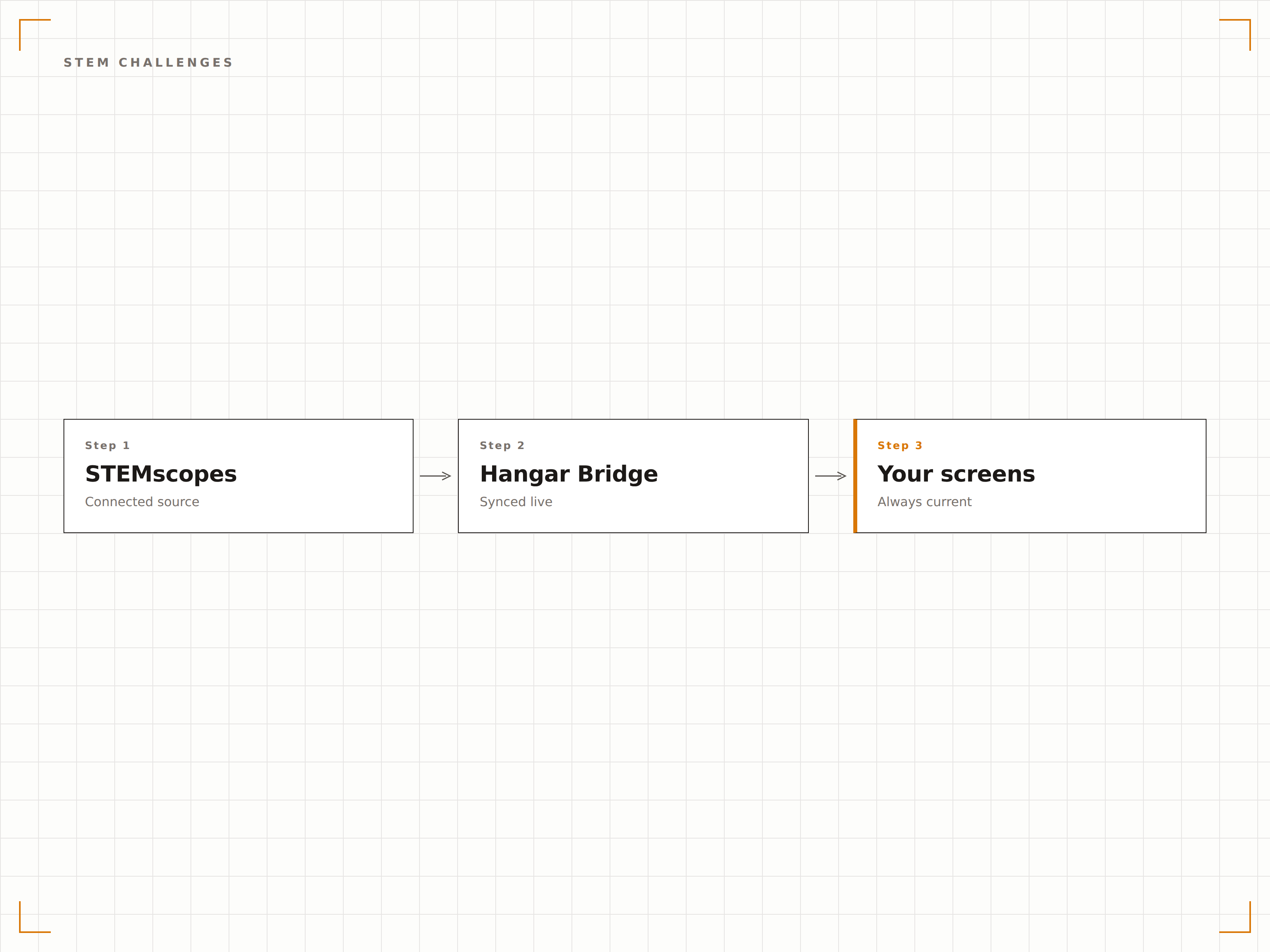
Wöchentliche STEM-Herausforderungen auf Bildschirmen
Jede Woche erscheint eine neue STEM-Herausforderung auf Schul-Bildschirmen, die ein altersgerechtes Experiment oder eine Ingenieur-Design-Aufgabe beschreibt. Schülerinnen und Schüler sehen die Herausforderung im Flur und bringen die Idee zu ihren Lehrkräften – so entsteht organisches STEM-Engagement jenseits des formalen Lehrplans.
Der Flur-Bildschirm weckt die Neugier – das Klassenzimmer bringt das Experiment zum Leben.
Wöchentliche Herausforderung mit Materialliste und Ablaufübersicht
Schwierigkeitsgrade für verschiedene Klassenstufen
QR-Code mit Lehrerressourcen für vollständige Unterrichtspläne
STEM-Berufs-Spotlights
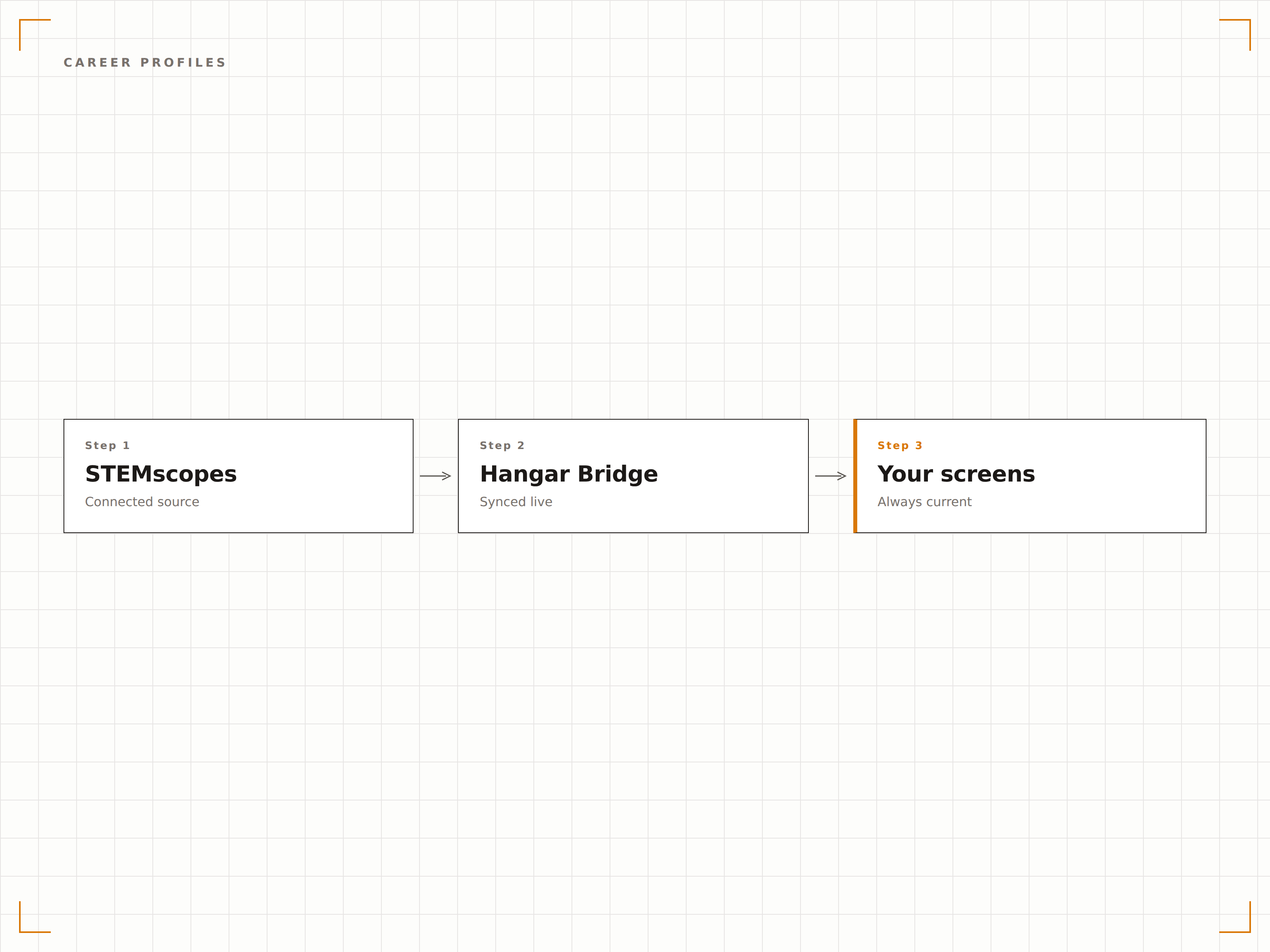
Zeigen Sie Profile echter Wissenschaftlerinnen und Wissenschaftler, Ingenieurinnen und Ingenieure, Ärztinnen und Ärzte sowie Technologiefachleute aus STEM-Bereichen. Jedes Profil enthält den Berufsweg, das Fachgebiet und Ratschläge für Schülerinnen und Schüler, die sich für STEM-Karrieren interessieren. Die Vielfalt der dargestellten Personen inspiriert unterschiedliche Schülergruppen.
Schülerinnen und Schüler entdecken sich selbst in den Wissenschaftlerinnen und Wissenschaftlern auf ihren Flur-Bildschirmen.
Vielfältige Profile von STEM-Fachleuten im wöchentlichen Wechsel
Beschreibungen von Berufswegen vom Schulabschluss bis zum Beruf
Bezug zu aktuellen Lehrplanthemen, wo zutreffend
Tägliche Wissenschaftsfakten und Vokabular
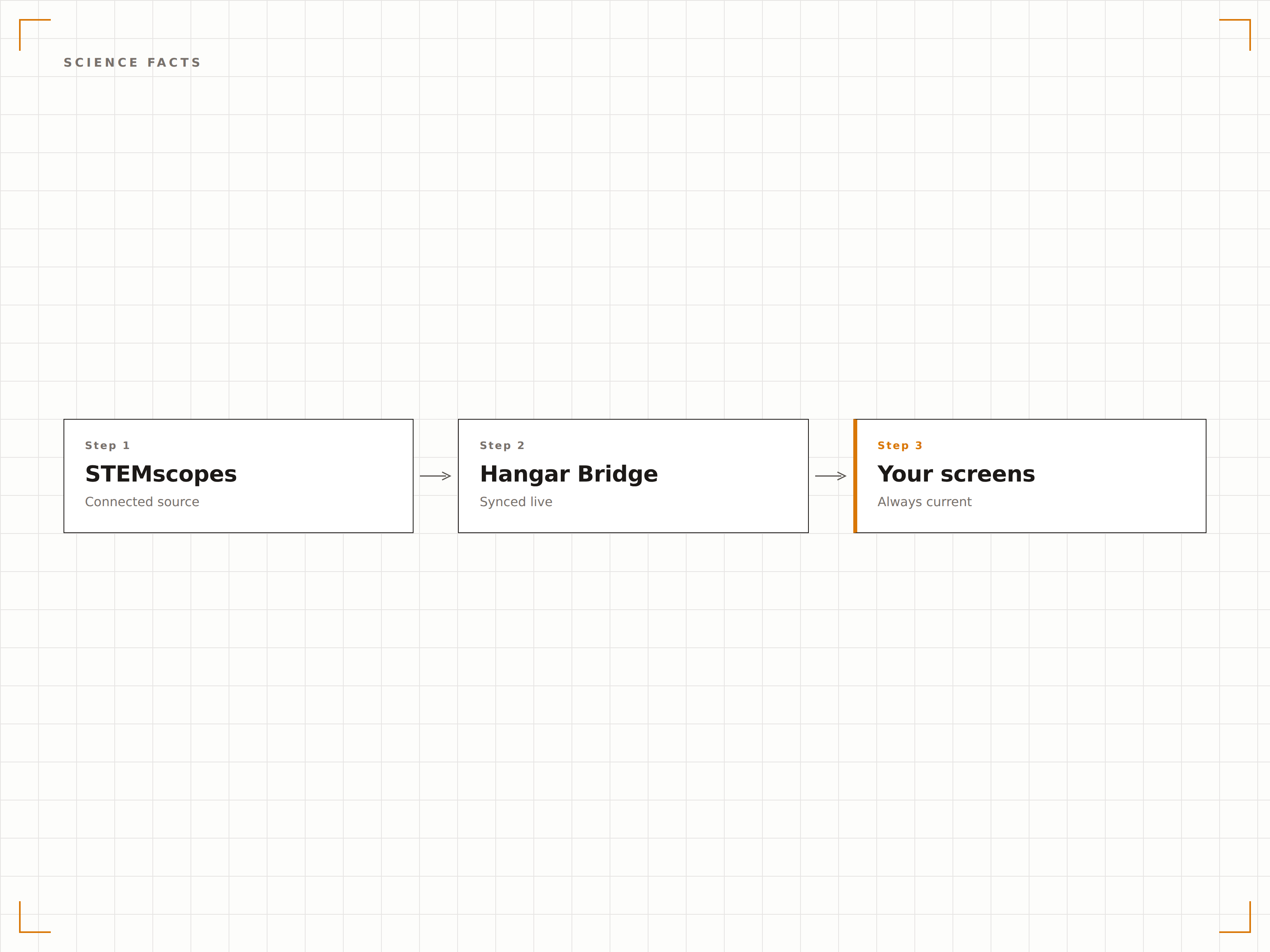
Zeigen Sie täglich einen neuen Wissenschaftsfakt oder ein Vokabelwort mit stufengerechten Definitionen und Alltagsbezug an. Schülerinnen und Schüler nehmen STEM-Wissen beiläufig auf, während sie sich durch das Gebäude bewegen – so wird wissenschaftliche Kompetenz durch wiederholte Begegnung aufgebaut.
Ein Wissenschaftsfakt pro Tag – 180 Fakten pro Schuljahr.
Täglicher Faktenwechsel, abgestimmt auf aktuelle Lehrplaneinheiten
Vokabelwörter mit Definitionen und Verwendungsbeispielen
«Wussten Sie?»-Format, das Neugier weckt
Vier Schritte zu verbundene Bildschirme.
Von der Einrichtung bis zu Live-Inhalten in Minuten, nicht Tagen.
Klassenstufen auswählen
Wählen Sie die Klassenstufen Ihrer Schule aus, um altersgerechte STEMscopes-Inhalte zu erhalten, die auf Ihren Wissenschaftslehrplan abgestimmt sind.
Inhaltstypen festlegen
Wählen Sie, welche Inhaltstypen angezeigt werden sollen: wöchentliche Herausforderungen, Berufsprofile, tägliche Fakten, Vokabular oder eine rotierende Mischung.
Auf Ihren Lehrplan abstimmen
Versehen Sie Inhalte optional mit Tags, die Ihren aktuellen Wissenschaftseinheiten entsprechen, damit Flur-Bildschirme das im Unterricht Gelernte verstärken.
Auf Schul-Bildschirmen veröffentlichen
Weisen Sie STEMscopes-Inhalte Ihren gewählten Bildschirmen zu – der automatisierte Inhaltsplan startet sofort.
Entwickelt für jeden Branche.
Erfahren Sie, wie verschiedene Branchen diese Integration nutzen, um Ergebnisse zu erzielen.
STEM-Wände in Grundschulen
Zeigen Sie altersgerechte Wissenschaftsfakten, einfache Experimente und Anregungen zur Naturerkundung auf Flur-Bildschirmen in Grundschulen an.
BildungWissenschaftliche Bereicherung für Mittelschulen
Zeigen Sie wöchentliche STEM-Herausforderungen und Berufsprofile auf Mittelschul-Bildschirmen an, um den Übergang in den vertieften Wissenschaftsunterricht zu unterstützen.
BildungUnterstützung für Leistungskurse in der Oberstufe
Zeigen Sie fortgeschrittene Wissenschaftskonzepte, Forschungshighlights und Informationen zu universitären STEM-Programmen auf Oberschul-Bildschirmen an.
ÖffentlichBildschirme in Wissenschaftsmuseen
Zeigen Sie Wissenschaftsfakten, Experiment-Ideen und STEM-Karriereinformationen auf Bildschirmen in Wissenschaftsmuseen und Entdeckungszentren an.
Häufige Fragen. Direkte Antworten.
Verbindet sich dies direkt mit unserem STEMscopes-Konto?
Die Integration stellt STEM-Inhalte bereit, die auf das STEMscopes-Curriculum-Framework abgestimmt sind. Die Inhalte können so konfiguriert werden, dass sie Ihren aktuellen STEMscopes-Einheiten entsprechen. Für Schulbezirke mit STEMscopes-API-Zugang ist eine direkte Kontoverbindung zum Abrufen von Live-Unterrichtsdaten verfügbar.
Können Lehrkräfte eigene STEM-Herausforderungen einreichen?
Ja. Lehrkräfte können über das Hangar.Media-Dashboard eigene STEM-Herausforderungen, Wissenschaftsfakten und Experiment-Ideen einreichen. Eingereichte Inhalte durchlaufen einen Freigabe-Workflow, bevor sie auf Schul-Bildschirmen erscheinen.
Sind die Inhalte auf die NGSS-Standards ausgerichtet?
Ja. Alle Inhalte sind mit der Ausrichtung auf die Next Generation Science Standards gekennzeichnet. Sie können Inhalte nach NGSS-Kerndisziplinen, übergreifenden Konzepten oder natur- und ingenieurwissenschaftlichen Praktiken filtern, um Ihren Lehrplan abzubilden.
Können verschiedene Klassenstufen unterschiedliche Inhalte sehen?
Ja. Bildschirme in Fluren oder Gebäudeabschnitten verschiedener Klassenstufen können so eingerichtet werden, dass sie stufengerechte Inhalte anzeigen. Bildschirme in der Grundschule zeigen grundlegende Wissenschaftskonzepte, während Bildschirme in der Oberstufe anspruchsvolleres Material präsentieren.
Ein Preis. Die gesamte Plattform.
So stellen wir uns Digital Signage vor. Inhaltseditor, Bildschirmverwaltung und 200+ App-Integrationen – alles von Anfang an inklusive.
14 Tage kostenlos, bis zu 3 Bildschirme – keine Kreditkarte erforderlich.