Jedes Dashboard. Jede Anmeldung Jeder Bildschirm.
Zeigen Sie passwortgeschützte Dashboards und interne Webanwendungen sicher auf Digital Signage Bildschirmen an – ohne Anmeldedaten preiszugeben.
Jedes Dashboard für Signage freischalten
Nicht jedes Dashboard unterstützt die öffentliche Freigabe oder Embed-Tokens. Die Funktion «Authentifizierte Dashboards» in Hangar.Media löst dieses Problem, indem sie sich auf dem Player-Gerät sicher bei passwortgeschützten Webanwendungen anmeldet. Zeigen Sie private Dashboards von jeder Plattform – interne Tools, SaaS-Anwendungen, Admin-Panels oder individuelle Web-Apps – auf Ihren Digital Signage Bildschirmen an, ohne diese öffentlich zugänglich zu machen.
Was Sie mit Jeder Bildschirm. tun können
Drei Funktionen, die diese Integration für Ihr Digital Signage-Netzwerk unverzichtbar machen.
Authentifizierung in jeder Web-App
Die Authenticated Dashboards-Funktion von Hangar.Media verarbeitet komplexe Login-Flows, einschliesslich mehrstufiger Formulare, OAuth-Weiterleitungen, SAML-SSO und Zwei-Faktor-Authentifizierung. Wenn Sie sich mit einem Browser anmelden können, kann der Signage-Player dies ebenfalls.
Wenn es eine Login-Seite hat, kann es auf einem Bildschirm angezeigt werden.
Unterstützung mehrstufiger Login-Formulare
OAuth- und SAML-SSO-Kompatibilität
Verarbeitung von Zwei-Faktor-Authentifizierung
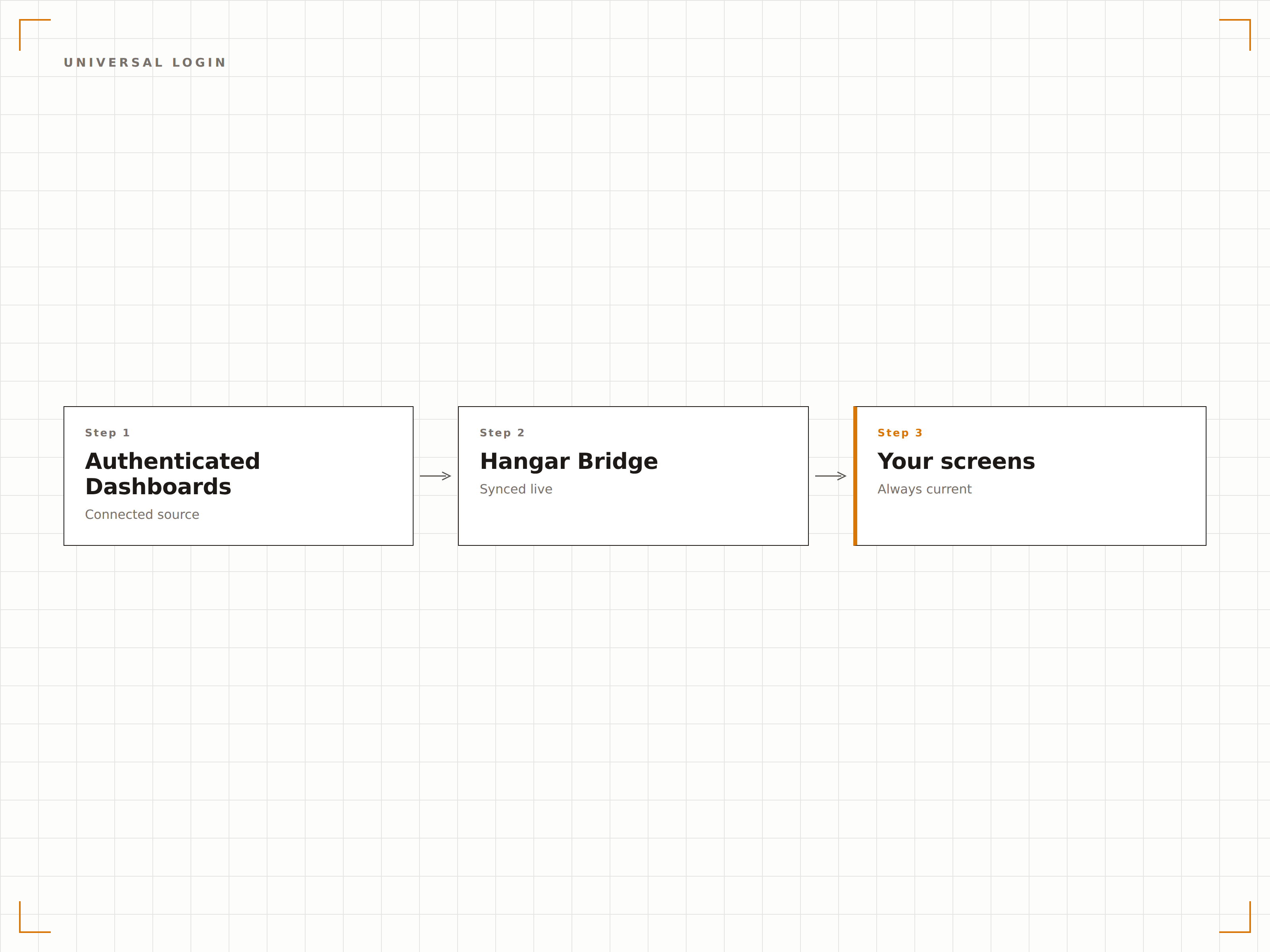
Verschlüsseltes Credential-Management
Anmeldedaten werden auf dem Player-Gerät verschlüsselt gespeichert und nie über die Cloud-Server von Hangar.Media übertragen. Session-Tokens werden lokal verwaltet, und Anmeldedaten können über die Verwaltungskonsole remote rotiert oder gesperrt werden.
Anmeldedaten werden auf dem Gerät verschlüsselt – nie in der Cloud.
AES-256-verschlüsselte Speicherung von Anmeldedaten
Lokale Session-Verwaltung auf dem Player
Remote-Rotation und -Sperrung von Anmeldedaten
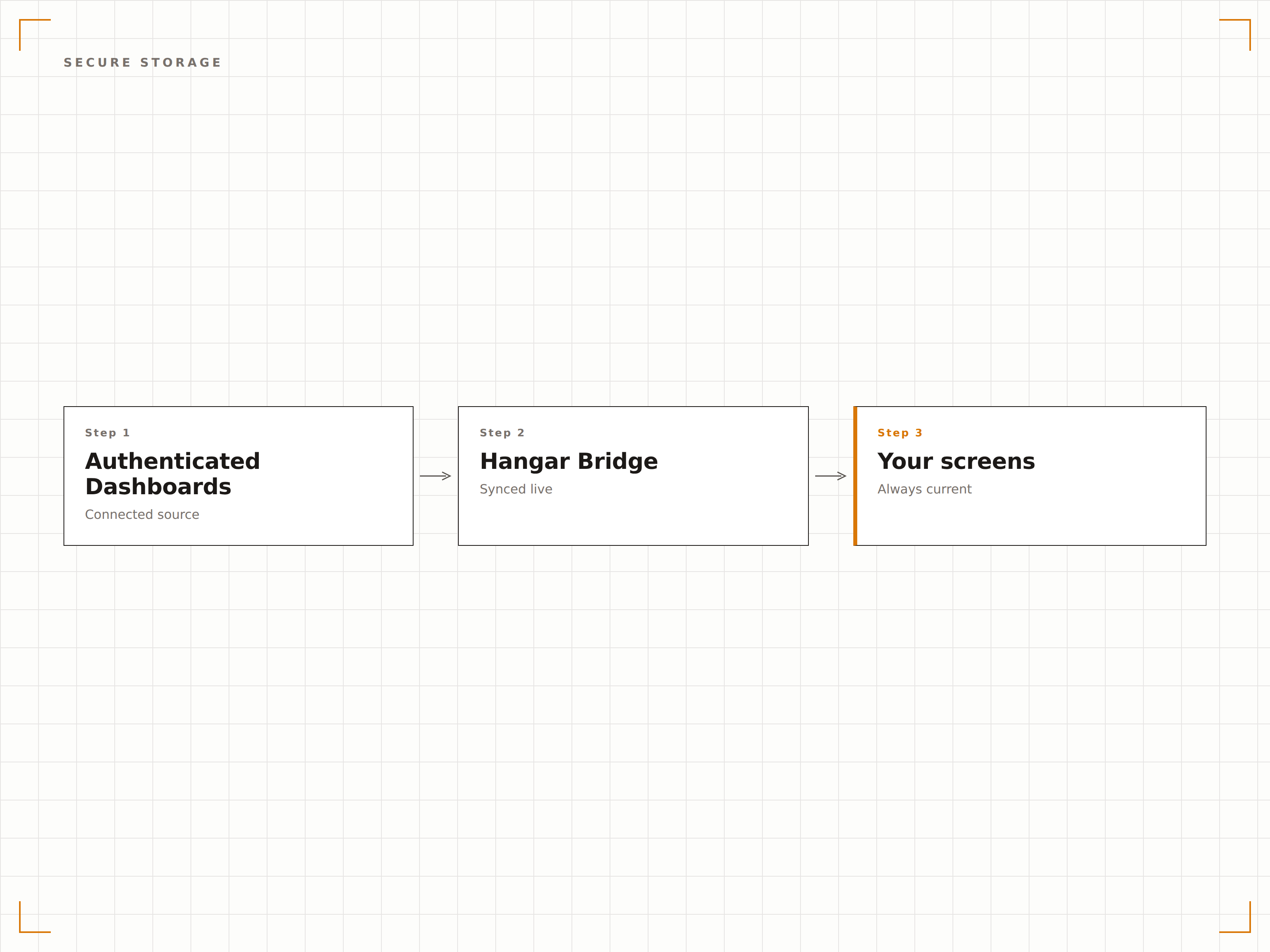
Automatische Session-Erneuerung
Der Player verarbeitet abgelaufene Sessions automatisch, indem er sich bei einem Timeout erneut authentifiziert. Kein manueller Eingriff erforderlich. Ihr privates Dashboard bleibt 24/7 sichtbar, ohne dass ein Login-Bildschirm auf dem Signage-Display erscheint.
Sessions laufen unbemerkt ab – Dashboards bleiben sichtbar.
Automatische Re-Authentifizierung bei Session-Timeout
Stille Anmeldung ohne Unterbrechung des Bildschirms
Einstellbare Intervalle für die Session-Aktualisierung
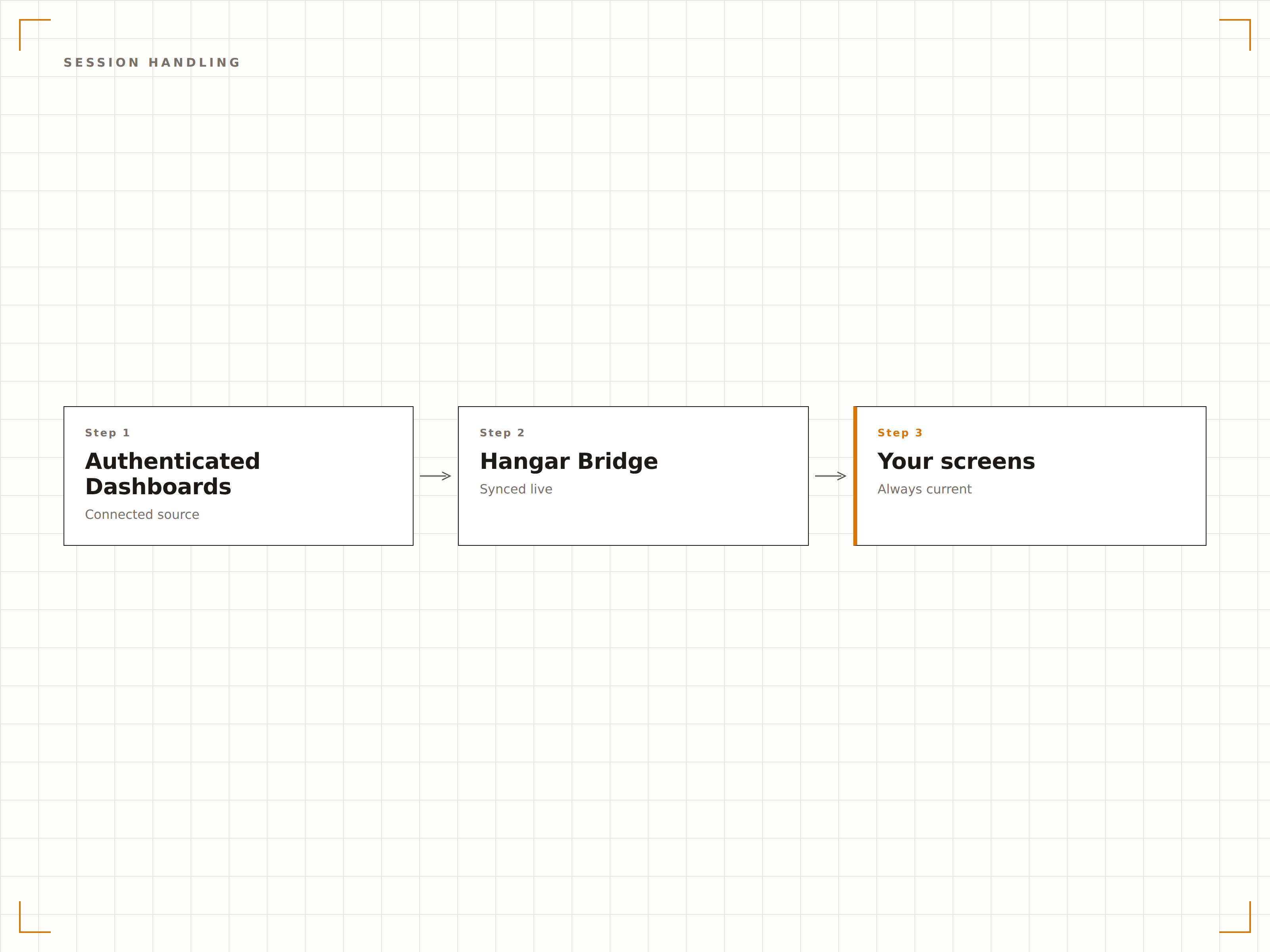
Vier Schritte zu verbundene Bildschirme.
Von der Einrichtung bis zu Live-Inhalten in Minuten, nicht Tagen.
Dashboard-URL eingeben
Fügen Sie die URL Ihres privaten Dashboards oder Ihrer Web-Applikation im Hangar.Media Content Manager hinzu.
Anmeldung einrichten
Geben Sie die Anmeldedaten oder SSO-Details für das Dashboard ein. Die Anmeldedaten werden vor der Speicherung verschlüsselt.
Anmelde-Flow zuordnen
Hangar.Media ordnet die Formularfelder und den Authentifizierungs-Flow automatisch zu – mit manuellen Optionen für komplexe Flows.
Veröffentlichen
Weisen Sie Ihre Bildschirme zu, und das authentifizierte Dashboard wird sicher angezeigt, ohne dass ein Login-Bildschirm erscheint.
Entwickelt für jeden Branche.
Erfahren Sie, wie verschiedene Branchen diese Integration nutzen, um Ergebnisse zu erzielen.
Anzeige interner Tools
Zeigen Sie private interne Dashboards, Admin-Panels und benutzerdefinierte Web-Tools auf Büro-Bildschirmen an – ohne diese öffentlich zugänglich zu machen oder öffentliche Freigabelinks zu erstellen.
GesundheitswesenKlinische System-Dashboards
Zeigen Sie private Dashboards klinischer Systeme und EHR-Analysen auf Bildschirmen in Personalbereichen an – mit sicherer Authentifizierung, die den Anforderungen im Gesundheitsdatenschutz entspricht.
FinanzwesenAnzeige von Handelsplattformen
Zeigen Sie private Handelsplattformen, Portfolio-Management-Tools und Risiko-Dashboards auf Bildschirmen im Handelsraum an – mit sicherem Credential-Management.
Öffentlicher SektorAnzeige von Behördenportalen
Zeigen Sie authentifizierte interne Behörden-Dashboards und Reporting-Portale auf Bildschirmen in Behördenbüros an – mit vollständiger Sicherheitskonformität.
Häufige Fragen. Direkte Antworten.
Ist dies sicher genug für sensible Dashboards?
Ja. Die Anmeldedaten werden mit AES-256 auf dem Player-Gerät verschlüsselt und gelangen nie in die Cloud-Infrastruktur von Hangar.Media. Sessions werden lokal auf dem Gerät verwaltet. Für eine zusätzliche Sicherheitsebene können Sie dedizierte Service-Accounts mit eingeschränkten Leserechten verwenden.
Was ist, wenn das Dashboard Zwei-Faktor-Authentifizierung verwendet?
Hangar.Media unterstützt TOTP-basierte Zwei-Faktor-Authentifizierung für automatisierte Anmeldungen. Bei SMS-basierter 2FA empfehlen wir, einen Service-Account zu erstellen, der App-basierte 2FA verwendet oder bei dem 2FA für die Signage-IP-Adresse ausgenommen ist.
Kann ich dies mit SSO-Anbietern wie Okta oder Azure AD verwenden?
Ja. Die Authenticated Dashboards-Funktion unterstützt SAML- und OAuth-SSO-Flows, einschliesslich Okta, Azure AD, Google Workspace und OneLogin. Der Player verarbeitet die SSO-Weiterleitung automatisch.
Was passiert, wenn sich mein Passwort ändert?
Sie können gespeicherte Anmeldedaten über die Hangar.Media-Verwaltungskonsole remote aktualisieren. Bis zur Aktualisierung versucht der Player, sich mit den gespeicherten Anmeldedaten erneut zu authentifizieren. Bei einem Authentifizierungsfehler erhalten Sie eine Benachrichtigung.
Ein Preis. Die gesamte Plattform.
So stellen wir uns Digital Signage vor. Inhaltseditor, Bildschirmverwaltung und 200+ App-Integrationen – alles von Anfang an inklusive.
14 Tage kostenlos, bis zu 3 Bildschirme – keine Kreditkarte erforderlich.