Databox-Scorecards – auf dem Bildschirm.
Streamen Sie Databox-Performance-Dashboards, Ziel-Scorecards und KPI-Übersichten auf Digital Signage Bildschirme – für Transparenz und Verantwortlichkeit im gesamten Team.
Ziel-Tracking auf dem grossen Bildschirm
Databox macht es einfach, Performance-Dashboards mit Ziel-Tracking und Scorecards zu erstellen. Hangar.Media holt diese Dashboards von Ihrem Smartphone und Laptop und zeigt sie auf gemeinsam genutzten Büro-Bildschirmen. Präsentieren Sie Zielfortschritte, KPI-Übersichten und Team-Scorecards dort, wo alle sie sehen – für mehr Transparenz und Verantwortlichkeit in der gesamten Organisation.
Was Sie mit auf dem Bildschirm. tun können
Drei Funktionen, die diese Integration für Ihr Digital Signage-Netzwerk unverzichtbar machen.
Fortschrittsbalken auf dem Bildschirm
Die Zielverfolgungswidgets von Databox zeigen den Fortschritt gegenüber monatlichen, quartalsweisen und jährlichen Zielen mit visuellen Fortschrittsbalken. Auf Signage-Bildschirmen stehen diese Ziele im Mittelpunkt, sodass jedes Teammitglied jederzeit weiss, wo es im Vergleich zu seinen Zielvorgaben steht.
Zielfortschritt – täglich für alle sichtbar.
Visuelle Fortschrittsbalken in Richtung Zielvorgaben
Pacing-Indikatoren zur Bewertung des Fortschritts
Zielvergleiche über mehrere Zeiträume
Team-Scorecards auf dem Bildschirm
Erstellen Sie Team-Scorecards in Databox, die Einzel- und Teamkennzahlen erfassen, und zeigen Sie diese auf Signage-Bildschirmen an. Vertriebsteams sehen ihre Zahlen, Support-Teams ihren CSAT und das Marketing seine Pipeline – jeweils auf den Bildschirmen ihrer Etage.
Scorecards, die gesunden Wettbewerb und Verantwortungsbewusstsein fördern.
Verfolgung von Einzel- und Teamkennzahlen
Abteilungsspezifische Scorecard-Ansichten
Ranglisten-Anzeigen im Leaderboard-Stil
Share-Link-Integration
Databox generiert teilbare URLs für jedes Databoard. Fügen Sie die URL in Hangar.Media ein – und Ihr Performance-Dashboard erscheint sofort auf dem Bildschirm. Kein API-Setup, keine Entwicklerbeteiligung – nur ein Link und ein Bildschirm.
Performance-Dashboards in Sekunden, nicht in Tagen.
Integration per teilbarer URL
Kein API-Setup erforderlich
Sofortige Anzeige auf jedem Bildschirm
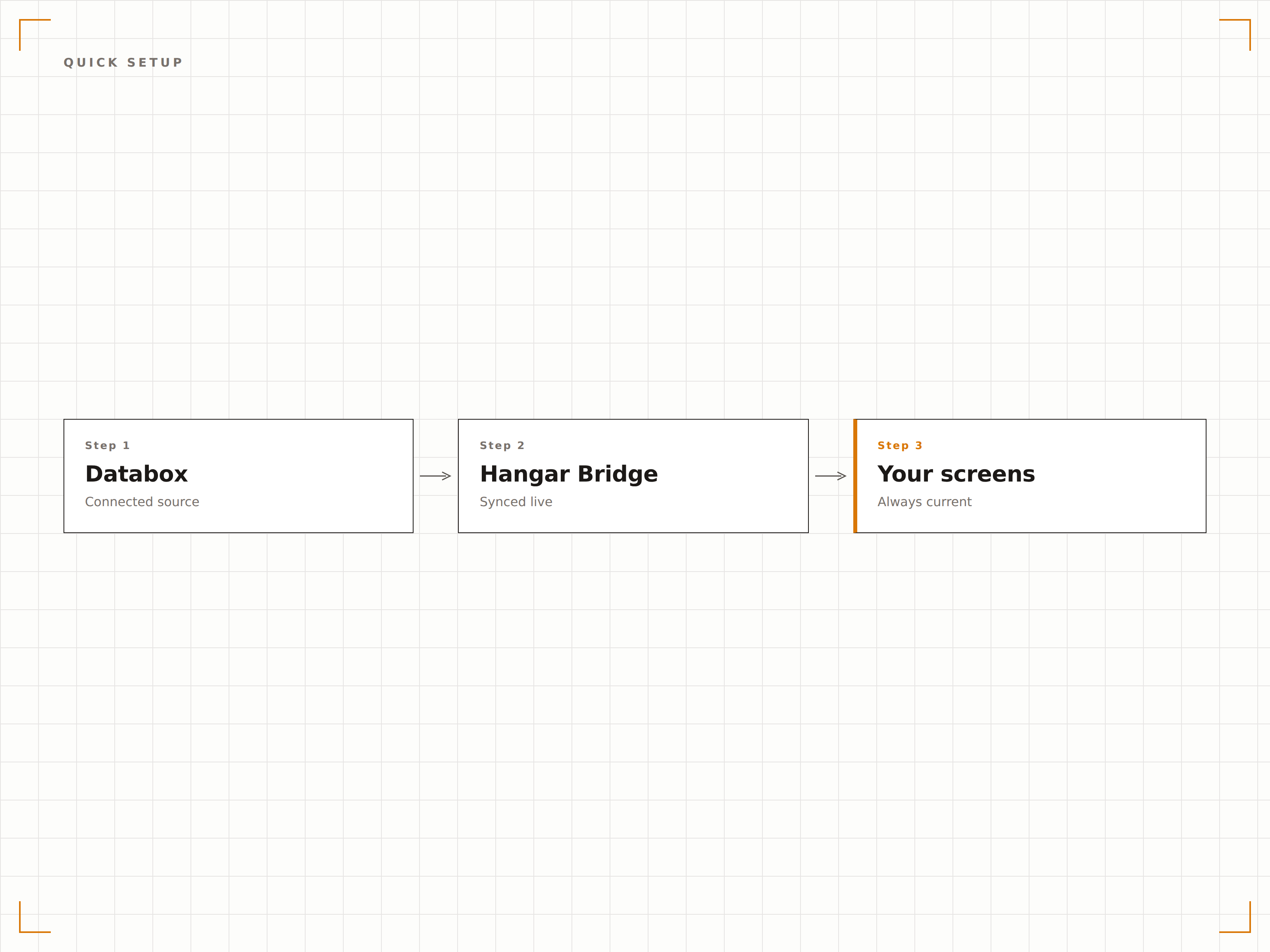
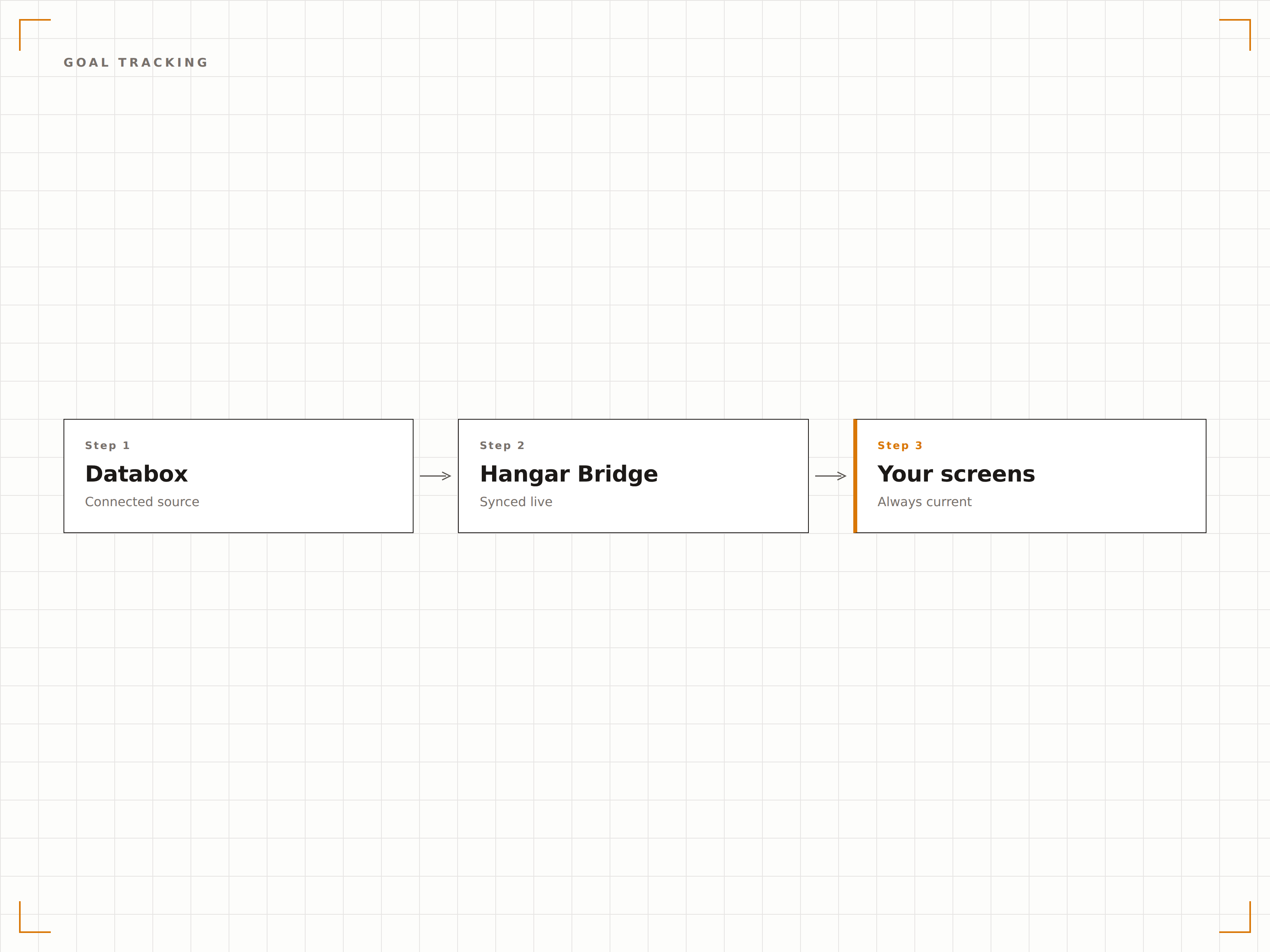
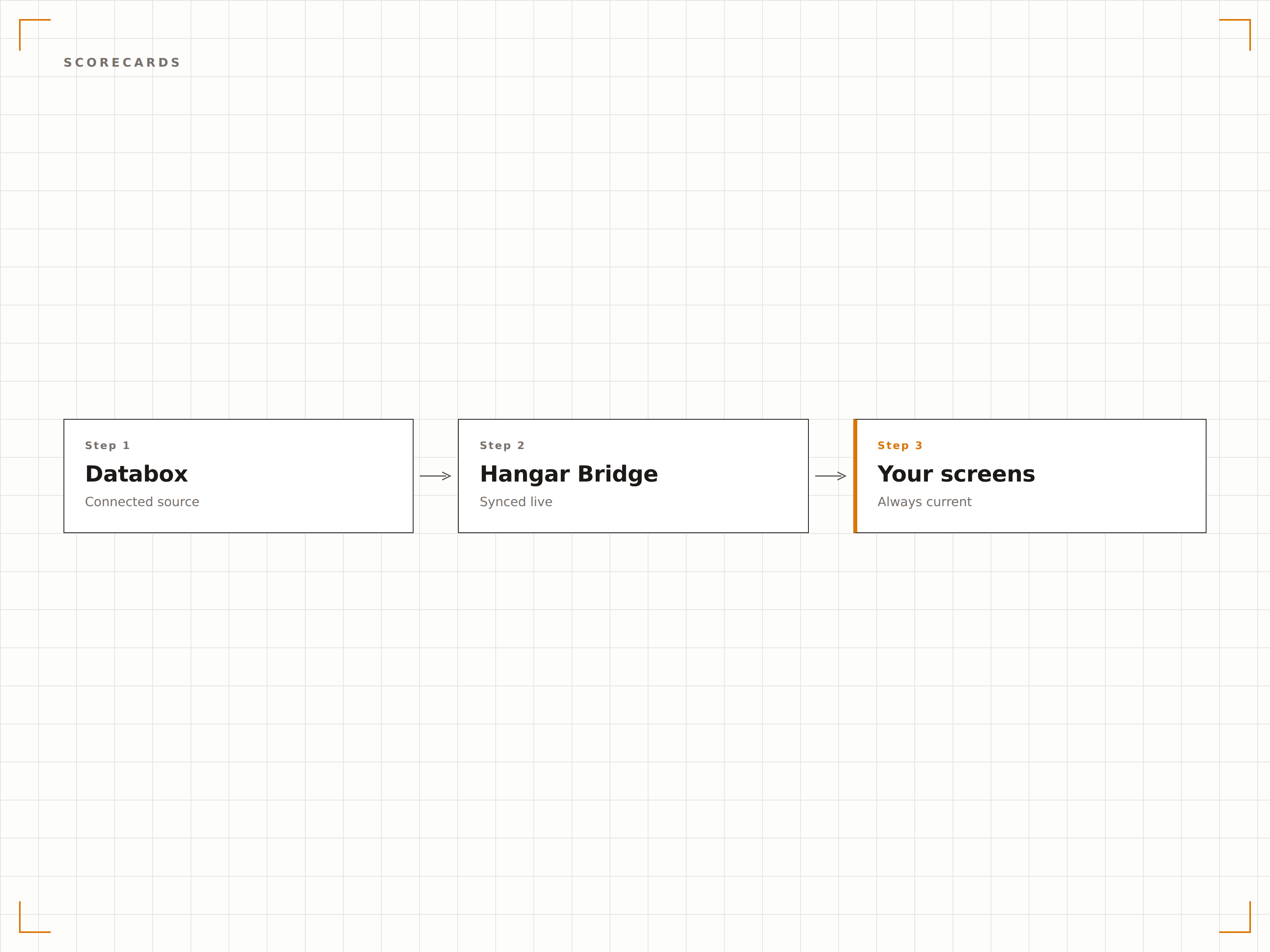
Vier Schritte zu verbundene Bildschirme.
Von der Einrichtung bis zu Live-Inhalten in Minuten, nicht Tagen.
Databoard erstellen
Erstellen oder passen Sie ein Databox-Databoard mit den KPIs, Zielen und Scorecards an, die Sie anzeigen möchten.
Share-Link abrufen
Generieren Sie in den Databox-Freigabeeinstellungen einen Share-Link für Ihr Databoard.
Zu Hangar.Media hinzufügen
Fügen Sie den Share-Link in Hangar.Media ein und legen Sie Anzeigeoptionen und Aktualisierungsintervalle fest.
Veröffentlichen
Weisen Sie Ihre Büro-Bildschirme zu – das Databox-Dashboard ist sofort live.
Entwickelt für jeden Branche.
Erfahren Sie, wie verschiedene Branchen diese Integration nutzen, um Ergebnisse zu erzielen.
Scorecard für den Verkaufsbereich
Zeigen Sie Vertriebsziele, individuelle Quotenerfüllung und Pipeline-Kennzahlen auf Bildschirmen im gesamten Verkaufsbereich an – für Echtzeit-Motivation und Verantwortlichkeit.
EinzelhandelMarketing-Performance
Zeigen Sie Metriken zu Marketing-Kampagnen, CAC und Pipeline-Beitragsziele auf Bildschirmen im Marketingbereich an, um den Fortschritt gegenüber monatlichen Zielen zu verfolgen.
BildungRekrutierungsziele
Zeigen Sie Studierendenrekrutierungsziele, Bewerbungsvolumen und Konversionsraten auf Bildschirmen im Zulassungsbüro während der Rekrutierungsphase an.
GastgewerbeImmobilien-Performance-Ziele
Zeigen Sie Auslastungsziele, Umsatzziele und Gästezufriedenheitswerte auf Back-of-House-Bildschirmen in den Hotelverwaltungsbereichen an.
Häufige Fragen. Direkte Antworten.
Ist Databox kostenlos mit Hangar.Media nutzbar?
Databox bietet einen kostenlosen Plan mit eingeschränkter Anzahl an Databoards und Datenquellen. Kostenpflichtige Pläne umfassen mehr Databoards, mehr Datenquellen sowie erweiterte Funktionen wie Ziele und Scorecards. Die von Hangar.Media genutzte Share-Link-Funktion ist in allen Plänen verfügbar.
Kann ich Ziele aus mehreren Datenquellen auf einem Bildschirm anzeigen?
Ja. Databox-Databoards können Daten aus über 70 nativen Integrationen kombinieren. Sie können HubSpot-Marketingziele und Stripe-Umsatzziele gemeinsam auf einem einzigen Databoard anzeigen, das auf Ihrem Bildschirm zu sehen ist.
Wie oft werden Ziele auf dem Bildschirm aktualisiert?
Hangar.Media lädt das Databox-Databoard in dem von Ihnen gewählten Intervall neu. Databox ruft Daten aus verbundenen Quellen nach eigenem Zeitplan ab – bei den meisten Integrationen typischerweise stündlich. Der Zielfortschritt wird aktualisiert, sobald neue Daten eintreffen.
Können Teammitglieder ihre persönlichen Ziele auf dem Bildschirm sehen?
Ja. Erstellen Sie individuelle Scorecards in Databox und zeigen Sie diese auf Ihren Signage-Bildschirmen an. Sie können eine Rotation einrichten, die die Scorecard jedes Teammitglieds für eine festgelegte Dauer anzeigt, oder eine teamweite Übersicht mit individuellen Aufschlüsselungen darstellen.
Ein Preis. Die gesamte Plattform.
So stellen wir uns Digital Signage vor. Inhaltseditor, Bildschirmverwaltung und 200+ App-Integrationen – alles von Anfang an inklusive.
14 Tage kostenlos, bis zu 3 Bildschirme – keine Kreditkarte erforderlich.