Geckoboard-KPIs auf dem grossen Bildschirm. der grosse Bildschirm.
Streamen Sie Ihre Geckoboard-Dashboards auf Digital Signage Displays, damit Ihr Team jederzeit die wichtigsten Kennzahlen im Blick hat.
KPI-Dashboards für den Bildschirm
Geckoboard wurde speziell für die Anzeige von KPIs auf TV-Bildschirmen entwickelt – und Hangar.Media macht es noch besser. Verbinden Sie Ihre Geckoboard-Dashboards und zeigen Sie sie zusammen mit anderen Inhalten in Ihren Signage-Playlists an. Geckoboard bezieht Daten aus über 80 Quellen und stellt sie in klaren, grossformatigen Visualisierungen dar, die auch aus der Distanz gut lesbar sind.
Was Sie mit der grosse Bildschirm. tun können
Drei Funktionen, die diese Integration für Ihr Digital Signage-Netzwerk unverzichtbar machen.
Für die Lesbarkeit auf Distanz konzipiert
Geckoboard-Dashboards verwenden grosse Schriften, kontrastreiche Farben und klare Layouts, die speziell für die Lesbarkeit aus der Distanz entwickelt wurden. In Kombination mit dem Vollbild-Rendering von Hangar.Media sind Ihre KPIs aus 10 Metern Entfernung gut lesbar.
Dashboards, die Sie noch von der anderen Seite des Raums lesen können.
Zahlen- und Diagramm-Widgets im Grossformat
Kontrastreiche Farbschemata
Übersichtliche Layouts ohne visuelle Ablenkung
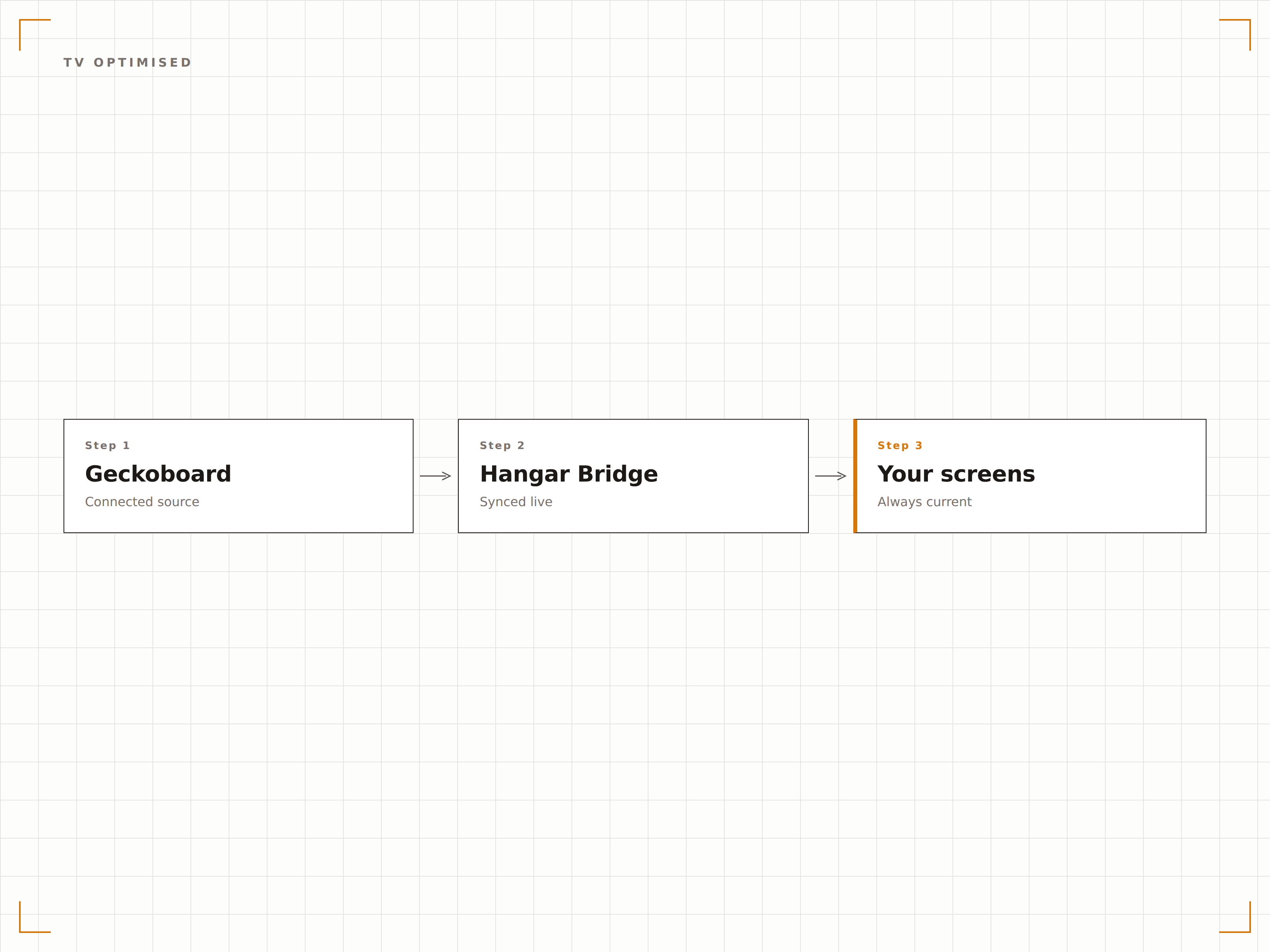
Dashboard-Rotation
Wechseln Sie auf einem einzigen Bildschirm zwischen mehreren Geckoboard-Dashboards. Zeigen Sie fünf Minuten lang Support-Metriken, dann Sales-KPIs und anschliessend Engineering-Velocity. Jedes Dashboard erhält dedizierte Bildschirmzeit in Ihrer Rotation.
Ein Bildschirm für alle Abteilungen.
Zeitgesteuerte Rotation zwischen Dashboards
Individuelle Anzeigedauer pro Dashboard
Kombination mit Nicht-Geckoboard-Inhalten
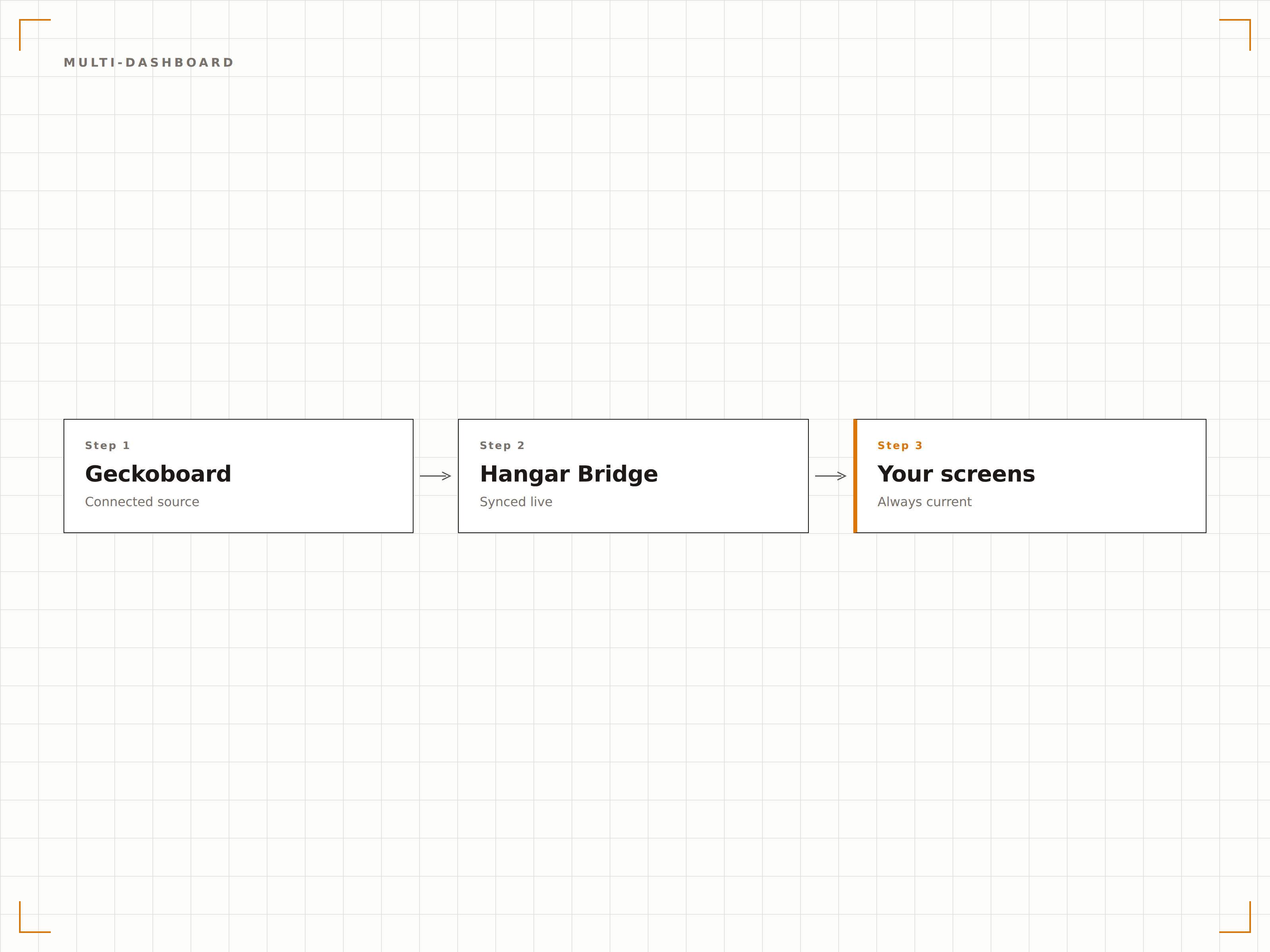
Freigabelink-Integration
Geckoboard generiert Freigabe-URLs für jedes Dashboard. Fügen Sie die URL in Hangar.Media ein, und Ihr Dashboard erscheint innerhalb von Sekunden auf dem Bildschirm. Kein API-Setup, keine Entwicklerbeteiligung – nur eine URL und ein Bildschirm.
Kopieren, einfügen, anzeigen. So einfach ist das.
Authentifizierung per Freigabelink
Keine API-Schlüssel erforderlich
In weniger als 60 Sekunden live
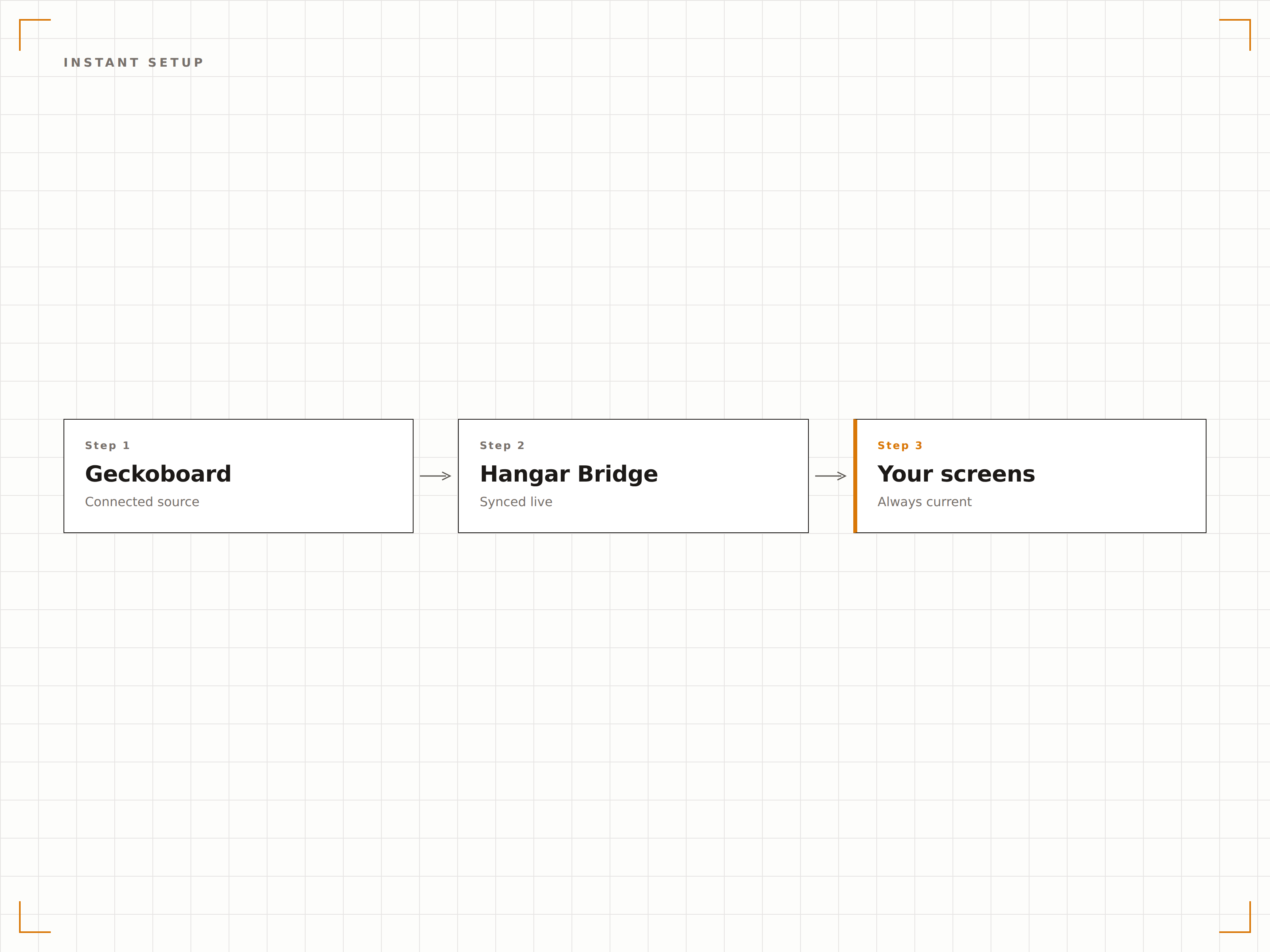
Vier Schritte zu verbundene Bildschirme.
Von der Einrichtung bis zu Live-Inhalten in Minuten, nicht Tagen.
Freigabelink abrufen
Klicken Sie in Geckoboard auf die Freigabeschaltfläche Ihres Dashboards und kopieren Sie die Freigabe-URL.
Zu Hangar.Media hinzufügen
Fügen Sie die Geckoboard-Freigabe-URL in das Web-Content-Widget von Hangar.Media ein.
Rotation einrichten
Optional können Sie mehrere Dashboards hinzufügen und Rotationsintervalle sowie Anzeigedauer festlegen.
Veröffentlichen
Weisen Sie Ihre Ziel-Bildschirme zu – das Geckoboard-Dashboard erscheint sofort.
Entwickelt für jeden Branche.
Erfahren Sie, wie verschiedene Branchen diese Integration nutzen, um Ergebnisse zu erzielen.
Büro-KPI-TV
Montieren Sie einen Bildschirm im Gemeinschaftsbereich des Büros, der unternehmensweite KPIs anzeigt – darunter Umsatz, Kundenzahl, NPS-Score und Team-Velocity-Metriken.
EinzelhandelSupport-Team-Dashboard
Zeigen Sie Warteschlangenlänge im Kundensupport, durchschnittliche Reaktionszeit, CSAT-Scores und die Anzahl offener Tickets auf einem Bildschirm an, der für das gesamte Support-Team sichtbar ist.
GastgewerbeBuchungsperformance
Zeigen Sie tägliches Buchungsvolumen, Auslastungsraten, RevPAR und Gästezufriedenheitswerte auf einem Back-of-House-Bildschirm für das Hotelmanagement an.
EntertainmentEvent-Metriken-Board
Zeigen Sie Ticketverkaufsgeschwindigkeit, Social-Media-Erwähnungen und Website-Traffic für bevorstehende Events auf Bildschirmen im Bereich des Marketing- und Eventteams an.
Häufige Fragen. Direkte Antworten.
Benötige ich einen kostenpflichtigen Geckoboard-Plan?
Geckoboard-Freigabelinks sind in kostenpflichtigen Abonnements verfügbar. Der kostenlose Plan bietet eingeschränkte Freigabeoptionen. Überprüfen Sie Ihr Geckoboard-Abonnement, um sicherzustellen, dass die Dashboard-Freigabe aktiviert ist, bevor Sie eine Verbindung zu Hangar.Media herstellen.
Kann ich Geckoboard zusammen mit anderen Datenquellen auf demselben Bildschirm verwenden?
Ja. Sie können Geckoboard-Dashboards zu jeder Hangar.Media Playlist hinzufügen. Sie rotieren zusammen mit Videos, Social Feeds, Power BI-Berichten oder anderen Inhaltstypen in Ihrem Signage-Zeitplan.
Wie aktualisiere ich die auf dem Bildschirm angezeigten Daten?
Daten werden automatisch aktualisiert. Geckoboard ruft Daten aus Ihren verbundenen Quellen gemäss seinem eigenen Aktualisierungsrhythmus ab. Hangar.Media lädt das Dashboard in dem von Ihnen gewählten Intervall neu – in der Regel alle 1 bis 10 Minuten.
Kann ich das Geckoboard-Layout für Signage anpassen?
Das Layout passen Sie direkt in Geckoboard mit dem Drag-and-Drop-Editor an. Wir empfehlen, ein dediziertes Dashboard mit grösseren Widgets und weniger Panels zu erstellen, um die optimale Lesbarkeit auf Signage-Bildschirmen zu gewährleisten.
Ein Preis. Die gesamte Plattform.
So stellen wir uns Digital Signage vor. Inhaltseditor, Bildschirmverwaltung und 200+ App-Integrationen – alles von Anfang an inklusive.
14 Tage kostenlos, bis zu 3 Bildschirme – keine Kreditkarte erforderlich.