Google Analytics an Ihrer Wand. Ihre Wand.
Zeigen Sie Website-Traffic, Nutzerverhalten und Conversion-Daten aus Google Analytics auf Digital Signage Bildschirmen an – für teamweite Transparenz.
Web-Analytics auf dem grossen Bildschirm
Google Analytics 4 ist die Grundlage der Web-Analytics für Millionen von Unternehmen. Hangar.Media ermöglicht es Ihnen, GA4-Dashboards und Echtzeitberichte auf Digital Signage Bildschirmen anzuzeigen, damit Ihre Marketing-, Produkt- und Führungsteams die Website-Performance im Blick behalten – ganz ohne Browser. Aktive Nutzer, Seitenaufrufe, Conversions und Traffic-Quellen sind jederzeit sichtbar.
Was Sie mit Ihre Wand. tun können
Drei Funktionen, die diese Integration für Ihr Digital Signage-Netzwerk unverzichtbar machen.
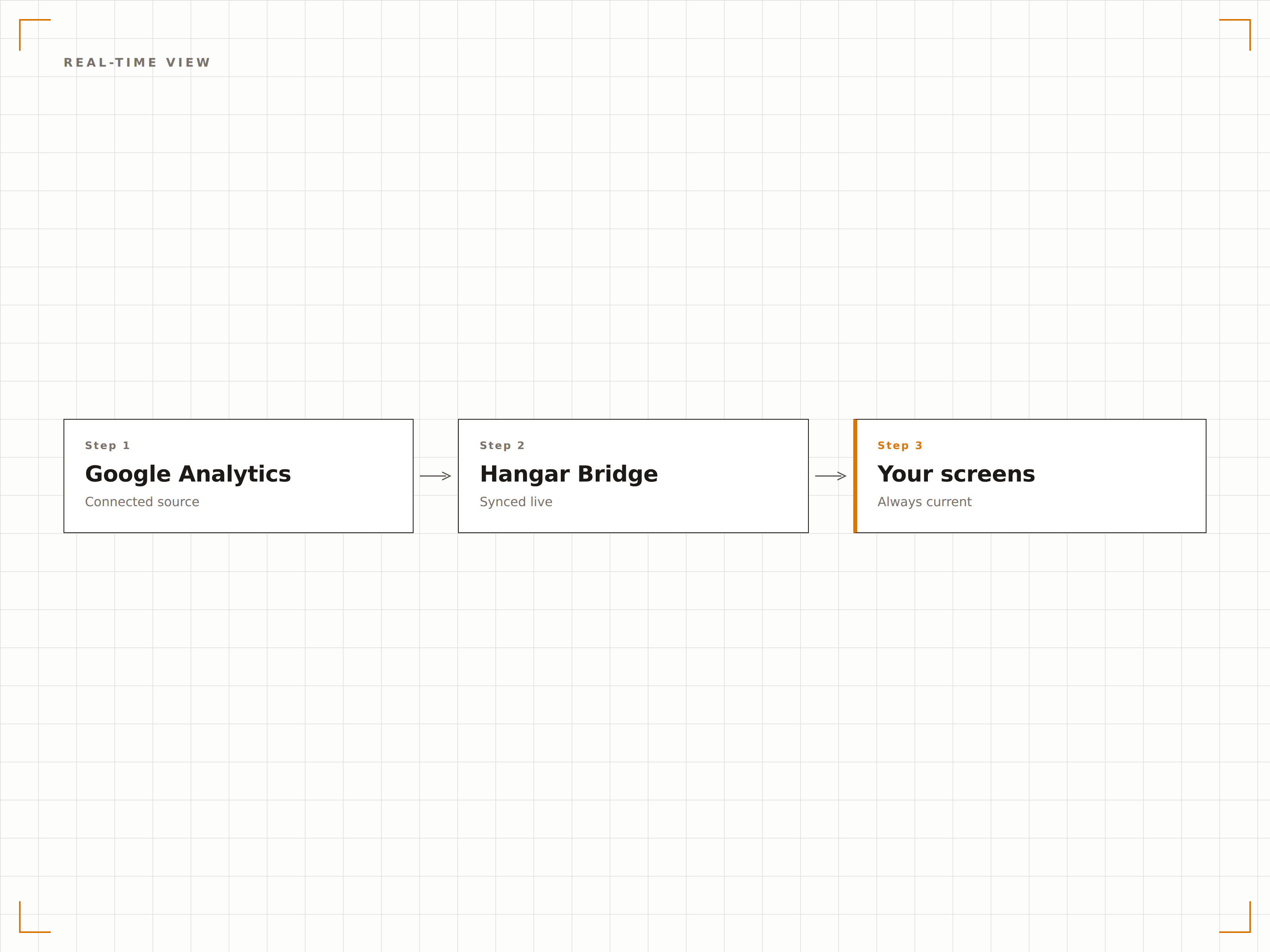
Live-Anzeige aktiver Nutzer auf dem Bildschirm
Zeigen Sie den GA4-Echtzeit-Bericht auf Ihrem Signage-Bildschirm an – mit Anzahl aktiver Nutzer, Top-Seiten, Traffic-Quellen und geografischer Verteilung, die alle paar Sekunden aktualisiert werden. Ideal für Launch-Tage, Kampagnen und Events.
Beobachten Sie Ihren Traffic-Anstieg in Echtzeit – von der anderen Seite des Raums.
Anzahl aktiver Nutzer mit Live-Aktualisierungen
Top-Seiten und Events in Echtzeit
Geografische Verteilung und Quellen-Aufschlüsselung
Massgeschneiderte Analytics-Ansichten
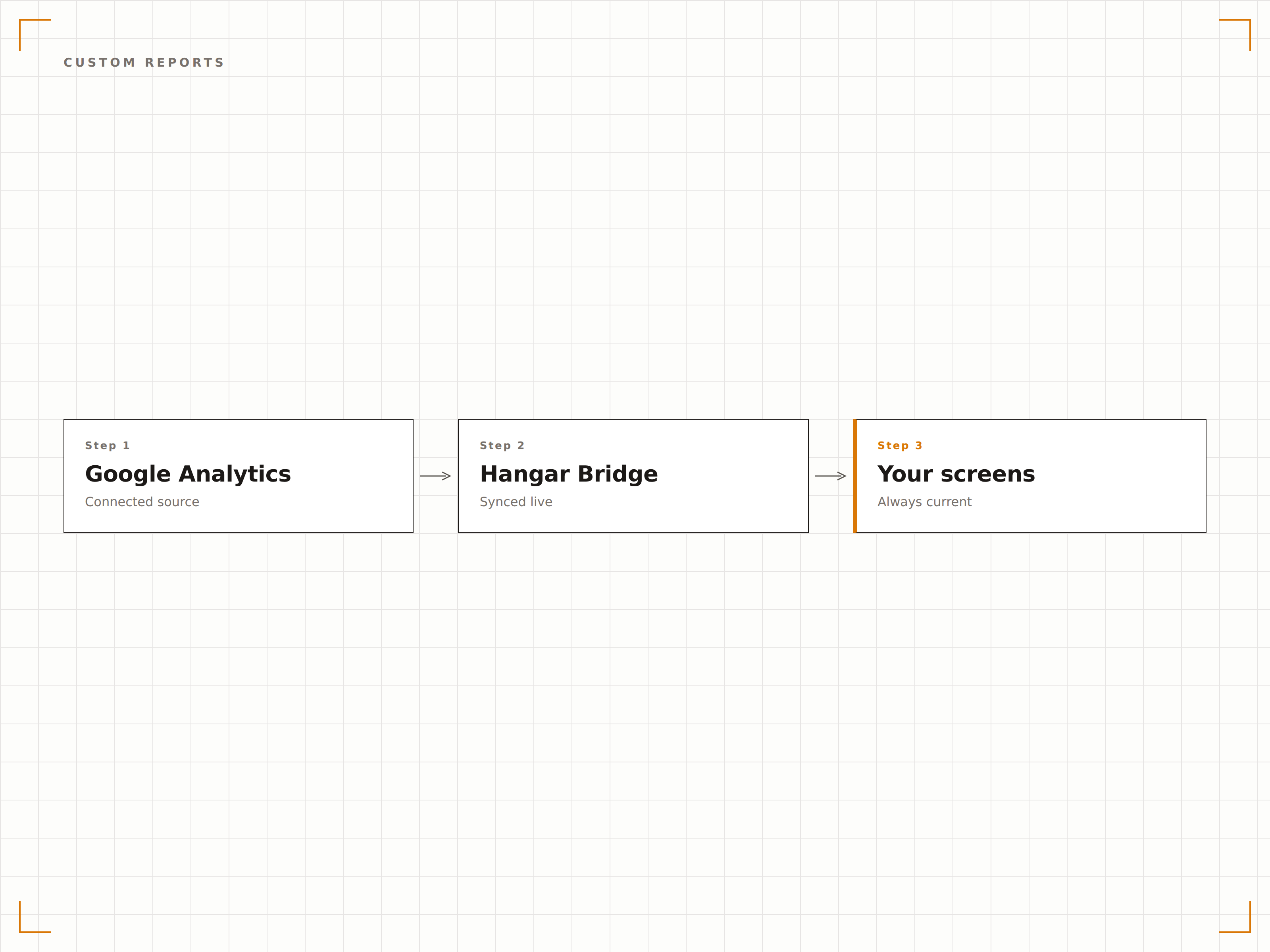
Nutzen Sie Google Looker Studio, um benutzerdefinierte GA4-Visualisierungen zu erstellen, die für grosse Bildschirme optimiert sind, und zeigen Sie diese über Hangar.Media an. Erstellen Sie Dashboards mit grossen Kennzahlen, die tägliche Sitzungen, Absprungraten und Conversion-Gesamtwerte anzeigen – lesbar aus mehreren Metern Entfernung.
Einmal in Looker Studio erstellen, überall auf Ihren Bildschirmen anzeigen.
Unterstützung für benutzerdefinierte Looker Studio-Berichte
Grossformatige Zahlenvisualisierungen
Multi-Metrik-Übersichts-Dashboards
Sichtbarkeit am Launch-Tag
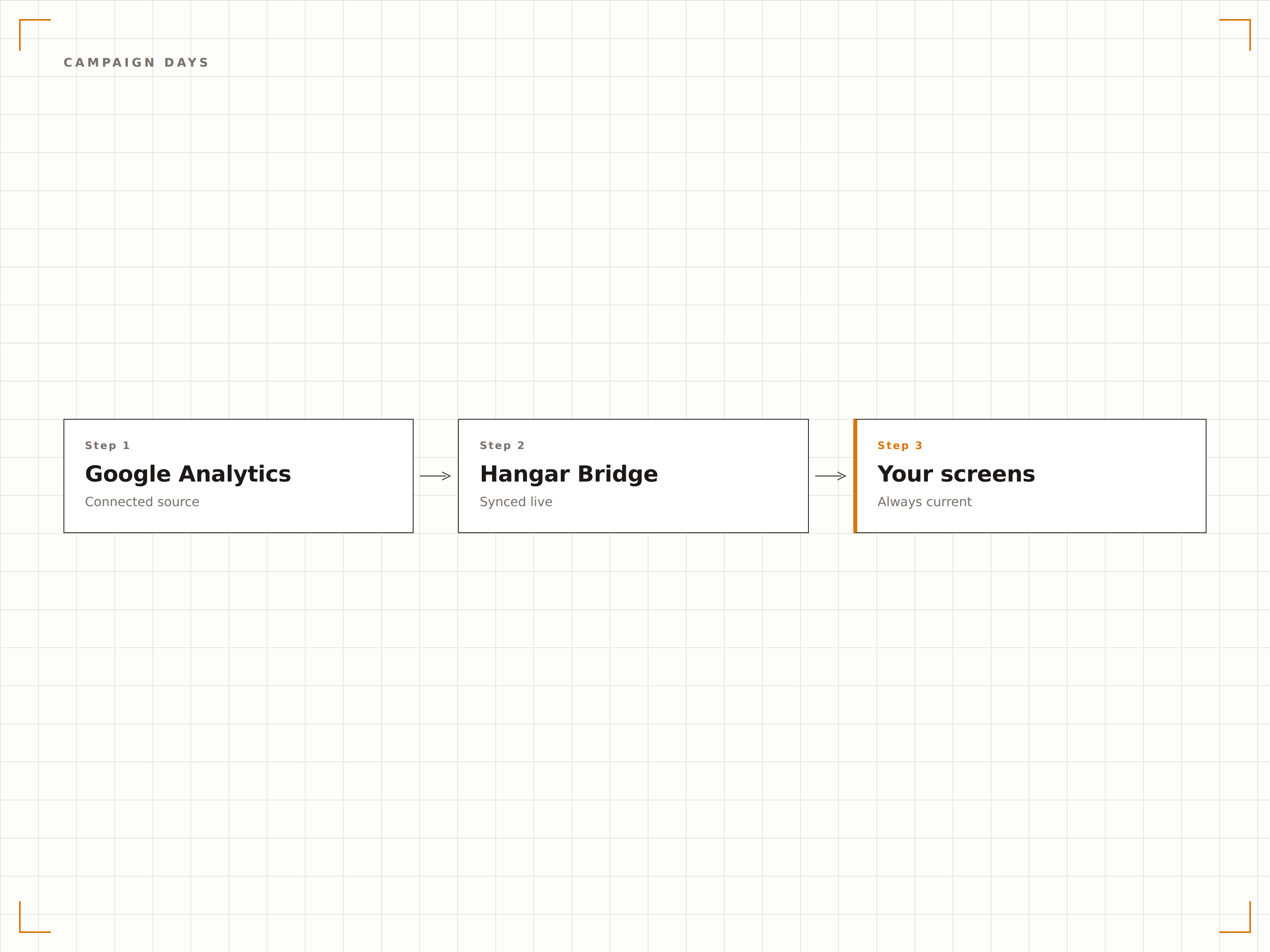
Wenn Sie eine Kampagne, ein Produkt oder ein Event launchen, zeigen Sie GA4-Echtzeit-Daten auf den Büro-Bildschirmen an. Das gesamte Team kann beobachten, wie der Traffic steigt, sehen, welche Kanäle Besuche generieren, und gemeinsam Meilensteine feiern – ganz ohne sich um einen einzigen Laptop zu drängen.
Launch-Energie, geteilt auf jedem Bildschirm.
Echtzeit-Traffic während Launches und Events
Die Kanal-Aufschlüsselung zeigt, welche Kampagnen Traffic generieren
Gemeinsame Sichtbarkeit stärkt den Teamgeist
Vier Schritte zu verbundene Bildschirme.
Von der Einrichtung bis zu Live-Inhalten in Minuten, nicht Tagen.
GA4 verbinden
Verknüpfen Sie Ihre Google Analytics 4-Property über die Google OAuth-Authentifizierung mit Hangar.Media.
Berichte auswählen
Wählen Sie Echtzeit-Berichte, Standard-Berichte oder benutzerdefinierte Looker Studio-Dashboards zur Anzeige aus.
Anzeige einrichten
Legen Sie Aktualisierungsintervalle, Bildschirmskalierung und eine optionale Rotation zwischen mehreren Berichtsansichten fest.
Live gehen
Weisen Sie Analytics-Inhalte Ihren Büro-Bildschirmen zu und sehen Sie, wie Ihre Web-Daten sofort erscheinen.
Entwickelt für jeden Branche.
Erfahren Sie, wie verschiedene Branchen diese Integration nutzen, um Ergebnisse zu erzielen.
Marketing-Team-Display
Zeigen Sie tägliche Website-Sitzungen, Top-Landingpages und Conversion-Raten auf einem dedizierten Bildschirm in der Marketingabteilung für kontinuierliche Transparenz an.
EinzelhandelE-Commerce War Room
Zeigen Sie Echtzeit-E-Commerce-Kennzahlen wie Transaktionen, Umsatz und Warenkorbabbruchraten auf Bildschirmen während Verkaufsevents und umsatzstarken Tagen an.
BildungWebsite-Traffic-Dashboard
Zeigen Sie den Hochschul-Website-Traffic, die meistbesuchten Studiengangsseiten und abgeschlossene Bewerbungsformulare auf Bildschirmen im Marketing- und Kommunikationsbüro an.
EntertainmentTicket-Seiten-Monitoring
Überwachen Sie den Traffic auf Ticket-Seiten, Referral-Quellen und Conversion-Raten auf Bildschirmen im Backstage-Bereich während Vorverkaufsevents für Konzerte und Shows.
Häufige Fragen. Direkte Antworten.
Funktioniert dies mit Google Analytics 4 oder Universal Analytics?
Hangar.Media unterstützt Google Analytics 4 (GA4). Universal Analytics wurde von Google im Juli 2024 eingestellt. Alle GA4-Standard- und Echtzeit-Berichte werden über die Integration unterstützt.
Kann ich Echtzeit-Daten zu aktiven Nutzern auf dem Bildschirm anzeigen?
Ja. Der GA4-Echtzeit-Bericht kann auf Ihrem Signage-Bildschirm angezeigt werden und zeigt aktive Nutzer, Top-Seiten, Events und Traffic-Quellen mit Aktualisierungen alle paar Sekunden.
Wie werden die Daten auf dem Bildschirm visualisiert?
Für das beste visuelle Erlebnis empfehlen wir, benutzerdefinierte Looker Studio-Dashboards zu erstellen, die mit Ihren GA4-Daten verbunden sind. Looker Studio ermöglicht es Ihnen, grossformatige Visualisierungen zu gestalten, die für Signage-Bildschirme optimiert sind. Sie können auch native GA4-Berichte direkt anzeigen.
Sind meine Google Analytics-Daten sicher?
Ja. Hangar.Media authentifiziert sich über Google OAuth mit reinem Lesezugriff auf Ihre Analytics-Daten. Es werden keine Daten auf Hangar.Media-Servern gespeichert. Die Berichte werden direkt auf dem Player-Gerät mithilfe Ihrer authentifizierten Sitzung gerendert.
Ein Preis. Die gesamte Plattform.
So stellen wir uns Digital Signage vor. Inhaltseditor, Bildschirmverwaltung und 200+ App-Integrationen – alles von Anfang an inklusive.
14 Tage kostenlos, bis zu 3 Bildschirme – keine Kreditkarte erforderlich.