Zoho Analytics — über den Desktop hinaus.
Streamen Sie Zoho Analytics-Dashboards und Zoho CRM-Berichte auf Digital Signage-Bildschirme für unternehmensweite Datentransparenz.
Das Zoho-Ökosystem auf Ihren Bildschirmen
Zoho Analytics verbindet sich mit jeder Zoho-Anwendung und Hunderten externer Datenquellen. Hangar.Media zeigt Zoho Analytics-Dashboards auf Signage-Bildschirmen an, sodass Ihr Team CRM-Pipeline-Daten, Projektstatus, Support-Kennzahlen und Finanzberichte einsehen kann – ohne sich in einzelne Zoho-Apps einzuloggen. Eine einzige Integration bringt Ihr gesamtes Zoho-Ökosystem auf jeden Bildschirm.
Was Sie mit über den Desktop hinaus. tun können
Drei Funktionen, die diese Integration für Ihr Digital Signage-Netzwerk unverzichtbar machen.
Alle Zoho-Apps in einer Ansicht
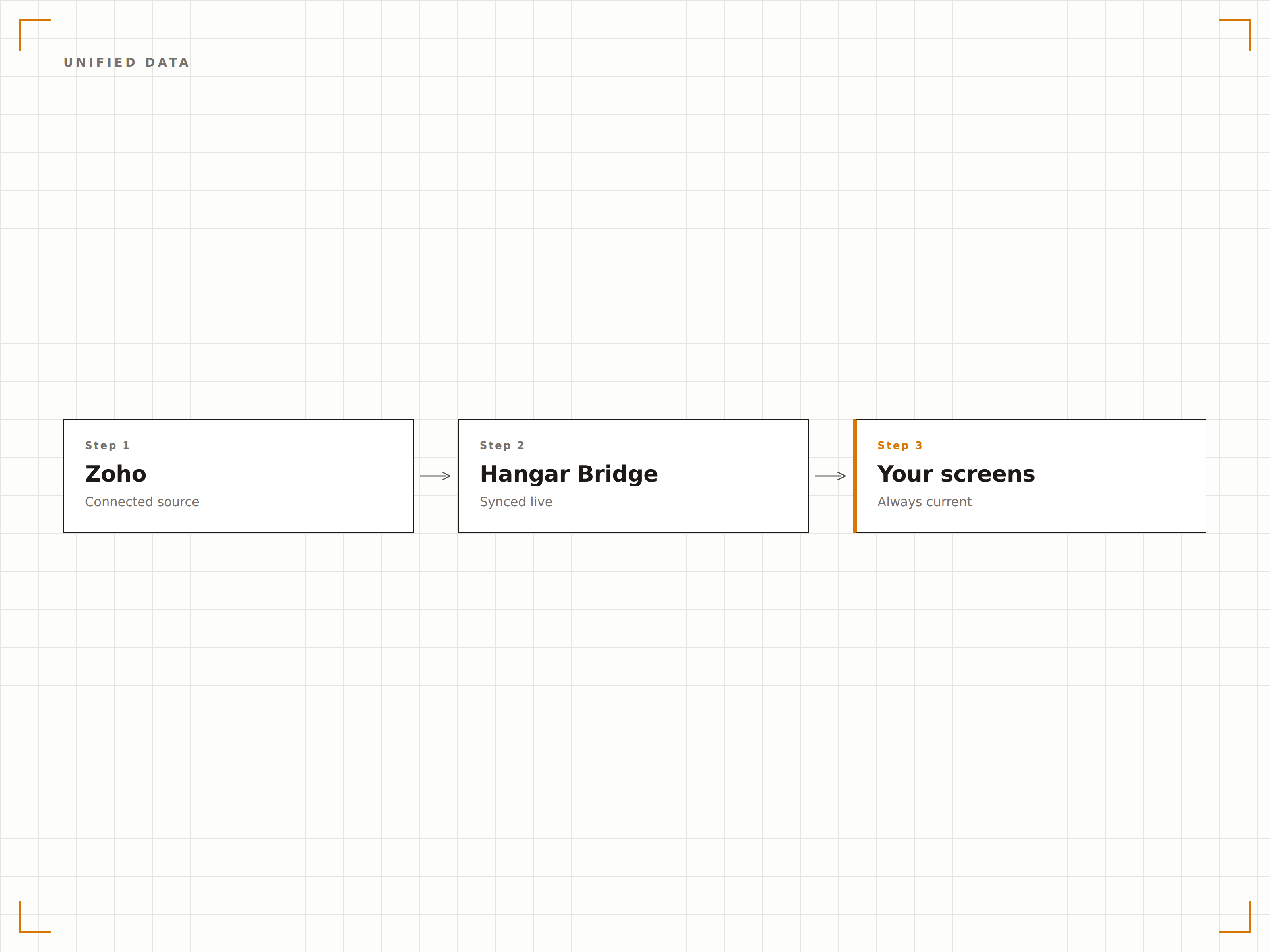
Zoho Analytics kombiniert Daten aus der gesamten Zoho-Suite — CRM-Deals, Projektaufgaben, Support-Tickets und Buchhaltungseinträge — in einheitlichen Dashboards. Zeigen Sie diese anwendungsübergreifenden Ansichten auf Signage-Bildschirmen für ein vollständiges Bild Ihres Unternehmens.
Ihr gesamtes Zoho-Ökosystem, sichtbar auf einem Bildschirm.
Anwendungsübergreifende Datenkombination
CRM, Projekte, Support und Finanzen vereint
Einheitliche Business-Intelligence-Ansichten
Einbettung veröffentlichter Dashboards
Zoho Analytics unterstützt die Veröffentlichung von Dashboards mit Einbettungs-URLs. Fügen Sie diese URLs in Hangar.Media ein, und das Dashboard wird auf Ihrem Signage-Bildschirm mit allen interaktiven Visualisierungen vollständig dargestellt.
Veröffentlichte Dashboards, eingebettet auf Ihren Bildschirmen.
Unterstützung für veröffentlichte Dashboard-URLs
Interaktives Diagramm-Rendering
Volle visuelle Qualität auf dem Bildschirm
Vertriebs- und Support-Daten auf dem Bildschirm
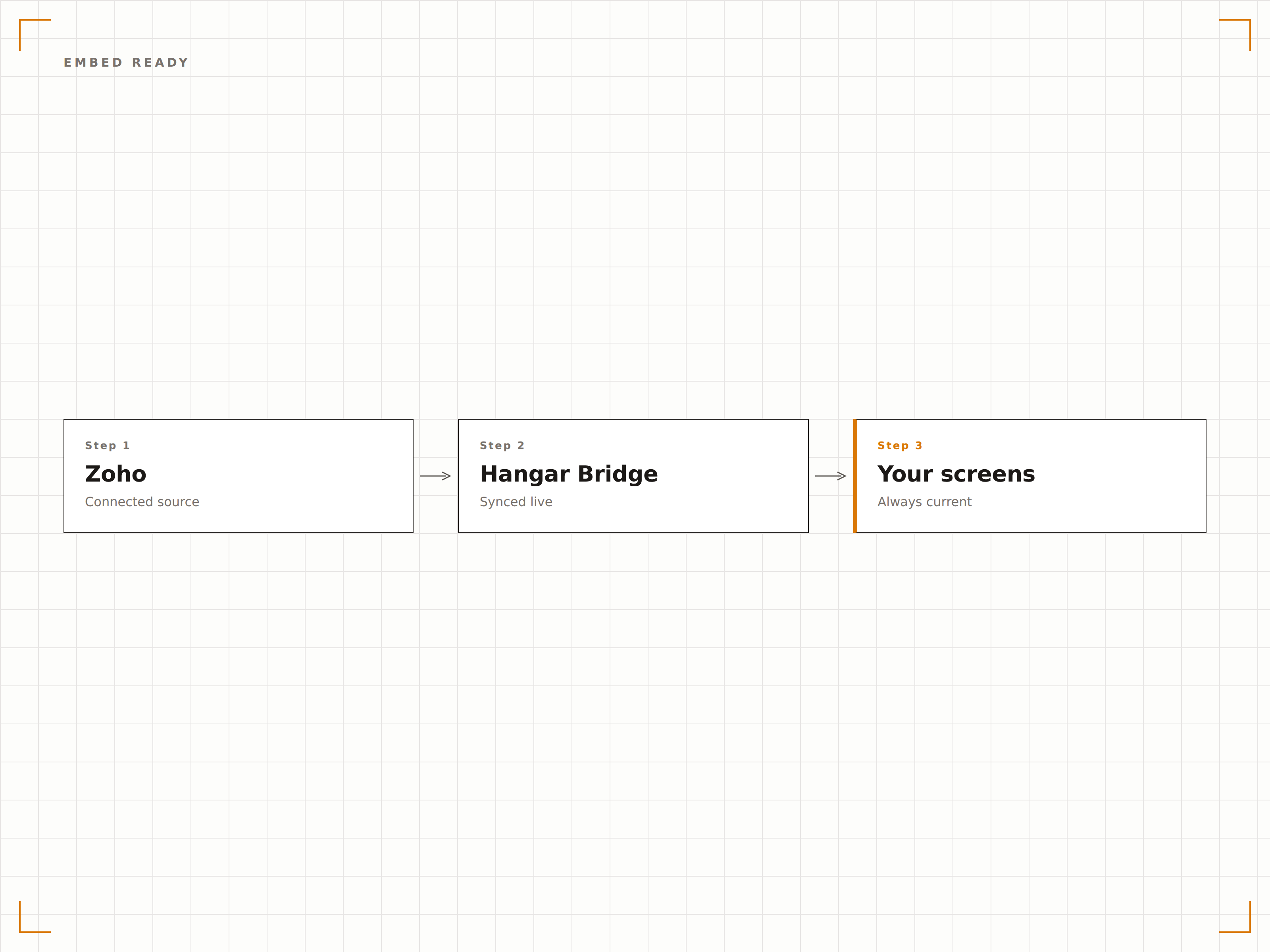
Zeigen Sie Zoho CRM-Pipeline-Berichte und Zoho Desk-Support-Kennzahlen nebeneinander auf Signage-Bildschirmen an. Vertriebsteams sehen ihre Pipeline, Support-Teams sehen ihre Warteschlange — alles aus einem einzigen Zoho Analytics-Dashboard.
Sales-Pipeline und Support-Warteschlange — ein Bildschirm, eine Ansicht.
Visualisierung der CRM-Pipeline
Anzeige von Support-Ticket-Kennzahlen
Kombinierte Vertriebs- und Service-Dashboards
Vier Schritte zu verbundene Bildschirme.
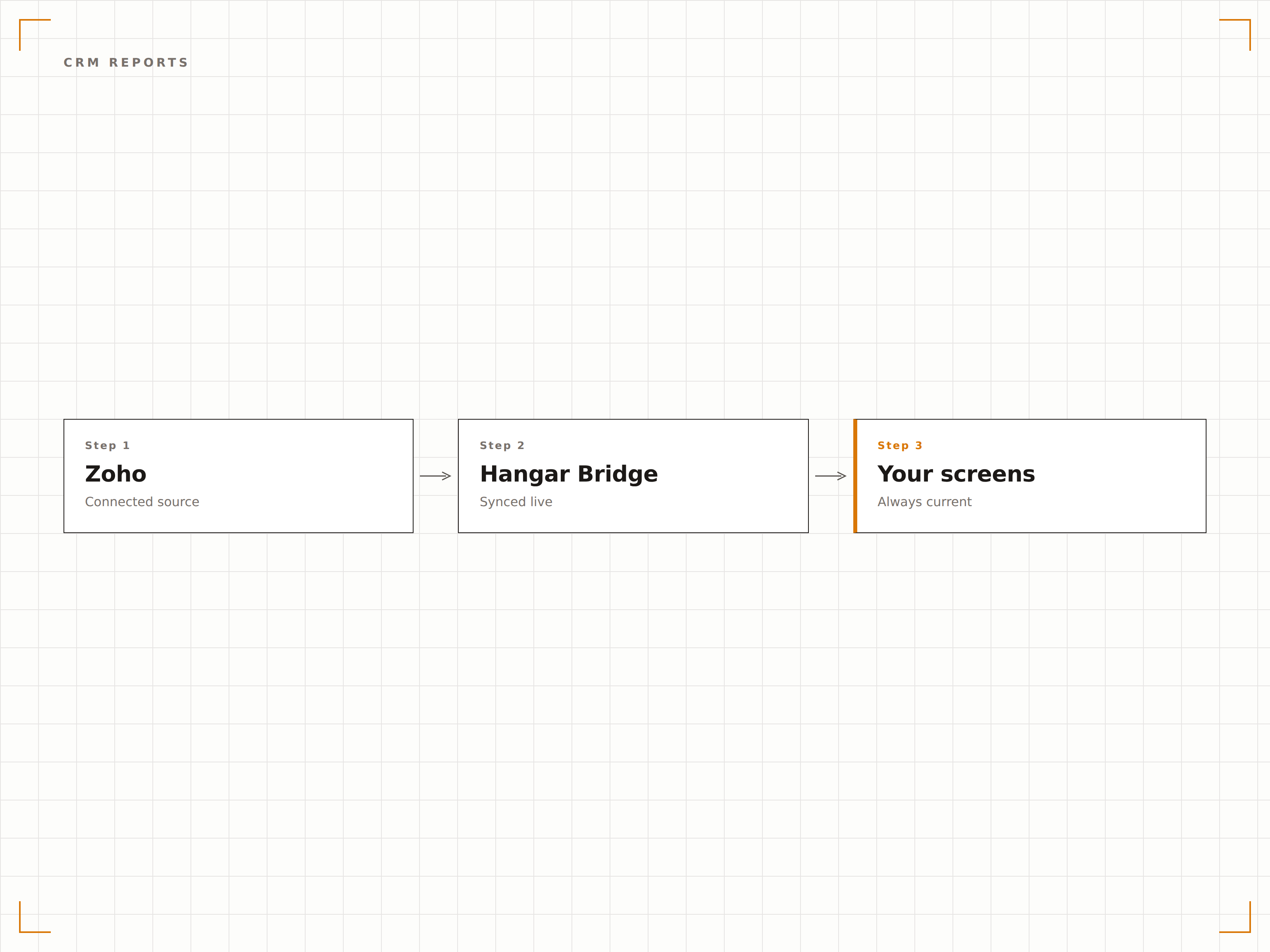
Von der Einrichtung bis zu Live-Inhalten in Minuten, nicht Tagen.
Dashboard erstellen
Erstellen Sie ein Zoho Analytics-Dashboard, das Daten aus Ihren verbundenen Zoho-Apps und externen Quellen kombiniert.
Dashboard veröffentlichen
Veröffentlichen Sie Ihr Zoho Analytics-Dashboard und generieren Sie eine Einbettungs- oder öffentliche Freigabe-URL.
Zu Hangar.Media hinzufügen
Fügen Sie die veröffentlichte Dashboard-URL in den Hangar.Media Content Manager ein.
Veröffentlichen
Weisen Sie Ihre Ziel-Bildschirme zu, und Zoho Analytics erscheint auf Ihren Signage-Bildschirmen.
Entwickelt für jeden Branche.
Erfahren Sie, wie verschiedene Branchen diese Integration nutzen, um Ergebnisse zu erzielen.
Business-Operations-Dashboard
Zeigen Sie ein einheitliches Dashboard mit CRM-Deals, Projektmeilensteinen, Support-Tickets und Finanzzusammenfassungen auf Bildschirmen im Büro für funktionsübergreifende Transparenz an.
EinzelhandelLager- und Verkaufsanalyse
Zeigen Sie Zoho Inventory-Lagerbestände zusammen mit Zoho CRM-Verkaufsdaten auf Back-of-House-Bildschirmen für Einzelhandels-Betriebsteams an.
BildungStudierenden-CRM-Dashboard
Zeigen Sie Daten zur Studierendenrekrutierungs-Pipeline aus Zoho CRM auf Bildschirmen im Zulassungsbüro während der Bewerbungs- und Einschreibungsperioden an.
GastgewerbeImmobilienverwaltungs-Analyse
Zeigen Sie Buchungsdaten, Gästefeedback-Trends und operative Kennzahlen aus dem Zoho-Ökosystem auf Back-of-House-Management-Bildschirmen an.
Häufige Fragen. Direkte Antworten.
Benötige ich speziell Zoho Analytics, oder kann ich jede beliebige Zoho-App anzeigen?
Für das beste Signage-Erlebnis empfehlen wir, Zoho Analytics zu verwenden, um Dashboards zu erstellen, die Daten aus Ihren Zoho-Apps kombinieren. Sie können auch einzelne Zoho-App-Seiten über die Hangar.Media Authenticated Dashboards-Funktion anzeigen.
Kann ich Daten aus Nicht-Zoho-Quellen zusammen mit Zoho-Daten anzeigen?
Ja. Zoho Analytics unterstützt über 500 Daten-Konnektoren, darunter Datenbanken, Cloud-Speicher und Drittanbieter-Anwendungen. Sie können externe Daten mit Zoho-App-Daten in einheitlichen Dashboards für die Signage-Anzeige kombinieren.
Wie oft werden die Daten zwischen den Zoho-Apps synchronisiert?
Zoho Analytics synchronisiert sich mit verbundenen Zoho-Apps nach einem von Ihnen festgelegten Zeitplan, in der Regel alle 1 bis 24 Stunden. Hangar.Media lädt das Dashboard in Ihrem gewählten Intervall neu, um die aktuellsten synchronisierten Daten anzuzeigen.
Ist Zoho Analytics kostenpflichtig?
Zoho Analytics bietet einen kostenlosen Plan mit eingeschränkten Funktionen. Kostenpflichtige Pläne bieten mehr Datenquellen, Dashboard-Veröffentlichung und Einbettungsmöglichkeiten. Die Dashboard-Veröffentlichung, die von Hangar.Media genutzt wird, ist in kostenpflichtigen Plänen verfügbar.
Ein Preis. Die gesamte Plattform.
So stellen wir uns Digital Signage vor. Inhaltseditor, Bildschirmverwaltung und 200+ App-Integrationen – alles von Anfang an inklusive.
14 Tage kostenlos, bis zu 3 Bildschirme – keine Kreditkarte erforderlich.