Jede URL wird zum Bildschirminhalt.
Richten Sie Hangar.Media auf eine beliebige öffentlich zugängliche Datei-URL und zeigen Sie den Inhalt auf Ihren Bildschirmen an. Von CDN-gehosteten Bildern bis hin zu remote verwalteten Videodateien – wenn eine URL vorhanden ist, kann der Inhalt auf Ihren Displays erscheinen.
Direkte URL-zu-Bildschirm-Inhaltsbereitstellung
Die Integration «Datei per URL» macht das Herunterladen und erneute Hochladen von Inhalten überflüssig. Geben Sie einen direkten Link zu einem beliebigen Bild, Video oder Dokument an, das im Web gehostet wird, und Hangar.Media ruft es zur Anzeige ab. Legen Sie Aktualisierungsintervalle fest, damit Ihre Bildschirme stets die neueste Version der Datei unter dieser URL anzeigen.
Was Sie mit Bildschirminhalt. tun können
Drei Funktionen, die diese Integration für Ihr Digital Signage-Netzwerk unverzichtbar machen.
Einmal verknüpfen, dauerhaft anzeigen
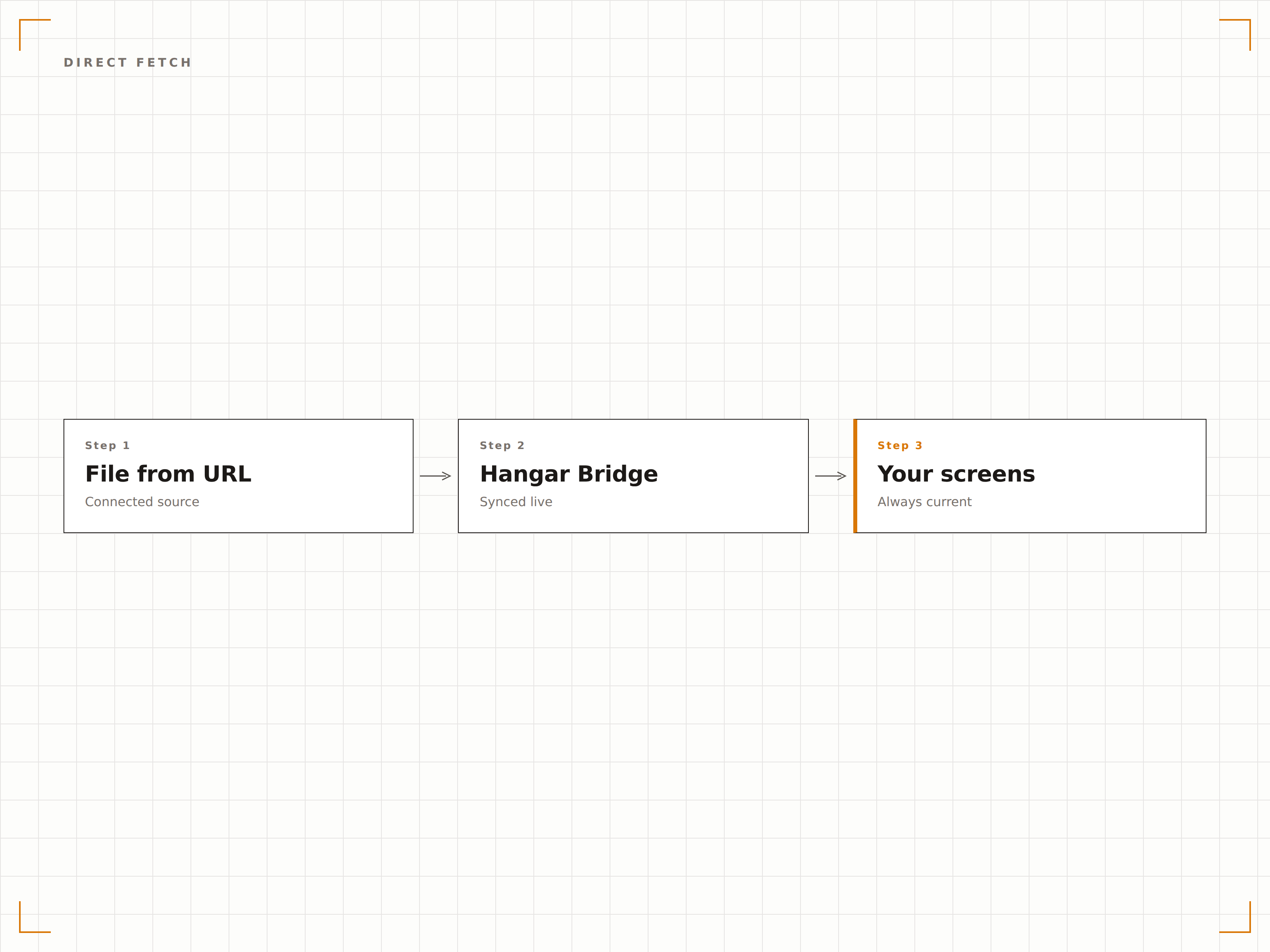
Fügen Sie eine URL in die Hangar.Media-Inhaltsbibliothek ein – die Datei wird abgerufen, gecacht und steht sofort für Playlists bereit. Ändert sich die Quelldatei, erkennt Hangar.Media die Aktualisierung und aktualisiert die gecachte Version auf Ihren Bildschirmen.
Wir verknüpfen unsere CDN-Assets, und jeder Bildschirm erhält die aktuellsten Inhalte – ganz ohne erneutes Hochladen.
Einmalige URL-Eingabe mit persistentem Caching
Automatische Änderungserkennung über ETag- und Last-Modified-Header
Manuelle Aktualisierungsschaltfläche für sofortige Updates
Stets aktuelle Inhalte
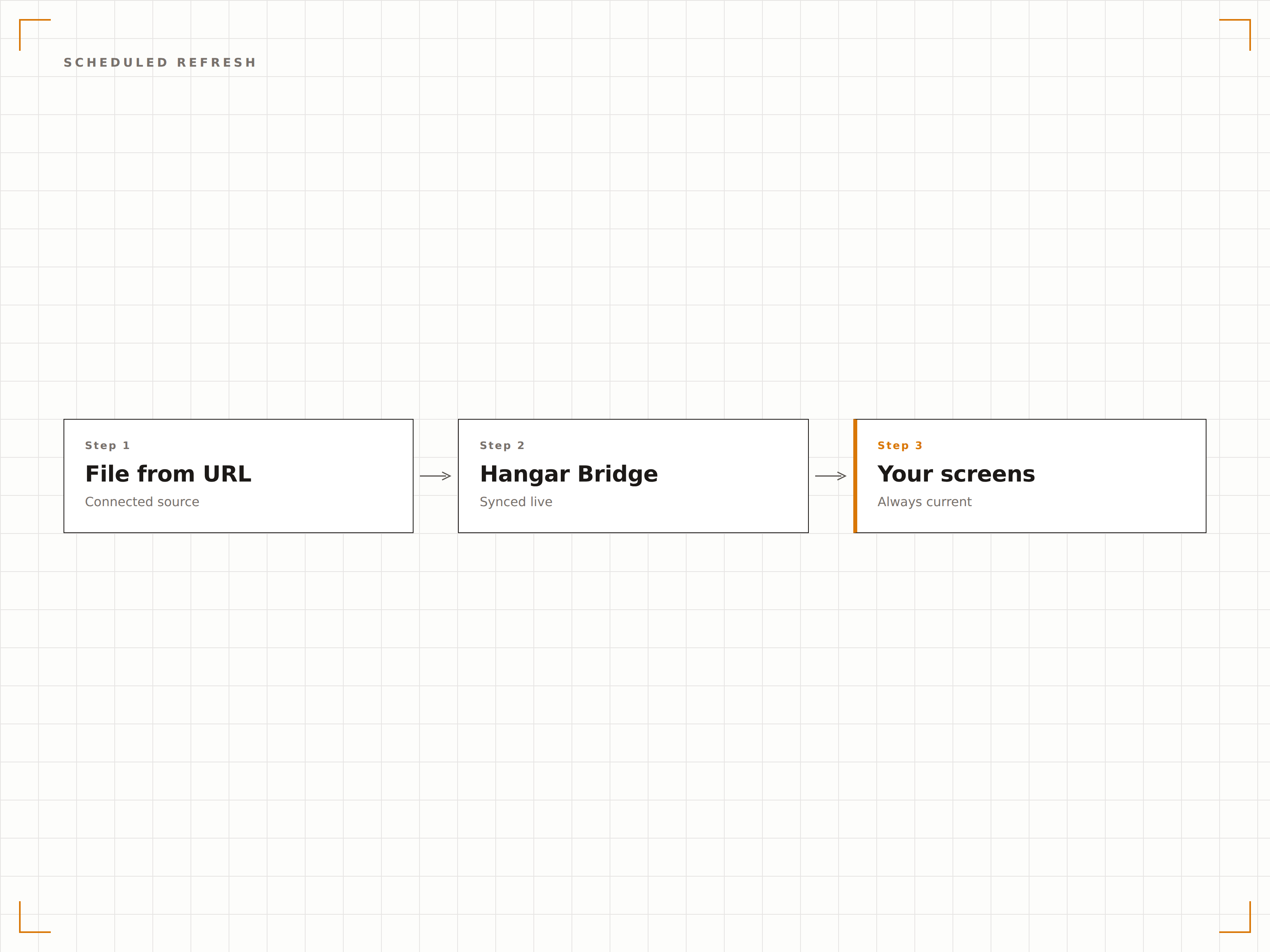
Legen Sie einen Aktualisierungsplan fest, damit Hangar.Media die Datei in regelmässigen Abständen erneut abruft. Dies ist ideal für URLs, die dynamische Inhalte wie Tagesmenüs, Veranstaltungspläne oder periodisch neu generierte Dashboard-Screenshots bereitstellen.
Unser Tagesgericht-Bild wird um 6 Uhr neu generiert, und die Bildschirme zeigen es automatisch bis 6:05 Uhr an.
Aktualisierungsintervalle von alle 5 Minuten bis einmal täglich
Tageszeit-basierte Planung für vorhersehbare Aktualisierungsfenster
Fallback auf veraltete Inhalte, wenn die Quell-URL vorübergehend nicht verfügbar ist
Auf geschützte Dateien zugreifen
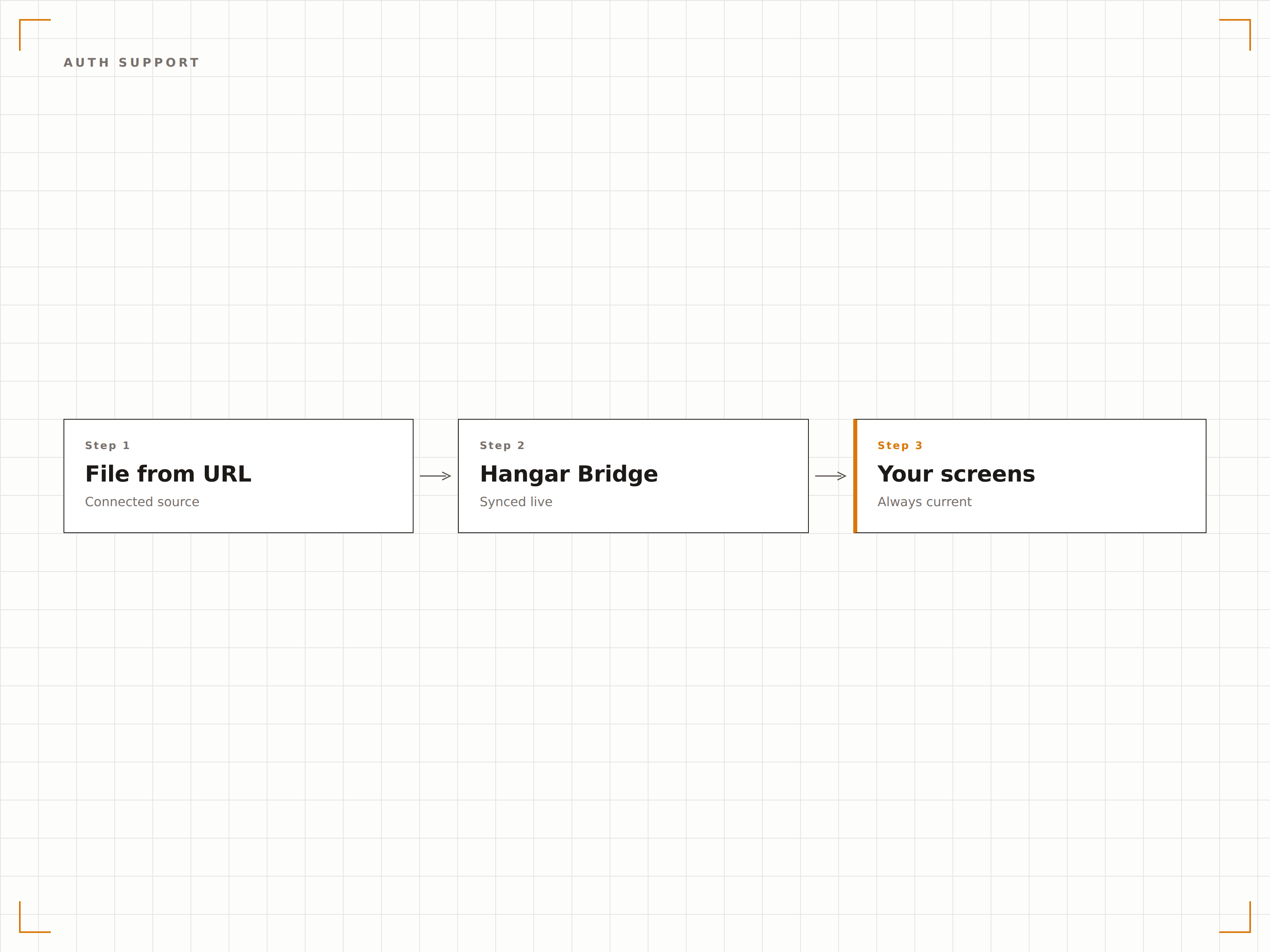
Nicht alle Dateien sind öffentlich zugänglich. Hangar.Media unterstützt URLs, die eine Authentifizierung erfordern – über Query-String-Token, API-Keys in Headern oder HTTP-Basic-Authentifizierung. Greifen Sie sicher auf private CDN-Assets, geschützte Dokumente und interne Webressourcen zu.
Wir verwenden signierte URLs aus unserem privaten S3-Bucket, und Hangar.Media übernimmt die Token-Aktualisierung.
Unterstützung für Query-String-Token und API-Key-Header
HTTP-Basic-Authentifizierung für interne Ressourcen
Benutzerdefinierte Header-Injektion für spezialisierte Authentifizierungsverfahren
Vier Schritte zu verbundene Bildschirme.
Von der Einrichtung bis zu Live-Inhalten in Minuten, nicht Tagen.
URL der Datei einfügen
Geben Sie die direkte URL zu einem Bild, Video, PDF oder einer anderen unterstützten Mediendatei in der Hangar.Media-Inhaltsbibliothek ein.
Aktualisierungseinstellungen konfigurieren
Legen Sie fest, wie oft Hangar.Media die Datei erneut abrufen soll, um auf Änderungen zu prüfen. Wählen Sie zwischen Echtzeit-Überwachung und täglicher Aktualisierung.
Vorschau prüfen und bestätigen
Hangar.Media ruft die Datei ab und rendert eine Vorschau, damit Sie sicherstellen können, dass die Datei korrekt angezeigt wird, bevor Sie sie einer Playlist hinzufügen.
Zu Playlists hinzufügen
Ziehen Sie die per URL eingebundene Datei in eine beliebige Playlist oder einen Layout-Bereich. Sie verhält sich wie jedes andere Medien-Asset in Ihrer Inhaltsbibliothek.
Entwickelt für jeden Branche.
Erfahren Sie, wie verschiedene Branchen diese Integration nutzen, um Ergebnisse zu erzielen.
Dynamische Tagesmenü-Anzeigen
Restaurants generieren jeden Morgen ein Menübild aus ihrem Bestellsystem und stellen es unter einer festen URL bereit. Hangar.Media ruft die aktualisierte Datei ab und überträgt sie auf alle Bildschirme im Gastraum.
UnternehmenDashboard-Screenshot-Übertragung
Business-Intelligence-Tools exportieren Dashboard-Screenshots planmässig an eine Web-URL. Büro-Bildschirme zeigen die aktuellen KPI-Dashboards an – ganz ohne manuelle Eingriffe.
EntertainmentVerteilung von Veranstaltungspostern
Veranstaltungsorte stellen Event-Poster auf ihrer Website bereit und verknüpfen diese URLs mit den Bildschirmen in Lobby und Eingangsbereich. Wird eine neue Veranstaltung online angekündigt, aktualisiert sich die Digital Signage automatisch.
BildungAutomatisierte Stundenplan-Anzeige
Schulen exportieren Stundenpläne als Bilder auf einen Webserver – einmal pro Semester. Bildschirme in Klassenzimmern und Fluren rufen die aktuelle Version automatisch per URL ab, ohne dass das Personal das Digital Signage System anfassen muss.
Häufige Fragen. Direkte Antworten.
Welche Dateitypen können per URL geladen werden
Hangar.Media unterstützt JPEG-, PNG-, GIF-, SVG-, WebP-, MP4-, WebM-, MOV-, PDF- und PowerPoint-Dateien, die per URL abgerufen werden. Damit die Erkennung zuverlässig funktioniert, muss die Datei mit dem korrekten Content-Type-Header ausgeliefert werden.
Kann ich URLs verwenden, die eine Anmeldung erfordern
Ja. In den URL-Einstellungen können Sie HTTP-Basic-Authentifizierungsdaten, API-Key-Header oder Query-String-Token hinterlegen. So erhalten Sie Zugriff auf private CDN-Assets und interne Webressourcen.
Was passiert, wenn die URL nicht mehr verfügbar ist
Hangar.Media speichert eine gecachte Kopie der zuletzt erfolgreich abgerufenen Datei. Gibt die Quell-URL einen Fehler zurück, wird die gecachte Version auf den Bildschirmen weiter angezeigt, bis die Quelle wiederhergestellt ist.
Wie gross dürfen die Dateien sein
Per URL eingebundene Dateien unterliegen denselben Grössenbeschränkungen wie direkt hochgeladene Inhalte. Bilder bis zu 50 MB und Videos bis zu 2 GB werden unterstützt. Grössere Dateien erfordern möglicherweise einen direkten Upload.
Ein Preis. Die gesamte Plattform.
So stellen wir uns Digital Signage vor. Inhaltseditor, Bildschirmverwaltung und 200+ App-Integrationen – alles von Anfang an inklusive.
14 Tage kostenlos, bis zu 3 Bildschirme – keine Kreditkarte erforderlich.