Ihre Dropbox-Ordner live auf jedem Bildschirm.
Verbinden Sie Ihr Dropbox-Konto mit Hangar.Media und verwandeln Sie jeden freigegebenen Ordner in eine Inhaltsquelle für Ihr Digital Signage. Einmal hochladen, überall anzeigen.
Dropbox als Ihre Content-Pipeline
Die Dropbox-Integration ermöglicht es Ihrem Team, Digital-Signage-Inhalte mit demselben Dateifreigabe-Tool zu verwalten, das sie bereits kennen. Legen Sie Bilder, Videos oder PDFs in einen dafür vorgesehenen Dropbox-Ordner, und Hangar.Media synchronisiert sie automatisch mit Ihren Bildschirmen. Kein CMS-Training erforderlich, keine manuellen Uploads, kein Warten.
Was Sie mit live auf jedem Bildschirm. tun können
Drei Funktionen, die diese Integration für Ihr Digital Signage-Netzwerk unverzichtbar machen.
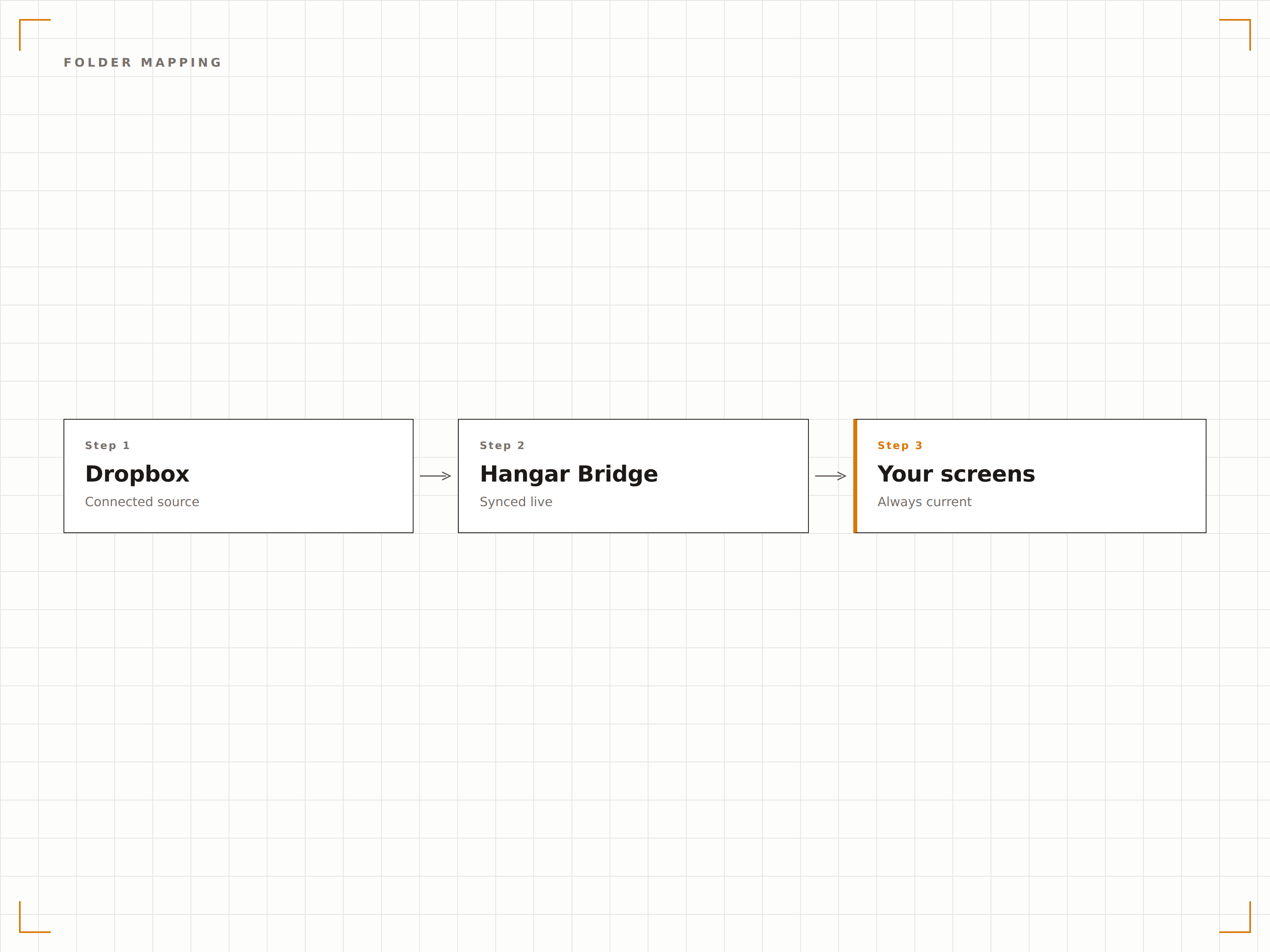
Ordner Playlists zuordnen
Weisen Sie jeden Dropbox-Ordner einer bestimmten Playlist oder Bildschirmgruppe zu. Sobald Dateien in diesem Ordner erscheinen, werden sie automatisch in der von Ihnen gewählten Reihenfolge in die Playlist übernommen. Unterordner können separaten Zonen innerhalb eines Layouts zugeordnet werden.
Unser Marketing-Team zieht Assets einfach in Dropbox – und die Bildschirme in der Lobby aktualisieren sich von selbst.
Ein Ordner pro Playlist- oder Zonenzuweisung
Automatische Dateisortierung nach Name oder Datum
Unterstützung von Unterordnern für Multi-Zonen-Layouts
Bandbreitenfreundliche Aktualisierungen
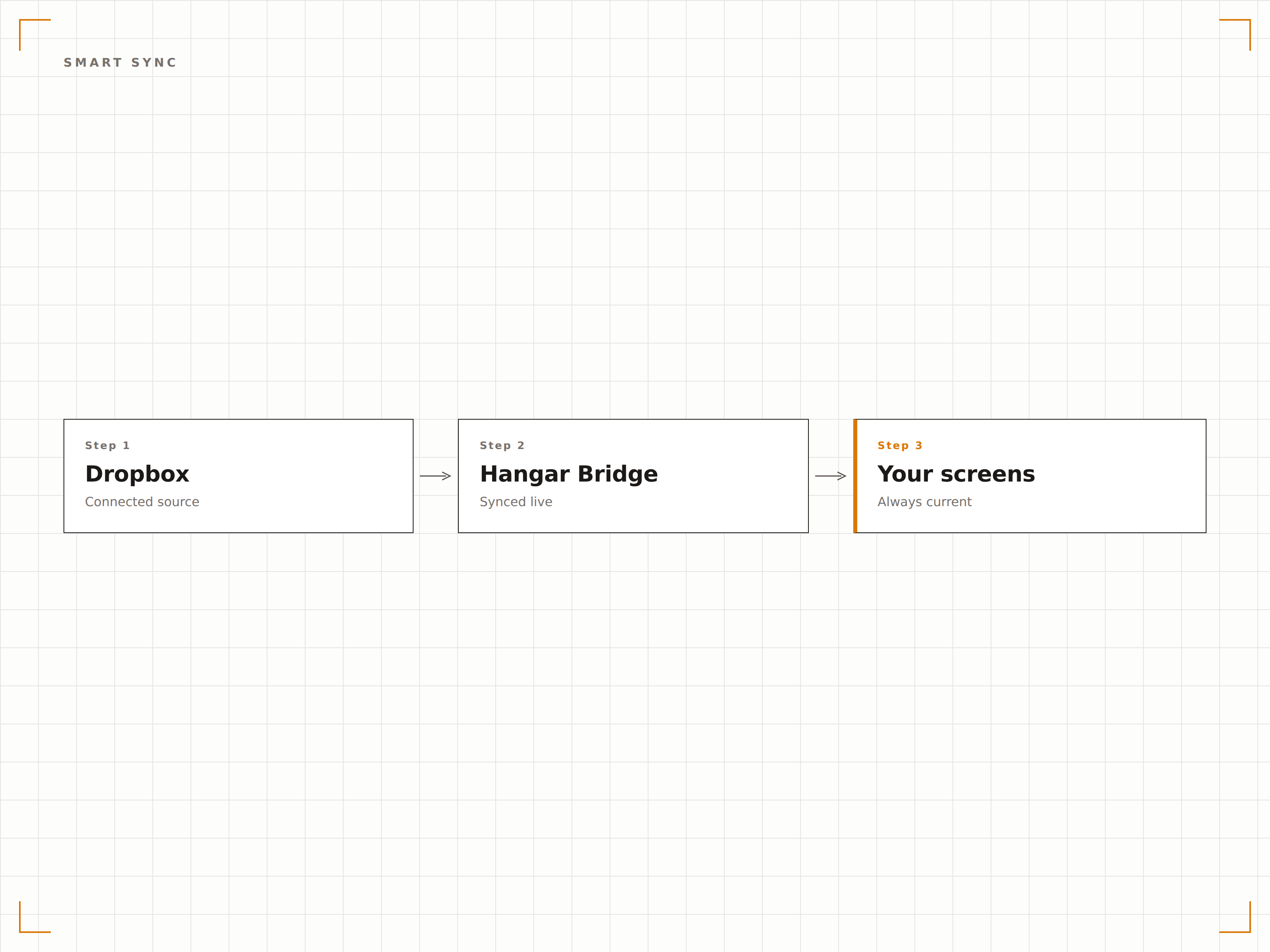
Hangar.Media überwacht Ihre verbundenen Dropbox-Ordner auf Änderungen mithilfe von Webhooks statt durch ständiges Polling. Nur geänderte oder neue Dateien werden heruntergeladen, was den Bandbreitenverbrauch auch bei grossen Medienbibliotheken minimal hält.
Webhook-gesteuerte Synchronisierung bedeutet null verschwendete Bandbreite und nahezu sofortige Bildschirmaktualisierungen.
Webhook-basierte Änderungserkennung für sofortige Updates
Delta-Sync lädt nur neue oder geänderte Dateien herunter
Einstellbare Synchronisierungsintervalle von Echtzeit bis zu geplanten Zeitfenstern
Kollaboratives Content-Management
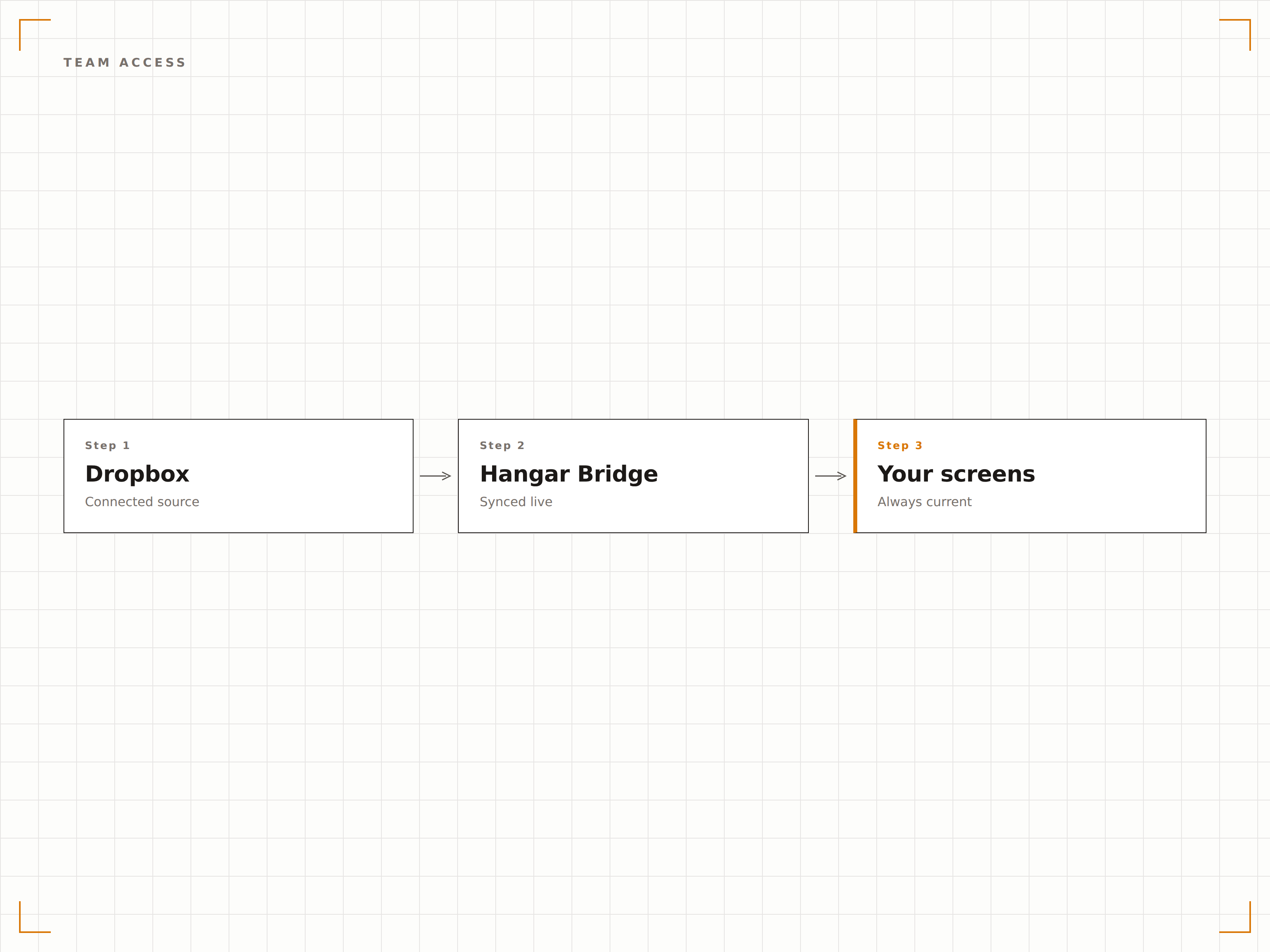
Da Dropbox bereits gemeinsame Ordner und Team-Berechtigungen unterstützt, werden Ihre bestehenden Zugriffskontrollen übernommen. Marketing kann Werbeinhalte verwalten, während HR die interne Kommunikation übernimmt – alles über die vertraute Dropbox-Freigabe.
Jede Abteilung verwaltet ihre eigenen Bildschirme über Ordner, auf die sie bereits Zugriff hat.
Bestehende Dropbox-Freigabeberechtigungen nutzen
Mehrere Teammitglieder können gleichzeitig Inhalte beisteuern
Audit-Trail über die Dropbox-Dateiversionsverlauf
Vier Schritte zu verbundene Bildschirme.
Von der Einrichtung bis zu Live-Inhalten in Minuten, nicht Tagen.
Verbinden Sie Ihr Dropbox-Konto
Autorisieren Sie Hangar.Media für den Zugriff auf Ihre Dropbox über einen sicheren OAuth-Prozess. Es werden keine Passwörter gespeichert.
Ordner zur Synchronisierung auswählen
Legen Sie fest, welche Dropbox-Ordner Inhalte an Ihre Digital Signage Playlists liefern sollen.
Ordner Bildschirmen zuweisen
Weisen Sie jeden synchronisierten Ordner bestimmten Playlists, Bildschirmgruppen oder Layout-Zonen in Ihrem Hangar.Media-Dashboard zu.
Hochladen und loslegen
Legen Sie Dateien in Ihre zugeordneten Dropbox-Ordner und beobachten Sie, wie sie innerhalb von Minuten auf Ihren Bildschirmen erscheinen.
Entwickelt für jeden Branche.
Erfahren Sie, wie verschiedene Branchen diese Integration nutzen, um Ergebnisse zu erzielen.
Bürokommunikation auf Autopilot
HR- und interne Kommunikationsteams legen Ankündigungen, Richtlinienaktualisierungen und Veranstaltungsplakate in einen gemeinsamen Dropbox-Ordner, der Lobby- und Pausenraum-Bildschirme in allen Büros bespielt.
EinzelhandelWerbedisplays im Einzelhandel
Regionale Marketing-Manager laden saisonale Kampagnen-Assets in Dropbox hoch, und jeder Standort übernimmt die neuen Aktionen automatisch – ganz ohne manuellen Eingriff.
BildungCampus-Schwarze Bretter
Studentenorganisationen und Lehrpersonal teilen Flyer und Ankündigungen über Dropbox-Ordner, die mit Digital Signage Displays in Fluren und Gemeinschaftsbereichen synchronisiert werden.
GastgewerbeHotel-Veranstaltungs- und Servicetafeln
Hotel-Veranstaltungskoordinatoren aktualisieren tägliche Veranstaltungspläne, Restaurantangebote und Serviceinformationen, indem sie Dateien in einem Dropbox-Ordner ersetzen, der mit den Lobby-Bildschirmen verbunden ist.
Häufige Fragen. Direkte Antworten.
Welche Dropbox-Pläne werden unterstützt
Hangar.Media funktioniert mit Dropbox Basic, Plus, Professional und Business. Jedes Konto, das die Drittanbieter-App-Autorisierung über OAuth unterstützt, kann verbunden werden.
Wie schnell erscheinen Dateiänderungen auf den Bildschirmen
Änderungen erscheinen in der Regel innerhalb von ein bis zwei Minuten. Hangar.Media nutzt Dropbox-Webhooks zur nahezu sofortigen Erkennung von Änderungen, gefolgt vom Datei-Download und der Übertragung auf die Bildschirme.
Kann ich mehrere Dropbox-Konten verbinden
Ja. Sie können mehrere Dropbox-Konten in Ihrem Hangar.Media-Workspace autorisieren, jedes mit eigenen Ordner-zu-Playlist-Zuordnungen. Dies ist besonders nützlich für Organisationen mit separaten Abteilungskonten.
Welche Dateitypen kann ich aus Dropbox synchronisieren
Hangar.Media unterstützt JPEG, PNG, GIF, BMP, SVG, MP4, MOV, AVI, WebM, PDF und PowerPoint-Dateien, die aus Dropbox synchronisiert werden. Nicht unterstützte Formate werden bei der Synchronisierung übersprungen.
Ein Preis. Die gesamte Plattform.
So stellen wir uns Digital Signage vor. Inhaltseditor, Bildschirmverwaltung und 200+ App-Integrationen – alles von Anfang an inklusive.
14 Tage kostenlos, bis zu 3 Bildschirme – keine Kreditkarte erforderlich.