Ihre lokalen Dateien – auf jedem Bildschirm angezeigt.
Übertragen Sie Bilder, Videos und Dokumente direkt von lokalen Netzlaufwerken oder FTP-Servern auf Ihre Digital Signage-Lösung. Behalten Sie Inhalte lokal und erreichen Sie dennoch jeden Bildschirm.
Lokale Inhalte, cloudgestützte Bildschirme
Manche Organisationen müssen Mediendateien aus Compliance-, Sicherheits- oder Workflow-Gründen auf lokaler Infrastruktur halten. Die Integration von lokalem Ordner und FTP schliesst diese Lücke, indem sie Ihre lokalen Dateiserver mit der Hangar.Media-Plattform verbindet. Inhalte verbleiben in Ihrem Netzwerk, bis sie sicher auf Ihre Player übertragen werden.
Was Sie mit auf jedem Bildschirm angezeigt. tun können
Drei Funktionen, die diese Integration für Ihr Digital Signage-Netzwerk unverzichtbar machen.
Automatische Dateierkennung
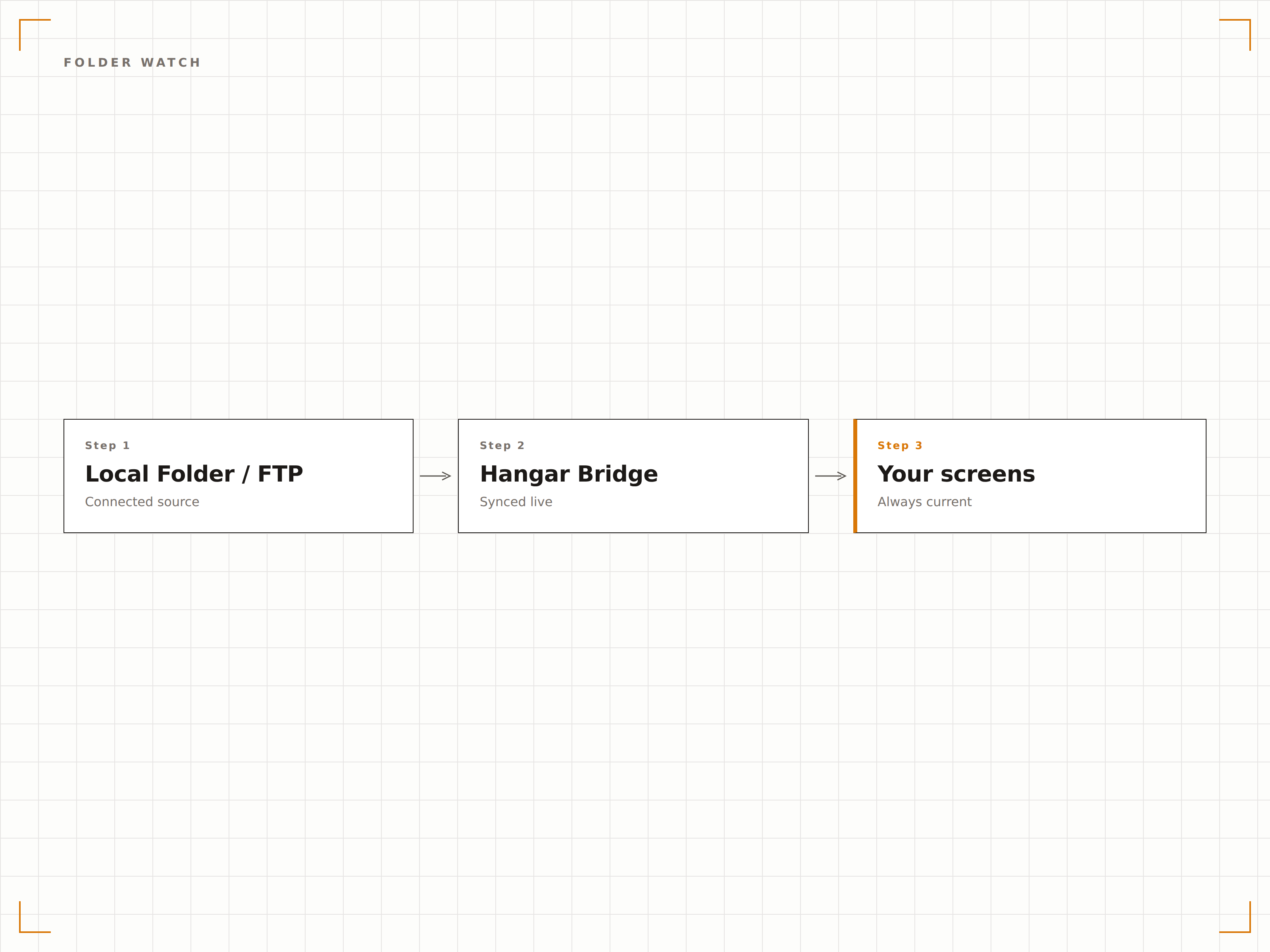
Richten Sie Hangar.Media auf ein lokales Verzeichnis oder einen FTP-Pfad aus, und es überwacht kontinuierlich auf Änderungen. Neue Dateien werden erkannt und zur Anzeige in die Warteschlange gestellt, entfernte Dateien aus Playlists gelöscht und umbenannte Dateien direkt aktualisiert.
Legen Sie Dateien auf der Netzwerkfreigabe ab, und sie erscheinen innerhalb von Minuten auf den Bildschirmen im gesamten Gebäude.
Kontinuierliche Überwachung lokaler und Netzwerkverzeichnisse
Automatische Erkennung von hinzugefügten, entfernten und aktualisierten Dateien
Einstellbare Abfrageintervalle von 30 Sekunden bis 24 Stunden
Verschlüsselte Dateiübertragung
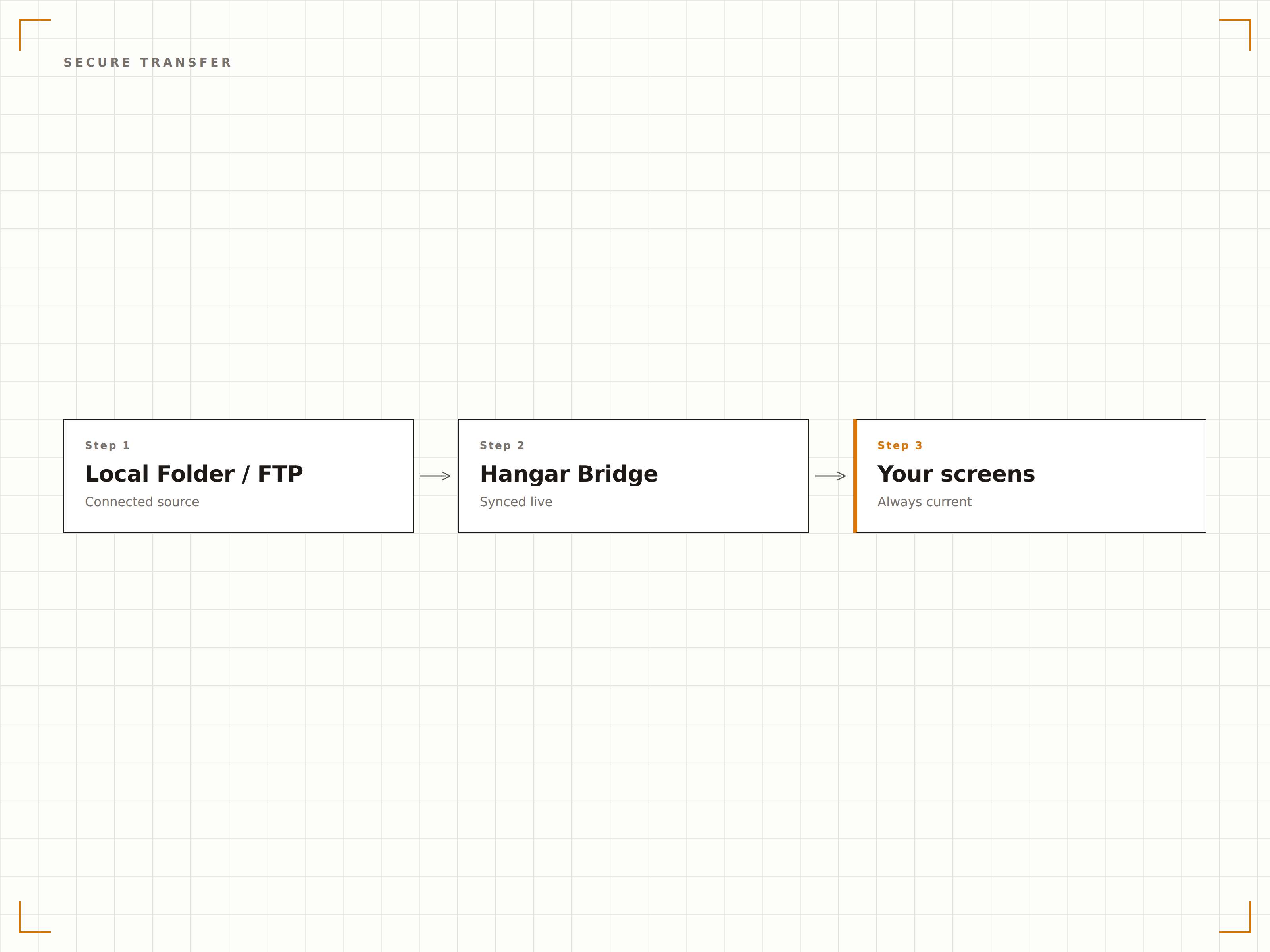
Bei der Verbindung zu Remote-FTP-Servern unterstützt Hangar.Media FTPS und SFTP für verschlüsselte Dateiübertragung. SSH-Schlüssel-Authentifizierung steht für Umgebungen zur Verfügung, in denen passwortbasierter Zugriff nicht erlaubt ist.
SFTP mit schlüsselbasierter Authentifizierung erfüllt unsere IT-Sicherheitsanforderungen ausnahmslos.
Unterstützung für verschlüsselte Übertragung via FTPS und SFTP
SSH-Schlüssel- und zertifikatsbasierte Authentifizierung
IP-Allowlisting für eingeschränkte Serverumgebungen
Nach Typ und Ordner filtern
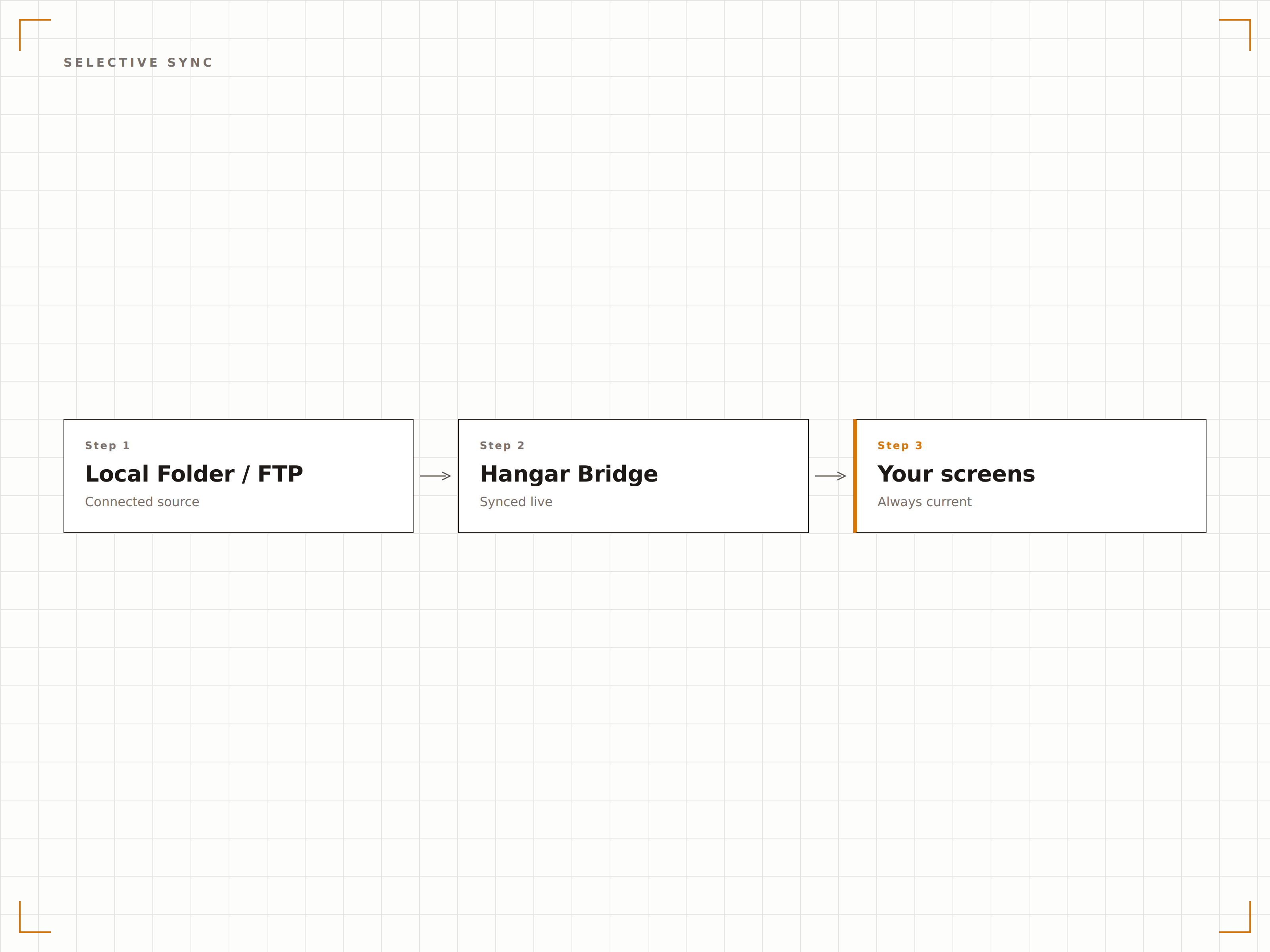
Steuern Sie exakt, was auf Ihren Bildschirmen erscheint – mit Dateitypfiltern und Unterordnerregeln. Schliessen Sie nur bestimmte Bild- oder Videoformate ein, schliessen Sie temporäre Dateien aus und ordnen Sie verschiedene Unterverzeichnisse unterschiedlichen Playlists zu.
Wir filtern nach Unterordnern, sodass jede Abteilung ihren eigenen Bildschirminhalt eigenständig verwaltet.
Dateien nach Erweiterung ein- oder ausschliessen
Unterordner-zu-Playlist-Zuordnung für abteilungsübergreifende Kontrolle
Ignorierregeln für temporäre Dateien, Systemdateien und Vorschaubilder
Vier Schritte zu verbundene Bildschirme.
Von der Einrichtung bis zu Live-Inhalten in Minuten, nicht Tagen.
Verbindung einrichten
Geben Sie den lokalen Pfad, das zugeordnete Laufwerk oder die FTP-Serveradresse zusammen mit den Anmeldedaten im Hangar.Media-Dashboard ein.
Synchronisierungsregeln festlegen
Wählen Sie Dateitypfilter, Unterordner-Zuordnungen und Synchronisierungsintervalle, um zu steuern, welche Inhalte wann auf Ihren Bildschirmen erscheinen.
Playlists zuweisen
Weisen Sie den synchronisierten Ordner oder das FTP-Verzeichnis bestimmten Playlists, Bildschirmgruppen oder Layout-Zonen zu.
Synchronisierung starten
Aktivieren Sie die Verbindung, und Hangar.Media beginnt sofort mit der Dateiüberwachung. Inhalte erscheinen gemäss Ihrem Zeitplan auf den Bildschirmen.
Entwickelt für jeden Branche.
Erfahren Sie, wie verschiedene Branchen diese Integration nutzen, um Ergebnisse zu erzielen.
Intranet-basierte Inhaltsbereitstellung
Unternehmen mit strengen Datenschutzrichtlinien speichern freigegebene Signage-Inhalte auf internen Dateiservern und nutzen die Ordnerüberwachungsfunktion, um sie auf Bildschirmen in Empfangsbereichen und Besprechungsräumen anzuzeigen.
GesundheitswesenHIPAA-konforme Medienverteilung
Krankenhäuser speichern patientengerechte Bildungsinhalte auf sicheren internen Laufwerken und synchronisieren sie mit Wartezimmer-Bildschirmen, ohne dass Daten das lokale Netzwerk bis zur Wiedergabe verlassen.
BildungCampus-Medienserver-Integration
Universitäten mit On-Premise-Medienservern synchronisieren Hörsaalpläne, Campus-Karten und Veranstaltungsankündigungen über internes FTP auf Digital Signage in allen Gebäuden.
EinzelhandelInhalts-Pipeline vom Lager zur Filiale
Einzelhandelsketten mit zentralisierten Kreativteams speichern freigegebene Kampagnen-Assets auf einem FTP-Server, der die Digital Signage-Player in den Filialen über Nacht mit Inhalten versorgt.
Häufige Fragen. Direkte Antworten.
Kann ich eine Verbindung zu einem zugeordneten Netzlaufwerk herstellen
Ja. Wenn der Hangar.Media-Player oder -Agent auf den Netzwerkpfad zugreifen kann, können Sie UNC-Pfade oder zugeordnete Laufwerksbuchstaben als Inhaltsquelle angeben. Das Dienstkonto, unter dem der Agent läuft, muss Leserechte auf der Freigabe besitzen.
Wird SFTP unterstützt
Ja. Hangar.Media unterstützt FTP, FTPS mit TLS sowie SFTP mit Passwort- und SSH-Schlüssel-Authentifizierung. Sie können Ihren privaten Schlüssel direkt in den Integrationseinstellungen hochladen.
Wie oft wird der Ordner auf Änderungen geprüft
Sie können das Abfrageintervall zwischen alle 30 Sekunden und einmal alle 24 Stunden frei einstellen. Für lokale Ordner sorgt ein Dateisystem-Watcher für eine nahezu sofortige Erkennung ohne Polling.
Was passiert, wenn eine Datei aus dem Quellordner gelöscht wird
Wenn eine Datei aus dem überwachten Ordner entfernt wird, löscht Hangar.Media sie beim nächsten Synchronisierungszyklus aus der zugehörigen Playlist. Optional können entfernte Dateien für eine Übergangsfrist beibehalten werden, bevor sie von den Bildschirmen verschwinden.
Ein Preis. Die gesamte Plattform.
So stellen wir uns Digital Signage vor. Inhaltseditor, Bildschirmverwaltung und 200+ App-Integrationen – alles von Anfang an inklusive.
14 Tage kostenlos, bis zu 3 Bildschirme – keine Kreditkarte erforderlich.