Animierte Inhalte leicht gemacht. Flexitive für Bildschirme.
Erstellen Sie ansprechende, animierte Digital Signage Inhalte mit Flexitive und veröffentlichen Sie diese direkt auf Ihren Hangar.Media Bildschirmen. Entwickeln Sie responsive Designs, die sich automatisch an jede Bildschirmgrösse und -ausrichtung anpassen.
Animierte, responsive Inhalte für jeden Bildschirm
Flexitive ist eine Design-Plattform, die speziell für die Erstellung animierter, responsiver digitaler Inhalte entwickelt wurde. Im Gegensatz zu statischen Bildbearbeitungsprogrammen erzeugt Flexitive HTML5-Ausgaben, die flüssig animieren und sich an verschiedene Bildschirmgrössen und -ausrichtungen anpassen. Verbinden Sie Flexitive mit Hangar.Media, und Ihre animierten Designs werden nativ auf Signage-Playern gerendert – für gestochen scharfe, flüssige Wiedergabe.
Was Sie mit Flexitive für Bildschirme. tun können
Drei Funktionen, die diese Integration für Ihr Digital Signage-Netzwerk unverzichtbar machen.
Timeline-basierte Animationen
Erstellen Sie anspruchsvolle Animationen mit dem Flexitive-Timeline-Editor. Fügen Sie Einblendeffekte, Bewegungspfade und sequenzielle Enthüllungen für Texte und Bilder hinzu. Gestalten Sie Inhalte, die sich bewegen, übergehen und fesseln – ganz ohne Videoeditor.
Professionell animieren – ganz ohne Code.
Visueller Timeline-Animationseditor
Vorgefertigte Animations-Presets
Individuelle Easing- und Bewegungskurven
Ein Design, jede Bildschirmgrösse
Erstellen Sie ein einziges Flexitive-Design, das sich automatisch an Quer-, Hochformat- und Ultrabreitbild-Bildschirmformate anpasst. Responsive Breakpoints sorgen dafür, dass Ihre Inhalte auf jedem Bildschirm perfekt aussehen – ohne separate Versionen erstellen zu müssen.
Einmal gestalten, überall anzeigen.
Automatische Ausrichtungsanpassung
Responsive Textskalierung
Breakpoint-basierter Layout-Wechsel
Datengesteuerte Inhaltsvorlagen
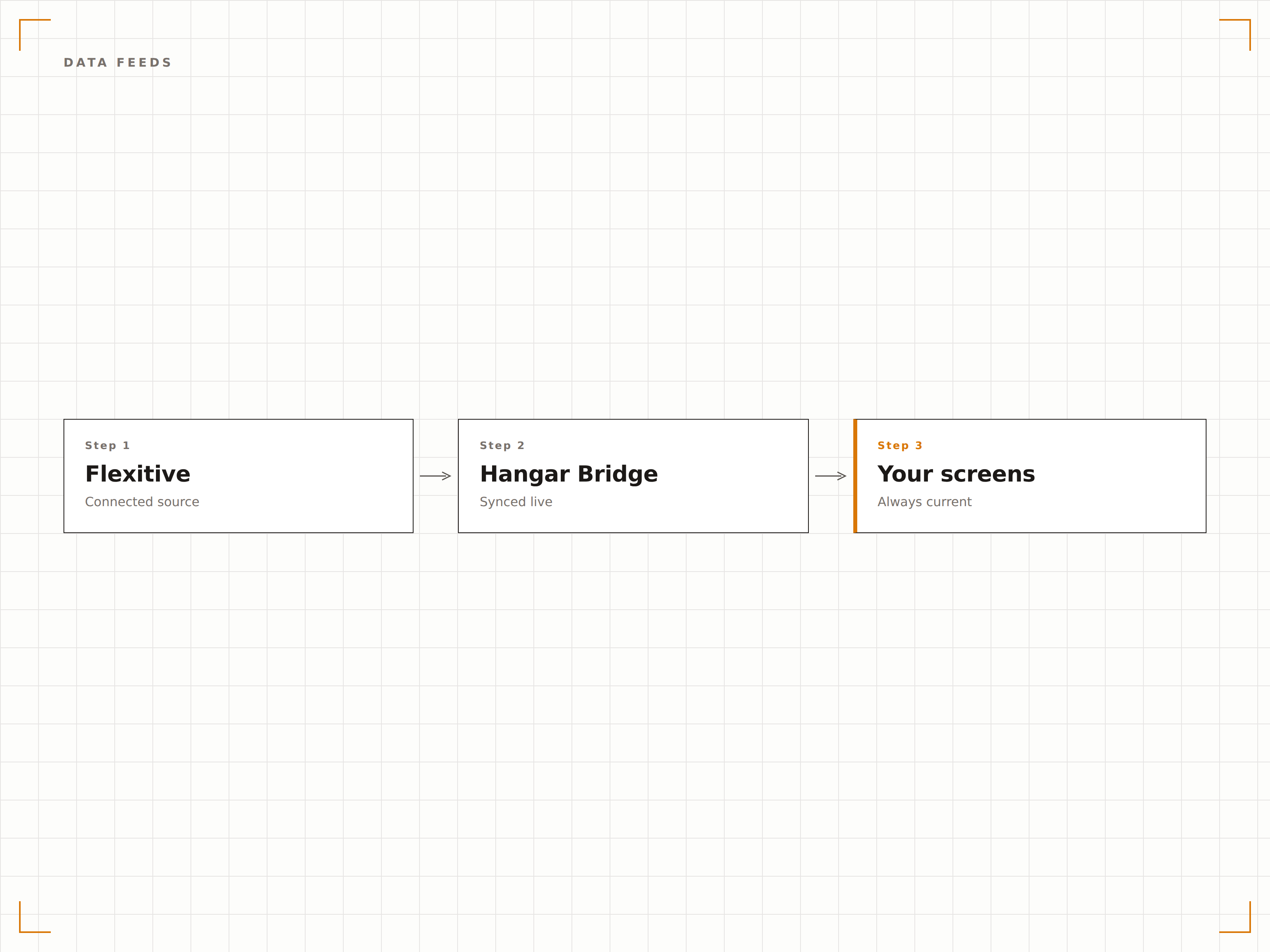
Verbinden Sie Datenfeeds mit Flexitive-Vorlagen, damit Inhalte automatisch aktualisiert werden. Verknüpfen Sie eine Tabelle, einen RSS-Feed oder eine API – und das animierte Design aktualisiert Texte und Bilder auf Basis der neuesten Daten, ganz ohne manuelle Bearbeitung.
Live-Daten, animiert präsentiert.
Tabellen- und CSV-Datenbindung
RSS- und API-Feed-Verbindungen
Automatische Inhaltsaktualisierungszyklen
Vier Schritte zu verbundene Bildschirme.
Von der Einrichtung bis zu Live-Inhalten in Minuten, nicht Tagen.
In Flexitive gestalten
Erstellen Sie Ihre animierten Digital-Signage-Inhalte in der Flexitive-Designplattform mithilfe des visuellen Editors.
Responsive Breakpoints festlegen
Definieren Sie, wie sich Ihr Design an verschiedene Bildschirmgrössen und Ausrichtungen in Ihrem Signage-Netzwerk anpasst.
Auf Hangar.Media veröffentlichen
Nutzen Sie die Flexitive-Integration, um Ihr HTML5-Design direkt in die Hangar.Media-Inhaltsbibliothek zu veröffentlichen.
Auf Bildschirmen veröffentlichen
Fügen Sie die Flexitive-Inhalte Ihren Playlists hinzu und veröffentlichen Sie sie in Ihrem gesamten Signage-Netzwerk.
Entwickelt für jeden Branche.
Erfahren Sie, wie verschiedene Branchen diese Integration nutzen, um Ergebnisse zu erzielen.
Animierte Werbedisplays
Erstellen Sie animierte Werbeinhalte mit Produktpräsentationen, Preisanimationen und aufmerksamkeitsstarker Bewegtbildgestaltung für Digital Signage am Point of Sale.
UnternehmenDynamische Daten-Dashboards
Erstellen Sie animierte KPI-Dashboards, die Live-Daten abrufen und mit fliessenden Übergängen sowie visueller Hervorhebung wichtiger Kennzahlen darstellen.
FinanzwesenKurs- und Produktanzeigen
Erstellen Sie animierte Kurstafeln und Finanzproduktanzeigen, die sich automatisch aktualisieren, wenn sich Kurse aus verbundenen Datenfeeds ändern.
GastgewerbeVeranstaltungs- und Angebotspromotionen
Gestalten Sie animierte Veranstaltungspläne und Angebotspromotionen für Hotel-Bildschirme, die sich an Lobby-, Aufzug- und Zimmerformate anpassen.
Häufige Fragen. Direkte Antworten.
Benötige ich ein Flexitive-Konto?
Ja. Sie benötigen ein Flexitive-Abonnement, um Inhalte über deren Plattform zu erstellen und zu veröffentlichen. Hangar.Media stellt die Signage-Anzeigeinfrastruktur für Flexitive-Inhalte bereit.
Wie funktioniert die responsive Skalierung bei Digital Signage?
Flexitive-Designs umfassen responsive Breakpoints, die das Layout anhand der Bildschirmabmessungen anpassen. Bei der Veröffentlichung auf einem Quer- oder Hochformat-Bildschirm passt das Design Layout, Textgrösse und Elementpositionierung automatisch an.
Kann ich Flexitive-Inhalte ohne erneutes Veröffentlichen aktualisieren?
Ja. Wenn Ihr Flexitive-Design Datenfeed-Verbindungen verwendet, werden die Inhalte automatisch aktualisiert, sobald sich die Datenquelle ändert. Bei Designänderungen aktualisieren Sie das Design in Flexitive und veröffentlichen es erneut auf Hangar.Media.
Welche Performance kann ich von HTML5-Animationen erwarten?
Flexitive-HTML5-Inhalte werden auf modernen Signage-Playern mit 60 fps gerendert. Die schlanke, codebasierte Ausgabe ist effizienter als vergleichbare Videodateien und benötigt weniger Speicherplatz und Bandbreite.
Ein Preis. Die gesamte Plattform.
So stellen wir uns Digital Signage vor. Inhaltseditor, Bildschirmverwaltung und 200+ App-Integrationen – alles von Anfang an inklusive.
14 Tage kostenlos, bis zu 3 Bildschirme – keine Kreditkarte erforderlich.