Direkt im Browser gestalten. Keine Software erforderlich.
Erstellen Sie professionelle Digital Signage-Inhalte mit dem integrierten Content-Editor von Hangar.Media. Ziehen Sie Texte, Bilder, Formen, Widgets und Medien per Drag-and-Drop auf eine visuelle Arbeitsfläche und veröffentlichen Sie diese direkt auf Ihren Bildschirmen.
Ein vollständiges Design-Studio in Ihrer Signage-Plattform
Der Hangar.Media Content-Editor ist ein browserbasiertes Design-Tool, mit dem jeder Signage-Inhalte erstellen kann – ganz ohne externe Software. Fügen Sie Texte mit individuellen Schriftarten hinzu, importieren Sie Bilder, platzieren Sie Widgets und gestalten Sie mehrzeilige Layouts auf einer visuellen Arbeitsfläche. Sehen Sie genau, wie Ihre Inhalte auf den Bildschirmen aussehen werden – bevor Sie diese veröffentlichen.
Was Sie mit Keine Software erforderlich. tun können
Drei Funktionen, die diese Integration für Ihr Digital Signage-Netzwerk unverzichtbar machen.
WYSIWYG-Design-Erlebnis
Der Content Editor bietet eine pixelgenaue Arbeitsfläche, die Ihrer Bildschirmauflösung entspricht. Was Sie im Editor sehen, erscheint exakt so auf Ihren Bildschirmen. Verschieben, skalieren und überlagern Sie Elemente mit einfachem Klicken und Ziehen.
Entwerfen, sehen, veröffentlichen.
Pixelgenaue Bildschirmdarstellung
Raster-Ausrichtungswerkzeuge
Rückgängig und Wiederholen für jede Aktion
Integrierte Content-Widgets
Fügen Sie vorgefertigte Widgets in Ihre Designs ein – darunter Uhren, Wetter, Countdown-Timer, RSS-Feeds und Social-Media-Ticker. Widgets aktualisieren sich automatisch mit Live-Daten, damit Ihre Inhalte stets aktuell bleiben.
Live-Daten-Widgets, per Drag-and-Drop.
Uhr-, Wetter- und Datums-Widgets
RSS- und Social-Media-Feed-Widgets
Countdown- und Veranstaltungs-Timer-Widgets
Professionelle Textgestaltung
Greifen Sie auf Hunderte von Google Fonts zu und laden Sie benutzerdefinierte Markenschriftarten hoch. Gestalten Sie Text mit Schatten, Konturen, Verläufen und Animationen. Erstellen Sie scrollende Ticker und animierte Textübergänge für dynamische Displays.
Jede Schriftart, jeder Stil, jeder Bildschirm.
Integration der Google Fonts-Bibliothek
Unterstützung für benutzerdefinierte Schriftarten
Textanimationen und scrollende Ticker
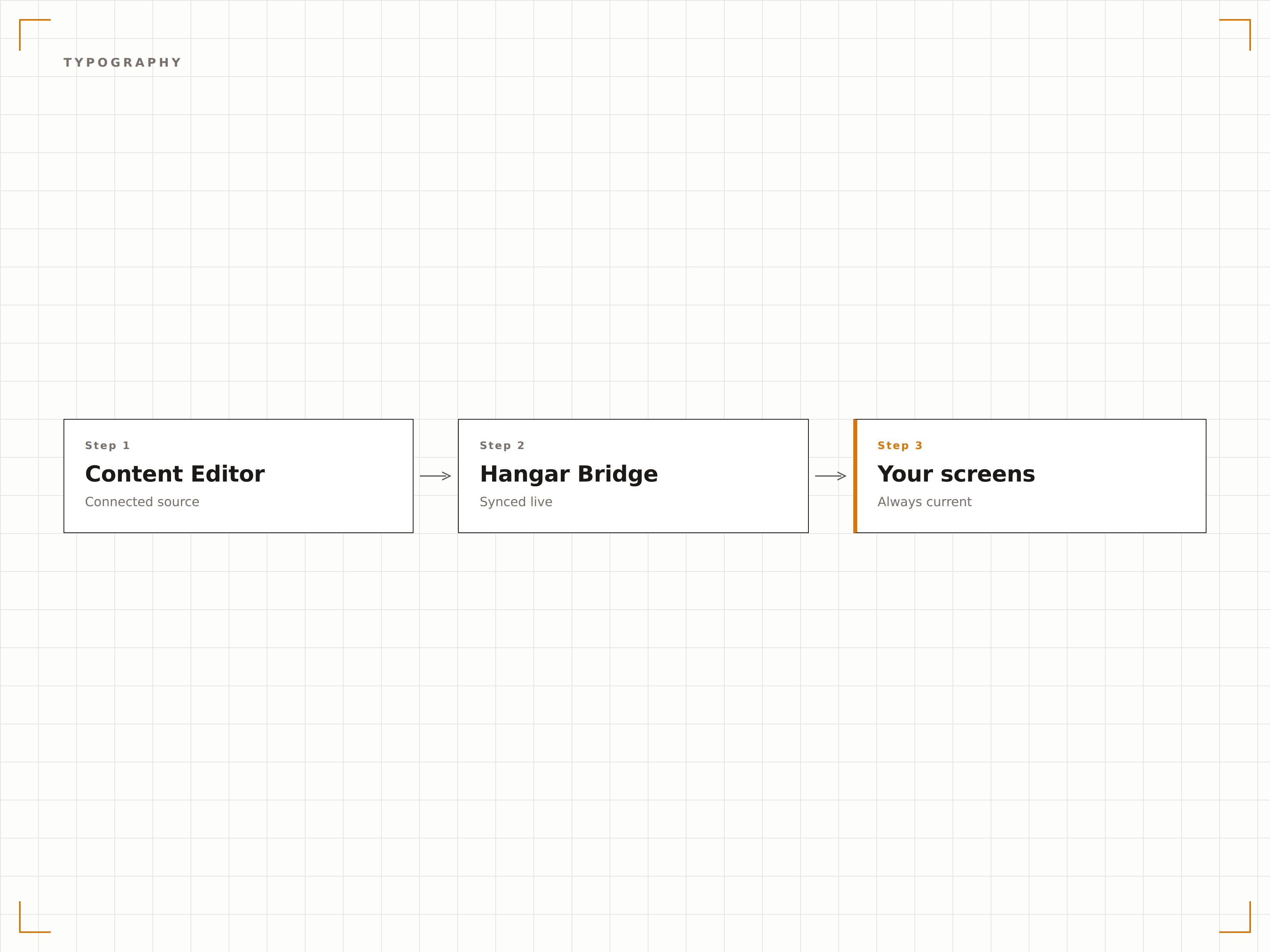
Vier Schritte zu verbundene Bildschirme.
Von der Einrichtung bis zu Live-Inhalten in Minuten, nicht Tagen.
Content Editor öffnen
Klicken Sie im Hangar.Media-Dashboard auf «Erstellen» und wählen Sie den Content Editor, um die visuelle Design-Arbeitsfläche zu öffnen.
Leinwandgrösse wählen
Wählen Sie Ihre Bildschirmauflösung oder -ausrichtung, oder starten Sie mit einem vorgefertigten Vorlagen-Layout.
Inhalte gestalten
Fügen Sie Text, Bilder, Formen und Widgets zur Arbeitsfläche hinzu. Ordnen Sie Elemente an, passen Sie deren Grösse an und überlagern Sie sie, um Ihr Design zu erstellen.
Vorschau und Veröffentlichung
Zeigen Sie Ihr Design in voller Auflösung in der Vorschau an und veröffentlichen Sie es direkt auf ausgewählten Bildschirmen oder fügen Sie es einer Playlist hinzu.
Entwickelt für jeden Branche.
Erfahren Sie, wie verschiedene Branchen diese Integration nutzen, um Ergebnisse zu erzielen.
Ankündigungsdisplays im Büro
Interne Kommunikationsteams erstellen direkt im Editor gebrandete Ankündigungen, Richtlinien-Updates und Veranstaltungspromotionen für Büro-Bildschirme.
EinzelhandelWerbedisplays im Geschäft
Filialleiter gestalten Werbeinhalte mit Preisen, Produktbildern und Branding-Elementen für die schnelle Veröffentlichung auf Verkaufsflächen-Bildschirmen.
GesundheitswesenPatienteninformationsdisplays
Verwaltungsmitarbeitende im Gesundheitswesen erstellen Wartezimmer-Informationsbildschirme mit Gesundheitstipps, Abteilungsverzeichnissen und Öffnungszeiten.
BildungSchulveranstaltungstafeln
Schuladministratoren gestalten Veranstaltungsankündigungen, Leistungstafeln und Stundenplandisplays für Digital Signage in Schulfluren.
Häufige Fragen. Direkte Antworten.
Benötige ich Design-Erfahrung, um den Content Editor zu nutzen?
Nein. Der Content Editor ist für Benutzer aller Erfahrungsstufen konzipiert. Starten Sie mit einer Vorlage, tauschen Sie Text und Bilder aus und veröffentlichen Sie. Die Drag-and-Drop-Oberfläche erfordert keine Design-Kenntnisse.
Kann ich benutzerdefinierte Schriftarten im Editor verwenden?
Ja. Sie können aus Hunderten von Google Fonts wählen oder eigene Schriftartdateien im TTF- oder OTF-Format hochladen. Benutzerdefinierte Schriftarten stehen nach dem Hochladen in allen Ihren Designs zur Verfügung.
Unterstützt der Editor Animationen?
Ja. Sie können jedem Element Eingangs-, Ausgangs- und Schleifen-Animationen hinzufügen. Text kann scrollen, Bilder können eingeblendet werden, und ganze Layouts können zeitgesteuert zwischen Zuständen wechseln.
Können mehrere Teammitglieder den Editor nutzen?
Ja. Mehrere Teammitglieder können mit ihren eigenen Hangar.Media-Konten Inhalte im Editor erstellen. Rollenbasierte Berechtigungen steuern, wer Inhalte erstellen, bearbeiten, genehmigen und veröffentlichen darf.
Ein Preis. Die gesamte Plattform.
So stellen wir uns Digital Signage vor. Inhaltseditor, Bildschirmverwaltung und 200+ App-Integrationen – alles von Anfang an inklusive.
14 Tage kostenlos, bis zu 3 Bildschirme – keine Kreditkarte erforderlich.