GoBright-Arbeitsbereichsdaten. Auf Ihren Bildschirmen angezeigt.
Verbinden Sie GoBright mit Ihrem Digital Signage und zeigen Sie die Verfügbarkeit von Besprechungsräumen, den Status von Schreibtischbuchungen und Belegungsdaten von Arbeitsbereichen an. Verwandeln Sie Ihr Büro in einen smarten, datengesteuerten Arbeitsplatz.
Smarte Arbeitsbereichsdaten auf Ihrem Signage
GoBright ist eine Smart-Office-Plattform, die Raumbuchungen, Schreibtischreservierungen und die Belegung von Arbeitsbereichen mithilfe von IoT-Sensoren verwaltet. Hangar.Media stellt eine Verbindung zu GoBright her und zeigt diese Daten auf Ihrem Digital Signage an – so erhalten Mitarbeitende und Facility Manager in Echtzeit einen Überblick darüber, wie Arbeitsbereiche im gesamten Büro genutzt werden.
Was Sie mit Auf Ihren Bildschirmen angezeigt. tun können
Drei Funktionen, die diese Integration für Ihr Digital Signage-Netzwerk unverzichtbar machen.
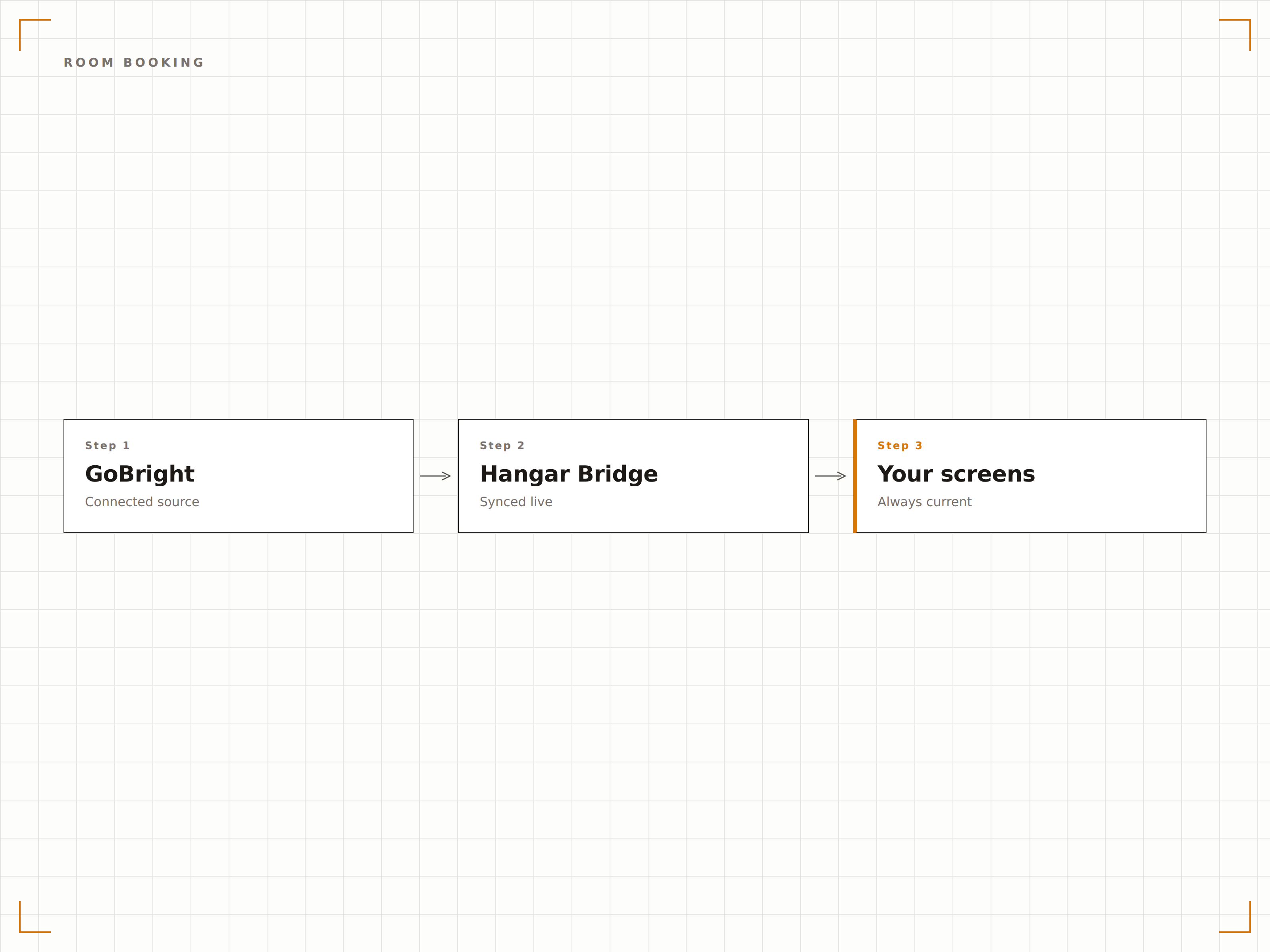
GoBright Raumpanel-Displays
Zeigen Sie GoBright-Besprechungsraumdaten auf Digital Signage Panels ausserhalb der jeweiligen Räume an. Stellen Sie Buchungsstatus, aktuelle Besprechungsdetails und den bevorstehenden Zeitplan dar. GoBright-Sensordaten können die tatsächliche Raumbelegung im Vergleich zum gebuchten Status anzeigen.
Gebucht, belegt oder wirklich frei.
Echtzeit-Buchungsstatus von GoBright
Sensorverifizierte Raumbelegung
Walk-up-Buchung über Touchscreens
Hot-Desk-Verfügbarkeitskarten
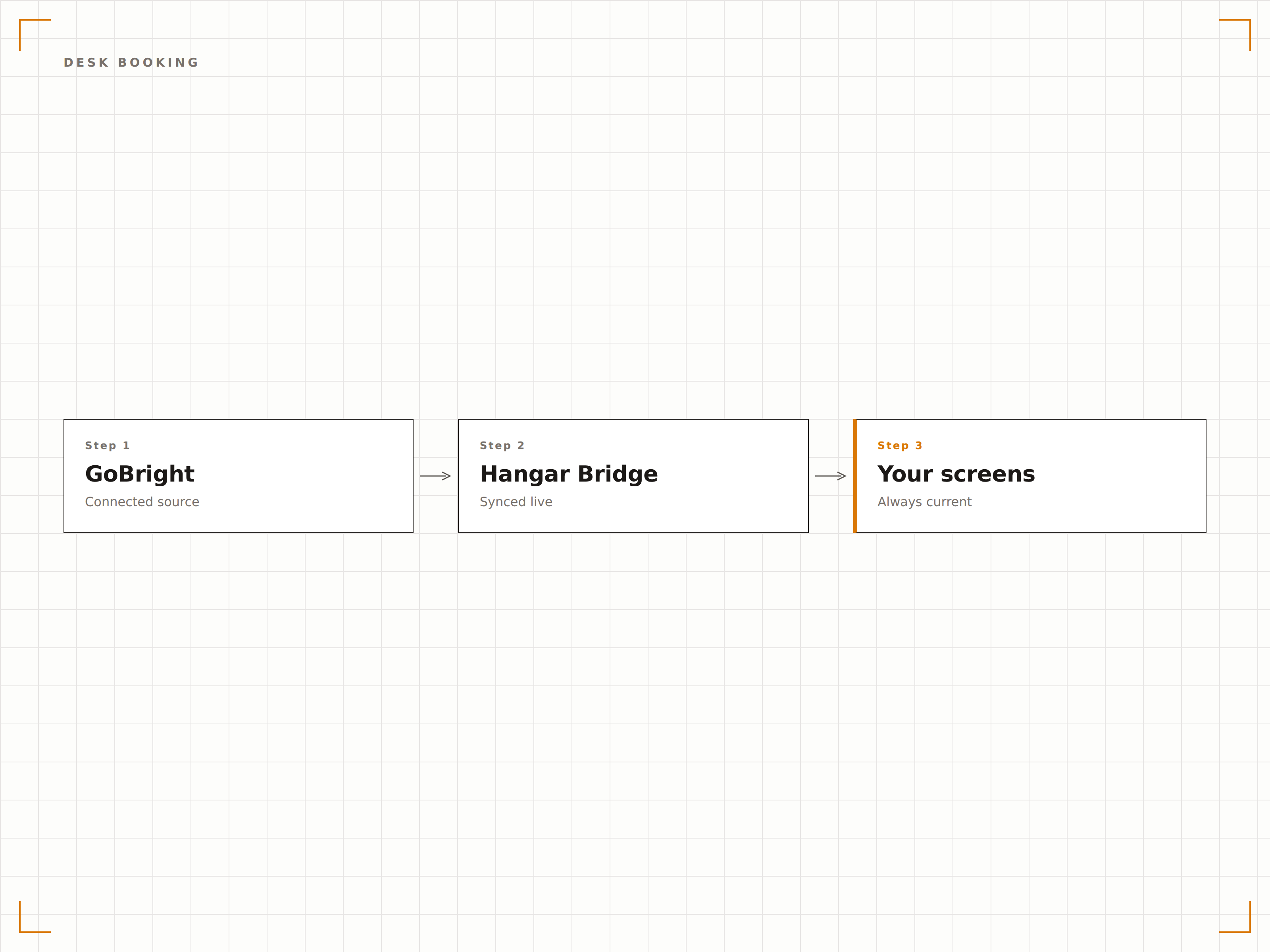
Zeigen Sie Grundrisspläne an, auf denen in Echtzeit ersichtlich ist, welche Arbeitsplätze gebucht, belegt oder verfügbar sind. Mitarbeitende, die ins Büro kommen, können auf den Lobby-Bildschirmen verfügbare Hot-Desks einsehen, bevor sie in ihren bevorzugten Bereich gehen.
Finden Sie einen Arbeitsplatz, bevor Sie durch das Büro laufen.
Interaktive Grundrissplan-Anzeige
Arbeitsplatzstatus per Farbcode
Zonen- und Bereichsgruppierung
Arbeitsplatznutzungs-Dashboards
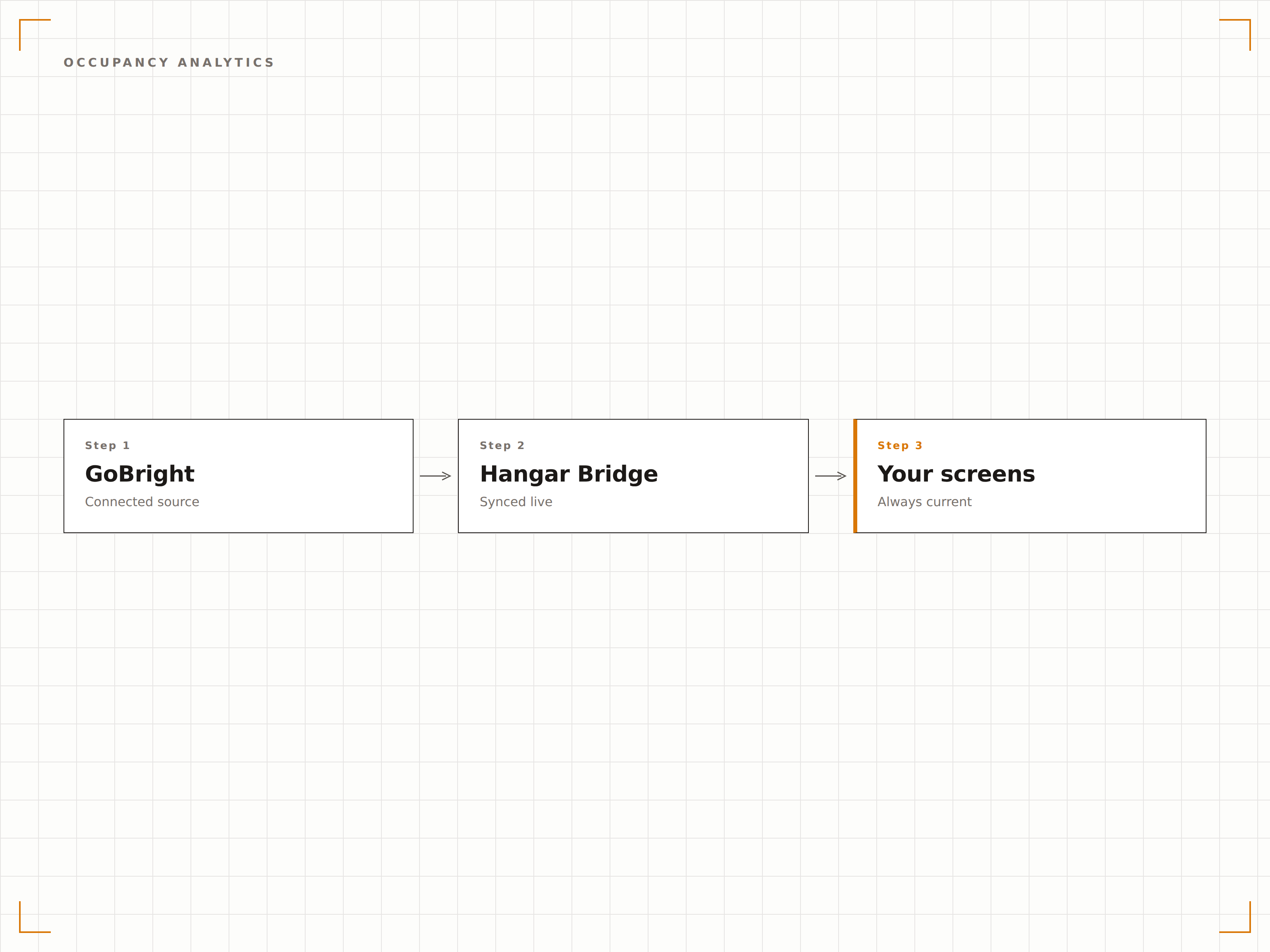
GoBright IoT-Sensoren erfassen die tatsächliche Nutzung von Arbeitsbereichen. Zeigen Sie Nutzungs-Dashboards auf Management-Bildschirmen an, die aufzeigen, welche Räume und Arbeitsplätze tatsächlich genutzt werden – im Vergleich zu bloss gebuchten Flächen – und helfen Sie so, die Flächenzuteilung zu optimieren.
Reale Daten darüber, wie Ihre Flächen tatsächlich genutzt werden.
Tatsächliche versus gebuchte Auslastungsraten
Analyse der Spitzenbelegungszeiten
Nutzungs-Heatmaps auf Zonenebene
Vier Schritte zu verbundene Bildschirme.
Von der Einrichtung bis zu Live-Inhalten in Minuten, nicht Tagen.
GoBright verbinden
Geben Sie Ihre GoBright-API-Zugangsdaten im Integrationspanel von Hangar.Media ein, um auf Raum-, Arbeitsplatz- und Sensordaten zuzugreifen.
Bereiche Bildschirmen zuweisen
Weisen Sie GoBright-Räume und Grundrisszonen den entsprechenden Digital Signage Bildschirmen in Ihrem Büro zu.
Anzeigetypen auswählen
Wählen Sie für jeden Bildschirmstandort Raumpanels, Arbeitsplatzverfügbarkeitskarten oder Nutzungs-Dashboards.
Im gesamten Büro veröffentlichen
Veröffentlichen Sie GoBright-gestützte Signage auf Ihren Bildschirmen für eine Echtzeit-Übersicht Ihrer Arbeitsbereiche.
Entwickelt für jeden Branche.
Erfahren Sie, wie verschiedene Branchen diese Integration nutzen, um Ergebnisse zu erzielen.
Hybrid-Büro-Arbeitsplatzbuchung
Zeigen Sie die Hot-Desk-Verfügbarkeit auf Büro-Lobby-Bildschirmen an, damit Hybrid-Mitarbeitende beim Eintreffen schnell einen verfügbaren Arbeitsplatz finden und reservieren können.
UnternehmenIntelligente Konferenzraum-Panels
Installieren Sie GoBright-gestützte Raumpanels, die sowohl den Buchungsstatus als auch die sensorverifizierte Belegung anzeigen, um Geisterbuchungen zu eliminieren.
BildungBibliotheks-Arbeitsplatzverfügbarkeit
Zeigen Sie die Verfügbarkeit von Bibliotheksarbeitsplätzen und Lernkabinen auf Eingangsbildschirmen mithilfe von GoBright-Belegungsdaten an, damit Studierende freie Plätze finden.
FinanzenArbeitsplatzverwaltung im Handelsbereich
Zeigen Sie Buchungs- und Belegungsdaten auf Bildschirmen im Handelsbereich an, damit Finanzfachleute in Hot-Desking-Umgebungen verfügbare Arbeitsplätze finden.
Häufige Fragen. Direkte Antworten.
Benötige ich GoBright-Hardware-Sensoren für diese Integration?
Sensoren sind optional. Die Buchungsdaten-Integration funktioniert ohne Sensoren, indem sie auf GoBright-Softwaredaten zurückgreift. Durch das Hinzufügen von GoBright IoT-Sensoren wird eine tatsächliche Belegungserkennung und Nutzungsanalyse ermöglicht.
Kann ich die Schreibtischverfügbarkeit auf einem Grundrissplan anzeigen?
Ja. Hangar.Media kann GoBright-Grundrissdaten als visuelle Karten auf Ihren Signage-Displays darstellen. Jeder Arbeitsplatz zeigt seinen aktuellen Status mit farbcodierten Indikatoren für verfügbar, gebucht und belegt.
Wie unterscheidet sich die sensorbasierte Belegung von Buchungsdaten?
Buchungsdaten zeigen, was reserviert ist. Sensordaten zeigen, was tatsächlich belegt ist. Diese Unterscheidung hilft dabei, Geisterbuchungen zu erkennen – also Räume, die gebucht, aber nicht genutzt werden – und ermöglicht die automatische Freigabe ungenutzter Flächen.
Können Mitarbeitende Arbeitsplätze über den Signage-Bildschirm buchen?
Ja, auf Displays mit Touchscreen. Mitarbeitende können auf einen verfügbaren Arbeitsplatz im Grundrissplan tippen, um ihn zu reservieren. Die Buchung wird sofort mit GoBright und dem persönlichen Kalender synchronisiert.
Ein Preis. Die gesamte Plattform.
So stellen wir uns Digital Signage vor. Inhaltseditor, Bildschirmverwaltung und 200+ App-Integrationen – alles von Anfang an inklusive.
14 Tage kostenlos, bis zu 3 Bildschirme – keine Kreditkarte erforderlich.