iCloud Calendar auf Ihren Bildschirmen. Apple-Ökosystem nahtlos verbunden.
Synchronisieren Sie Ihre iCloud-Kalender mit Hangar.Media und zeigen Sie Ereignisse auf Ihrem Digital Signage an. Ideal für Apple-orientierte Organisationen, die ihre Zeitpläne über iCloud und Apple Calendar verwalten.
Apple-Kalender auf Ihren Digital-Signage-Bildschirmen
Für Organisationen, die Apple Calendar und iCloud nutzen, bietet Hangar.Media eine direkte Kalendersynchronisation via CalDAV. Ereignisse, die auf einem beliebigen Apple-Gerät erstellt werden – ob iPhone, iPad oder Mac – erscheinen automatisch auf Ihren Digital-Signage-Bildschirmen. Zeigen Sie persönliche, geteilte und delegierte Kalender in übersichtlichen, gut lesbaren Layouts an.
Was Sie mit Apple-Ökosystem nahtlos verbunden. tun können
Drei Funktionen, die diese Integration für Ihr Digital Signage-Netzwerk unverzichtbar machen.
Sichere iCloud Calendar-Verbindung
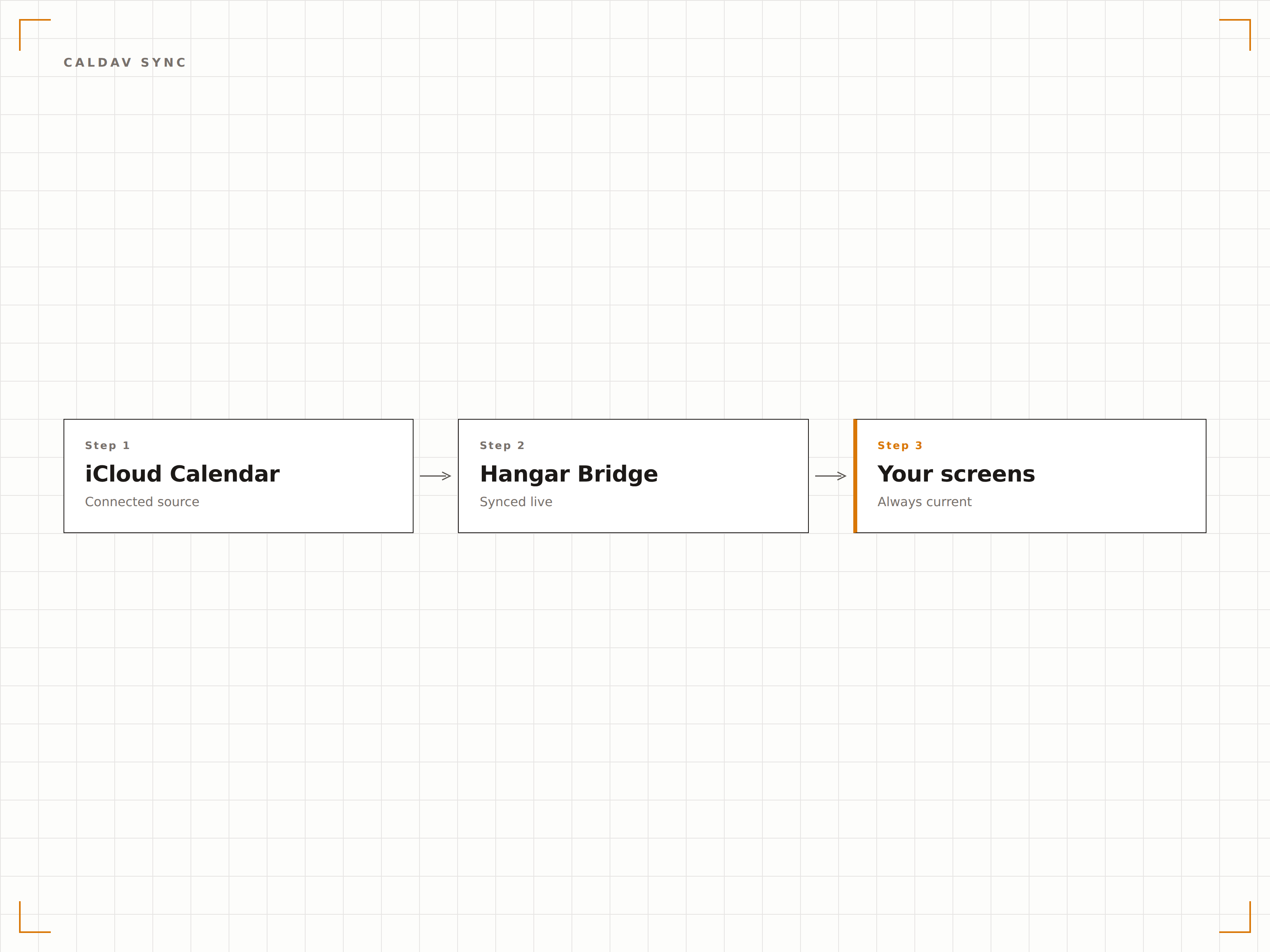
Hangar.Media verbindet sich mit iCloud-Kalendern über das CalDAV-Protokoll mit App-spezifischen Passwörtern. Die Verbindung ist sicher, zuverlässig und erfordert keine öffentlichen iCal-Links, die von anderen aufgerufen werden könnten.
Sichere Synchronisierung, kein öffentlicher Link erforderlich.
App-spezifische Passwort-Authentifizierung
Verschlüsselte CalDAV-Verbindung
Kontinuierliche Hintergrundsynchronisierung
Alle Ihre iCloud-Kalender
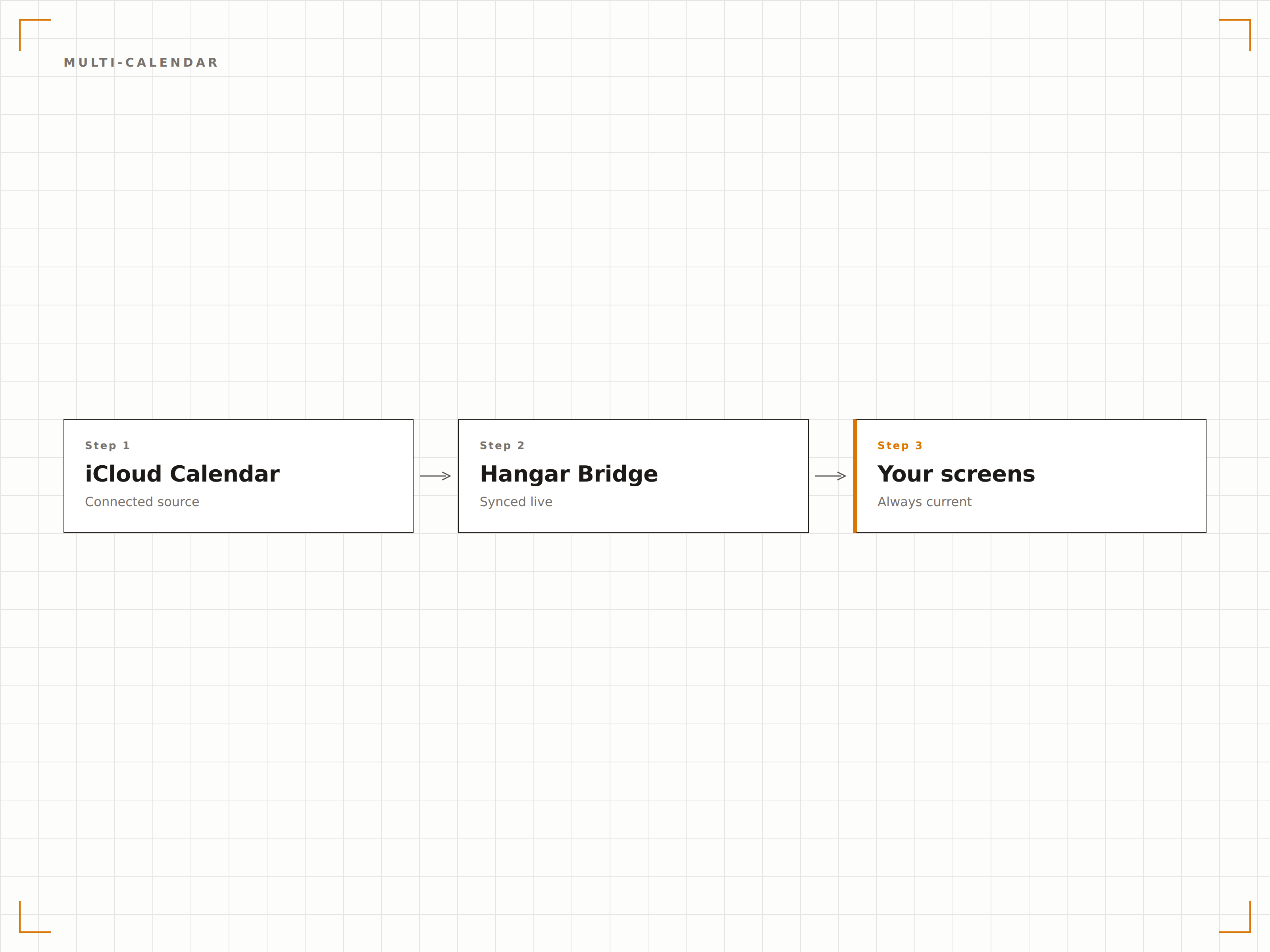
Zeigen Sie Ereignisse aus allen Ihren iCloud-Kalendern auf einem Bildschirm an. Persönliche, berufliche, familiäre und geteilte Kalender erhalten jeweils eine eigene Farbe und können pro Bildschirm ein- oder ausgeblendet werden.
Jeder iCloud-Kalender, eine Anzeige.
Unterstützung für persönliche und geteilte Kalender
Farbcodierung pro Kalender
Kalenderauswahl pro Bildschirm
Auf jedem Gerät erstellen, auf Signage anzeigen
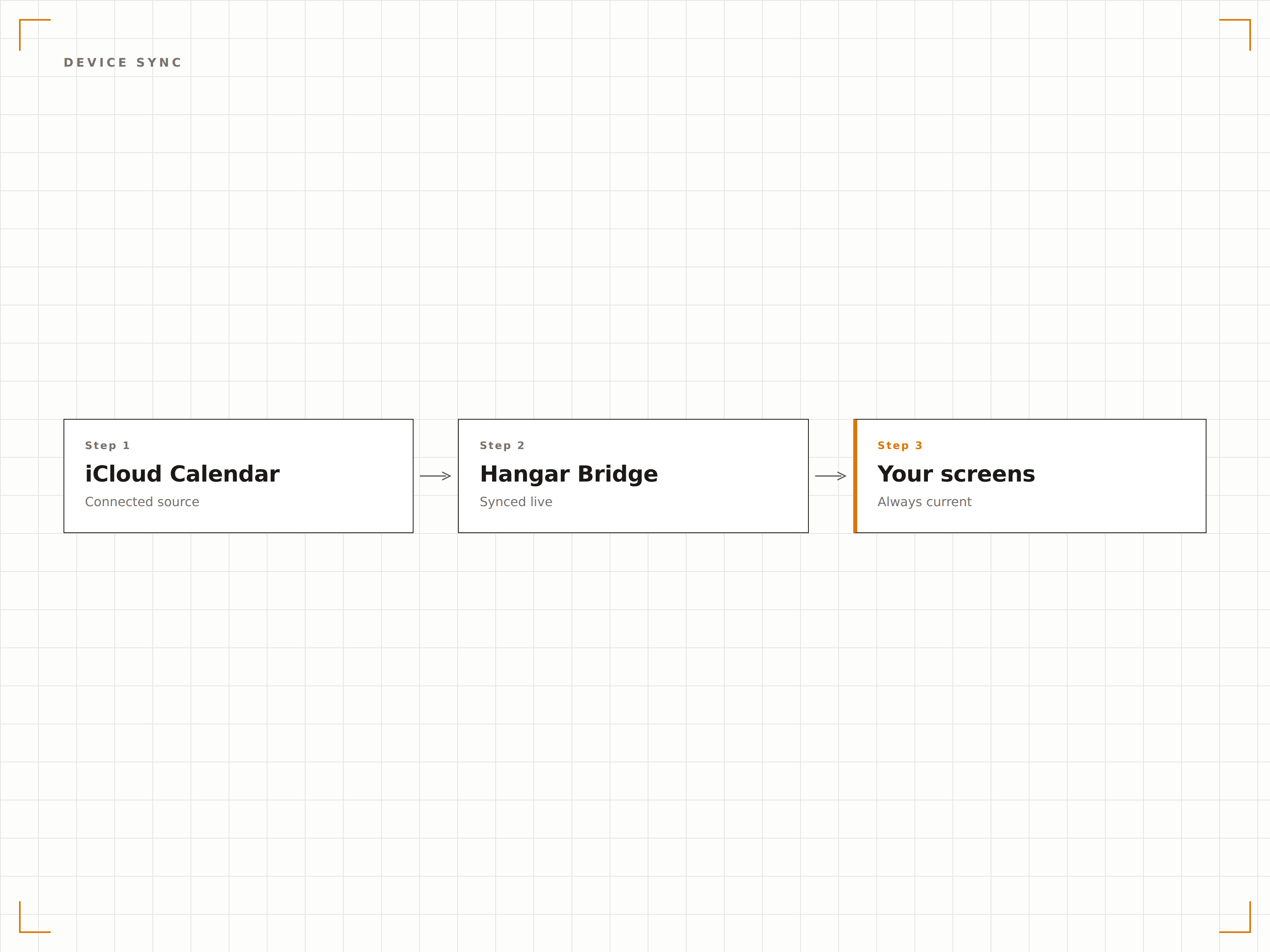
Fügen Sie während eines Meetings ein Ereignis auf Ihrem iPhone hinzu, und es erscheint innerhalb von Minuten auf dem Büro-Signage-Bildschirm. Dank der Synchronisierung im Apple-Ökosystem spiegeln Ihre Bildschirme stets die neuesten Zeitplanänderungen wider.
Auf dem Handy hinzufügen, an der Wand sehen.
Synchronisierung von Ereignissen auf iPhone, iPad und Mac
Von Siri erstellte Ereignisse werden mit dem Signage synchronisiert
Einladungsantworten werden auf dem Display angezeigt
Vier Schritte zu verbundene Bildschirme.
Von der Einrichtung bis zu Live-Inhalten in Minuten, nicht Tagen.
App-spezifisches Passwort generieren
Erstellen Sie ein App-spezifisches Passwort in Ihren Apple-ID-Kontoeinstellungen für den sicheren Hangar.Media-Zugriff.
iCloud Calendar verbinden
Geben Sie Ihre Apple ID und Ihr App-spezifisches Passwort in den Hangar.Media iCloud-Integrationseinstellungen ein.
Kalender zur Anzeige auswählen
Wählen Sie, welche iCloud-Kalender auf Ihrem Signage angezeigt werden sollen, und weisen Sie jedem eine Farbe zu.
Einrichten und veröffentlichen
Legen Sie das Anzeigeformat, die Schriftgrösse und die Sichtbarkeit der Ereignisdetails fest und veröffentlichen Sie sie auf Ihren Bildschirmen.
Entwickelt für jeden Branche.
Erfahren Sie, wie verschiedene Branchen diese Integration nutzen, um Ergebnisse zu erzielen.
Anzeige von Lehrerplänen
Zeigen Sie individuelle iCloud-Kalender von Lehrpersonen auf Bildschirmen ausserhalb der Klassenzimmer an, damit Schülerinnen, Schüler und Eltern Verfügbarkeiten und Stundenpläne einsehen können.
BeautyAnzeige von Salonterminplänen
Zeigen Sie Terminkalender von Stylistinnen und Stylisten aus iCloud auf Salonbildschirmen an, damit Laufkundschaft freie Zeitfenster im Tagesverlauf einsehen kann.
UnternehmensbereichVeranstaltungsboards für kleine Büros
Zeigen Sie geteilte Team-iCloud-Kalender auf Bildschirmen in kleinen Büros an, um Teams über Meetings, Deadlines und Ereignisse auf dem Laufenden zu halten.
GastgewerbeVeranstaltungspläne für kleine Locations
Zeigen Sie Veranstaltungspläne aus iCloud-Kalendern auf Bildschirmen in kleinen Veranstaltungsorten, Bed-and-Breakfasts und Boutique-Hotels an.
Häufige Fragen. Direkte Antworten.
Wird mein Apple-ID-Passwort sicher gespeichert?
Hangar.Media verwendet Apple App-spezifische Passwörter, die von Ihrem Haupt-Apple-ID-Passwort getrennt sind. Diese Passwörter können jederzeit in Ihren Apple-ID-Einstellungen widerrufen werden, ohne Ihr primäres Konto zu beeinträchtigen.
Kann ich Kalender anzeigen, die von anderen iCloud-Nutzern geteilt wurden?
Ja. Geteilte iCloud-Kalender, die in Ihrer Apple Kalender-App erscheinen, sind über die CalDAV-Verbindung zugänglich und können auf Ihrem Signage angezeigt werden.
Funktioniert dies mit iCloud-Kalendern auf einem verwalteten Apple Business-Konto?
Ja. Apple Business Manager und verwaltete Apple IDs unterstützen den CalDAV-Zugriff. Stellen Sie sicher, dass App-spezifische Passwörter für verwaltete Konten in Ihren Organisationseinstellungen aktiviert sind.
Wie schnell erscheinen neue Ereignisse auf dem Signage?
Neue Ereignisse werden innerhalb von 5 Minuten nach ihrer Erstellung oder Änderung in iCloud mit Ihren Signage-Bildschirmen synchronisiert. Sie können eine manuelle Synchronisierung für sofortige Aktualisierungen auslösen.
Ein Preis. Die gesamte Plattform.
So stellen wir uns Digital Signage vor. Inhaltseditor, Bildschirmverwaltung und 200+ App-Integrationen – alles von Anfang an inklusive.
14 Tage kostenlos, bis zu 3 Bildschirme – keine Kreditkarte erforderlich.