Jeder Kalender, ein Bildschirm. Einheitliche Übersicht.
Aggregieren Sie Ereignisse aus Google Calendar, Outlook, iCal-Feeds und benutzerdefinierten Quellen in einer einzigen, einheitlichen Kalenderanzeige auf Ihrem Digital Signage. Sehen Sie alles, was in Ihrer Organisation passiert, auf einem Bildschirm.
Alle Ihre Kalender an einem Ort
Die meisten Organisationen nutzen abteilungsübergreifend mehrere Kalendersysteme. Der Hangar.Media Calendar Aggregator ruft Ereignisse aus Google Calendar, Microsoft Outlook, Apple Calendar, iCal-Feeds und benutzerdefinierten Datenquellen ab und stellt sie in einer einheitlichen Ansicht dar. Kennzeichnen Sie Ereignisse farblich nach Quelle, filtern Sie nach Kategorie und geben Sie Ihrem Publikum einen vollständigen Überblick über das aktuelle Geschehen.
Was Sie mit Einheitliche Übersicht. tun können
Drei Funktionen, die diese Integration für Ihr Digital Signage-Netzwerk unverzichtbar machen.
Jede Kalenderplattform verbinden
Fügen Sie Kalenderquellen von jeder Plattform hinzu. Google Workspace, Microsoft 365, iCal-Feeds, CalDAV-Server und sogar benutzerdefinierte REST-APIs können alle in den Aggregator einspeisen. Keine einheitliche Kalenderplattform in Ihrer Organisation erforderlich.
Verschiedene Abteilungen, verschiedene Kalender, ein Bildschirm.
Google Workspace Kalenderunterstützung
Microsoft 365 und Exchange Unterstützung
Generische iCal- und CalDAV-Verbindungen
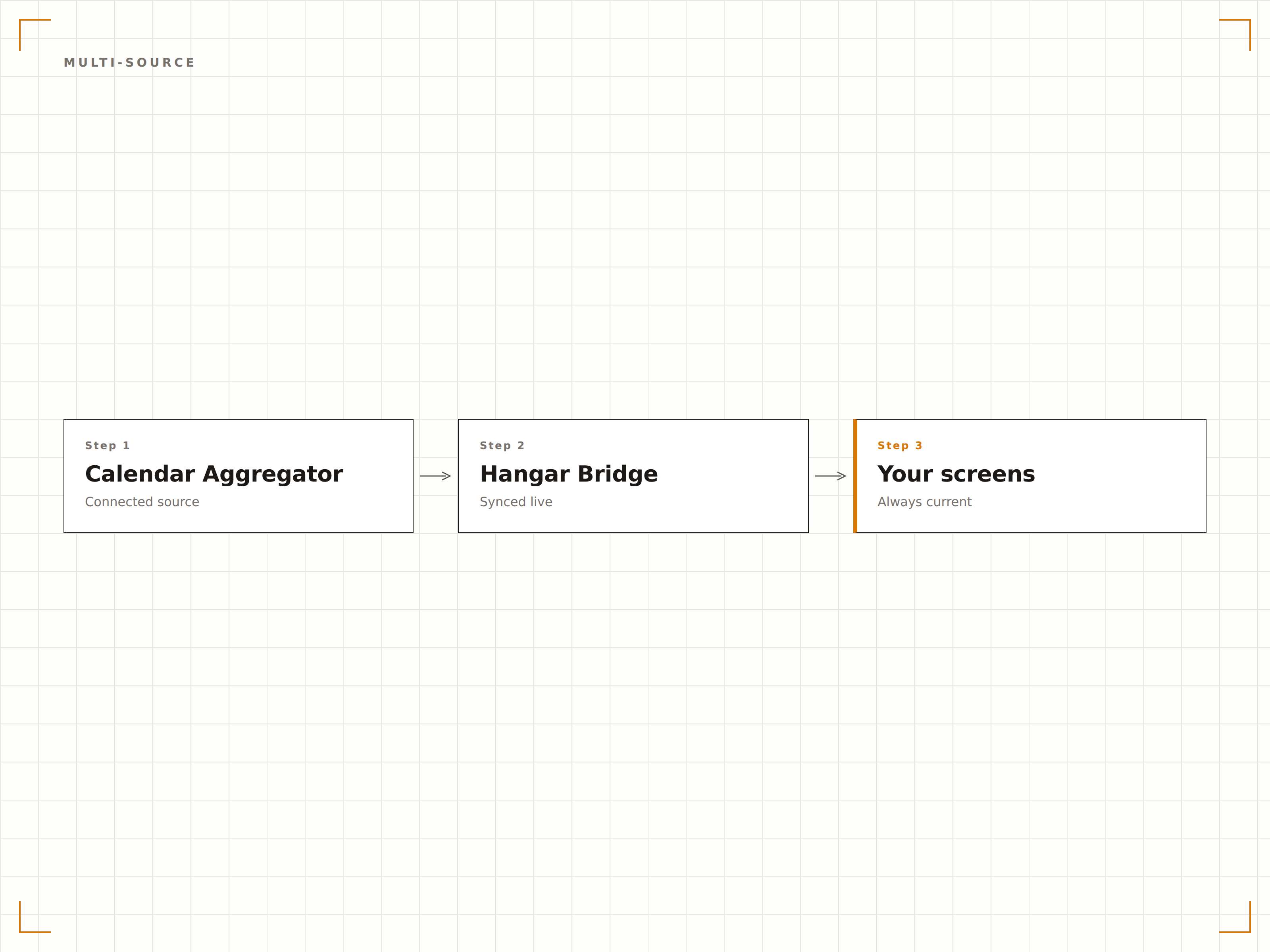
Intelligente Ereignis-Deduplizierung
Wenn dasselbe Ereignis in mehreren Kalendern vorhanden ist, erkennt der Aggregator Duplikate und zeigt das Ereignis nur einmal an. Der intelligente Abgleich berücksichtigt Ereignistitel, -zeit und -ort, um unübersichtliche Anzeigen zu vermeiden.
Ein Ereignis, einmal angezeigt, aus allen Quellen.
Automatische Duplikaterkennung
Titel- und zeitbasierter Abgleich
Manuelle Überschreibung für Grenzfälle
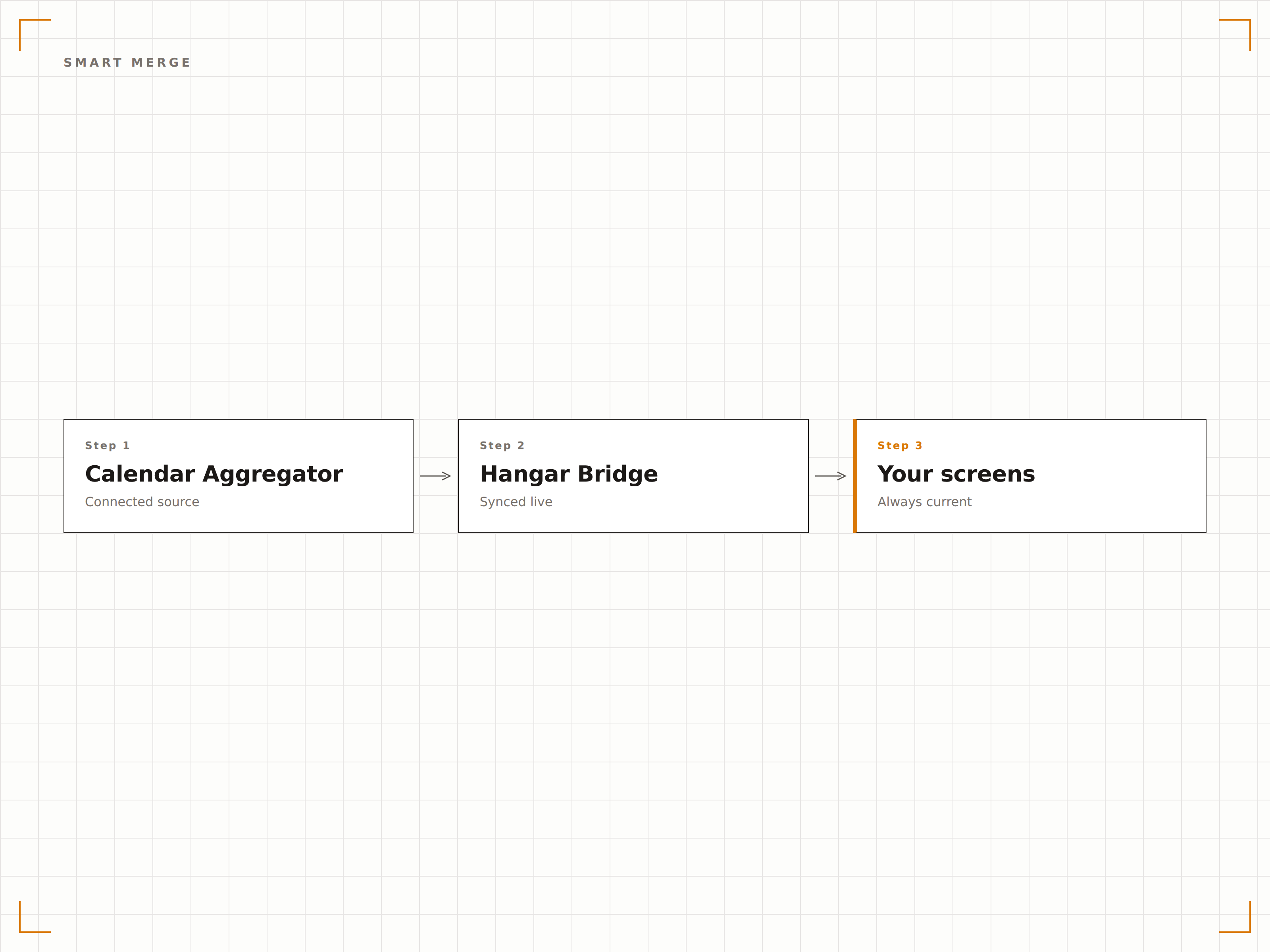
Abteilungs- und Kategoriefilterung
Erstellen Sie gefilterte Ansichten, die Ereignisse aus bestimmten Abteilungen, Kategorien oder Kalenderquellen anzeigen. Zeigen Sie alle Engineering-Ereignisse auf einem Bildschirm und alle Marketing-Ereignisse auf einem anderen an – alles aus denselben aggregierten Daten.
Die richtigen Ereignisse für die richtige Zielgruppe.
Filtern nach Kalenderquelle oder Abteilung
Kategorie- und tag-basierte Filterung
Standortbasierte Ereignisfilterung
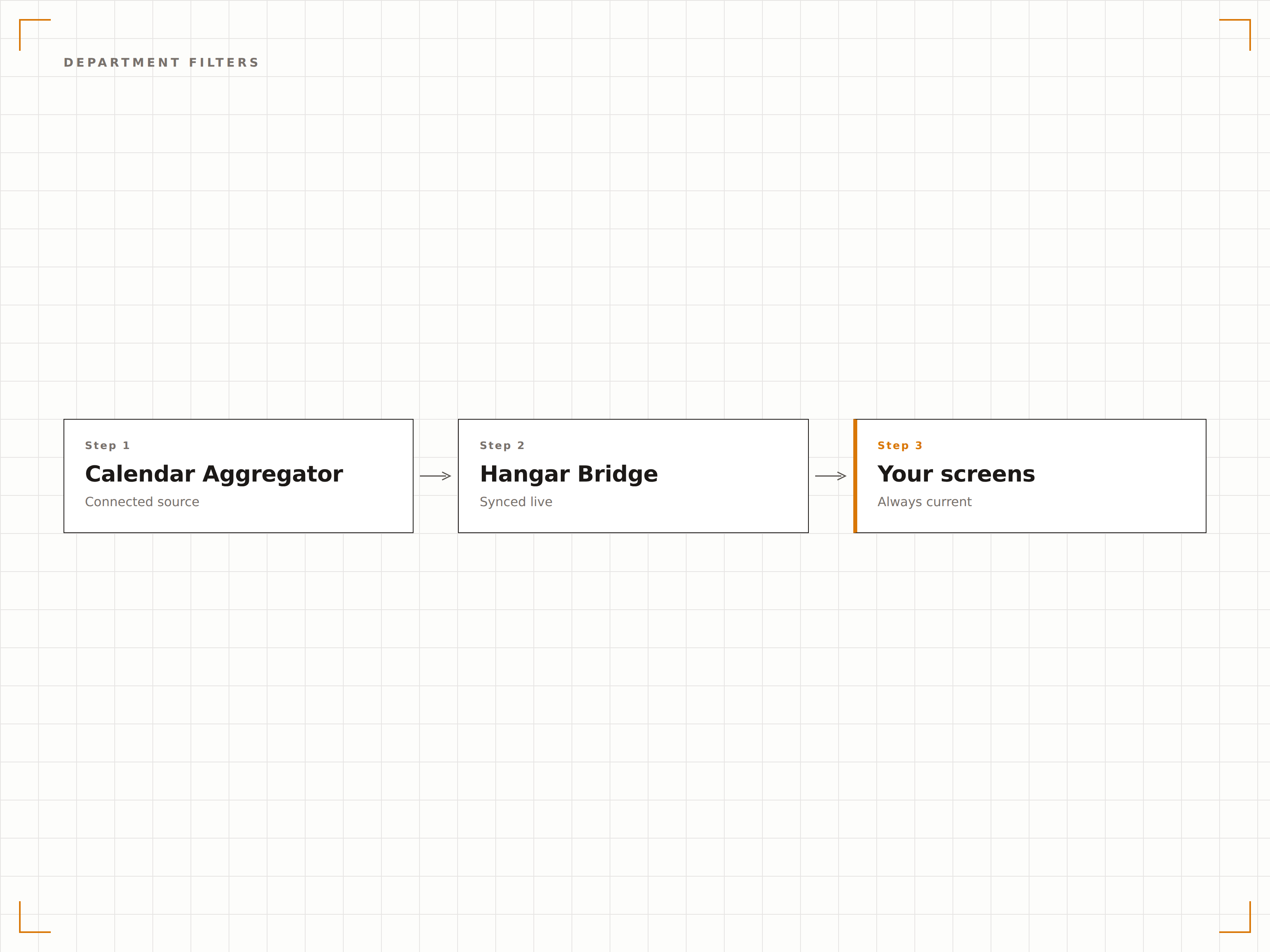
Vier Schritte zu verbundene Bildschirme.
Von der Einrichtung bis zu Live-Inhalten in Minuten, nicht Tagen.
Kalenderquellen hinzufügen
Verbinden Sie Ihre Kalenderplattformen, indem Sie Google oder Outlook authentifizieren oder iCal-Feed-URLs in den Aggregator einfügen.
Quelleneinstellungen konfigurieren
Weisen Sie jeder Kalenderquelle Farben zu, legen Sie Synchronisierungsintervalle fest und definieren Sie Deduplizierungsregeln.
Anzeigeformat wählen
Wählen Sie die Agenda-, Zeitstrahl- oder Monatskalenderansicht und setzen Sie Filter für die Zielgruppe.
Auf Bildschirmen veröffentlichen
Fügen Sie das aggregierte Kalender-Widget zu Ihren Signage-Layouts hinzu und veröffentlichen Sie es auf Ihren Bildschirmen.
Entwickelt für jeden Branche.
Erfahren Sie, wie verschiedene Branchen diese Integration nutzen, um Ergebnisse zu erzielen.
Campusweite Veranstaltungsanzeigen
Aggregieren Sie akademische, sportliche, studentische und administrative Kalender in einer einheitlichen Campus-Veranstaltungsanzeige auf Flur- und Gemeinschaftsbereich-Bildschirmen.
UnternehmenAbteilungsübergreifende Veranstaltungstafeln
Kombinieren Sie Abteilungskalender von verschiedenen Plattformen in einer einzigen Büro-Veranstaltungsanzeige, damit Mitarbeitende alle Unternehmensaktivitäten in einer Übersicht sehen.
GesundheitswesenAktivitätskalender für Krankenhäuser
Führen Sie Klinikpläne, Schulungen und Mitarbeiterereignisse aus verschiedenen Krankenhaussystemen in einheitlichen Anzeigen in Personalbereichen zusammen.
ÖffentlichVeranstaltungstafeln für Gemeindezentren
Aggregieren Sie Kalender von Gemeindeorganisationen, Gemeinderatssitzungen und öffentliche Veranstaltungen in einer einzigen Anzeige für Besucher von Gemeindezentren und Bibliotheken.
Häufige Fragen. Direkte Antworten.
Wie viele Kalenderquellen kann ich aggregieren?
Es gibt keine Begrenzung der Anzahl von Kalenderquellen, die Sie dem Aggregator hinzufügen können. Die meisten Konfigurationen kombinieren 3 bis 20 verschiedene Kalender-Feeds in einer einzigen, einheitlichen Anzeige.
Kann ich Kalender von verschiedenen Organisationen verwenden?
Ja. Der Aggregator funktioniert mit jedem öffentlich geteilten oder authentifizierten Kalender-Feed, unabhängig von der Organisation. Dies ist nützlich für Community-Displays, die Veranstaltungen von mehreren lokalen Organisationen zusammenführen.
Wie funktioniert die Deduplizierung über verschiedene Kalenderplattformen hinweg?
Der Aggregator gleicht Ereignisse anhand der Titelähnlichkeit, der Startzeit und der Ortsfelder ab. Ereignisse, die zwei oder mehr Kriterien erfüllen, werden als Duplikate markiert. Sie können die Übereinstimmungsempfindlichkeit anpassen oder Grenzfälle manuell auflösen.
Können verschiedene Bildschirme unterschiedliche gefilterte Ansichten derselben aggregierten Daten anzeigen?
Ja. Erstellen Sie mehrere Kalender-Widgets aus derselben aggregierten Quelle mit unterschiedlichen Filtern. Jeder Bildschirm kann Ereignisse anzeigen, die für seinen Standort oder seine Zielgruppe relevant sind, während alle aus demselben Datenpool schöpfen.
Ein Preis. Die gesamte Plattform.
So stellen wir uns Digital Signage vor. Inhaltseditor, Bildschirmverwaltung und 200+ App-Integrationen – alles von Anfang an inklusive.
14 Tage kostenlos, bis zu 3 Bildschirme – keine Kreditkarte erforderlich.