Robin-Arbeitsplatzdaten. Auf Ihren Büro-Bildschirmen.
Verbinden Sie Robin mit Ihrem Digital Signage und zeigen Sie Desk-Verfügbarkeit, Raumbuchungsstatus und Bürobelegungsdaten an. Helfen Sie Ihren Mitarbeitenden, den hybriden Arbeitsplatz mit Echtzeit-Rauminformationen auf jedem Bildschirm zu navigieren.
Hybrid-Workplace-Daten auf Ihrem Signage
Robin ist eine Workplace-Plattform, die für das hybride Büro entwickelt wurde. Sie verwaltet Desk-Reservierungen, Raumbuchungen und die Büropräsenz. Hangar.Media verbindet sich mit Robin und zeigt diese Daten auf Ihrem Büro-Signage an – damit Mitarbeitende, die ins Büro kommen, sofort sehen, welche Räume verfügbar sind, wer heute im Büro ist und wo ihr Team sitzt.
Was Sie mit Auf Ihren Büro-Bildschirmen. tun können
Drei Funktionen, die diese Integration für Ihr Digital Signage-Netzwerk unverzichtbar machen.
Schreibtisch-Verfügbarkeitsanzeigen
Zeigen Sie auf Büro-Grundrisskarten, welche Schreibtische verfügbar, reserviert oder belegt sind. Mitarbeitende, die ins Büro kommen, sehen die Schreibtischübersicht auf den Lobby-Bildschirmen und können eine fundierte Entscheidung treffen, wo sie sitzen möchten – ohne das gesamte Stockwerk abzulaufen.
Finden Sie Ihren Schreibtisch bereits in der Lobby.
Grundriss mit farblicher Schreibtischstatus-Anzeige
Zonen- und Bereichsgruppierung
Anzahl verfügbarer Schreibtische pro Bereich
Wer ist heute im Büro
Zeigen Sie eine Liste oder Anzahl der Mitarbeitenden an, die sich heute über Robin im Büro eingecheckt haben. Helfen Sie Teams dabei, Kolleginnen und Kollegen zu finden, spontane Meetings zu planen und ein Gemeinschaftsgefühl im hybriden Arbeitsumfeld zu fördern.
Sehen Sie, wer anwesend ist, bevor Sie durch das Büro gehen.
Tägliche Anwesenheitsliste oder -anzahl
Team- und Abteilungsgruppierung
Anzeige der Check-in-Zeit
Robin-gestützte Raum-Panels
Zeigen Sie Raumbuchungsdaten aus Robin auf Panels ausserhalb jedes Konferenzraums an. Zeigen Sie Verfügbarkeitsstatus, aktuelle Meeting-Details und den bevorstehenden Zeitplan an. Touchscreen-Panels unterstützen die spontane Buchung direkt über Robin.
Raum-Panels auf Basis von Robin-Daten.
Grüne und rote Verfügbarkeitsindikatoren
Anzeige des aktuellen und nächsten Meetings
Touchscreen-Buchungsunterstützung
Vier Schritte zu verbundene Bildschirme.
Von der Einrichtung bis zu Live-Inhalten in Minuten, nicht Tagen.
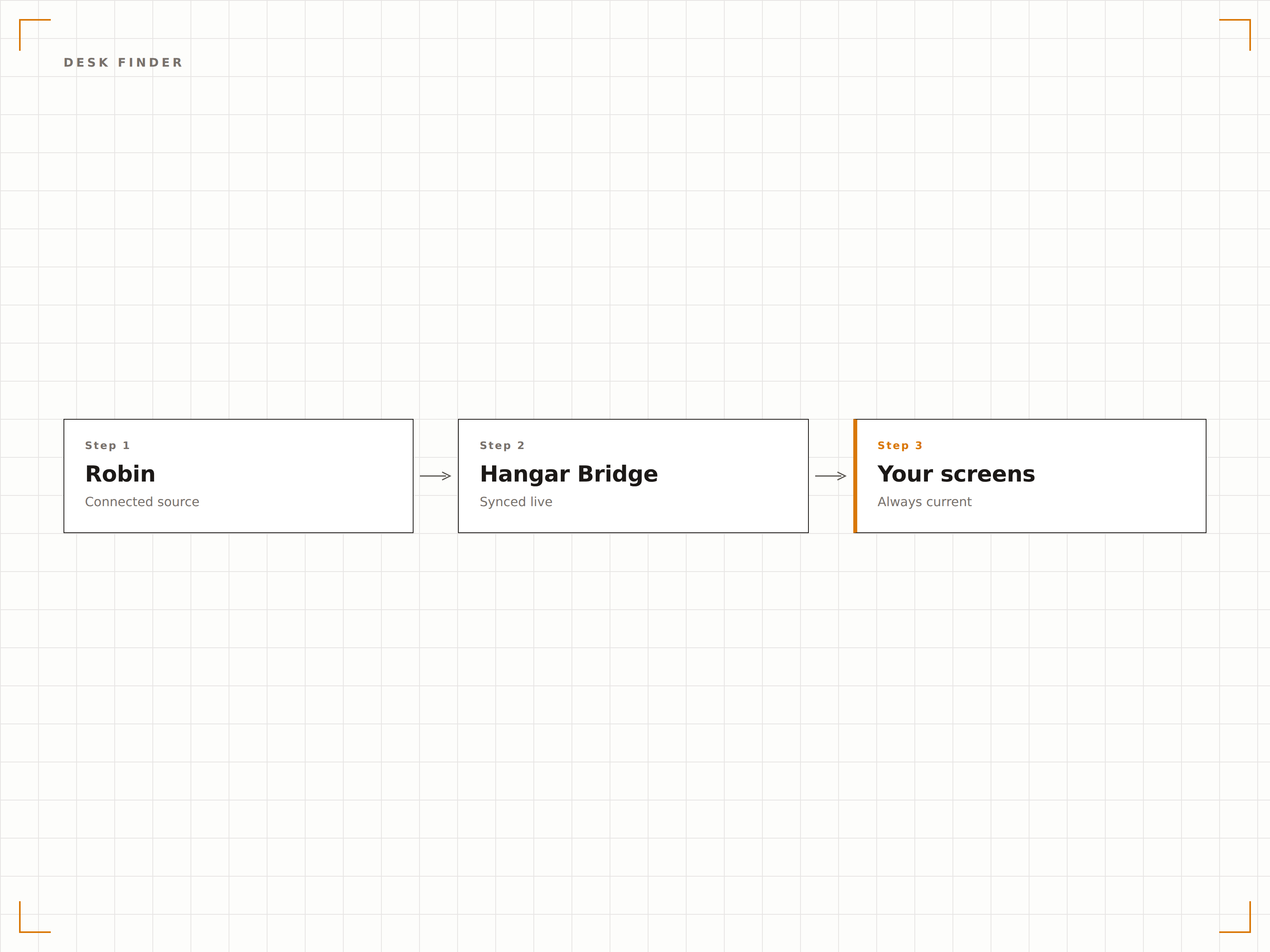
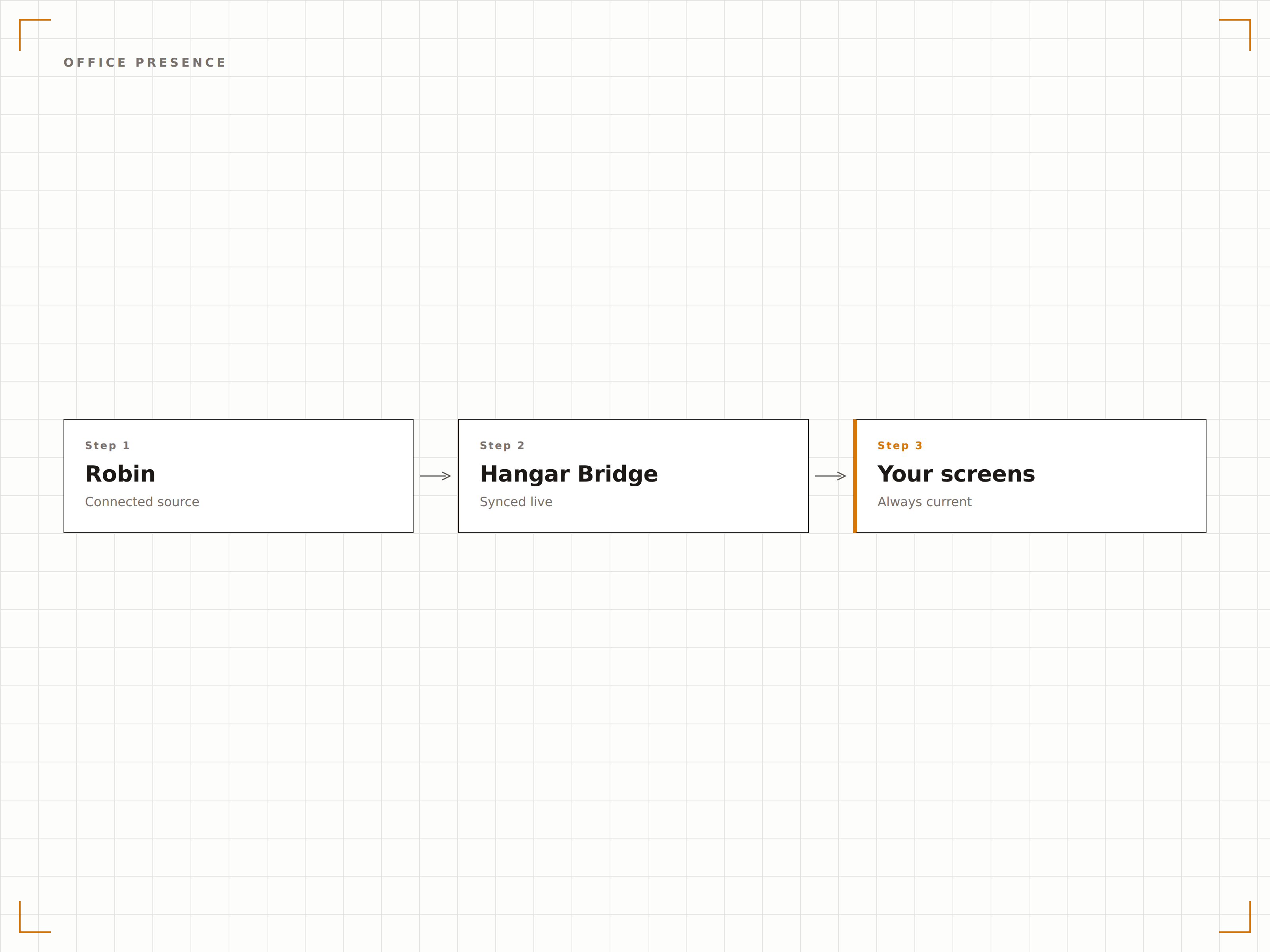
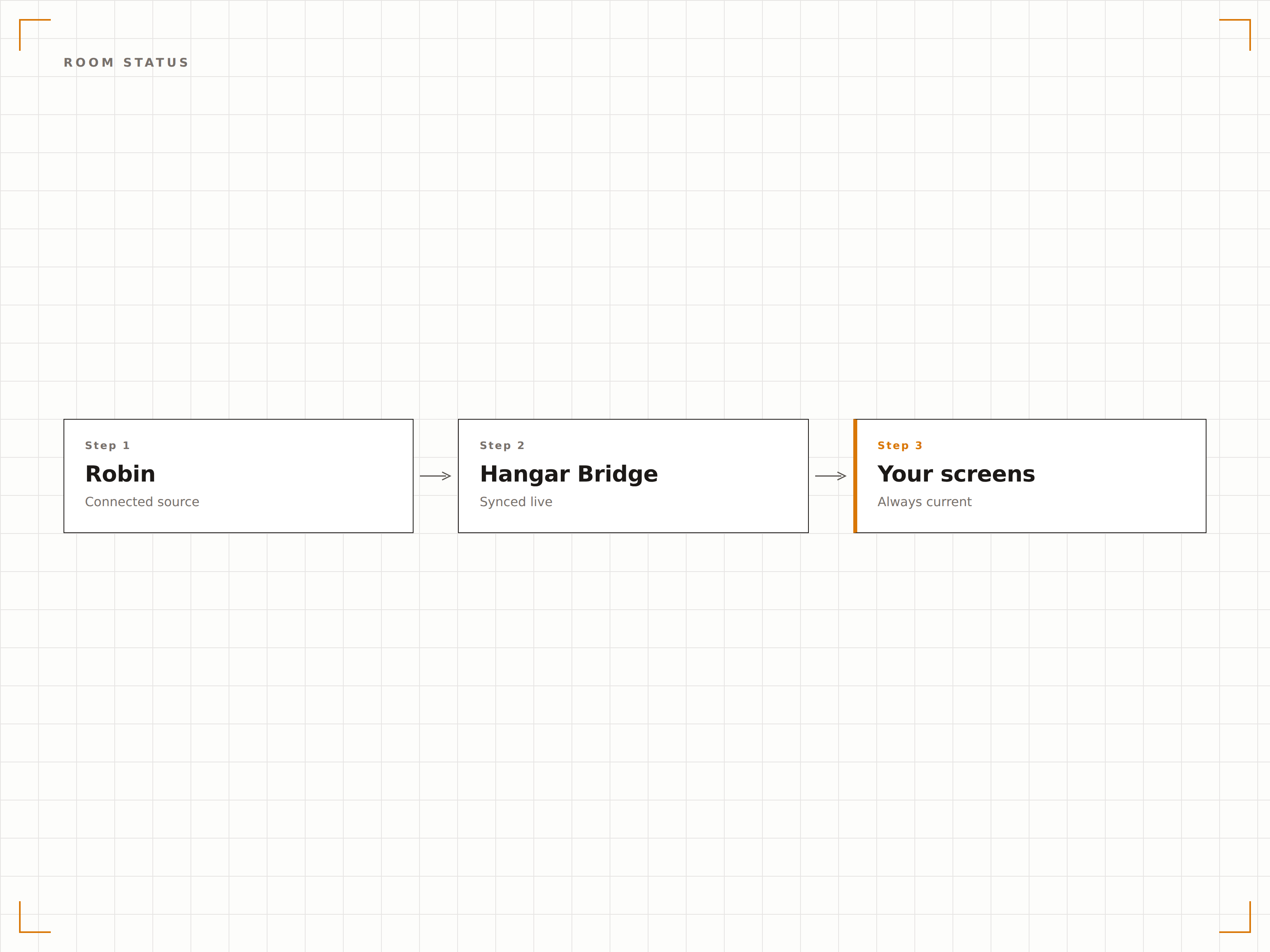
Robin verbinden
Authentifizieren Sie Ihr Robin-Konto mit Hangar.Media über einen API-Schlüssel oder OAuth im Integrations-Panel.
Bereiche Bildschirmen zuweisen
Weisen Sie Robin-Etagen, Räume und Schreibtischzonen den entsprechenden Digital Signage-Bildschirmen in Ihrem Büro zu.
Anzeigetypen auswählen
Wählen Sie für jeden Bildschirm Schreibtisch-Finder-Karten, Raum-Panels, Anwesenheitsanzeigen oder individuelle Dashboard-Layouts.
Auf Büro-Bildschirmen veröffentlichen
Veröffentlichen Sie Robin-gestützte Displays in Ihrem Signage-Netzwerk für sofortige Transparenz im hybriden Arbeitsumfeld.
Entwickelt für jeden Branche.
Erfahren Sie, wie verschiedene Branchen diese Integration nutzen, um Ergebnisse zu erzielen.
Navigation im hybriden Büro
Zeigen Sie Robin-Schreibtisch- und Raumdaten auf Lobby- und Aufzugsbildschirmen an, damit hybrid arbeitende Mitarbeitende beim Betreten des Büros schnell verfügbare Plätze finden und ihr Team lokalisieren können.
UnternehmenTeam-Bereichsanzeigen
Zeigen Sie auf Bildschirmen auf Stockwerksebene, welche Teammitglieder im Büro sind und wo sie sitzen, um spontane Zusammenarbeit in hybriden Arbeitsumgebungen zu fördern.
FinanzwesenVerwaltung von Zweigstellen-Arbeitsbereichen
Zeigen Sie Schreibtisch-Verfügbarkeit und Raumstatus auf Bildschirmen in Zweigstellen an, da Finanzunternehmen hybride und Hot-Desking-Modelle an verschiedenen Standorten einführen.
UnternehmenBesucherempfang und Wegführung
Zeigen Sie Besprechungsraumstandorte und den Check-in-Status des Gastgebers auf Empfangsbildschirmen an, damit Besucher genau wissen, wohin sie gehen müssen, wenn ihr Gastgeber sie über Robin eincheckt.
Häufige Fragen. Direkte Antworten.
Welche Robin-Pläne unterstützen die Signage-Integration?
Die Hangar.Media-Integration funktioniert mit Robin Team- und Robin Enterprise-Plänen. API-Zugang ist in beiden Plänen enthalten, wobei Enterprise höhere Rate-Limits für grosse Netzwerke bietet.
Können Mitarbeitende Schreibtische über den Signage-Bildschirm buchen?
Ja, auf Displays mit Touchscreen-Funktion. Mitarbeitende können auf dem Grundriss verfügbare Schreibtische antippen, um sie zu reservieren. Die Buchung wird sofort mit Robin synchronisiert und erscheint in der Robin-App der Mitarbeitenden.
Wie wird der Datenschutz bei Anwesenheitsdaten der Mitarbeitenden gewährleistet?
Die Anwesenheitsanzeige zeigt nur Daten von Mitarbeitenden, die sich über Robin für das Büro-Check-in angemeldet haben. Sie können die Anzeige so konfigurieren, dass statt Namen nur Zahlen angezeigt werden, um die Privatsphäre zu schützen.
Kann ich Robin-Daten für mehrere Bürostandorte anzeigen?
Ja. Jeder Bürostandort kann über eine eigene Robin-gestützte Signage mit standortspezifischen Daten verfügen. Ein Übersichtsbildschirm für die Zentrale kann Anwesenheitsdaten über alle Standorte hinweg aggregieren.
Ein Preis. Die gesamte Plattform.
So stellen wir uns Digital Signage vor. Inhaltseditor, Bildschirmverwaltung und 200+ App-Integrationen – alles von Anfang an inklusive.
14 Tage kostenlos, bis zu 3 Bildschirme – keine Kreditkarte erforderlich.