Individuelles Audio auf Ihren Bildschirmen. Hochladen, planen, abspielen.
Laden Sie MP3-, WAV- und andere Audiodateien in Ihre Hangar.Media-Inhaltsbibliothek hoch und planen Sie deren Wiedergabe zusammen mit visuellen Inhalten. Spielen Sie Durchsagen, Soundeffekte, Markenklänge und eigene Aufnahmen über Ihre Signage-Player ab.
Vollständige Audiokontrolle für Ihr Digital Signage-Netzwerk
Digital Signage ist nicht nur visuell. Audiodateien verleihen Ihrer Bildschirmkommunikation eine zusätzliche Dimension. Laden Sie aufgezeichnete Durchsagen, Markenjingles, Sicherheitswarnungen und Benachrichtigungstöne in Ihre Hangar.Media-Bibliothek hoch. Planen Sie deren Wiedergabe zu bestimmten Zeiten, synchronisieren Sie sie mit visuellen Inhalten oder lösen Sie sie ereignisbasiert aus. Audiodateien verwandeln passive Displays in aktive Kommunikationsmittel.
Was Sie mit Hochladen, planen, abspielen. tun können
Drei Funktionen, die diese Integration für Ihr Digital Signage-Netzwerk unverzichtbar machen.
Audioinhalte in Ihrer Medienbibliothek
Laden Sie Audiodateien in dieselbe Inhaltsbibliothek hoch, die Sie für Bilder und Videos verwenden. Organisieren Sie sie in Ordnern, versehen Sie sie mit Tags für eine einfache Suche, und zeigen Sie eine Vorschau an, bevor Sie sie planen. Audiodateien werden automatisch zusammen mit visuellen Inhalten an die Player verteilt.
Ihre Audioinhalte – zentral verwaltet wie alles andere.
Drag-and-Drop-Upload für gängige Audioformate
Ordnerstruktur und tag-basierte Suche
Automatische Verteilung an zugewiesene Player
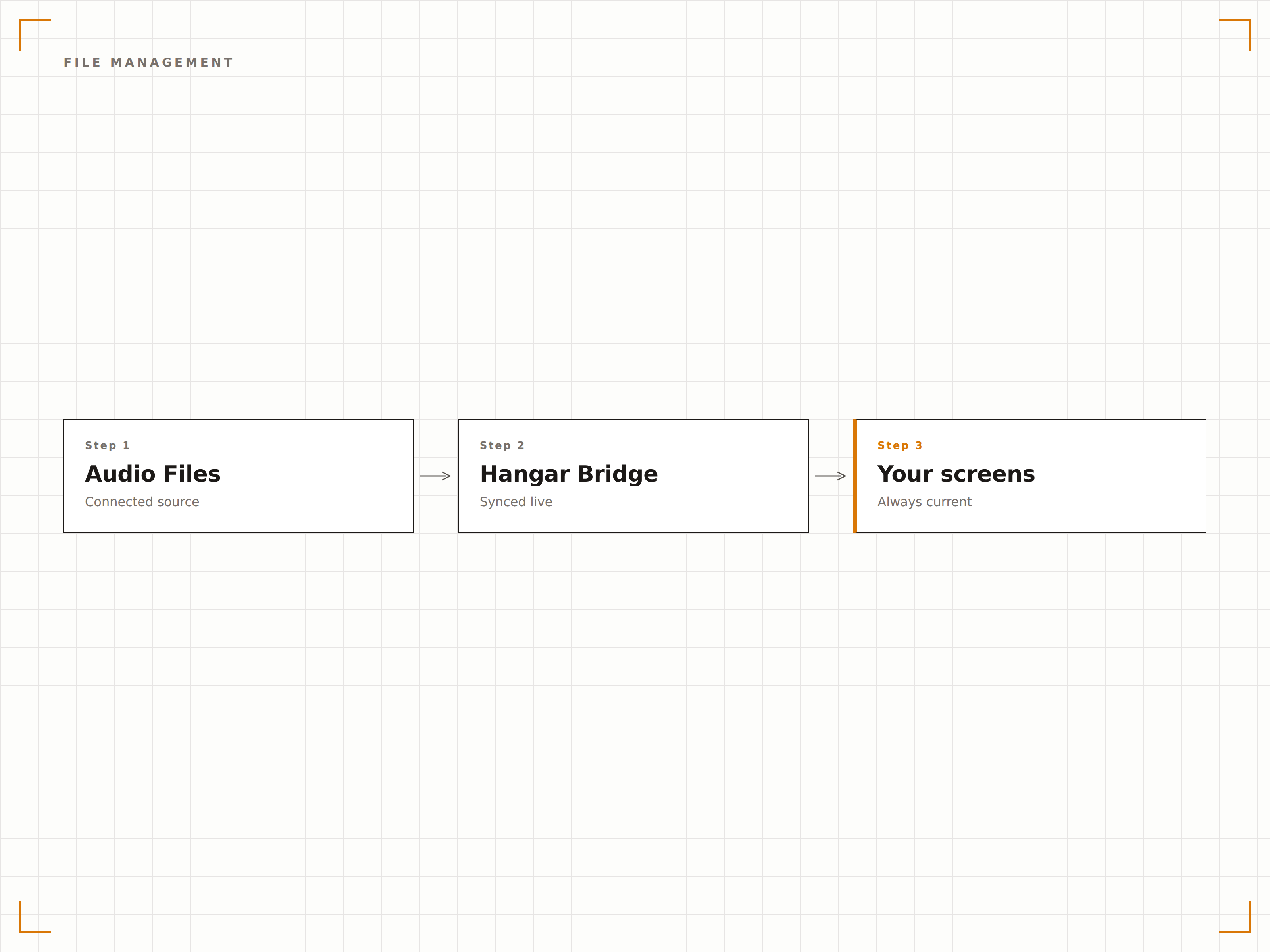
Audio, das zu Ihren visuellen Inhalten passt
Verknüpfen Sie Audiodateien mit visuellen Inhaltselementen, damit sie gemeinsam abgespielt werden. Ein Werbevideo wird mit seinem Voiceover abgespielt. Eine Sicherheitsfolie wird mit einer gesprochenen Durchsage begleitet. Audio- und visuelle Inhalte bleiben während der Wiedergabe perfekt synchronisiert.
Bild und Ton – perfekt aufeinander abgestimmt auf jedem Bildschirm.
Audio mit beliebigen visuellen Inhaltselementen verknüpfen
Automatische Synchronisierung während der Wiedergabe
Unabhängige Lautstärkeregelung pro Audioverknüpfung
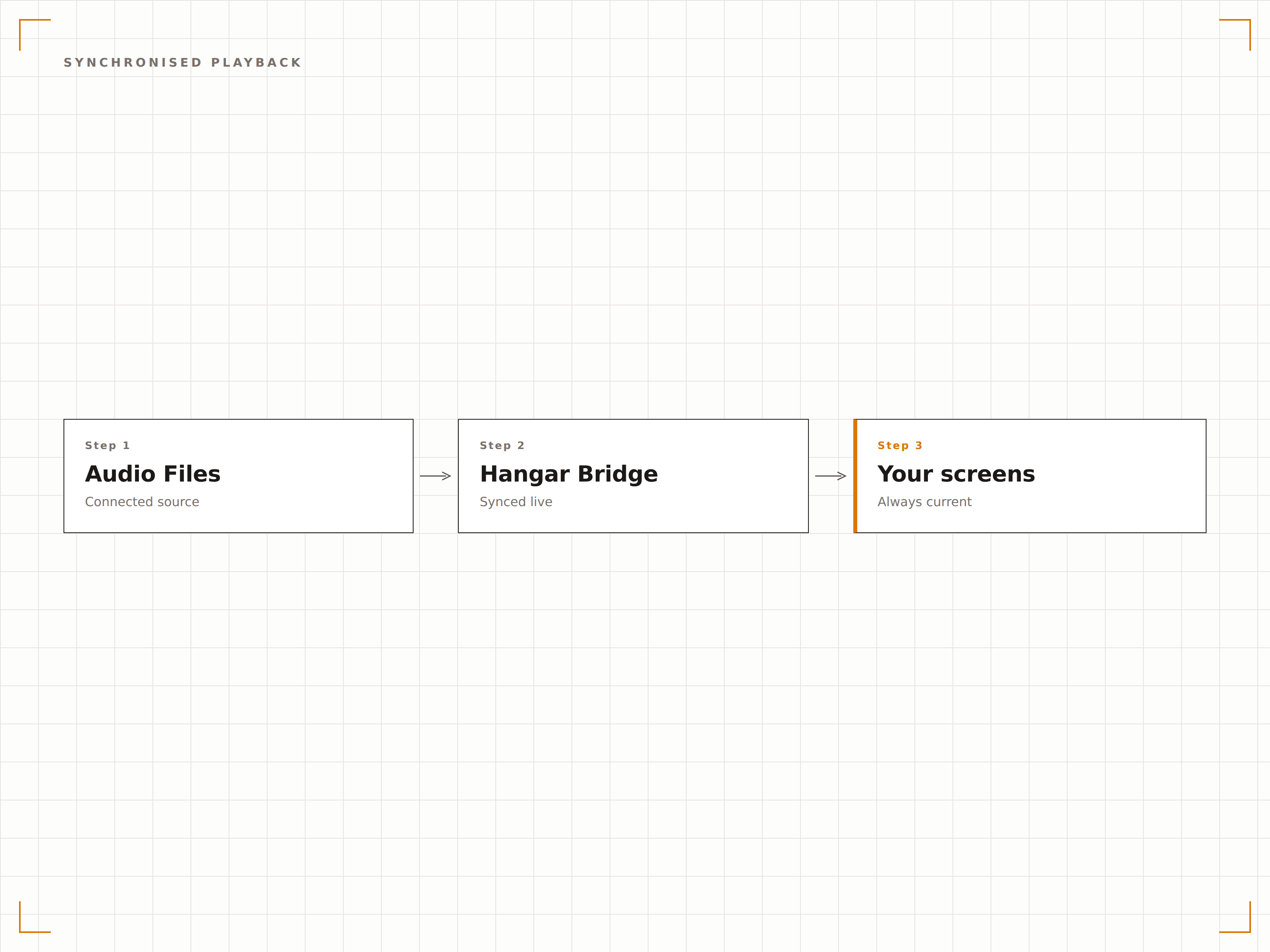
Terminierte Audiodurchsagen über den gesamten Tag
Planen Sie aufgezeichnete Durchsagen für bestimmte Uhrzeiten. Öffnungsansagen um 9:00 Uhr. Mittagsangebote um 12:00 Uhr. Schliessungshinweise um 20:45 Uhr. Erstellen Sie einen täglichen Zeitplan mit Audioereignissen, der automatisch und ohne Eingriff des Personals abläuft.
Die richtige Durchsage zur richtigen Zeit – jeden Tag, vollautomatisch.
Zeitbasierte Planung für wiederkehrende Durchsagen
Wochentagsvarianten für unterschiedliche Tagespläne
Prioritätsstufen zur Unterbrechung der regulären Audiowiedergabe
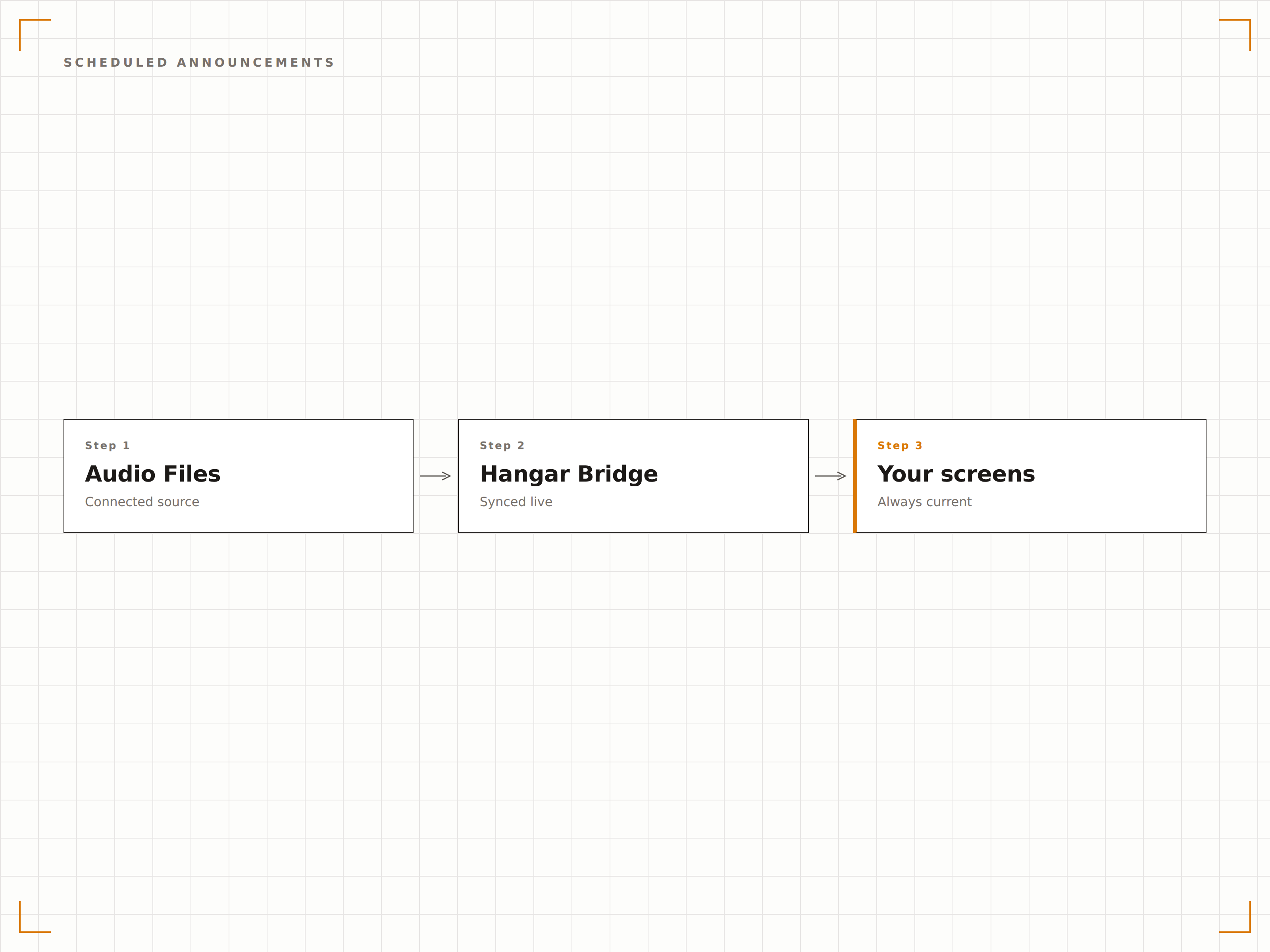
Vier Schritte zu verbundene Bildschirme.
Von der Einrichtung bis zu Live-Inhalten in Minuten, nicht Tagen.
Audiodateien hochladen
Laden Sie Ihre Audiodateien in die Inhaltsbibliothek von Hangar.Media hoch. Unterstützte Formate sind MP3, WAV, OGG, AAC und FLAC.
Inhalten zuweisen oder planen
Verknüpfen Sie Audiodateien mit visuellen Inhaltselementen für eine synchronisierte Wiedergabe, oder erstellen Sie eigenständige Audio-Zeitplaneinträge für terminierte Durchsagen.
Wiedergabeeinstellungen konfigurieren
Legen Sie Lautstärke, Überblendungsdauer und Priorität für jedes Audioelement fest. Wählen Sie, ob Audio andere Audioinhalte unterbricht oder mit ihnen gemischt wird.
Auf Playern veröffentlichen
Veröffentlichen Sie Ihre Audioinhalte und Zeitpläne auf den zugewiesenen Playern. Audiodateien werden lokal zwischengespeichert für eine zuverlässige Offline-Wiedergabe.
Entwickelt für jeden Branche.
Erfahren Sie, wie verschiedene Branchen diese Integration nutzen, um Ergebnisse zu erzielen.
Durchsagen im Geschäft
Planen Sie Öffnungs-, Schliessungs- und Werbedurchsagen über den gesamten Tag auf Digital Signage Playern im Geschäft, die mit der PA-Anlage verbunden sind.
BildungSchulglocken- und Durchsagesystem
Ersetzen Sie herkömmliche Glockensysteme durch Digital Signage Player, die Glockentöne, Morgenansagen und Notfallmeldungen termingenau abspielen.
GastgewerbeAudio-Branding in Hotellobby
Spielen Sie Marken-Audiobegrüssungen und Informationsdurchsagen in Hotellobby-Bereichen ab – synchronisiert mit visuellen Inhalten auf den Lobby-Bildschirmen.
Öffentlicher BereichDurchsagen an Verkehrsknotenpunkten
Übermitteln Sie terminierte Ankunftsdurchsagen, Sicherheitshinweise und Serviceupdates über Digital Signage Player an Verkehrsknotenpunkten.
Häufige Fragen. Direkte Antworten.
Welche Audiodateiformate werden unterstützt
Hangar.Media unterstützt die Audioformate MP3, WAV, OGG, AAC und FLAC. MP3 wird für Durchsagen und allgemeine Audioinhalte empfohlen, da es gute Qualität bei kleinen Dateigrösssen bietet. WAV empfiehlt sich, wenn Sie unkomprimierte Audioqualität für Musik oder Marken-Audio benötigen.
Kann Audio abgespielt werden, während visuelle Inhalte angezeigt werden
Ja. Audiodateien können gleichzeitig mit visuellen Inhalten abgespielt werden. Sie können Audio mit bestimmten visuellen Elementen für eine synchronisierte Wiedergabe verknüpfen oder Hintergrundaudio unabhängig von der visuellen Playlist abspielen. Durch Lautstärkemischung sind beide Audioquellen gut hörbar.
Wie verbinde ich den Audioausgang des Players mit Lautsprechern
Verbinden Sie den Audioausgang Ihres Hangar.Media Players über ein 3,5-mm-Audiokabel, HDMI-Audioextraktion, USB-Audioadapter oder Bluetooth mit Lautsprechern oder einer PA-Anlage. Die genaue Verbindungsart hängt von Ihrer Player-Hardware und Ihrem Audioequipment ab. Die meisten kommerziellen Player verfügen über einen 3,5-mm-Audioausgang.
Können Audiodurchsagen die Hintergrundmusik unterbrechen
Ja. Audioelemente verfügen über Prioritätsstufen. Wenn eine Durchsage mit hoher Priorität geplant ist, kann sie die Lautstärke der Hintergrundmusik reduzieren oder diese vollständig pausieren, während die Durchsage läuft. Nach Abschluss der Durchsage wird die Hintergrundmusik automatisch mit normaler Lautstärke fortgesetzt.
Ein Preis. Die gesamte Plattform.
So stellen wir uns Digital Signage vor. Inhaltseditor, Bildschirmverwaltung und 200+ App-Integrationen – alles von Anfang an inklusive.
14 Tage kostenlos, bis zu 3 Bildschirme – keine Kreditkarte erforderlich.