Scrolling Ticker. Immer in Bewegung.
Fügen Sie jedem Bildschirm-Layout eine scrollende Ticker-Leiste in Broadcast-Qualität hinzu. Zeigen Sie Nachrichtenüberschriften, Unternehmensankündigungen, Aktienkurse, Sportergebnisse oder benutzerdefinierten Text in einer kontinuierlich scrollenden Leiste am oberen oder unteren Rand Ihrer Bildschirme an.
Ticker in Broadcast-Qualität für jeden Bildschirm.
Der Hangar.Media Scrolling Ticker fügt jedem Bildschirm-Layout eine professionelle Ticker-Leiste im Broadcast-Stil hinzu. Speisen Sie ihn mit Nachrichtenüberschriften, benutzerdefiniertem Text, RSS-Inhalten, Aktienkursen oder beliebigen Datenquellen. Legen Sie Scrollgeschwindigkeit, Richtung, Schriftgrösse, Farben und Positionierung fest – für einen Ticker, der perfekt zu Ihrer Marke und Umgebung passt.
Was Sie mit Immer in Bewegung. tun können
Drei Funktionen, die diese Integration für Ihr Digital Signage-Netzwerk unverzichtbar machen.
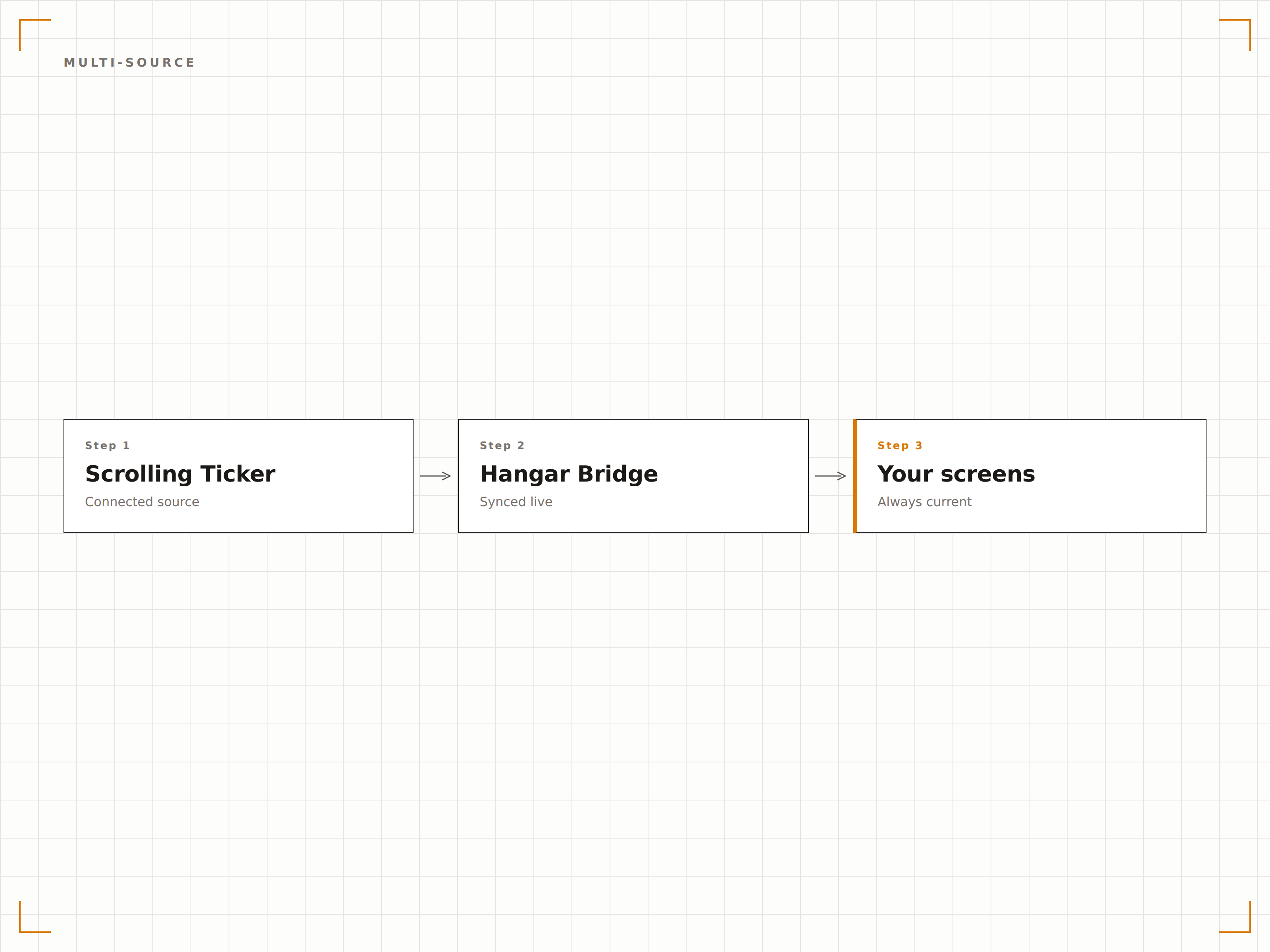
Den Ticker aus mehreren Inhaltsquellen speisen
Der Ticker akzeptiert Inhalte aus RSS-Feeds, benutzerdefinierten Texteinträgen, API-Endpunkten und anderen Hangar.Media-Datenquellen. Kombinieren Sie Nachrichtenüberschriften, Unternehmensankündigungen und benutzerdefinierte Nachrichten in einem einzigen scrollenden Stream.
Nachrichtenüberschriften, Unternehmensmeldungen und benutzerdefinierte Nachrichten – alles in einem Ticker.
RSS- und Atom-Feed-Inhaltsverarbeitung
Manuelle Texteinträge für benutzerdefinierte Nachrichten und Ankündigungen
API-Endpunkt-Unterstützung für dynamische Daten wie Preise und Spielstände
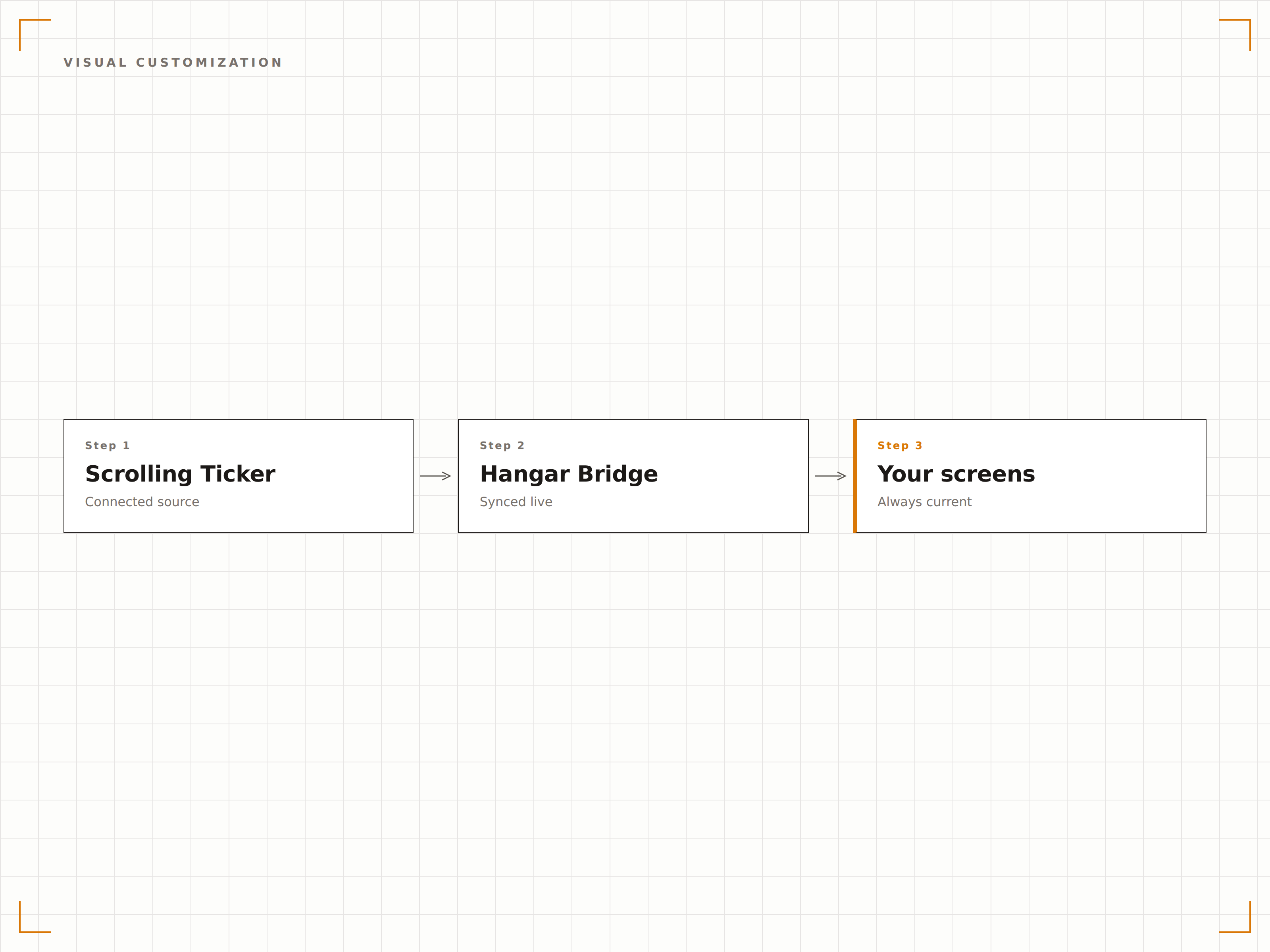
Vollständige Kontrolle über Erscheinungsbild und Verhalten
Passen Sie jeden Aspekt des Tickers an: Scrollgeschwindigkeit, Scroll-Richtung, Schriftfamilie, Schriftgrösse, Textfarbe, Hintergrundfarbe, Trennzeichen und Abstände. Stimmen Sie den Ticker auf Ihre Marke ab oder schaffen Sie eine markante Nachrichtenästhetik.
Jedes Detail des Tickers ist anpassbar, um Ihrer Marke zu entsprechen.
Scrollgeschwindigkeit vom langsamen Newscrawl bis zum schnellen Sport-Ticker
Scroll-Richtung von links nach rechts oder von rechts nach links
Vollständige Anpassung von Schriftart, Farbe und Hintergrund
Den Ticker über beliebige Bildschirminhalte legen
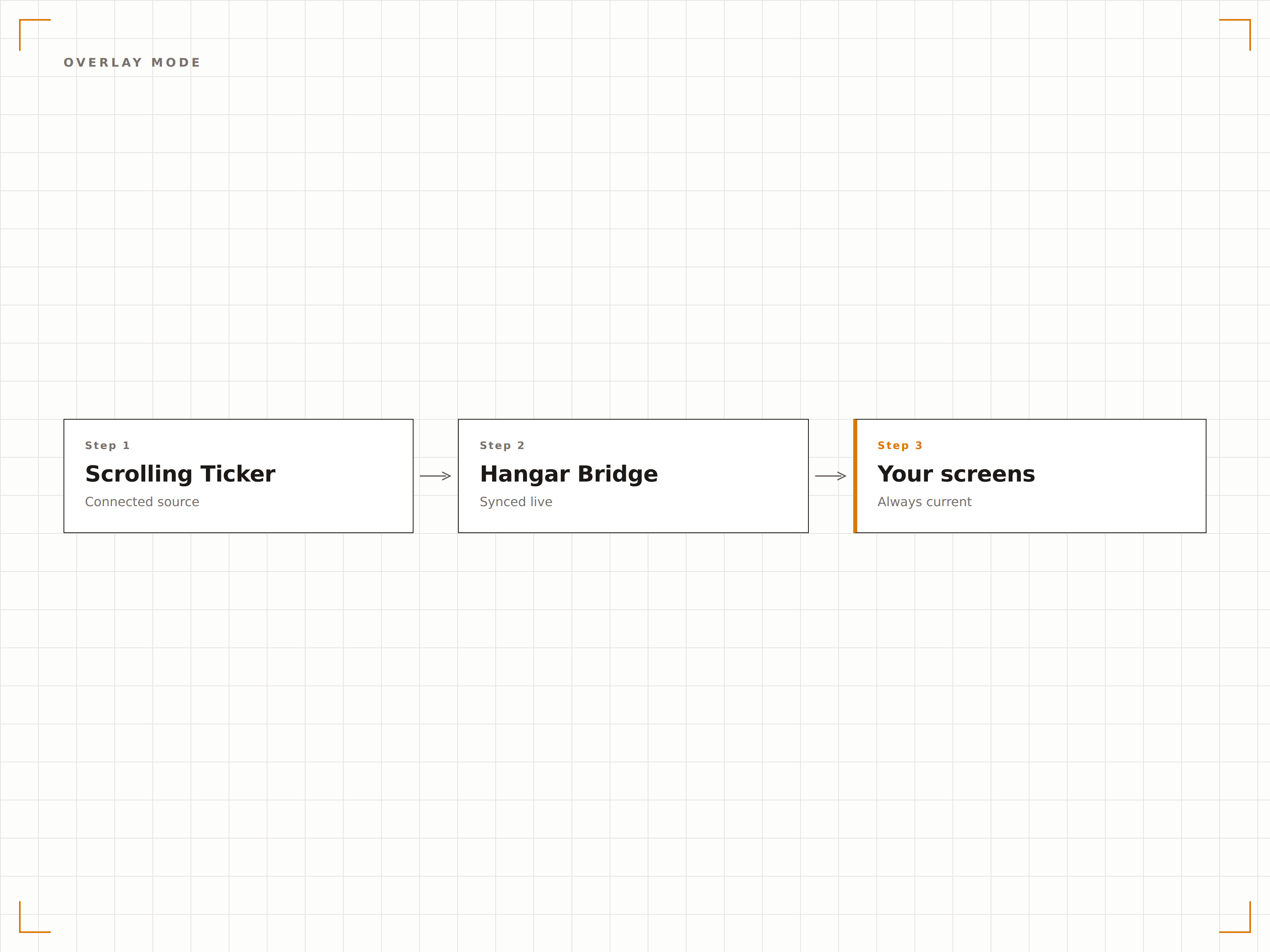
Der Ticker läuft als transparentes Overlay über Ihren bestehenden Bildschirminhalten. Der primäre Inhalt wird normal abgespielt, während der Ticker Überschriften am unteren oder oberen Rand entlangscrollt – genau wie bei einer Nachrichtensendung.
Primärer Inhalt plus Newsticker. Zwei Informationsebenen auf einem Bildschirm.
Transparenter Overlay-Modus für eine unauffällige Darstellung
Halbtransparenter Hintergrund für optimale Lesbarkeit über beliebigen Inhalten
Anpassbarer Z-Index zur Positionierung über oder unter anderen Overlays
Vier Schritte zu verbundene Bildschirme.
Von der Einrichtung bis zu Live-Inhalten in Minuten, nicht Tagen.
Inhaltsquellen auswählen
Fügen Sie RSS-Feed-URLs hinzu, geben Sie benutzerdefinierte Texteinträge ein oder verbinden Sie API-Endpunkte, um den Ticker zu speisen.
Scroll-Verhalten festlegen
Legen Sie Scrollgeschwindigkeit, Richtung und fest, ob der Ticker zwischen Elementen pausiert oder kontinuierlich scrollt.
Erscheinungsbild anpassen
Legen Sie Schriftart, Farben, Hintergrundtransparenz, Trennzeichenstil und Ticker-Höhe fest.
Positionieren und veröffentlichen
Platzieren Sie den Ticker oben oder unten in Ihrem Bildschirm-Layout und veröffentlichen Sie ihn in Ihrem Signage-Netzwerk.
Entwickelt für jeden Branche.
Erfahren Sie, wie verschiedene Branchen diese Integration nutzen, um Ergebnisse zu erzielen.
Interner Newsticker
Scrollen Sie Unternehmensankündigungen, HR-Updates und interne Neuigkeiten über Büro-Bildschirme – parallel zum primären Inhalt.
FinancialFinanznachrichten-Crawl
Zeigen Sie scrollende Finanznachrichten und Aktienkurs-Updates auf Bildschirmen im Handelsraum und in Bankfilialen an.
SportsSport-Score-Ticker
Scrollen Sie Live-Spielstände und Spielupdates über Bildschirme in Bars, Restaurants und Sportstätten.
EducationCampus-Ankündigungs-Ticker
Scrollen Sie Schulankündigungen, Veranstaltungserinnerungen und Stundenplanänderungen über die Bildschirme auf dem Campus.
Häufige Fragen. Direkte Antworten.
Kann ich die Scrollgeschwindigkeit steuern?
Ja. Die Scrollgeschwindigkeit ist vollständig einstellbar – von einem langsamen, gut lesbaren Newscrawl bis hin zu einem schnellen Ticker im Sport-Stil. Sie können die Geschwindigkeit im Dashboard vor der Veröffentlichung in der Vorschau prüfen.
Kann der Ticker Inhalte aus mehreren Quellen anzeigen?
Ja. Der Ticker führt Inhalte aus RSS-Feeds, benutzerdefinierten Texteinträgen und API-Endpunkten in einem einzigen scrollenden Stream zusammen. Elemente aus verschiedenen Quellen werden chronologisch verschachtelt.
Überlagert der Ticker andere Inhalte?
Ja. Der Ticker läuft als Overlay auf jedem Bildschirm-Layout. Er kann halbtransparent sein, sodass der primäre Inhalt darunter sichtbar bleibt, oder vollständig undurchsichtig mit einer eigenen Hintergrundfarbe.
Kann ich die Ticker-Richtung ändern?
Ja. Der Ticker kann von links nach rechts oder von rechts nach links scrollen. Rechts-nach-links ist die übliche Broadcast-Konvention, aber links-nach-rechts ist für spezifische Anwendungsfälle oder RTL-Sprachumgebungen verfügbar.
Ein Preis. Die gesamte Plattform.
So stellen wir uns Digital Signage vor. Inhaltseditor, Bildschirmverwaltung und 200+ App-Integrationen – alles von Anfang an inklusive.
14 Tage kostenlos, bis zu 3 Bildschirme – keine Kreditkarte erforderlich.