Alle Nachrichten. Fit to display.
Bringen Sie New York Times-Schlagzeilen, aktuelle Meldungen und bereichsspezifische Inhalte auf Ihre Digital Signage-Bildschirme. Der Journalismus der «Gray Lady» – aufbereitet für Grossformat-Displays in Unternehmen und öffentlichen Räumen.
New York Times-Journalismus auf Ihren Bildschirmen.
Die New York Times-Integration von Hangar.Media ruft Schlagzeilen und Artikelzusammenfassungen aus NYT-Newsfeeds aus über 25 Redaktionsbereichen ab. Zeigen Sie Weltnachrichten, Wirtschaft, Technologie, Kultur, Meinungsbeiträge und vieles mehr – in Layouts, die dem Prestige und der Lesbarkeit des Times-Journalismus Rechnung tragen.
Was Sie mit Fit to display. tun können
Drei Funktionen, die diese Integration für Ihr Digital Signage-Netzwerk unverzichtbar machen.
Zugriff auf 25+ NYT-Rubriken für zielgerichtete Inhalte
Wählen Sie aus Welt, USA, Politik, Wirtschaft, Technologie, Wissenschaft, Gesundheit, Sport, Kunst, Bücher, Stil, Essen, Reisen, Meinung und mehr. Jede Rubrik liefert einen fokussierten Strom von Schlagzeilen, der für Ihr Publikum und Ihren Kontext relevant ist.
Jede Rubrik der Times – verfügbar für jeden Bildschirm in Ihrem Netzwerk.
25+ redaktionelle Rubriken zur Auswahl
Rubrikenmischung für kuratierte Mehrthemen-Feeds
Rubrikenspezifische Schlagzeilenlimits für ausgewogene Darstellung
Artikelbilder und Zusammenfassungen, die die Geschichte erzählen
NYT-Schlagzeilen werden mit Artikelfotografie und Einleitungsabsatz-Zusammenfassungen angezeigt. Die visuelle Aufbereitung verwandelt Schlagzeilen in ansprechende Inhaltskarten, die Aufmerksamkeit erregen und den Story-Kontext auf einen Blick vermitteln.
Fotografie und Texte der Times – mit der visuellen Wirkung präsentiert, die sie verdienen.
Hochauflösende Artikelfotografie-Anzeige
Einleitungsabsatz-Zusammenfassungen für Story-Kontext
Veröffentlichungsdaten und Rubrikenbezeichnungen zur Orientierung
Elegante Layouts für erstklassigen Journalismus
Die Anzeigemodi umfassen ein mehrspaltiges Layout im Zeitungsstil, klare Schlagzeilenkarten und einen scrollenden Ticker. Jedes Layout verwendet Typografie und Abstände, die der redaktionellen Qualität der NYT-Inhalte entsprechen.
Layouts, die dem Journalismus gerecht werden – ohne von ihm abzulenken.
Mehrspaltige Layout-Option im Zeitungsstil
Klare Schlagzeilenkarten mit Bild und Text
Scrollender Ticker für Schlagzeilenanzeige im unteren Bildschirmbereich
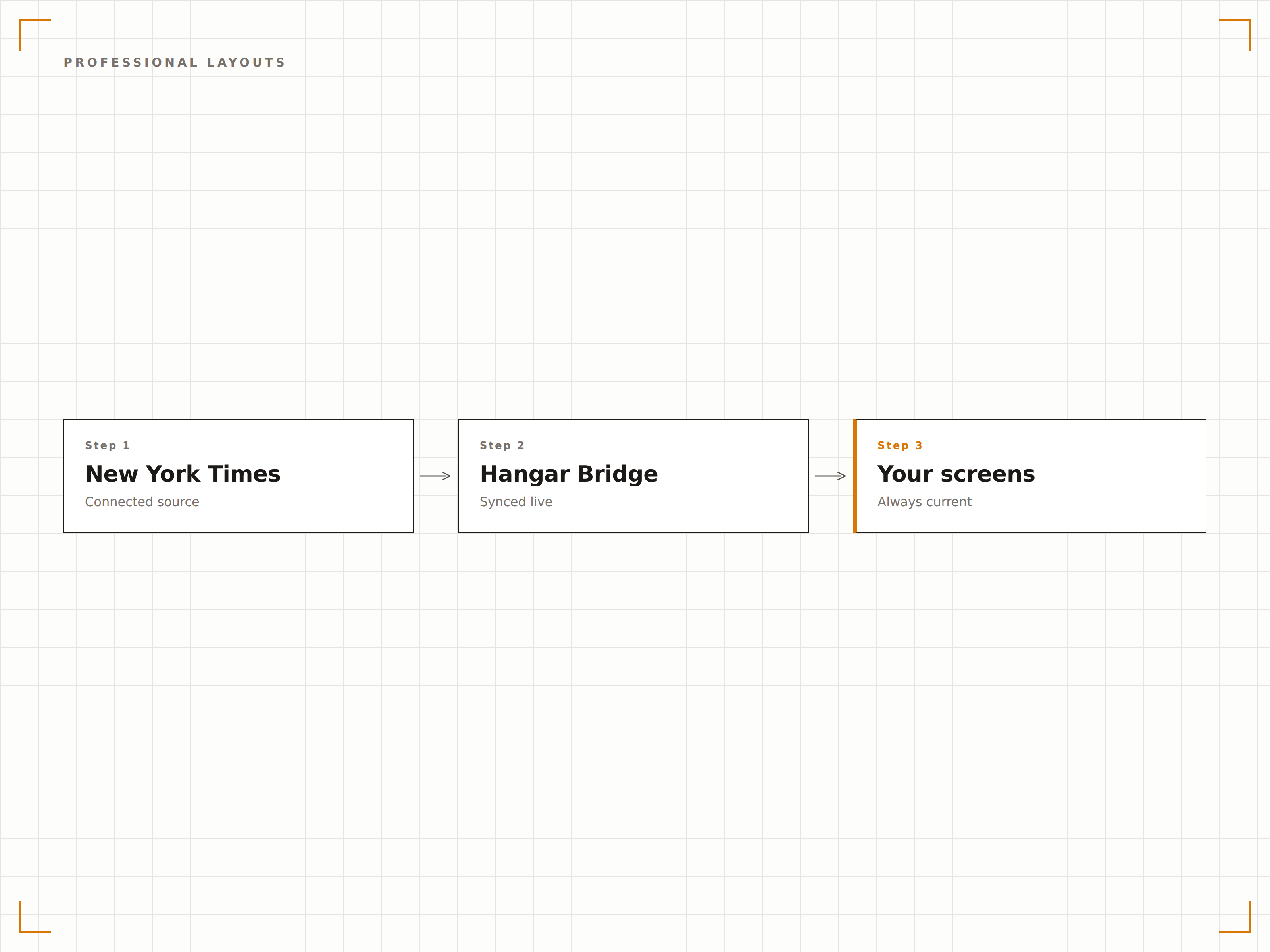
Vier Schritte zu verbundene Bildschirme.
Von der Einrichtung bis zu Live-Inhalten in Minuten, nicht Tagen.
NYT-Rubriken auswählen
Wählen Sie im Hangar.Media-Dashboard, welche New York Times-Rubriken angezeigt werden sollen.
Inhaltseinstellungen festlegen
Legen Sie Anzahl der Schlagzeilen, Aktualisierungsintervall sowie die Anzeige von Bildern und Zusammenfassungen fest.
Layout wählen
Wählen Sie ein Zeitungs-, Karten- oder Ticker-Layout und passen Sie Schriften und Farben an.
Auf Bildschirmen veröffentlichen
Fügen Sie das NYT-Widget zu Ihrem Bildschirm-Layout hinzu und veröffentlichen Sie es in Ihrem Signage-Netzwerk.
Entwickelt für jeden Branche.
Erfahren Sie, wie verschiedene Branchen diese Integration nutzen, um Ergebnisse zu erzielen.
Displays auf Führungsetagen
Zeigen Sie NYT-Wirtschafts- und Weltnachrichten auf Bildschirmen in Führungsetagen und Sitzungszimmern für eine informierte Unternehmensleitung an.
FinancialLobbys von Finanzdienstleistern
Zeigen Sie NYT-Wirtschafts- und Marktberichte auf Bildschirmen in Banken und Vermögensverwaltungsbüros an.
EducationNachrichtenboards an Universitäten
Zeigen Sie NYT-Rubriken zu Wissenschaft, Technologie und Weltgeschehen auf Bildschirmen in Universitätsbibliotheken und Gemeinschaftsbereichen an.
HospitalityLobbys von Luxushotels
Zeigen Sie NYT-Schlagzeilen auf Bildschirmen in gehobenen Hotellobbys an, um Gästen erstklassige Informationen zu bieten.
Häufige Fragen. Direkte Antworten.
Welche New York Times-Rubriken kann ich anzeigen?
Sie können aus über 25 Rubriken wählen, darunter Welt, USA, Politik, Wirtschaft, Technologie, Wissenschaft, Gesundheit, Sport, Kunst, Bücher, Stil, Essen, Reisen, Immobilien, Meinung und mehr.
Benötige ich ein New York Times-Abonnement?
Die Integration nutzt öffentlich verfügbare NYT-RSS-Feeds für die Anzeige von Schlagzeilen und Zusammenfassungen. Vollständige Artikelinhalte erfordern einen Besuch auf nytimes.com. Für die Anzeige von Schlagzeilen auf Ihrem Signage ist kein NYT-Abonnement erforderlich.
Wie oft werden Schlagzeilen aktualisiert?
Schlagzeilen werden in einstellbaren Intervallen aktualisiert, standardmässig alle 10 Minuten. Die New York Times veröffentlicht den ganzen Tag über neue Inhalte, sodass Ihre Bildschirme stets aktuell bleiben.
Kann ich NYT mit anderen Nachrichtenquellen kombinieren?
Ja. Das NYT-Widget läuft neben anderen Nachrichten-Widgets in Ihrem Bildschirm-Layout. Sie können NYT in einer Zone und CNN, BBC oder RSS-Feeds in anderen Zonen desselben Bildschirms anzeigen.
Ein Preis. Die gesamte Plattform.
So stellen wir uns Digital Signage vor. Inhaltseditor, Bildschirmverwaltung und 200+ App-Integrationen – alles von Anfang an inklusive.
14 Tage kostenlos, bis zu 3 Bildschirme – keine Kreditkarte erforderlich.