WSJ-Schlagzeilen. Marktintelligenz.
Bringen Sie Wall Street Journal-Schlagzeilen, Marktanalysen und Finanznachrichten auf die Bildschirme Ihres Büros und Handelssaals. Die massgebliche Quelle für Wirtschaftsjournalismus – aufbereitet für Digital Signage.
Wall Street Journal Intelligence auf Ihren Bildschirmen.
Die Wall Street Journal-Integration von Hangar.Media liefert WSJ-Schlagzeilen und Artikelzusammenfassungen aus den Bereichen Wirtschaft, Märkte, Technologie, Konjunktur und Weltnachrichten. Konzipiert für Unternehmensbüros, Handelssäle und Finanzdienstleistungsumgebungen, in denen marktbewegende Nachrichten zählen.
Was Sie mit Marktintelligenz. tun können
Drei Funktionen, die diese Integration für Ihr Digital Signage-Netzwerk unverzichtbar machen.
Finanzmarktnachrichten, den ganzen Tag aktualisiert
Die WSJ-Marktberichterstattung liefert Schlagzeilen zu Kursbewegungen, Gewinnberichten, Wirtschaftsdatenveröffentlichungen und Zentralbankentscheidungen. Die Inhalte werden kontinuierlich während des gesamten Handelstages aktualisiert, sodass Ihre Bildschirme stets mit marktbewegenden Nachrichten auf dem neuesten Stand sind.
Marktbewegende Schlagzeilen auf Ihren Bildschirmen, bevor der Handelsraum davon erfährt.
Kontinuierliche Aktualisierungen während des gesamten Handelstages
Berichterstattung zu Unternehmensgewinnen, Wirtschaftsdaten und Zentralbanken
Vorbörsliche und nachbörsliche Nachrichten inklusive
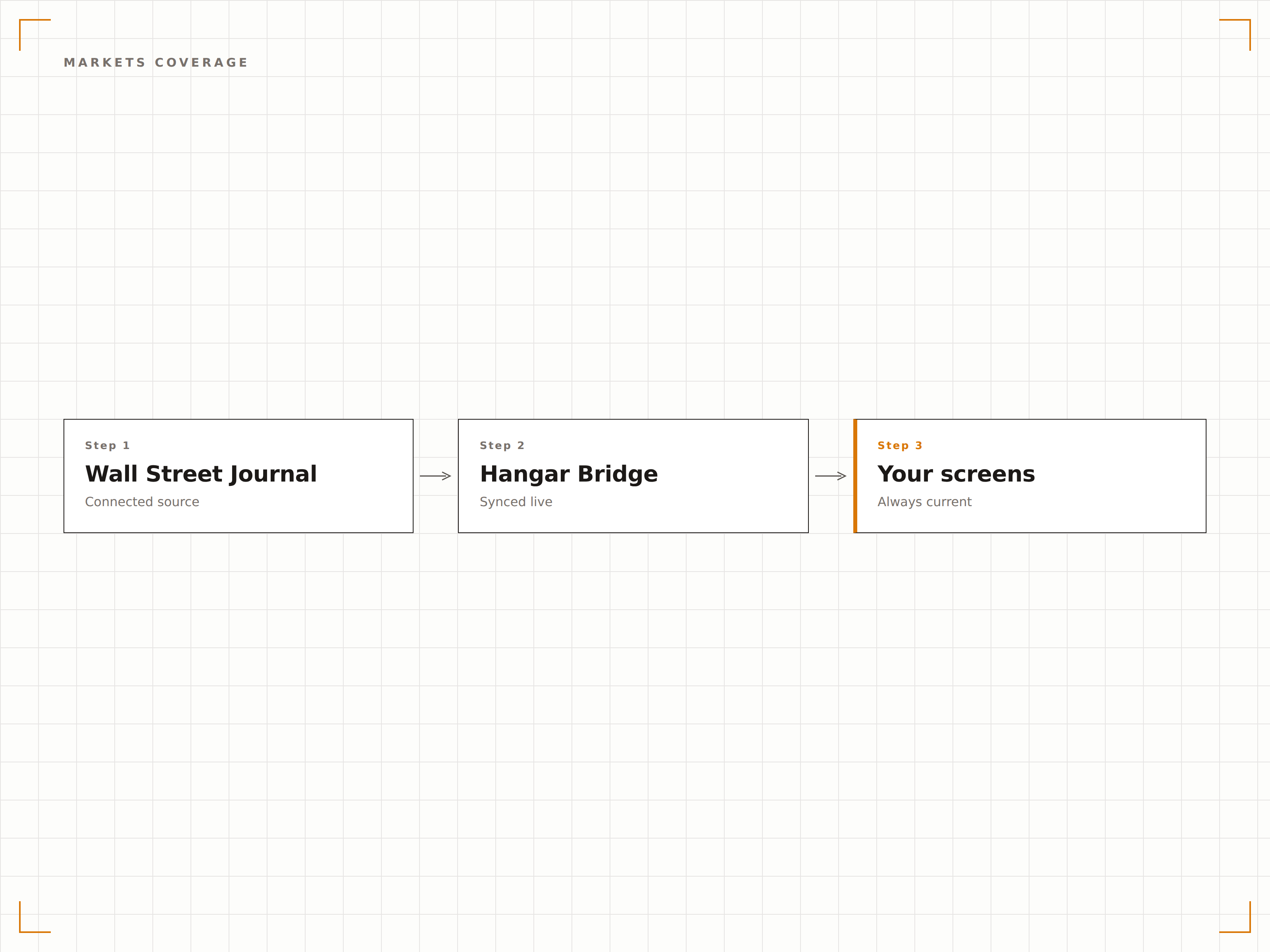
Wählen Sie WSJ-Rubriken, die für Ihr Unternehmen relevant sind
Wählen Sie aus den Rubriken Märkte, Wirtschaft, Technologie, Konjunktur, Welt, Politik, Meinung und Lifestyle. Finanzdienstleister könnten Märkte und Konjunktur anzeigen. Technologieunternehmen könnten Technologie und Wirtschaft wählen. Sie entscheiden, was passt.
WSJ-Inhalte, kuratiert für Ihre Branche – nicht nur die Titelseite.
8+ WSJ-Redaktionsrubriken zur Auswahl
Mehrere Rubriken zu einem einzigen Feed kombiniert
Schlagzeilen-Anzahl pro Rubrik begrenzt für eine ausgewogene Darstellung
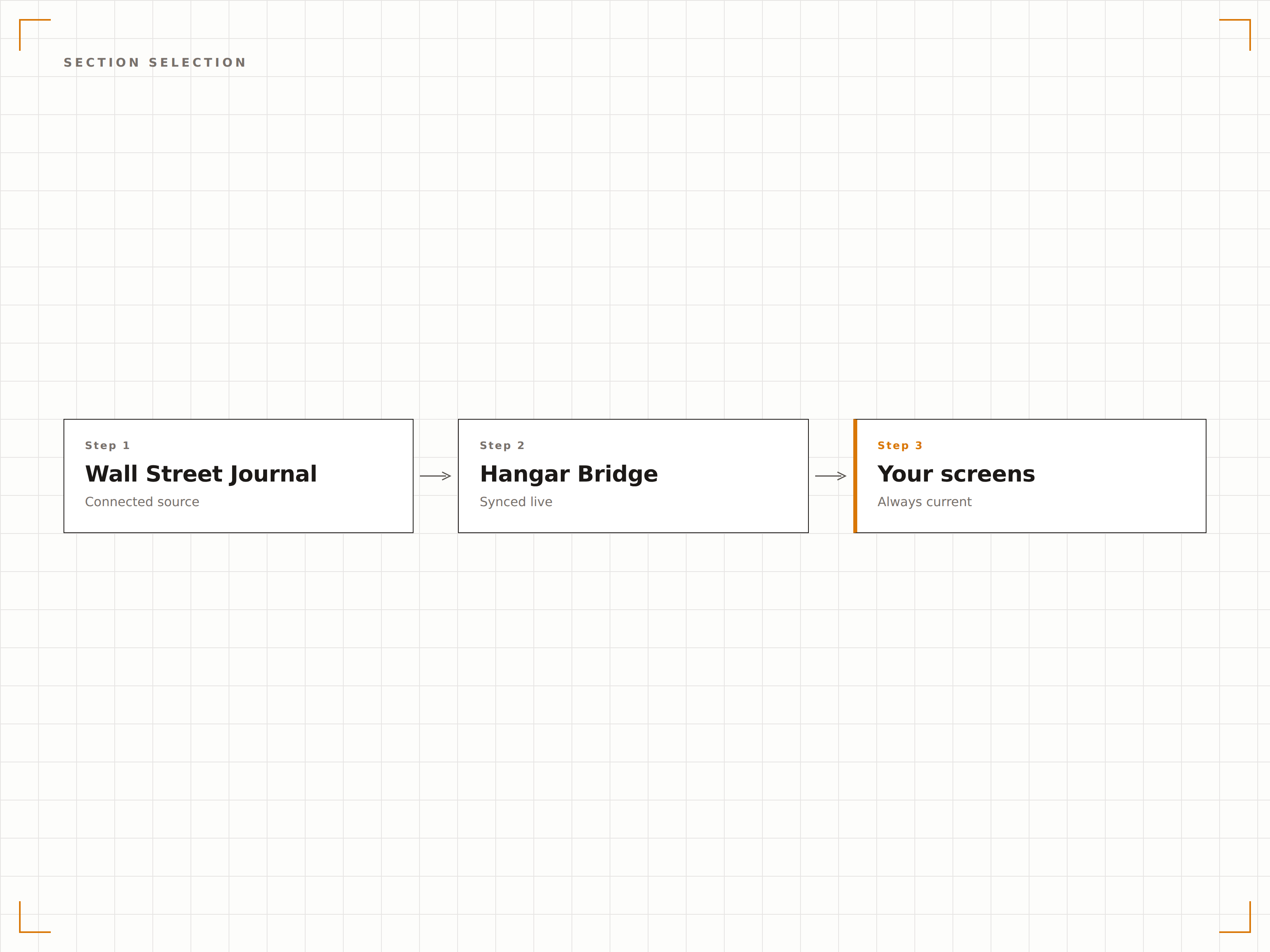
Klare Layouts, gestaltet für Unternehmensumgebungen
WSJ-Inhalte werden in zurückhaltenden, professionellen Layouts präsentiert, die für Vorstandsräume, Führungsetagen und kundenorientierte Bereiche geeignet sind. Typografie und Abstände vermitteln Autorität und entsprechen der Premium-Positionierung des Journal.
WSJ-Schlagzeilen mit derselben Autorität präsentiert wie die Zeitung selbst.
Zeitungsartige Schlagzeilen-Layouts mit Serifen-Typografie-Optionen
Klare Karten-Layouts für moderne Büroumgebungen
Ticker-Modus für dauerhafte Schlagzeilenanzeige im unteren Bilddrittel
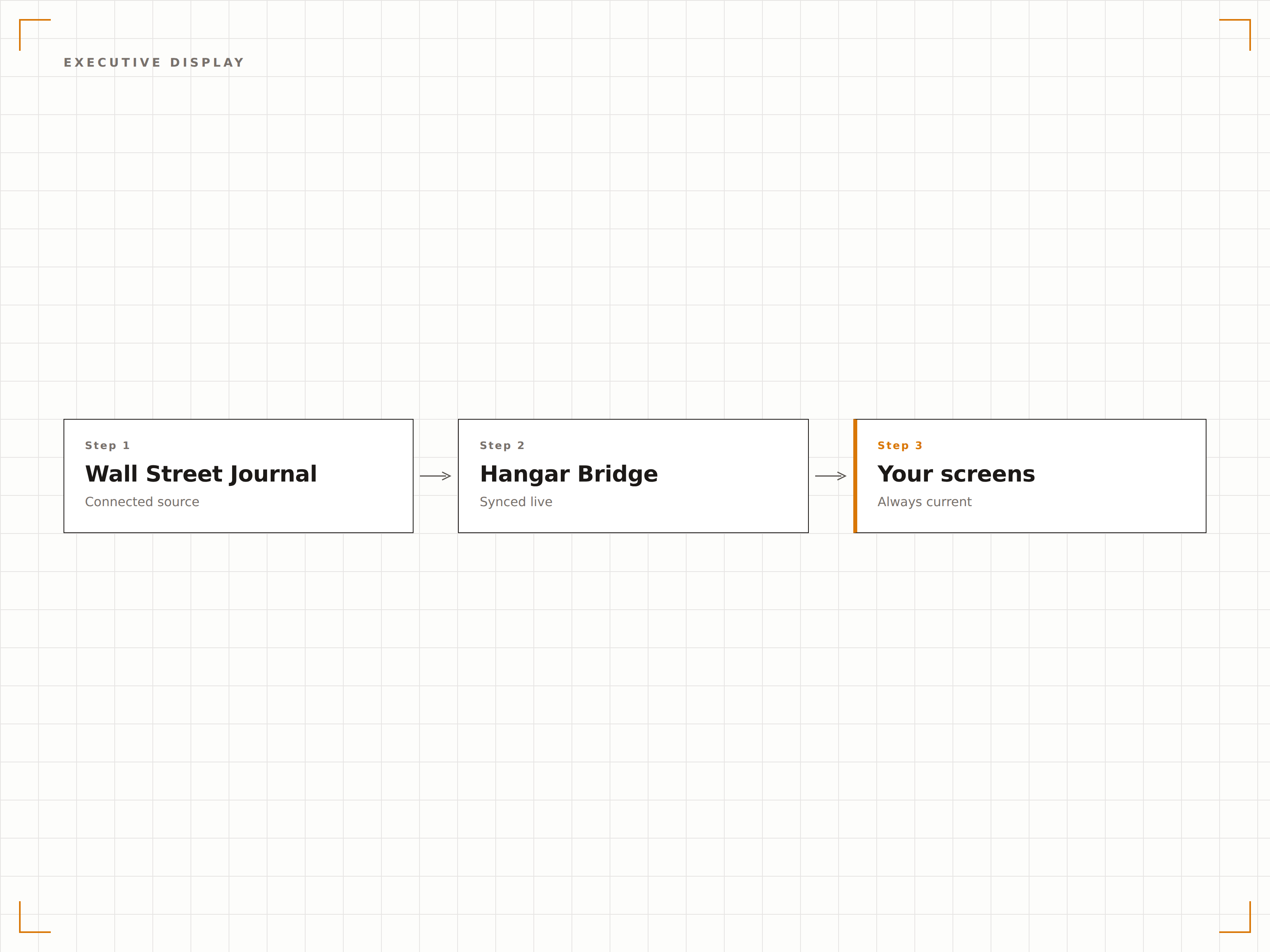
Vier Schritte zu verbundene Bildschirme.
Von der Einrichtung bis zu Live-Inhalten in Minuten, nicht Tagen.
WSJ-Rubriken auswählen
Wählen Sie im Hangar.Media-Dashboard, welche Wall Street Journal-Rubriken angezeigt werden sollen.
Aktualisierungseinstellungen konfigurieren
Legen Sie Aktualisierungsintervalle, Schlagzeilen-Anzahl und den optionalen Anzeigemodus «nur während der Handelszeiten» fest.
Layout auswählen
Wählen Sie ein Zeitungs-, Karten- oder Ticker-Layout und passen Sie es an Ihre Büroumgebung an.
Auf Bildschirmen veröffentlichen
Fügen Sie das WSJ-Widget zu Ihrem Bildschirm-Layout hinzu und veröffentlichen Sie es auf allen Büro-Bildschirmen.
Entwickelt für jeden Branche.
Erfahren Sie, wie verschiedene Branchen diese Integration nutzen, um Ergebnisse zu erzielen.
Handelsraum-Bildschirme
Zeigen Sie WSJ-Markt- und Konjunkturschlagzeilen auf Handelsraum-Bildschirmen zusammen mit Live-Marktdaten und Charts an.
UnternehmenBildschirme in der Führungsetage
Zeigen Sie WSJ-Wirtschafts- und Technologienachrichten auf Bildschirmen in der C-Suite und in Vorstandsräumen für Executive-Briefings an.
UnternehmenKundenbesprechungsräume
Zeigen Sie WSJ-Schlagzeilen auf Bildschirmen in Besprechungsräumen von Finanzberatungs- und Beratungsunternehmen an.
BildungBusiness-School-Bildschirme
Zeigen Sie WSJ-Wirtschafts- und Konjunkturschlagzeilen auf Bildschirmen in MBA-Programmen und Gemeinschaftsbereichen von Business Schools an.
Häufige Fragen. Direkte Antworten.
Welche WSJ-Rubriken kann ich anzeigen?
Verfügbare Rubriken umfassen Märkte, Wirtschaft, Technologie, Konjunktur, Welt, USA, Politik, Meinung und Lifestyle. Wählen Sie eine Rubrik oder kombinieren Sie mehrere zu einem einzigen kuratierten Feed.
Benötige ich ein WSJ-Abonnement, um dies zu nutzen?
Die Integration zeigt Schlagzeilen und Zusammenfassungen aus öffentlich verfügbaren WSJ-RSS-Feeds an. Für den vollständigen Artikelzugriff ist ein WSJ-Abonnement erforderlich, die Anzeige von Schlagzeilen auf Ihrem Signage jedoch nicht.
Kann ich die Anzeige auf die Handelszeiten beschränken?
Ja. Sie können das WSJ-Widget so planen, dass es nur während der Handelszeiten angezeigt wird und ausserhalb der Handelssitzungen auf andere Inhalte umschaltet. Zeitzoneneinstellungen gewährleisten die Genauigkeit für Ihren Standort.
Kann ich WSJ zusammen mit Aktien-Ticker-Daten betreiben?
Ja. Das WSJ-Widget funktioniert zusammen mit den Finanz- und Marktintegrationen von Hangar.Media. Zeigen Sie WSJ-Schlagzeilen in einer Zone und Live-Aktienkurse oder Marktindizes in einer anderen an.
Ein Preis. Die gesamte Plattform.
So stellen wir uns Digital Signage vor. Inhaltseditor, Bildschirmverwaltung und 200+ App-Integrationen – alles von Anfang an inklusive.
14 Tage kostenlos, bis zu 3 Bildschirme – keine Kreditkarte erforderlich.