Monday.com auf jedem Bildschirm. Workflows sichtbar gemacht.
Verbinden Sie Monday.com mit Ihrem Digital Signage und zeigen Sie Board-Ansichten, Dashboard-Diagramme und Workflow-Statusupdates auf Bildschirmen in Ihrem gesamten Büro an. Machen Sie den Arbeitsfortschritt für jedes Teammitglied sichtbar.
Work-OS-Daten auf Ihren Büro-Bildschirmen
Monday.com ist ein flexibles Work OS, das von Teams in allen Abteilungen genutzt wird. Hangar.Media verbindet sich mit Ihrem Monday.com-Workspace und zeigt Board-Daten, Dashboard-Widgets und Statusupdates auf Digital Signage an. Ob Sie Vertriebspipelines, Projektaufgaben oder HR-Prozesse verfolgen – Ihre Daten werden auf Ihren Bildschirmen lebendig.
Was Sie mit Workflows sichtbar gemacht. tun können
Drei Funktionen, die diese Integration für Ihr Digital Signage-Netzwerk unverzichtbar machen.
Monday.com-Boards auf dem Bildschirm
Zeigen Sie Monday.com-Boards auf Ihrem Signage mit allen Gruppen, Elementen und Statusspalten an. Die farbenfrohen Statusindikatoren lassen sich perfekt auf Digital Signage übertragen und bieten auf einen Blick Einblick in jeden Workflow.
Statusspalten wurden für grosse Bildschirme gemacht.
Vollständiges Board-Layout mit Gruppenüberschriften
Farbcodierte Statusspaltenanzeige
Personenspalte mit Team-Mitglieder-Avataren
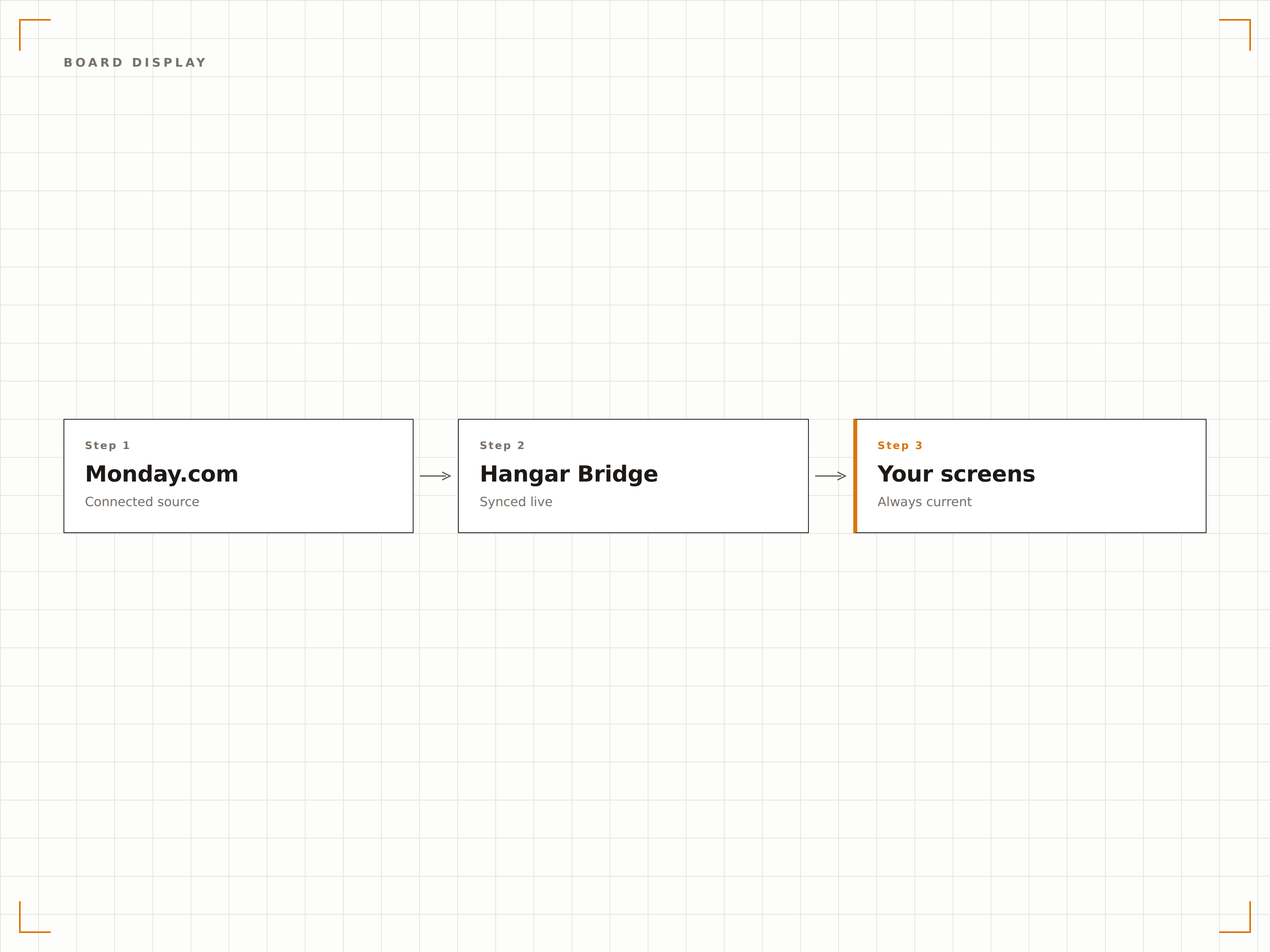
Chart- und Kennzahlenanzeigen
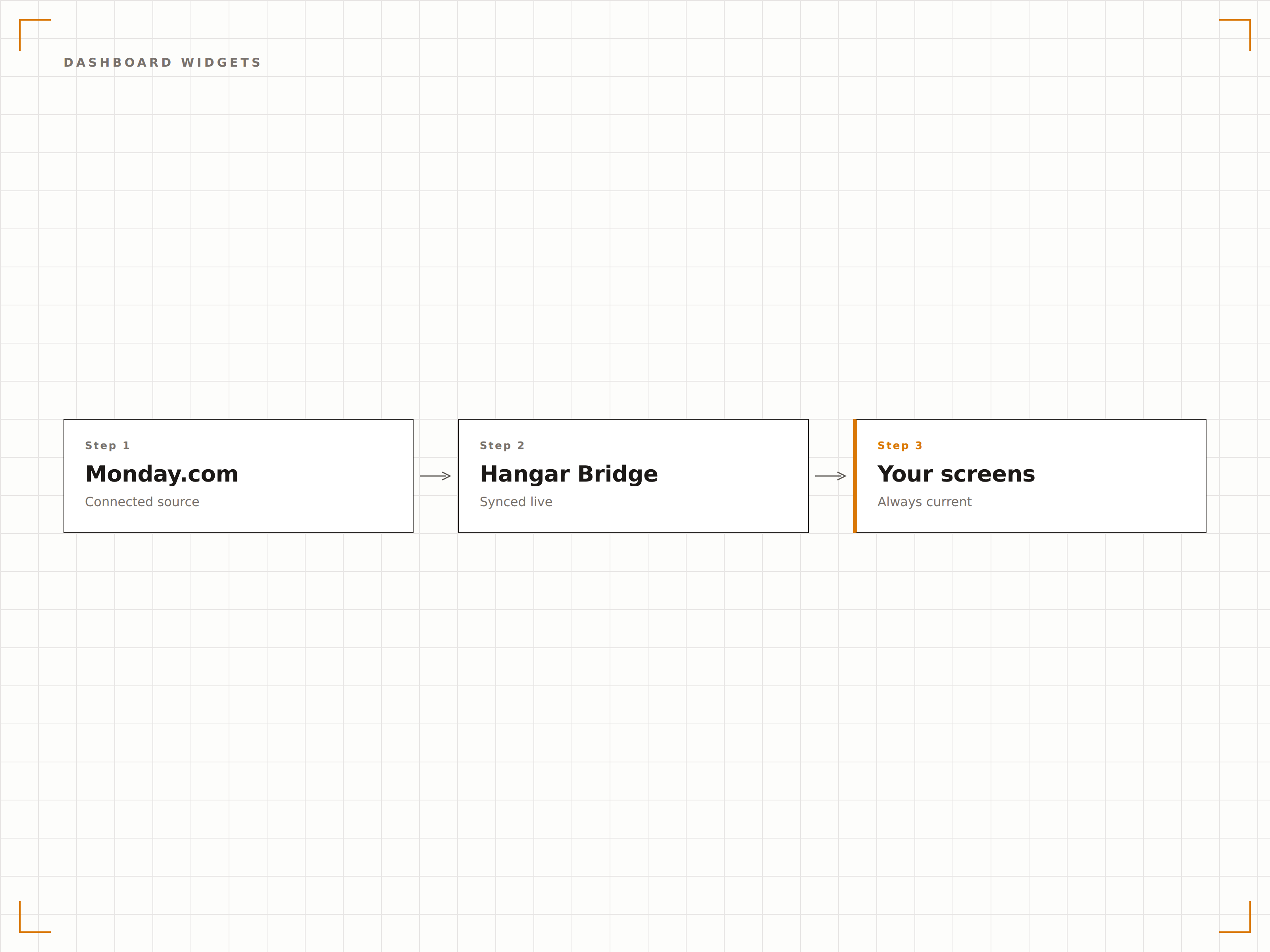
Rendern Sie Monday.com-Dashboard-Widgets auf Ihrem Signage. Zeigen Sie Chart-Visualisierungen, Zahlenzusammenfassungen und Fortschritts-Widgets an, die sich aktualisieren, sobald sich Ihre Board-Daten ändern.
Ihr Monday.com-Dashboard, bildschirmgross.
Balken-, Kreis- und Liniendiagramm-Widgets
Zusammenfassungskacheln für Zahlen und Prozentwerte
Batterie- und Fortschrittsbalken-Widgets
Zielgruppenspezifische Board-Ansichten
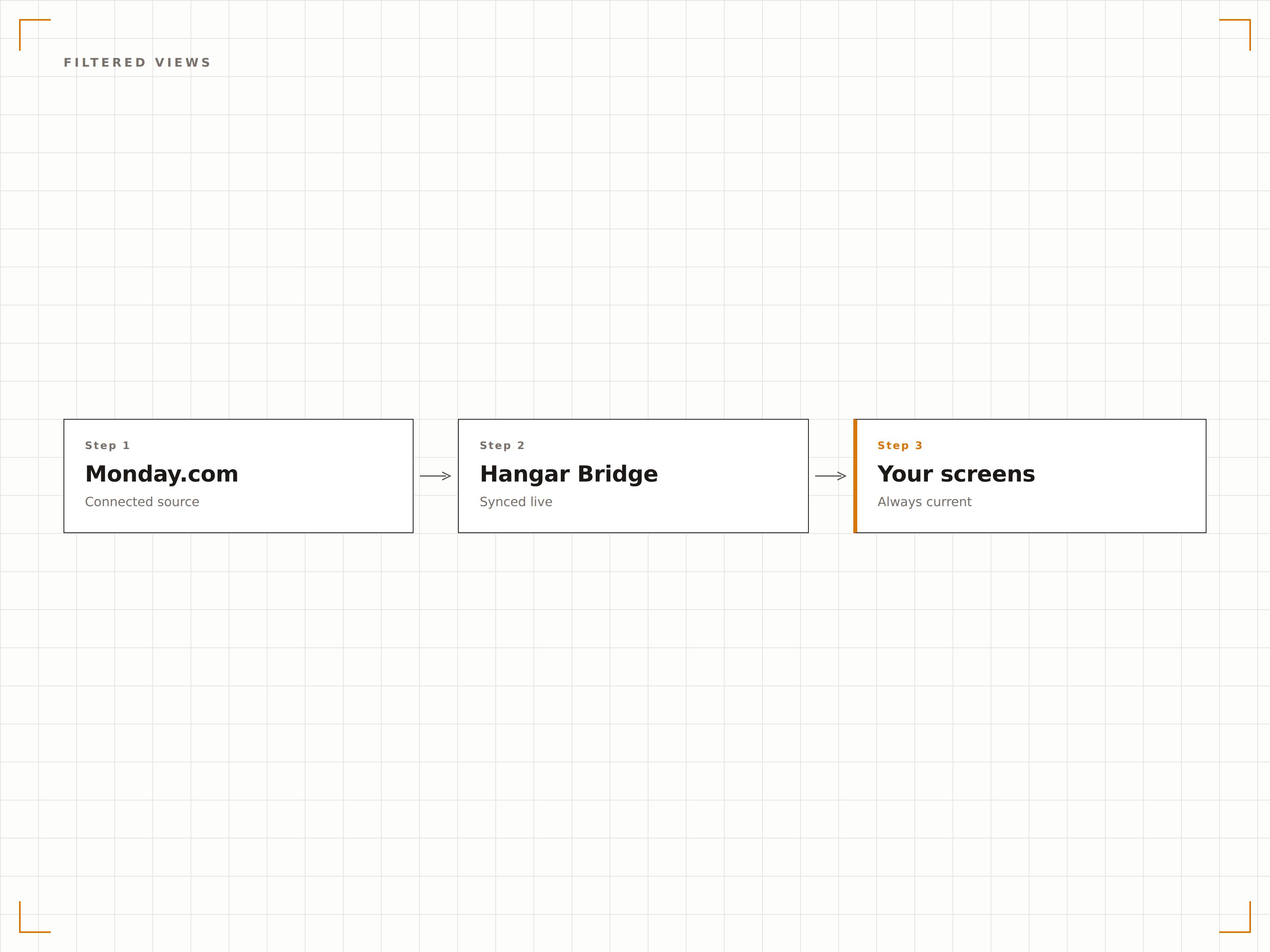
Erstellen Sie gefilterte Ansichten von Monday.com-Boards für verschiedene Zielgruppen. Zeigen Sie dem Vertriebsteam seine Pipeline, dem Management die Projektübersicht und dem Operations-Team seine Aufgabenwarteschlange – alles aus demselben Monday.com-Workspace.
Ein Workspace, viele Bildschirmansichten.
Filtern nach Person, Status oder Gruppe
Datumsbereichsfilterung für Fristen
Board-Ansichts-Snapshots für bestimmte Zielgruppen
Vier Schritte zu verbundene Bildschirme.
Von der Einrichtung bis zu Live-Inhalten in Minuten, nicht Tagen.
Monday.com verbinden
Authentifizieren Sie Ihren Monday.com-Workspace mit Hangar.Media über ein API-Token oder eine OAuth-Integration.
Boards und Ansichten auswählen
Wählen Sie, welche Monday.com-Boards und Dashboard-Ansichten auf Ihrem Signage angezeigt werden sollen.
Filter und Layout einrichten
Wenden Sie Spaltenfilter an, wählen Sie sichtbare Gruppen aus und legen Sie das visuelle Layout für die Bildschirmanzeige fest.
Auf Bildschirmen veröffentlichen
Fügen Sie Monday.com-Widgets zu Ihren Playlists oder Layouts hinzu und veröffentlichen Sie sie auf Ihren Büro-Bildschirmen.
Entwickelt für jeden Branche.
Erfahren Sie, wie verschiedene Branchen diese Integration nutzen, um Ergebnisse zu erzielen.
Sichtbarkeit der Vertriebspipeline
Zeigen Sie das Monday.com-Vertriebspipeline-Board auf Bildschirmen im Verkaufsbereich an, damit das Team Dealfortschritte, Werte und Abschlussdaten auf einen Blick sieht.
UnternehmenHR-Onboarding-Tracker
Zeigen Sie das HR-Onboarding-Board auf Empfangsbildschirmen an, damit neue Mitarbeitende ihren Onboarding-Fortschritt und bevorstehende Orientierungsaktivitäten sehen.
EinzelhandelLager- und Lieferverfolgung
Zeigen Sie Lagerverwaltungs-Boards auf Lagerbildschirmen an, damit Logistikteams Lieferungen, Lagerbestände und Nachbestellungsstatus verfolgen können.
EntertainmentProduktions-Workflow-Verfolgung
Zeigen Sie Produktions-Workflow-Boards auf Studio- und Venue-Bildschirmen an, damit Teams Drehpläne, Gerätebuchungen und Postproduktionsaufgaben verfolgen können.
Häufige Fragen. Direkte Antworten.
Welche Monday.com-Pläne sind kompatibel?
Die Integration funktioniert mit den Monday.com-Plänen Standard, Pro und Enterprise. Der kostenlose Individual-Plan verfügt über eingeschränkten API-Zugriff, der einige Anzeigefunktionen einschränken kann.
Kann ich Unterelemente auf dem Signage anzeigen?
Ja. Die Monday.com-Integration unterstützt die Anzeige von Unterelementen. Sie können wählen, ob Unterelemente basierend auf Ihren Anzeigeeinstellungen und dem verfügbaren Platz auf dem Bildschirm ein- oder ausgeblendet werden sollen.
Wie werden Monday.com-Dashboards gerendert?
Dashboard-Chart-Widgets werden mithilfe der Monday.com-API-Daten gerendert. Hangar.Media erstellt die Chart-Visualisierungen mit signage-optimiertem Styling für eine gestochen scharfe Darstellung auf grossen Bildschirmen neu.
Kann ich Daten aus mehreren Workspaces anzeigen?
Jede Hangar.Media-Verbindung ist mit einem Monday.com-Workspace verknüpft. Um Boards aus mehreren Workspaces anzuzeigen, verbinden Sie jeden Workspace separat und erstellen Sie separate Widgets.
Ein Preis. Die gesamte Plattform.
So stellen wir uns Digital Signage vor. Inhaltseditor, Bildschirmverwaltung und 200+ App-Integrationen – alles von Anfang an inklusive.
14 Tage kostenlos, bis zu 3 Bildschirme – keine Kreditkarte erforderlich.