Smartsheet-Pläne auf dem Bildschirm. Transparenz auf Führungsebene.
Zeigen Sie Smartsheet-Projektpläne, Gantt-Diagramme, Dashboards und Berichte auf Ihrem Digital Signage. Geben Sie Führungskräften und Stakeholdern Echtzeittransparenz über Projektzeitpläne und Ressourcenallokation.
Enterprise-Projektdaten auf Ihren Bildschirmen
Smartsheet ist das vertrauenswürdige Tool von Unternehmen für das Management komplexer Projekte, Programme und Portfolios. Hangar.Media verbindet sich mit Ihrem Smartsheet-Workspace und zeigt Tabellen, Gantt-Diagramme, Dashboards und Berichte auf Digital Signage an. Projektmanager aktualisieren Smartsheet wie gewohnt – und die Bildschirme übernehmen die Änderungen automatisch.
Was Sie mit Transparenz auf Führungsebene. tun können
Drei Funktionen, die diese Integration für Ihr Digital Signage-Netzwerk unverzichtbar machen.
Gantt-Diagramme auf Digital Signage
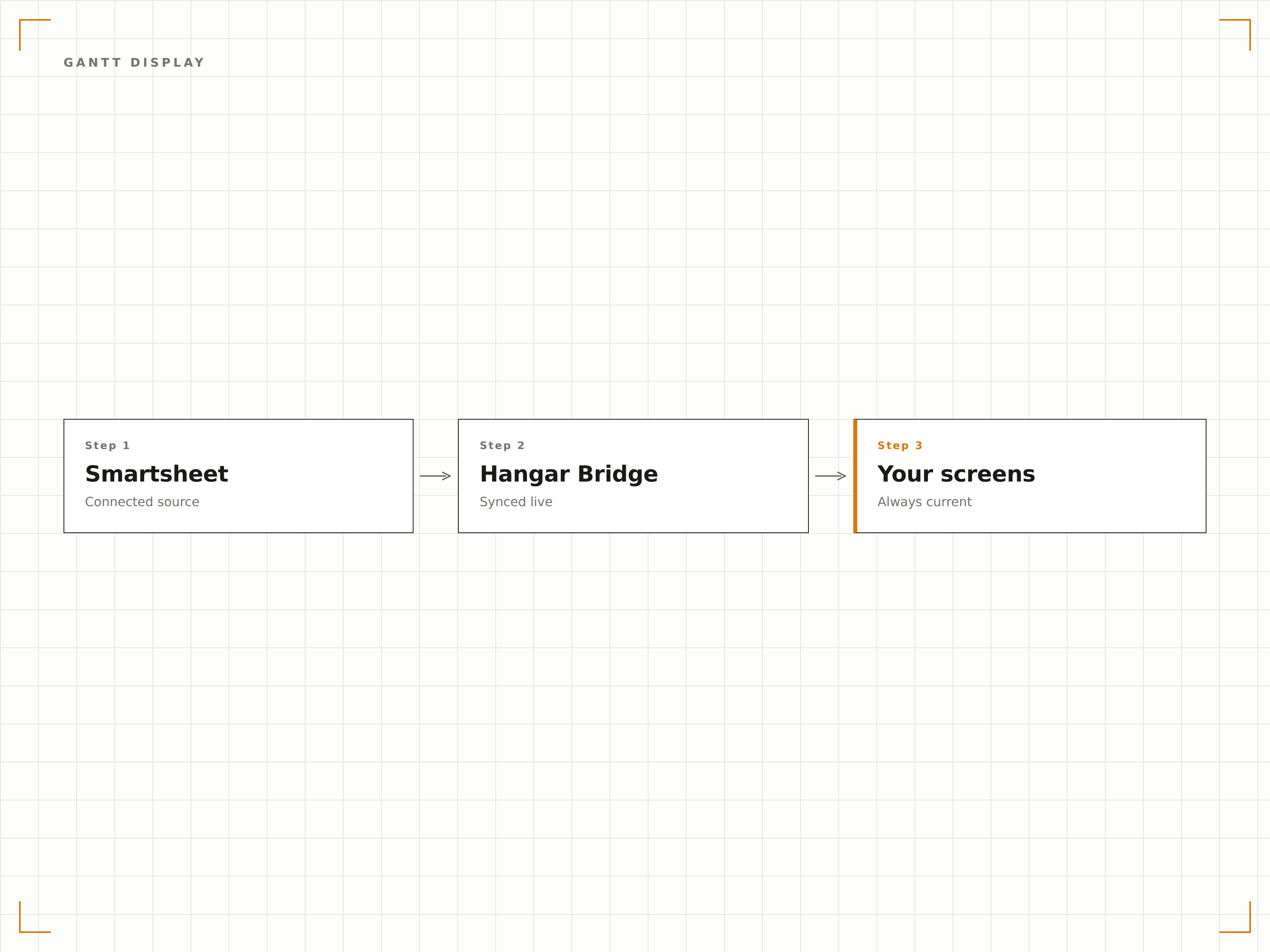
Rendern Sie Smartsheet-Gantt-Diagramme auf Ihren Bildschirmen mit Aufgabenbalken, Meilensteinen, Abhängigkeiten und Hervorhebung des kritischen Pfads. Erfassen Sie die gesamte Projektzeitleiste auf einen Blick – auch aus der Distanz.
Der Projektplan – sichtbar für alle.
Vollständige Gantt-Diagramm-Darstellung
Pfeile für Aufgabenabhängigkeiten
Kritischer Pfad und Meilensteinmarkierungen
Smartsheet-Dashboards auf dem Bildschirm
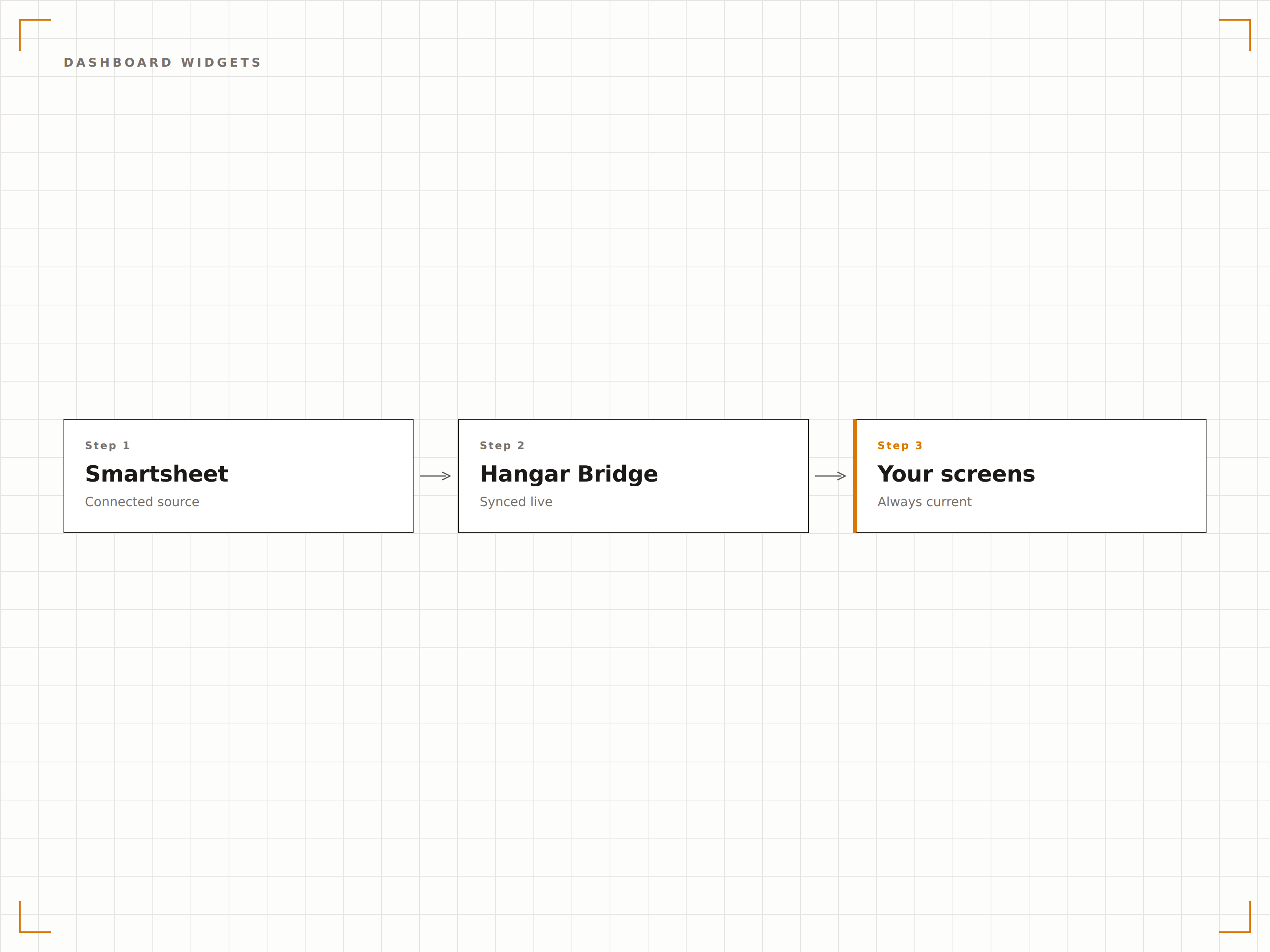
Zeigen Sie Smartsheet-Dashboard-Widgets – einschliesslich Diagrammen, Kennzahlen und Berichtszusammenfassungen – auf Ihrem Signage-System an. Erstellen Sie Ansichten auf Führungsebene, die den Projektstatus über Ihr gesamtes Portfolio zusammenfassen.
Portfolio-Status auf einen Blick.
Diagramm-Widget-Darstellung
Kennzahl- und Verknüpfungs-Widgets
Berichtszusammenfassungen
Aggregierte Berichtsanzeigen
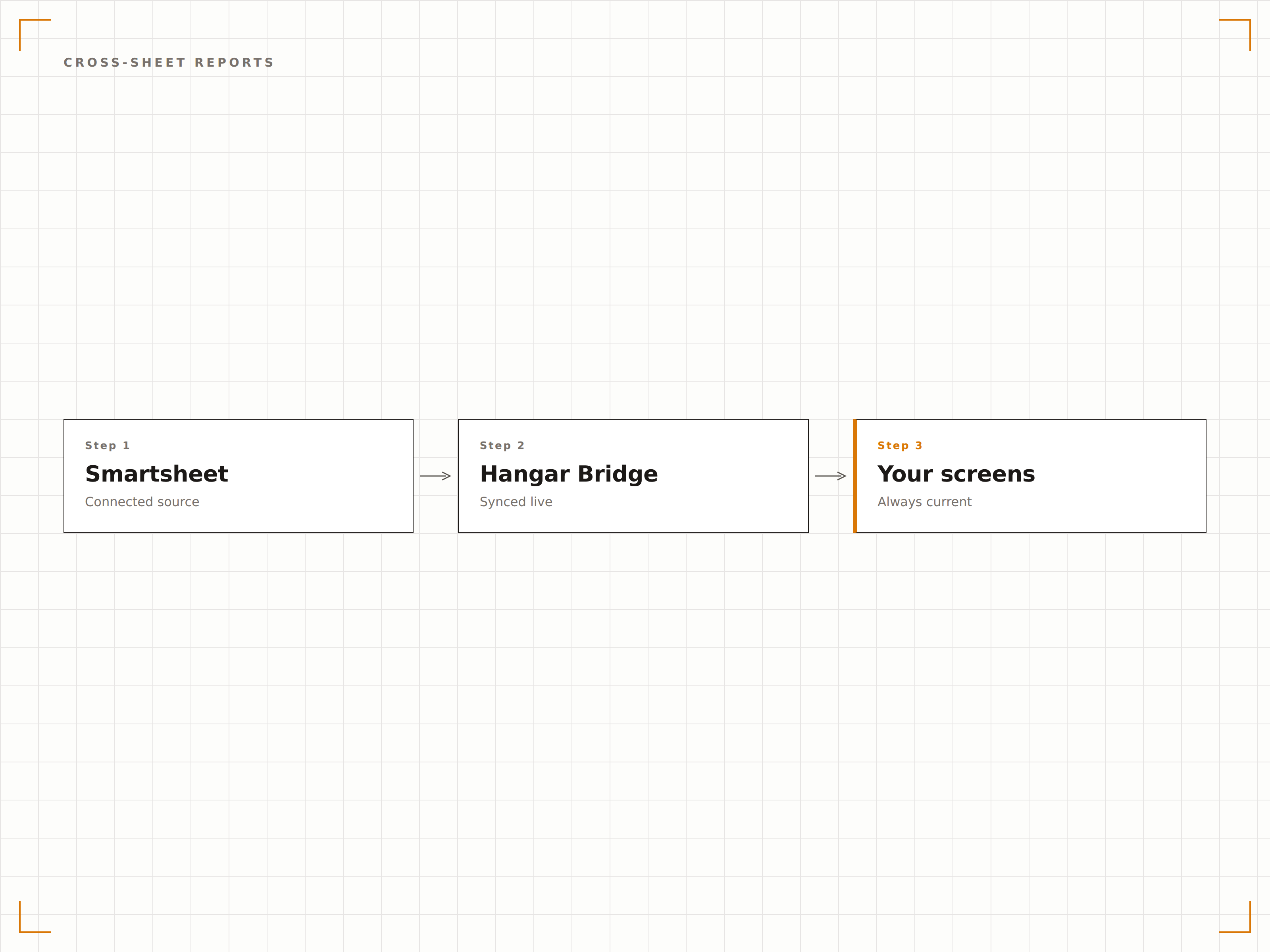
Zeigen Sie Smartsheet-Berichte, die Daten aus mehreren Tabellen zusammenführen, auf einem einzigen Bildschirm an. Aggregieren Sie Projektstatus, Ressourcenzuteilung und Risikoindikatoren über Ihr gesamtes Portfolio für umfassende Transparenz.
Alle Projekte, ein Bildschirm, ein Bericht.
Mehrtabelligen-Berichtsdarstellung
Zeilengruppierung und Zusammenfassungsbalken
Anzeige bedingter Formatierungen
Vier Schritte zu verbundene Bildschirme.
Von der Einrichtung bis zu Live-Inhalten in Minuten, nicht Tagen.
Smartsheet verbinden
Authentifizieren Sie Ihr Smartsheet-Konto mit Hangar.Media über API-Token oder OAuth-Integration.
Tabellen und Dashboards auswählen
Wählen Sie, welche Smartsheet-Tabellen, Dashboards oder Berichte auf Ihren Signage-Bildschirmen angezeigt werden sollen.
Anzeigeoptionen einrichten
Legen Sie sichtbare Spalten, den Zoomlevel des Gantt-Diagramms und das Aktualisierungsintervall für die Bildschirmanzeige fest.
Auf Bildschirmen veröffentlichen
Fügen Sie Smartsheet-Widgets zu Ihren Signage-Layouts hinzu und veröffentlichen Sie diese auf Bildschirmen in Führungsetagen und Projektbereichen.
Entwickelt für jeden Branche.
Erfahren Sie, wie verschiedene Branchen diese Integration nutzen, um Ergebnisse zu erzielen.
PMO-Projektdashboards
Zeigen Sie Dashboards des Projektmanagementbüros auf den Bildschirmen der Führungsetage an – mit Projektstatus, Budgetstatus und Termintreue über das gesamte Portfolio.
UnternehmenBauprojekt-Tracking
Zeigen Sie Gantt-Diagramme von Bauprojekten auf den Bildschirmen im Baubüro an, damit Auftragnehmer und Projektleiter Meilensteindaten und Aufgabenabhängigkeiten stets im Blick haben.
GesundheitswesenPlanung von Standorterweiterungen
Zeigen Sie Projektpläne für Krankenhauserweiterungen auf Bildschirmen im Verwaltungsbereich an, um Baumeilensteine, Gerätebeschaffung und behördliche Genehmigungen zu verfolgen.
FinanzwesenCompliance-Projekt-Tracking
Zeigen Sie regulatorische Compliance-Projektpläne auf Management-Bildschirmen an, um Prüfungsvorbereitung, Dokumentationsstatus und Einreichungsfristen zu verfolgen.
Häufige Fragen. Direkte Antworten.
Welche Smartsheet-Pläne werden unterstützt?
Die Integration funktioniert mit Smartsheet Pro, Business und Enterprise. Einige Dashboard- und Berichtsfunktionen erfordern Smartsheet Business oder höher.
Kann ich Smartsheet Control Center-Daten anzeigen?
Ja. Wenn Sie Smartsheet Control Center für das Programmmanagement nutzen, können die zugrunde liegenden Tabellen und Berichte über die Standard-Smartsheet-Integration auf Signage-Bildschirmen angezeigt werden.
Wie wird der Zoomlevel des Gantt-Diagramms festgelegt?
Sie können das Gantt-Diagramm nach Tag, Woche, Monat oder Quartal anzeigen lassen. Wählen Sie den Zoomlevel, der für Ihr Publikum und Ihre Bildschirmgrösse den optimalen Detailgrad bietet.
Kann ich einschränken, welche Daten auf öffentlichen Bildschirmen angezeigt werden?
Ja. Wählen Sie gezielt Spalten und Zeilen zur Anzeige aus. Sensible Felder wie Budgetzahlen oder Personaldetails können in der Signage-Ansicht ausgeblendet werden, bleiben jedoch in der Quelltabelle erhalten.
Ein Preis. Die gesamte Plattform.
So stellen wir uns Digital Signage vor. Inhaltseditor, Bildschirmverwaltung und 200+ App-Integrationen – alles von Anfang an inklusive.
14 Tage kostenlos, bis zu 3 Bildschirme – keine Kreditkarte erforderlich.