Hyatt Envision-Veranstaltungen. Brillant dargestellt.
Rufen Sie Besprechungsraumpläne, Gruppenbuchungsdetails und Veranstaltungsinformationen direkt aus Hyatt Envision ab und zeigen Sie diese auf Digital Signage-Bildschirmen in Ihrer Hyatt-Liegenschaft an.
Hyatt Envision-Daten, massgeschneidert für Digital Signage.
Die Hyatt Envision-Integration von Hangar.Media verbindet sich mit der Envision-Veranstaltungsmanagementplattform, die in Hyatt-Hotels weltweit eingesetzt wird. Besprechungsraumpläne, Gruppenankunftsdetails und Veranstaltungszeitpläne werden direkt an Ihre Lobby-Verzeichnisse, Flurbildschirme und Bildschirme auf den Konferenzebenen übertragen. Wenn Ihr Veranstaltungsteam Envision aktualisiert, wird jeder Bildschirm in der gesamten Liegenschaft automatisch aktualisiert.
Was Sie mit Brillant dargestellt. tun können
Drei Funktionen, die diese Integration für Ihr Digital Signage-Netzwerk unverzichtbar machen.
Personalisierte Gruppen-Willkommensanzeigen
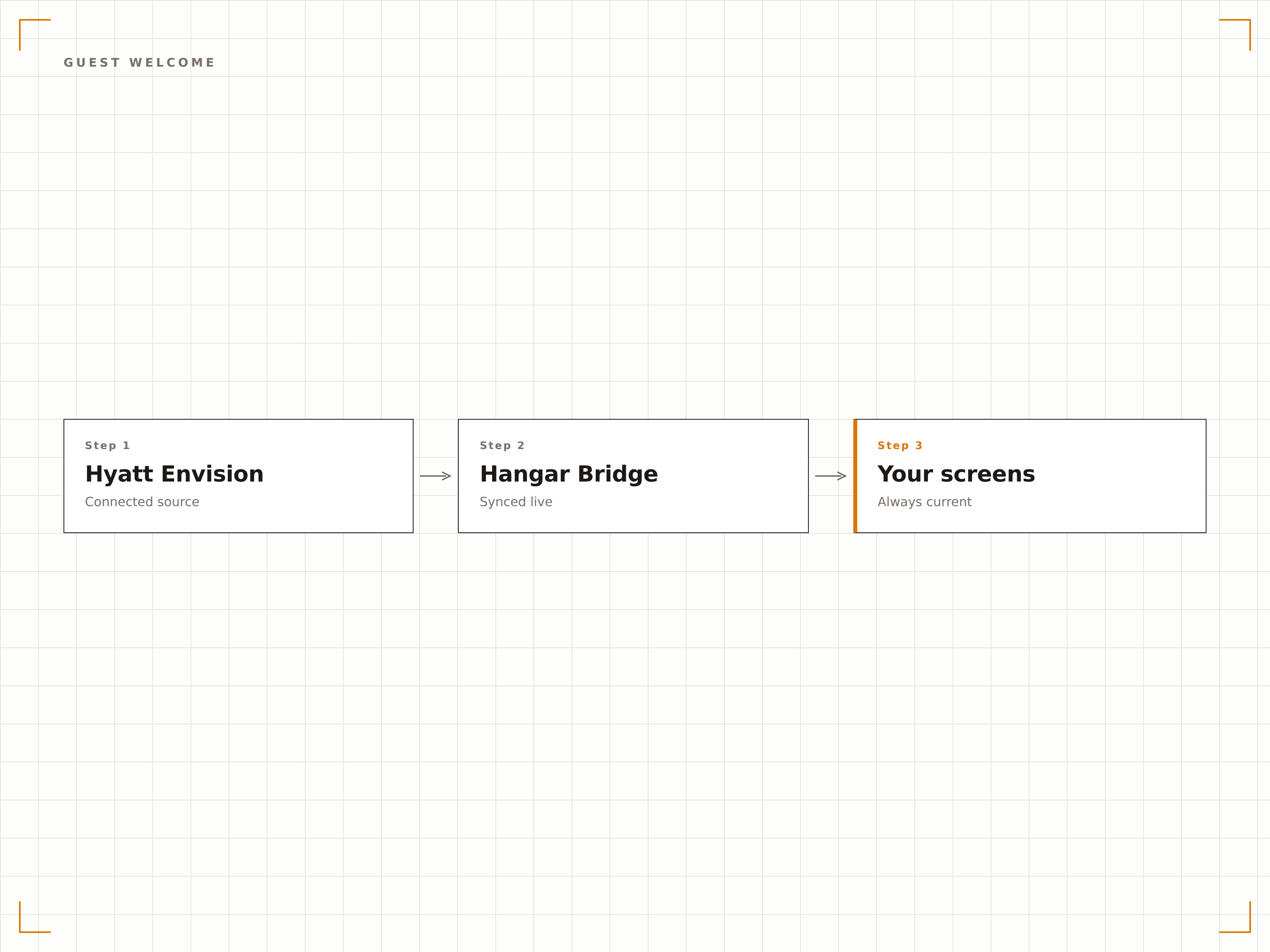
Generieren Sie automatisch Willkommensbildschirme für ankommende Gruppen mithilfe von Daten aus Envision. Zeigen Sie Gruppenname, Besprechungsraumstandort und Zeitplan auf Lobby-Bildschirmen an, damit sich Gäste erwartet fühlen und selbstständig durch die Immobilie navigieren können.
Jede Gruppe erhält eine persönliche Begrüssung, sobald sie durch die Tür tritt.
Gruppenname und Ansprechperson bei der Ankunft angezeigt
Besprechungsraumstandort mit Wegweiser-Navigation
Individuelle Willkommensnachrichten pro Buchung anpassbar
Live-Besprechungsraum-Zeitplanübersichten
Zeigen Sie Echtzeit-Besprechungsraumpläne ausserhalb jedes Konferenzraums an, direkt aus Envision bezogen. Zeigen Sie aktuelle Meetings, bevorstehende Sitzungen und Raumverfügbarkeit an, damit Teilnehmende immer wissen, wo sie wann sein müssen.
Jede Konferenzraumtür zeigt Ihnen genau, was darin vorgeht.
Aktuelles und nächstes Meeting mit Countdown-Timern angezeigt
Raumverfügbarkeitsstatus mit grünen und roten Indikatoren
Vollständige Tagesplanansicht zur vorausschauenden Planung
Hyatt-markenkonforme Vorlagen
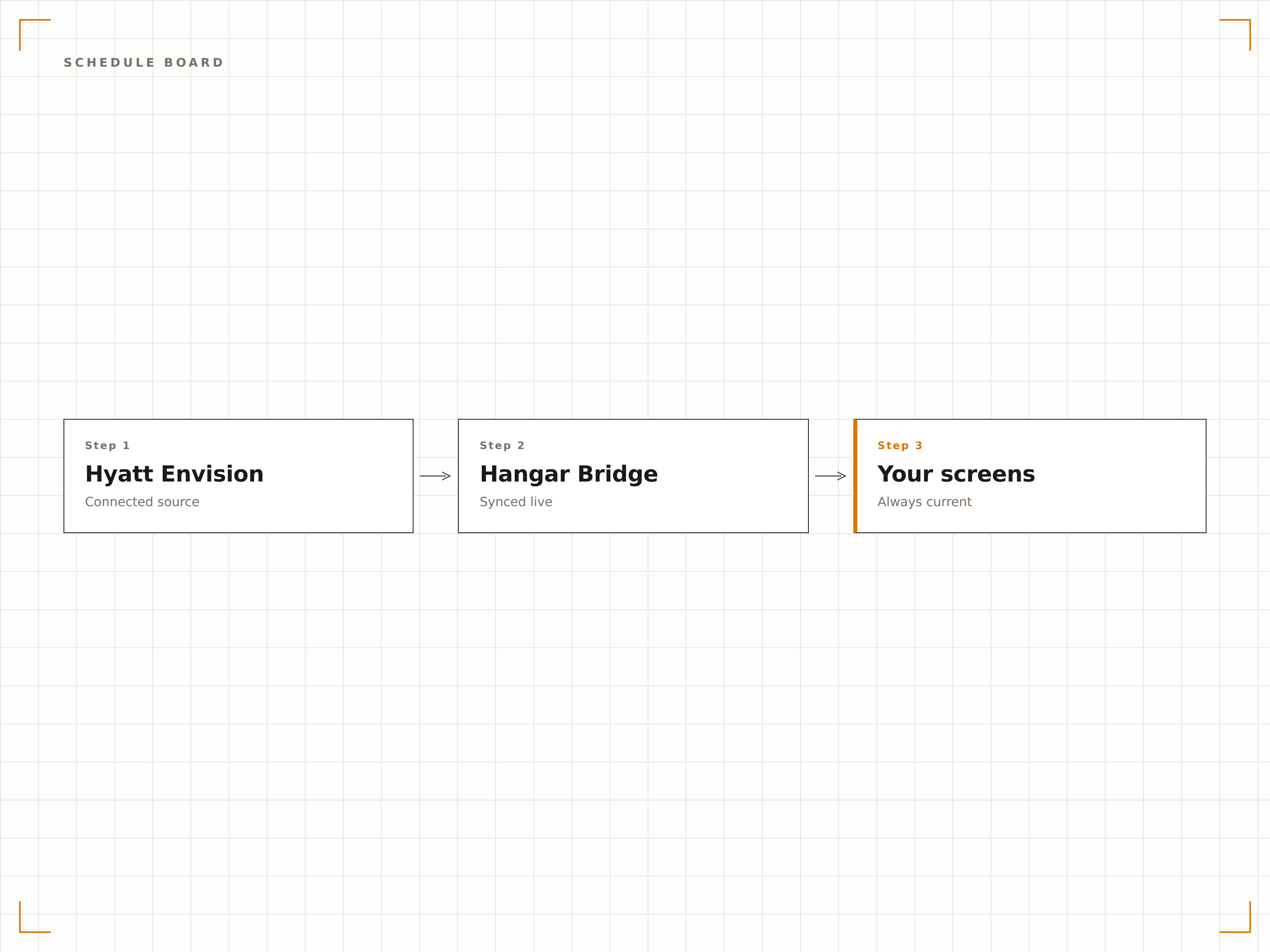
Alle Anzeigevorlagen folgen den Hyatt-Markenrichtlinien von Anfang an. Typografie, Farbpaletten und Layoutstandards sind voreingestellt, damit Ihr Digital Signage die Markenkonsistenz über alle Immobilien hinweg wahrt – ohne individuelle Designarbeit.
Markenkonforme Beschilderung – ohne Designer auf jeder Immobilie.
Vorgefertigte Vorlagen entsprechend den Hyatt-Markenstandards
Einheitliches Erscheinungsbild über alle Hyatt-Submarken hinweg
Anpassung auf Immobilienebene innerhalb der Markenrichtlinien
Vier Schritte zu verbundene Bildschirme.
Von der Einrichtung bis zu Live-Inhalten in Minuten, nicht Tagen.
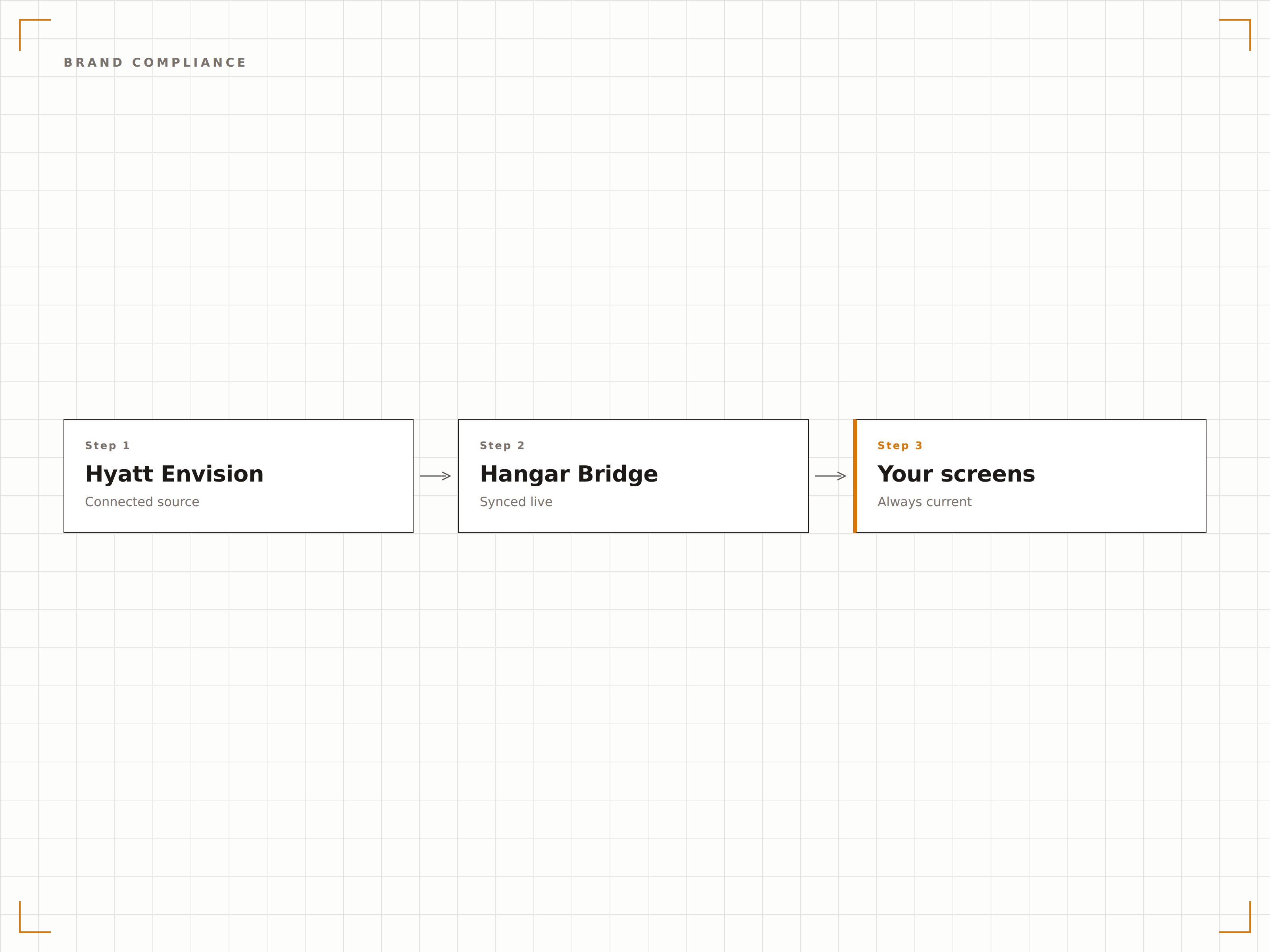
Hyatt Envision verbinden
Authentifizieren Sie Ihre Envision-Instanz über das Hangar.Media-Dashboard mit den Zugangsdaten Ihres Hyatt-IT-Teams.
Räume Bildschirmen zuordnen
Verknüpfen Sie Envision-Besprechungsraum-IDs mit den physischen Bildschirmstandorten in Ihrer Immobilie.
Anzeigevorlagen auswählen
Wählen Sie aus Hyatt-markenkonformen Vorlagen für Lobby-Verzeichnisse, Raumschilder und Willkommensanzeigen.
Immobilienweit aktivieren
Veröffentlichen Sie auf allen Bildschirmen – die Veranstaltungsdaten fliessen automatisch, während Ihr Team Buchungen in Envision verwaltet.
Entwickelt für jeden Branche.
Erfahren Sie, wie verschiedene Branchen diese Integration nutzen, um Ergebnisse zu erzielen.
Hyatt-Lobby-Veranstaltungsverzeichnisse
Zeigen Sie tägliche Konferenz- und Veranstaltungslisten in Hotellobbysbereichen an, damit Geschäftsreisende ihre Meetings schnell finden.
UnternehmenNavigation auf Konferenzetagen
Zeigen Sie etagenweise Besprechungspläne und Wegweiser auf Bildschirmen in den Konferenzetagen von Hyatt-Kongresshotels an.
EntertainmentWillkommen bei Hochzeiten und gesellschaftlichen Veranstaltungen
Zeigen Sie personalisierte Willkommensnachrichten und Veranstaltungspläne für Hochzeiten, Galas und gesellschaftliche Events in Hyatt-Immobilien an.
BildungAkademische Konferenzpläne
Zeigen Sie Sitzungspläne, Referentenlisten und Raumzuweisungen für akademische Konferenzen und Symposien in Hyatt-Hotels an.
Häufige Fragen. Direkte Antworten.
Ist diese Integration bei allen Hyatt-Marken verfügbar?
Die Integration funktioniert mit jeder Hyatt-Immobilie, die das Envision-Veranstaltungsmanagementsystem betreibt. Dazu gehören Hyatt Regency, Grand Hyatt, Park Hyatt und Hyatt Place-Immobilien, die Envision für die Veranstaltungsplanung nutzen.
Kann ich Veranstaltungen aus mehreren Envision-Systemen anzeigen?
Ja. Immobilien mit separaten Envision-Instanzen für verschiedene Gebäude oder Flügel können mehrere Quellen verbinden. Hangar.Media führt die Daten zusammen und leitet Veranstaltungen basierend auf Ihrer Raumzuordnung an die richtigen Bildschirme weiter.
Wie geht die Integration mit kurzfristigen Raumänderungen um?
Wenn eine Raumänderung in Envision vorgenommen wird, aktualisiert Hangar.Media alle betroffenen Bildschirme innerhalb von 60 Sekunden. Die alte Raumanzeige löscht die Veranstaltung, und die neue Raumanzeige zeigt die aktualisierte Zuweisung automatisch an.
Können Gäste Veranstaltungspläne auch auf ihren Mobilgeräten einsehen?
Ja. Hangar.Media kann QR-Codes auf Lobby-Verzeichnisbildschirmen generieren, die zu einer mobilfreundlichen Version des täglichen Veranstaltungsplans führen, sodass Gäste den Plan bei sich tragen können, während sie sich in der Immobilie bewegen.
Ein Preis. Die gesamte Plattform.
So stellen wir uns Digital Signage vor. Inhaltseditor, Bildschirmverwaltung und 200+ App-Integrationen – alles von Anfang an inklusive.
14 Tage kostenlos, bis zu 3 Bildschirme – keine Kreditkarte erforderlich.