Ungerboeck-Veranstaltungsdaten. Auf jedem Bildschirm.
Verbinden Sie Ihr Ungerboeck-Veranstaltungsmanagement-System mit Digital Signage und zeigen Sie Veranstaltungspläne, Ausstellerverzeichnisse, Raumzuweisungen und Besucherinformationen in Ihrem Kongresszentrum oder Ihrer Arena an.
Digital Signage für Veranstaltungsorte in Grossformat – powered by Ungerboeck.
Die Ungerboeck-Integration von Hangar.Media verbindet sich über die REST-API mit der Ungerboeck-Plattform für Veranstaltungs- und Venue-Management. Veranstaltungsbuchungen, Raumzuweisungen, Ausstellerdaten und Serviceaufträge fliessen direkt in Ihr Digital-Signage-Netzwerk ein. Ob Sie ein einzelnes Kongresszentrum oder ein Portfolio von Veranstaltungsorten verwalten – jeder Bildschirm bleibt mit Ihrem zentralen Veranstaltungsplan synchronisiert.
Was Sie mit Auf jedem Bildschirm. tun können
Drei Funktionen, die diese Integration für Ihr Digital Signage-Netzwerk unverzichtbar machen.
Umfassende Veranstaltungsverzeichnisse für grosse Veranstaltungsorte
Zeigen Sie vollständige Veranstaltungslisten für Veranstaltungsorte an, die mehrere gleichzeitige Events beherbergen. Präsentieren Sie Veranstaltungsnamen, Hallenzuweisungen, Zeiten und Veranstalterdetails auf Lobby-Verzeichnissen, die Besuchenden die Navigation in komplexen Kongresszentren erleichtern.
Ein Lobby-Bildschirm ersetzt hundert gedruckte Schilder.
Tagesübergreifender Veranstaltungsplan mit Hallenzuweisungen
Filterbare Veranstaltungslisten nach Typ, Halle oder Uhrzeit
Ansichtsoptionen für heute, morgen und die gesamte Woche
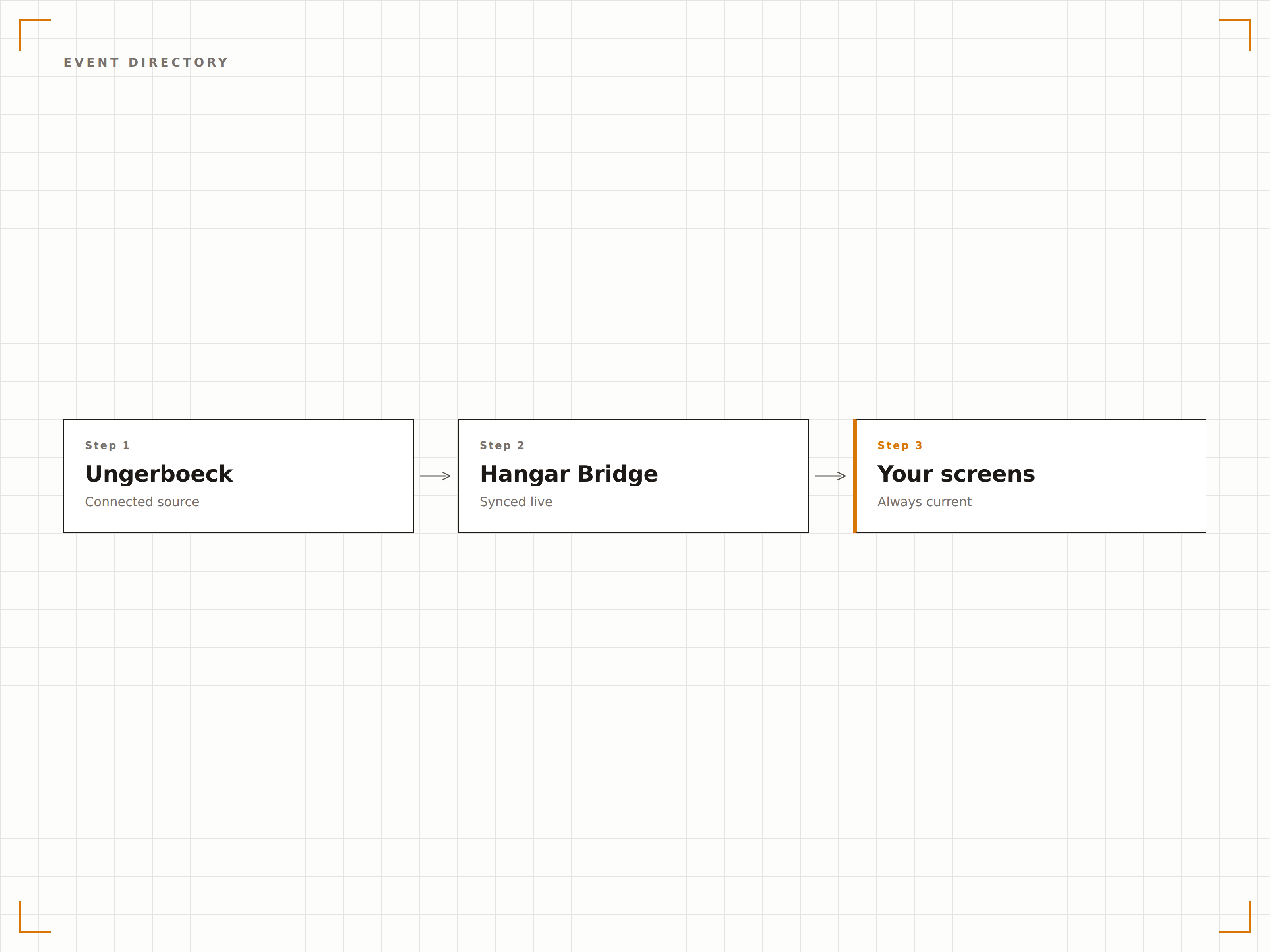
Interaktive Ausstellerverzeichnisse und Grundrisse
Rufen Sie Ausstellerdaten aus Ungerboeck ab und zeigen Sie durchsuchbare Standverzeichnisse auf Touchscreen-Bildschirmen an. Teilnehmende können Aussteller nach Name, Kategorie oder Halle durchsuchen und erhalten eine Wegbeschreibung zum gewünschten Stand.
Teilnehmende finden ihren Zielaussteller in Sekunden – nicht in Stunden.
Durchsuchbares Ausstellerverzeichnis mit Standnummern
Kategoriebasierte Ausstellerfilterung und -sortierung
Grundrissüberlagerung mit Standortanzeige der Stände
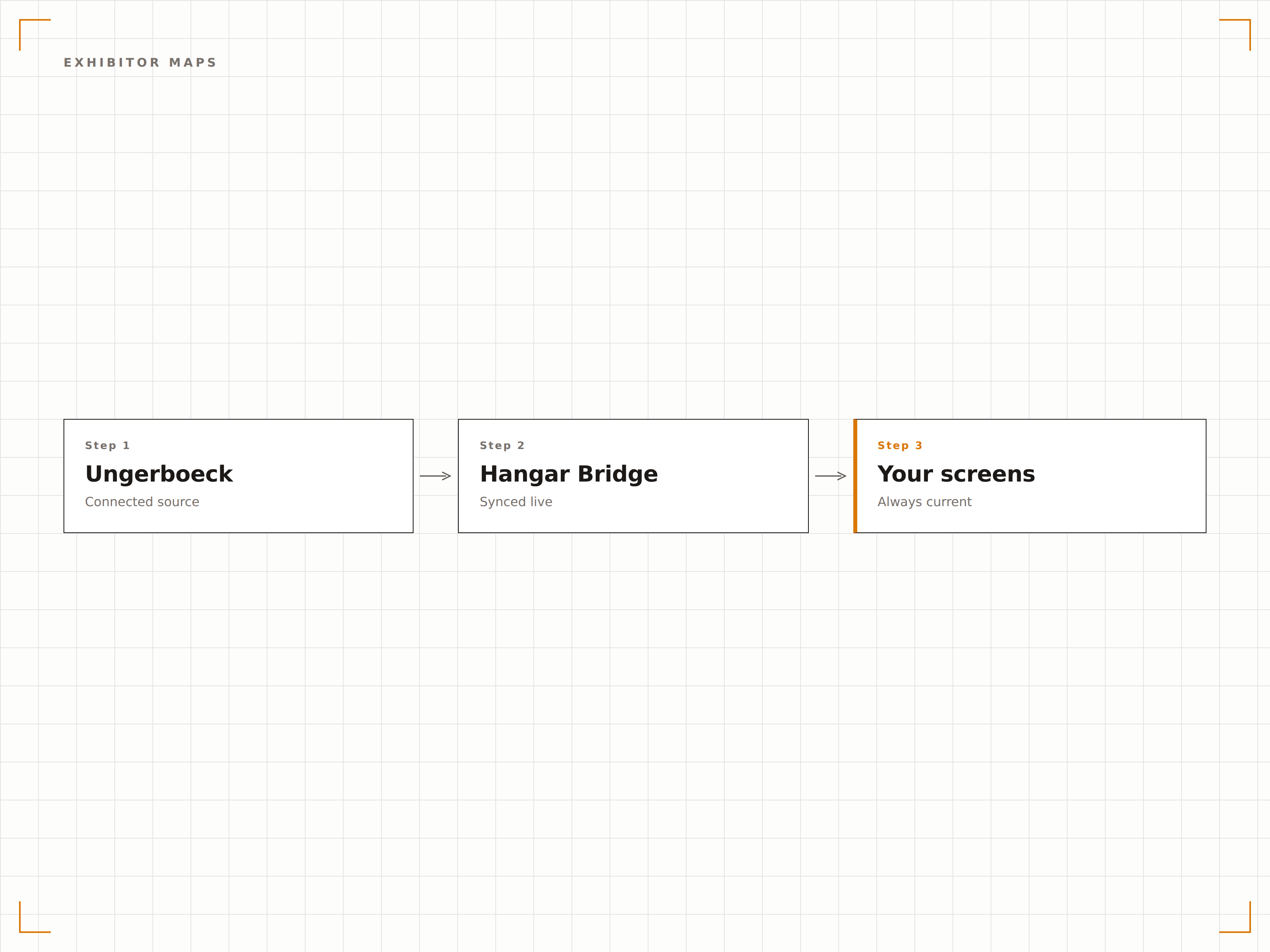
Back-of-House-Betriebsdashboards
Erstellen Sie Betriebsdashboards für das Venue-Personal mit Raumwechselplänen, Serviceauftragsstatus, Catering-Zeitplänen und Aufbauteamzuweisungen. Bildschirme in Ladedocks, Küchen und Betriebsbüros halten alle auf dem gleichen Stand.
Betriebsteams wissen, was in jeder Halle passiert – ganz ohne Funkruf.
Statusverfolgung von Serviceaufträgen und Abschlussmeldungen
Raumwechselpläne mit Auf- und Abbauzeiten
Catering-Lieferzeitpläne nach Halle und Veranstaltung
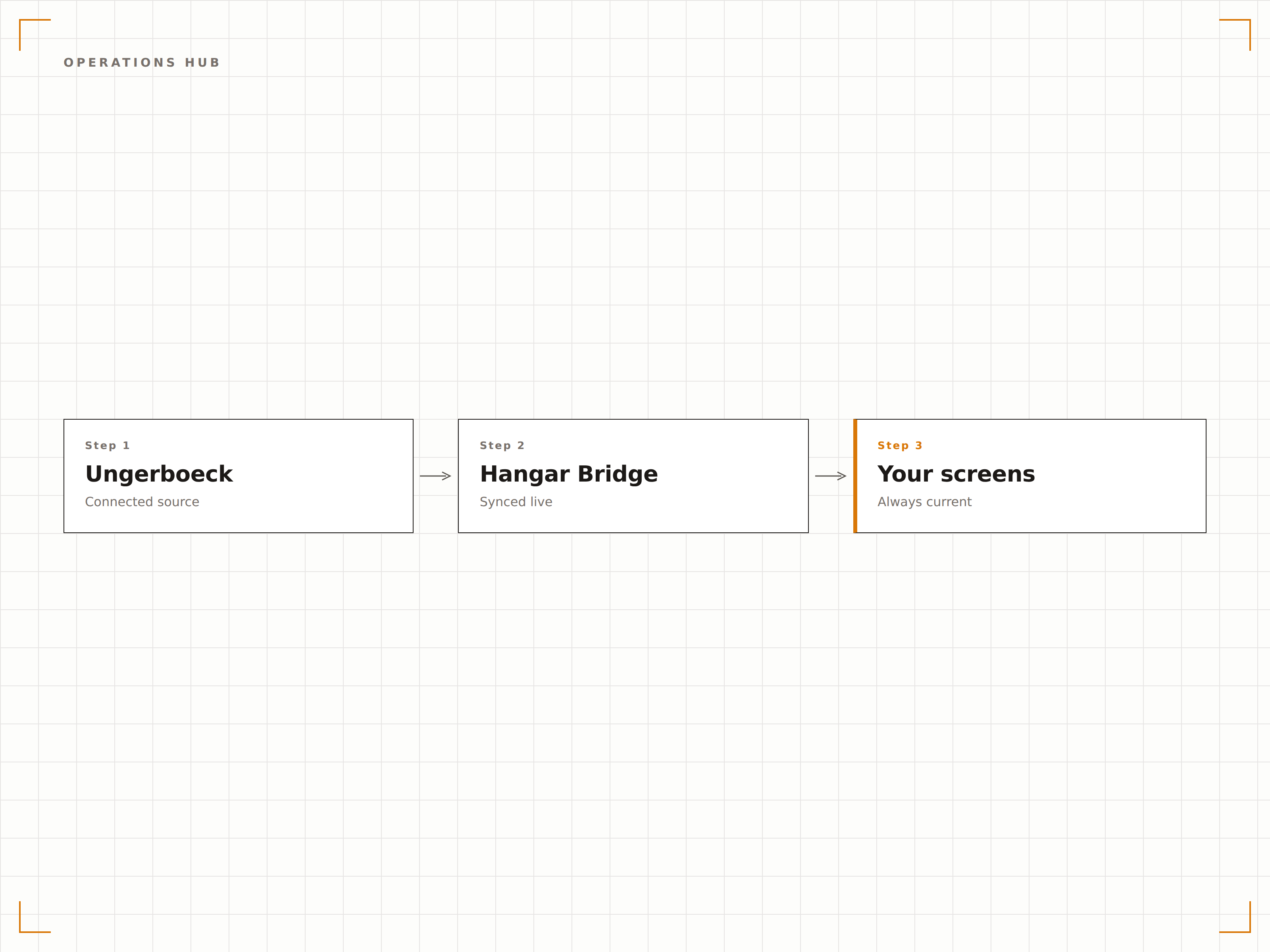
Vier Schritte zu verbundene Bildschirme.
Von der Einrichtung bis zu Live-Inhalten in Minuten, nicht Tagen.
Ungerboeck verbinden
Authentifizieren Sie Ihre Ungerboeck-Instanz über das Hangar.Media-Dashboard mithilfe der API-Zugangsdaten Ihres Venue-IT-Administrators.
Räume Bildschirmen zuordnen
Verknüpfen Sie Ungerboeck-Raum- und Hallenbezeichner mit den physischen Bildschirmstandorten in Ihrem Veranstaltungsort.
Anzeigemodi einrichten
Wählen Sie für jeden Bildschirm Vorlagen für Veranstaltungsverzeichnis, Ausstellerplan, Wegeleitung oder Betriebsdashboard.
In Ihrem Veranstaltungsort live gehen
Veröffentlichen Sie Ihr Signage-Netzwerk – und die Ungerboeck-Veranstaltungsdaten fliessen automatisch auf jeden Bildschirm.
Entwickelt für jeden Branche.
Erfahren Sie, wie verschiedene Branchen diese Integration nutzen, um Ergebnisse zu erzielen.
Veranstaltungsnavigation in Kongresszentren
Zeigen Sie Veranstaltungspläne, Ausstellerverzeichnisse und Wegeleitung auf Bildschirmen in grossen Kongresszentren an, die Messen und Konferenzen beherbergen.
CorporateVeranstaltungsboards für Unternehmensstandorte
Zeigen Sie interne Besprechungspläne, Schulungen und Unternehmensveranstaltungsdetails auf Bildschirmen über mehrere Gebäude eines Unternehmensstandorts hinweg an.
EducationVeranstaltungsmanagement für Universitäten
Zeigen Sie Veranstaltungsbuchungen und Raumpläne für universitätsverwaltete Veranstaltungsorte, Auditorien und Veranstaltungsräume von Studentenzentren an.
PublicVeranstaltungsanzeigen für Bürgerzentren
Zeigen Sie Gemeinschaftsveranstaltungspläne, Buchungen öffentlicher Besprechungsräume und Informationen zur Nutzung von Einrichtungen in staatlich verwalteten Bürgerzentren an.
Häufige Fragen. Direkte Antworten.
Auf welche Ungerboeck-Module greift die Integration zu?
Hangar.Media stellt über die Ungerboeck REST API eine Verbindung zu den Modulen Events, Spaces, Exhibitors, Service Orders und Accounts her. Sie können festlegen, welche Module für Ihre Integration aktiv sind.
Kann ich Ausstellerlogos auf den Verzeichnis-Bildschirmen anzeigen?
Ja. Wenn Ausstellerlogos in die Ungerboeck-Kontodatensätze hochgeladen werden, ruft Hangar.Media diese Bilder ab und zeigt sie zusammen mit Ausstellernamen und Standnummern im Verzeichnis an.
Wie werden Veranstaltungsorte mit mehreren Gebäuden verwaltet?
Hangar.Media unterstützt Veranstaltungsorte mit mehreren Gebäuden. Jedes Gebäude oder jede Halle kann eine eigene Bildschirmgruppe haben, die standortrelevante Veranstaltungen anzeigt, während Lobby-Bildschirme Veranstaltungen aus allen Gebäuden zusammenfassen.
Können Betriebsmitarbeitende den Serviceauftragsstatus vom Bildschirm aus aktualisieren?
Die aktuelle Integration ist rein anzeigeorientiert. Der Status von Serviceaufträgen wird aus Ungerboeck abgerufen und auf Bildschirmen angezeigt. Um den Status zu aktualisieren, verwenden Mitarbeitende die Ungerboeck-Anwendung direkt – die Bildschirmaktualisierung erfolgt innerhalb von 60 Sekunden.
Ein Preis. Die gesamte Plattform.
So stellen wir uns Digital Signage vor. Inhaltseditor, Bildschirmverwaltung und 200+ App-Integrationen – alles von Anfang an inklusive.
14 Tage kostenlos, bis zu 3 Bildschirme – keine Kreditkarte erforderlich.