Museumswürdige Kunst. Auf Ihren Bildschirmen.
Streamen Sie kuratierte Sammlungen feiner Kunst, klassische Meisterwerke, zeitgenössische digitale Kunst und wechselnde Galerieausstellungen auf Ihren Digital Signage Displays. Verwandeln Sie jeden Bildschirm in eine Galeriewand.
Feine Kunst, kuratiert für Ihre Bildschirme.
Die ArtPlayer-Integration von Hangar.Media bietet Zugang zu einer kuratierten Bibliothek feiner Kunst aus Jahrhunderten und Stilen. Zeigen Sie klassische Meisterwerke, impressionistische Landschaften, moderne Abstraktionen und zeitgenössische digitale Kunst auf Ihren Bildschirmen – mit museumsreifer Farbgenauigkeit. Wechseln Sie Sammlungen nach Epoche, Stil oder Künstler, und legen Sie die Anzeigedauer so fest, dass jedes Werk seine Wirkung entfalten kann.
Was Sie mit Auf Ihren Bildschirmen. tun können
Drei Funktionen, die diese Integration für Ihr Digital Signage-Netzwerk unverzichtbar machen.
Tausende von Kunstwerken zur sofortigen Anzeige
Durchsuchen Sie eine kuratierte Bibliothek mit Kunstwerken von der Renaissance bis zur zeitgenössischen digitalen Kunst. Jedes Werk ist in 4K-Auflösung mit präzisen Farbprofilen verfügbar. Die Sammlungen umfassen Ölgemälde, Aquarelle, Fotografie, Skulpturfotografie und digitale Kunst.
Eine erstklassige Kunstsammlung, bereit für Ihre Bildschirme.
Sammlungen aus Renaissance, Impressionismus, Moderne und Gegenwartskunst
Kategorien für Fotografie, Skulptur und digitale Kunst
4K-Auflösung mit präziser Farbwiedergabe
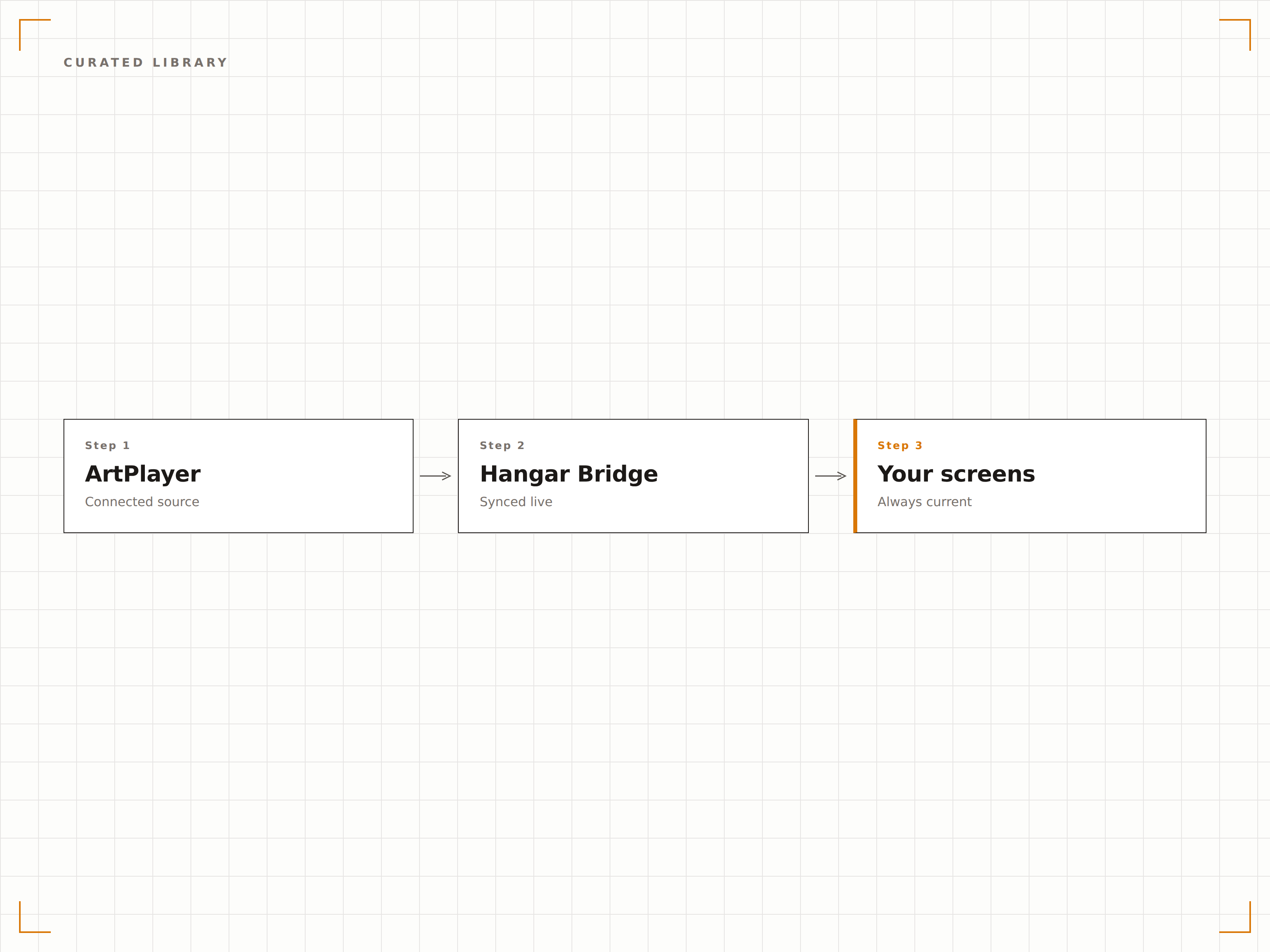
Intelligenter Sammlungsaufbau
Erstellen Sie individuelle Sammlungen, indem Sie einzelne Werke auswählen oder Filter für Epoche, Stil, Farbpalette und Stimmung nutzen. ArtPlayer kann zudem ergänzende Werke auf Basis Ihrer Auswahl vorschlagen und so automatisch stimmige Galerieerlebnisse schaffen.
Stellen Sie eine Galeriesammlung in Minuten zusammen – nicht in Monaten.
Filtern nach Epoche, Stil, Künstler, Farbe und Stimmung
KI-gestützte Vorschläge für ergänzende Werke und stimmige Kollektionen
Saisonale und thematische Fertigkollektionen
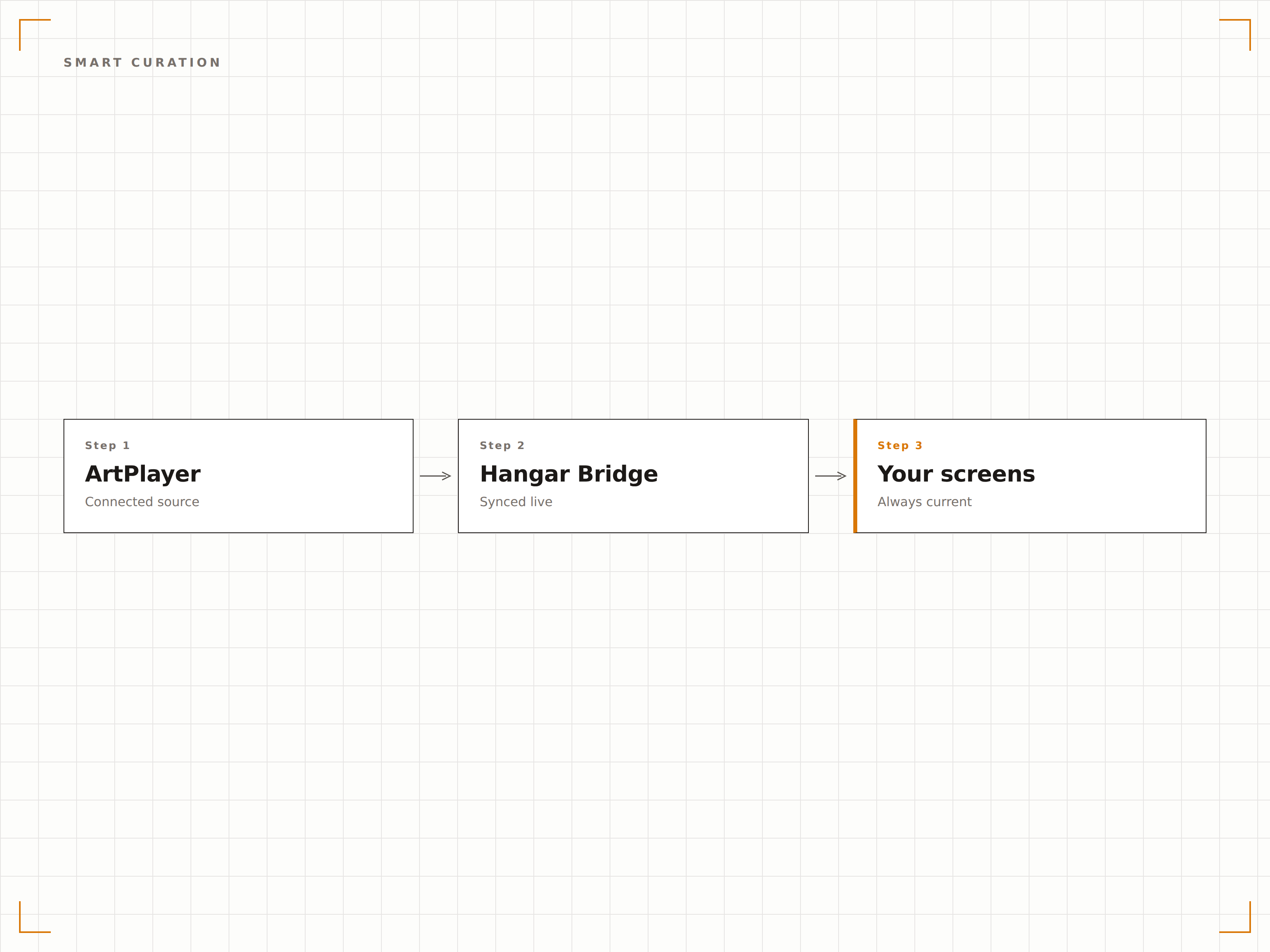
Museumswürdige Präsentation auf dem Bildschirm
Jedes Kunstwerk wird mit einstellbaren Passepartouts, Rahmeneffekten und Hintergrundfarben präsentiert, die eine physische Galeriewand simulieren. Die Anzeigedauer gibt jedem Werk ausreichend Betrachtungszeit, mit sanften Überblendungen zwischen den Werken.
Der Bildschirm tritt in den Hintergrund. Nur die Kunst bleibt.
Digitale Passepartouts und Rahmeneffekte für ein authentisches Galerie-Erscheinungsbild
Einstellbare Anzeigedauer von 30 Sekunden bis 24 Stunden
Sanfte Überblendungen zwischen den Kunstwerken
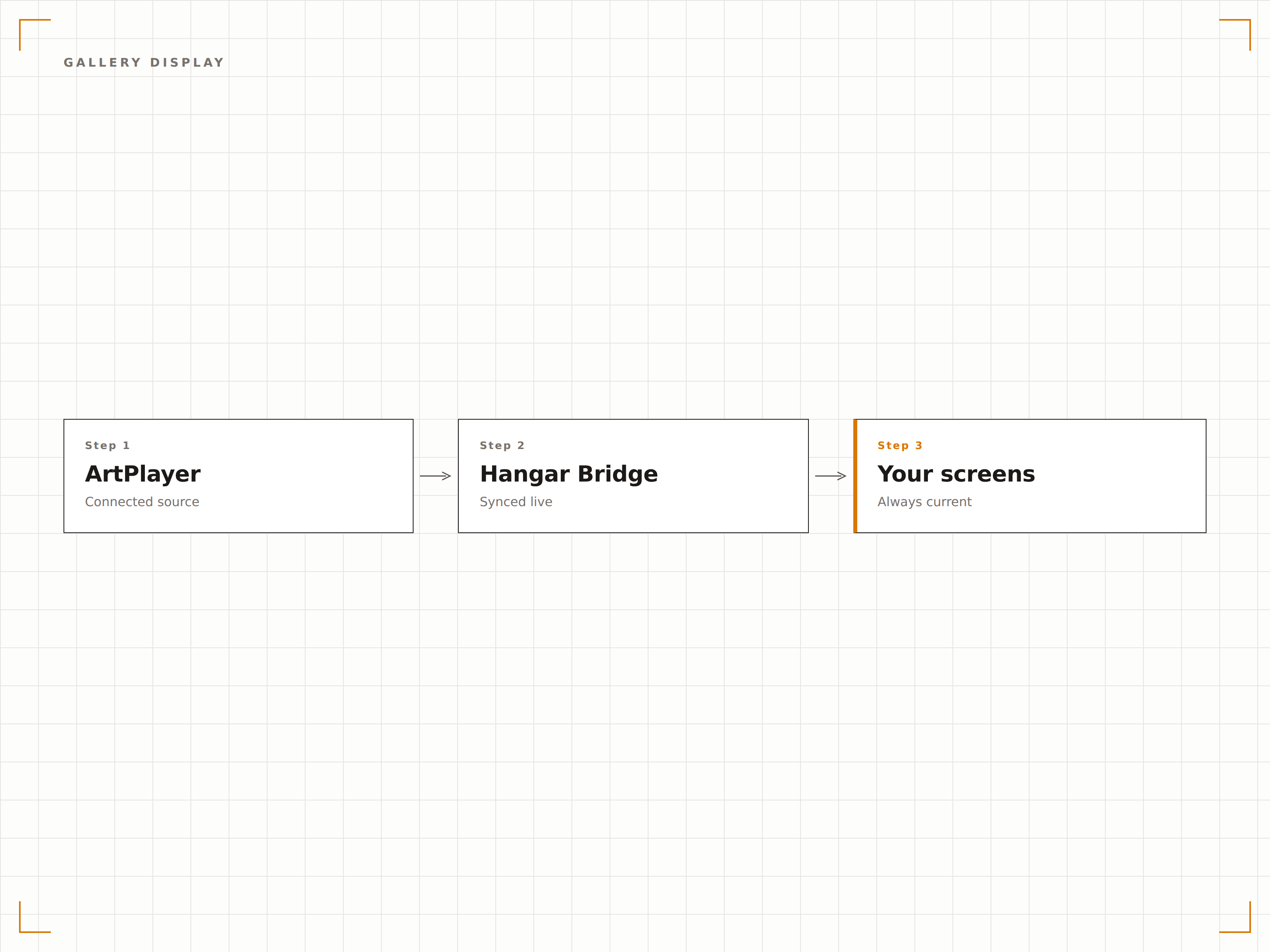
Vier Schritte zu verbundene Bildschirme.
Von der Einrichtung bis zu Live-Inhalten in Minuten, nicht Tagen.
Kunstbibliothek durchsuchen
Erkunden Sie den ArtPlayer-Katalog im Hangar.Media-Dashboard und filtern Sie nach Stil, Epoche, Künstler oder Farbpalette.
Ihre Sammlung zusammenstellen
Wählen Sie einzelne Kunstwerke oder vorkuratierte Kollektionen aus, um Ihre Galerie-Playlist zu erstellen.
Präsentation einrichten
Legen Sie Anzeigedauer, Übergangseffekte, Rahmenstile und Informations-Overlay-Einstellungen für jeden Bildschirm fest.
Auf Bildschirmen veröffentlichen
Weisen Sie Ihre Kunstsammlung den Bildschirmen in Lobbys, Fluren oder Wartebereichen zu – und Ihre Galerie geht live.
Entwickelt für jeden Branche.
Erfahren Sie, wie verschiedene Branchen diese Integration nutzen, um Ergebnisse zu erzielen.
Kunstdisplays in Büro-Lobbys
Zeigen Sie kuratierte Kunstsammlungen auf Bildschirmen in Unternehmenslobbys und Fluren – für ein anspruchsvolles, einladendes Ambiente für Besucher und Mitarbeitende.
HotellerieKunstprogramm für Hotels
Wechseln Sie Kunstsammlungen auf Bildschirmen in Hotellobby, Fluren und Restaurants im Rahmen eines digitalen Kunstprogramms, das sich mit den Jahreszeiten verändert.
GesundheitswesenHeilsame Kunst in klinischen Räumen
Zeigen Sie beruhigende Landschaften und Naturmotive auf Bildschirmen in Krankenhausfluren, Wartezimmern und Patientenbereichen – zur Unterstützung einer heilsamen Umgebung.
FinanzwesenAtmosphäre im Private Banking
Präsentieren Sie klassische Meisterwerke und zeitgenössische Kunst auf Bildschirmen in Private-Banking-Lounges und Vermögensverwaltungsbüros.
Häufige Fragen. Direkte Antworten.
Sind die Kunstwerke für die kommerzielle Anzeige lizenziert?
Ja. Alle Kunstwerke in der ArtPlayer-Bibliothek sind für die kommerzielle digitale Anzeige über Hangar.Media lizenziert. Gemeinfreie Werke werden auf Rechtefreiheit geprüft, zeitgenössische Werke werden direkt von Künstlern oder deren Vertretern lizenziert.
Kann ich eigene Kunstwerke neben der Bibliothek anzeigen?
Ja. Sie können eigene Bilder, Fotografien und digitale Kunstwerke hochladen, um sie neben der ArtPlayer-Bibliothek oder anstelle davon anzuzeigen. Hochgeladene Werke erscheinen in Ihrer eigenen Sammlung und können mit Bibliothekswerken kombiniert werden.
Wie wird die Farbgenauigkeit auf verschiedenen Bildschirmen sichergestellt?
ArtPlayer stellt Farbprofile bereit, die für gängige kommerzielle Bildschirmpanels optimiert sind. Für höchste Farbgenauigkeit unterstützt Hangar.Media das Laden von ICC-Farbprofilen auf kompatibler Player-Hardware, um die spezifischen Farbeigenschaften Ihres Bildschirms abzubilden.
Kann ich Künstlerinformationen neben dem Kunstwerk anzeigen?
Ja. Jedes Kunstwerk enthält Metadaten zu Künstlername, Titel, Jahr, Medium und einer Kurzbeschreibung. Sie können diese Informationen als dauerhaftes Label, als zeitgesteuertes Overlay oder gar nicht anzeigen – für eine klare Galeriepräsentation.
Ein Preis. Die gesamte Plattform.
So stellen wir uns Digital Signage vor. Inhaltseditor, Bildschirmverwaltung und 200+ App-Integrationen – alles von Anfang an inklusive.
14 Tage kostenlos, bis zu 3 Bildschirme – keine Kreditkarte erforderlich.