Preise, die sich bewegen. Nachfragegesteuerte Displays.
Zeigen Sie dynamische Echtzeit-Preise auf Digital Signage Bildschirmen an. Preise werden automatisch aktualisiert – basierend auf Nachfragesignalen, Tageszeit, Lagerbeständen und individuellen Geschäftsregeln. Manuelle Preisänderungen entfallen vollständig.
Preisgestaltung, die in Echtzeit auf die Nachfrage reagiert.
Die dynamische Preisintegration von Hangar.Media verbindet sich mit Ihrer Pricing Engine oder Ihrem Geschäftsregelsystem, um Preise anzuzeigen, die sich in Echtzeit basierend auf Nachfrage, Lagerbestand, Tageszeit und weiteren Signalen ändern. Die Bildschirme zeigen stets den aktuellen Preis und aktualisieren sich automatisch, sobald sich die Bedingungen ändern. Happy-Hour-Preise werden planmässig aktiviert, Surge-Preise reagieren auf die Nachfrage, und Abverkaufspreise sinken, wenn Produkte sich dem Mindesthaltbarkeitsdatum nähern.
Was Sie mit Nachfragegesteuerte Displays. tun können
Drei Funktionen, die diese Integration für Ihr Digital Signage-Netzwerk unverzichtbar machen.
Regelbasierte automatische Preisänderungen
Definieren Sie Preisregeln basierend auf Tageszeit, Wochentag, Nachfrageniveau, Lagerbestand, Wetterbedingungen oder benutzerdefinierten API-Signalen. Preise auf dem Bildschirm ändern sich automatisch, sobald die Regelbedingungen erfüllt sind. Kein manueller Eingriff durch Mitarbeitende erforderlich.
Happy-Hour-Preise erscheinen um 16:00 Uhr und verschwinden um 19:00 Uhr – vollautomatisch.
Zeitbasierte Regeln für geplante Preisänderungen
Nachfragegesteuerte Regeln für Zuschläge und Rabattpreise
Bestandsverknüpfte Regeln für Abverkaufs- und Knappheitspreise
Ansprechende Preisanzeigeformate
Zeigen Sie Preise mit visuellem Kontext an, der den Wert kommuniziert. Präsentieren Sie War/Jetzt-Preisvergleiche, prozentuale Ersparnisse, Countdown-Timer für begrenzte Angebote und Nachfrageanzeigen, die erklären, warum ein Nachfragezuschlag aktiv ist. Visueller Kontext erhöht die Preisakzeptanz und erzeugt Dringlichkeit.
Kunden sehen das Angebot – nicht nur die Zahl.
War/Jetzt-Preisvergleichsanzeigen
Countdown-Timer für zeitlich begrenzte Preisaktionen
Nachfrageanzeigen mit aktuellem Preiskontext
Beliebige Preisdatenquellen anbinden
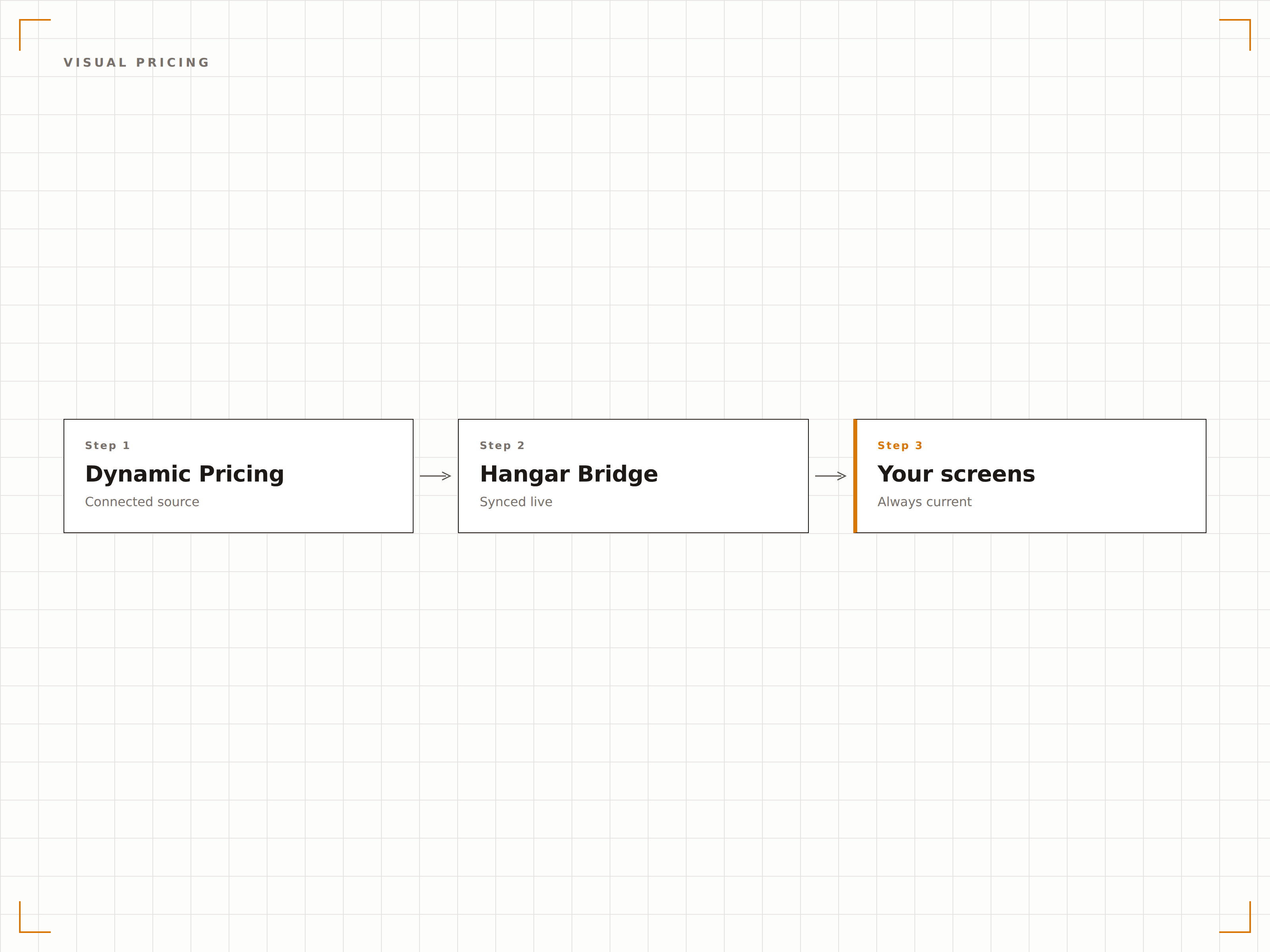
Hangar.Media kann Preisdaten aus POS-Systemen, E-Commerce-Plattformen, benutzerdefinierten Pricing-Engines oder einfachen API-Endpunkten abrufen. Welches System auch immer Ihre Preise bestimmt – der Digital-Signage-Bildschirm spiegelt sie in Echtzeit wider.
Wenn Ihr System den Preis berechnen kann, zeigt unser Bildschirm ihn an.
Preissynchronisation mit POS- und E-Commerce-Plattformen
Unterstützung benutzerdefinierter API-Endpunkte für proprietäre Pricing-Engines
CSV- und Tabellenimport für manuelle Preisverwaltung
Vier Schritte zu verbundene Bildschirme.
Von der Einrichtung bis zu Live-Inhalten in Minuten, nicht Tagen.
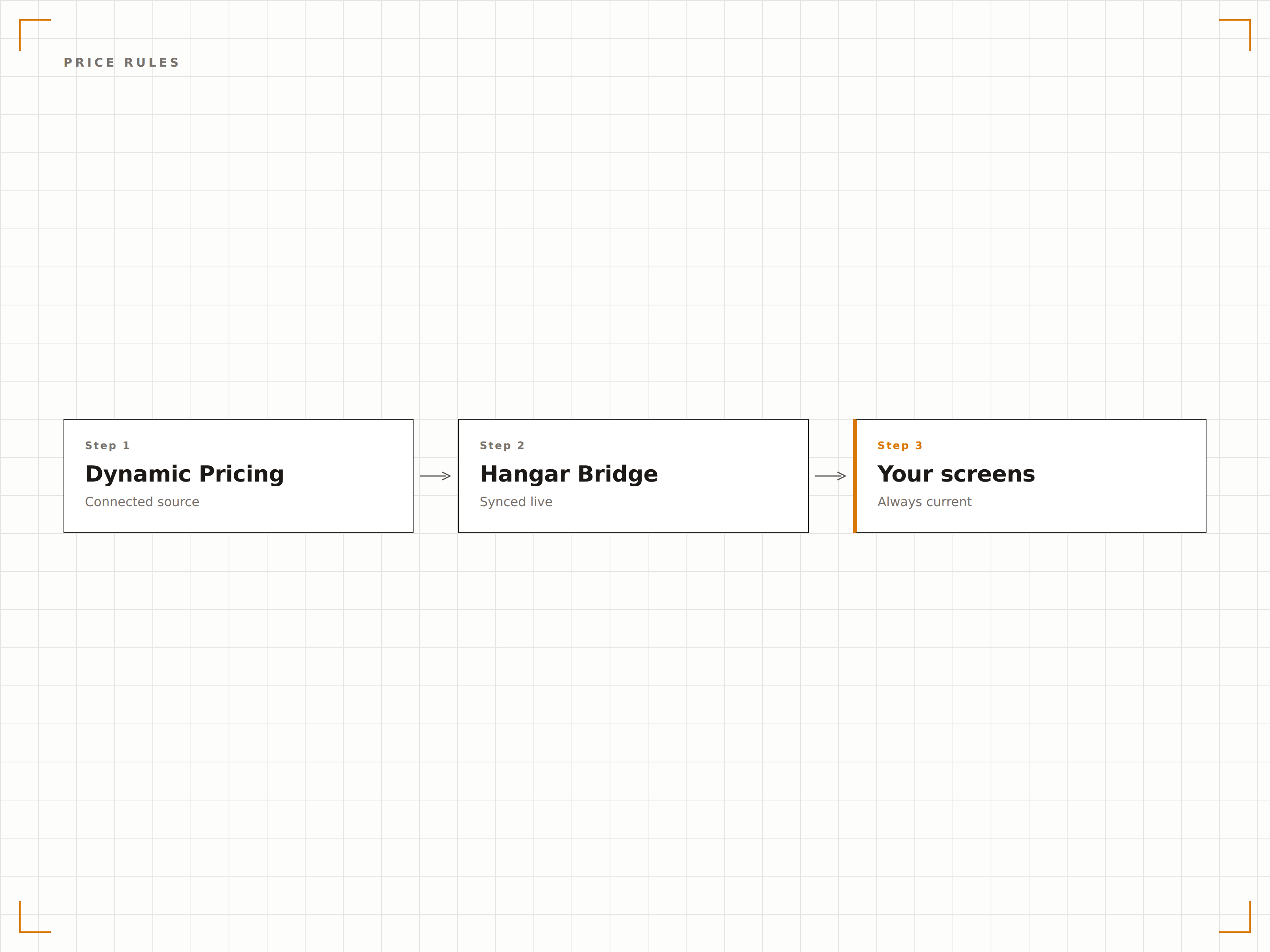
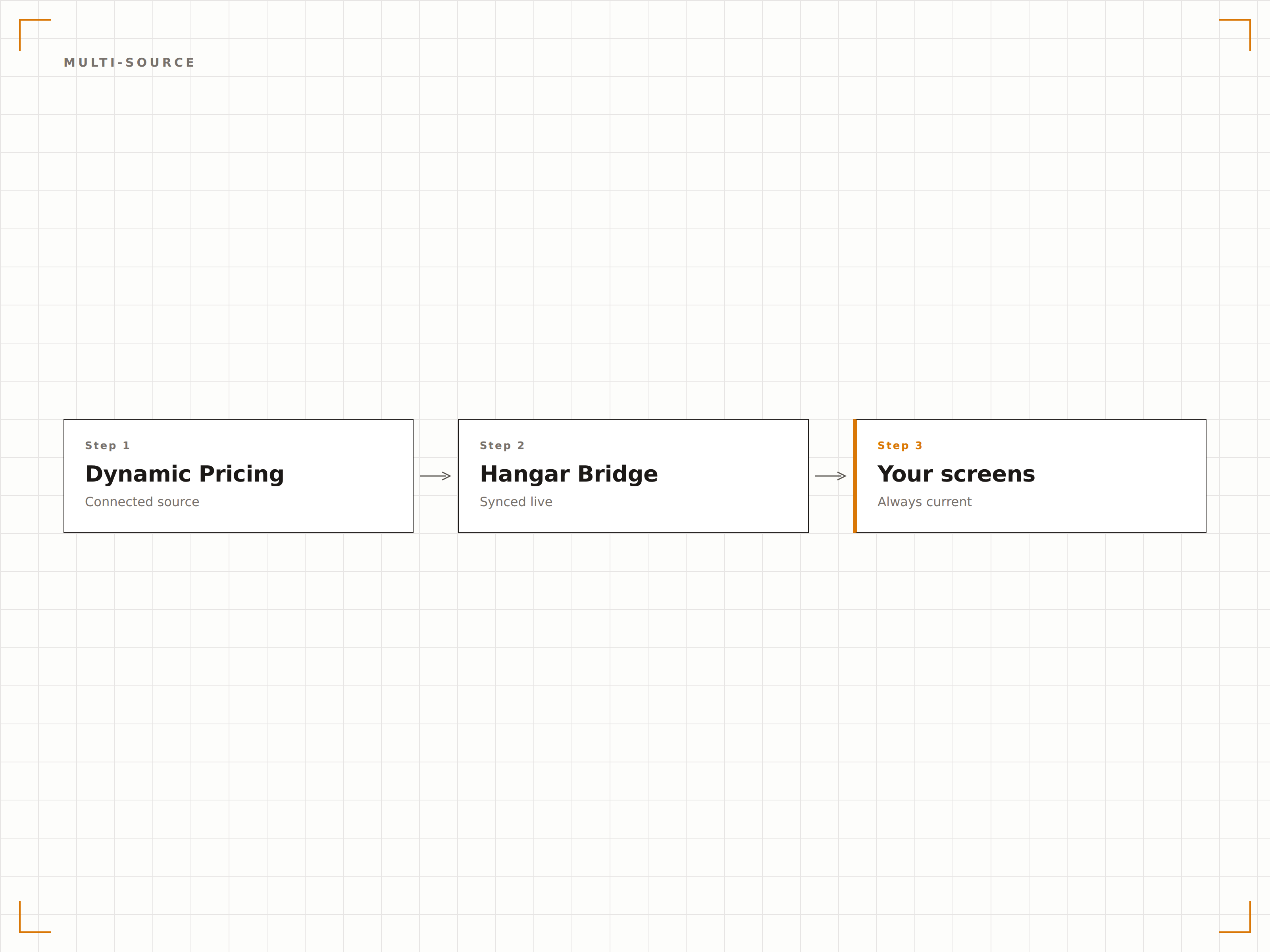
Verbinden Sie Ihre Preisquelle
Verknüpfen Sie Ihre Pricing-Engine, Ihr POS-System oder eine benutzerdefinierte API mit Hangar.Media für die Echtzeit-Preisdatensynchronisation.
Preisregeln definieren
Richten Sie zeitbasierte, nachfragebasierte und bestandsbasierte Regeln ein, die bestimmen, wann und wie sich Preise auf dem Bildschirm ändern.
Preisanzeigen gestalten
Wählen Sie aus Menüboard-, Produktkarten- oder Aktionsdisplay-Vorlagen mit dynamischen Preisfeldern.
Auf Bildschirmen veröffentlichen
Veröffentlichen Sie Dynamic-Pricing-Anzeigen auf Ihren Bildschirmen – und die Preise reagieren automatisch auf Ihre Regeln.
Entwickelt für jeden Branche.
Erfahren Sie, wie verschiedene Branchen diese Integration nutzen, um Ergebnisse zu erzielen.
Happy Hour in Bar und Restaurant
Wechseln Sie Menüboard-Preise automatisch zu festgelegten Zeiten auf Happy-Hour-Tarife und kehren Sie nach Ende der Happy Hour zu den Standardpreisen zurück.
EinzelhandelAbverkaufs- und Markdown-Preise
Zeigen Sie automatisierte Markdown-Preise auf Einzelhandels-Bildschirmen an, wenn der Lagerbestand altert oder unter definierte Schwellenwerte fällt.
EntertainmentDynamische Ticketpreise bei Veranstaltungen
Zeigen Sie dynamische Ticketpreise an den Kassenschaltern von Veranstaltungsorten an, die sich anhand der verbleibenden Platzverfügbarkeit und der Nachfrage anpassen.
SportPreise an Konzessionsständen
Passen Sie die Preise an Konzessionsständen vor dem Spiel, in der Halbzeit und nach dem Spiel an, um die Nachfrage zu steuern und den Umsatz zu maximieren.
Häufige Fragen. Direkte Antworten.
Kann ich Preis-Unter- und Obergrenzen festlegen?
Ja. Jede Dynamic-Pricing-Regel enthält einstellbare Mindest- und Höchstpreisschranken. Preise unterschreiten nie Ihre Untergrenze und überschreiten nie Ihre Obergrenze – unabhängig von Nachfragesignalen. So schützen Sie Ihre Margen und vermeiden kundenunfreundliche Preissprünge.
Wie schnell ändern sich die Preise auf dem Bildschirm?
Preisänderungen erscheinen innerhalb von 30 Sekunden auf dem Bildschirm, nachdem die Regelbedingung ausgelöst wurde. Bei zeitbasierten Regeln ändern sich die Preise zum exakt geplanten Zeitpunkt. Bei nachfragebasierten Regeln erfolgen Änderungen innerhalb eines Abfragezyklus nach dem Wechsel des Nachfragesignals.
Wird der Preisänderungsverlauf protokolliert?
Ja. Jede Preisänderung wird mit Zeitstempel, Vorpreis, neuem Preis und der auslösenden Regel protokolliert. Preishistorienberichte stehen im Hangar.Media-Dashboard für Prüf- und Analysezwecke zur Verfügung.
Können verschiedene Bildschirme unterschiedliche Preise anzeigen?
Ja. Preisregeln können pro Bildschirm oder pro Standort angewendet werden. Ein Bar-Menüboard kann Happy-Hour-Preise anzeigen, während das Restaurant-Menüboard im selben Betrieb die regulären Abendpreise zeigt.
Ein Preis. Die gesamte Plattform.
So stellen wir uns Digital Signage vor. Inhaltseditor, Bildschirmverwaltung und 200+ App-Integrationen – alles von Anfang an inklusive.
14 Tage kostenlos, bis zu 3 Bildschirme – keine Kreditkarte erforderlich.