Einfach einstecken – jede Quelle. Sofortige Anzeige.
Verbinden Sie eine beliebige HDMI-Quelle mit Ihrem Digital Signage Player und zeigen Sie sie auf dem Bildschirm an. Laptops, Kabelboxen, Spielkonsolen und Präsentationssysteme funktionieren nahtlos neben Ihren geplanten Inhalten – ganz ohne zusätzliche Einrichtung.
Jede HDMI-Quelle für Ihr Signage
HDMI Passthrough verwandelt Ihren Digital Signage Player in einen intelligenten Eingangsumschalter. Schliessen Sie externe Geräte an und zeigen Sie deren Ausgabe auf Ihren Signage-Bildschirmen an – ohne den Signage Player zu trennen oder auszutauschen. Wechseln Sie automatisch oder per Klick zwischen HDMI-Eingang und geplanten Signage-Inhalten.
Was Sie mit Sofortige Anzeige. tun können
Drei Funktionen, die diese Integration für Ihr Digital Signage-Netzwerk unverzichtbar machen.
Plug-and-Play-Eingangsumschaltung
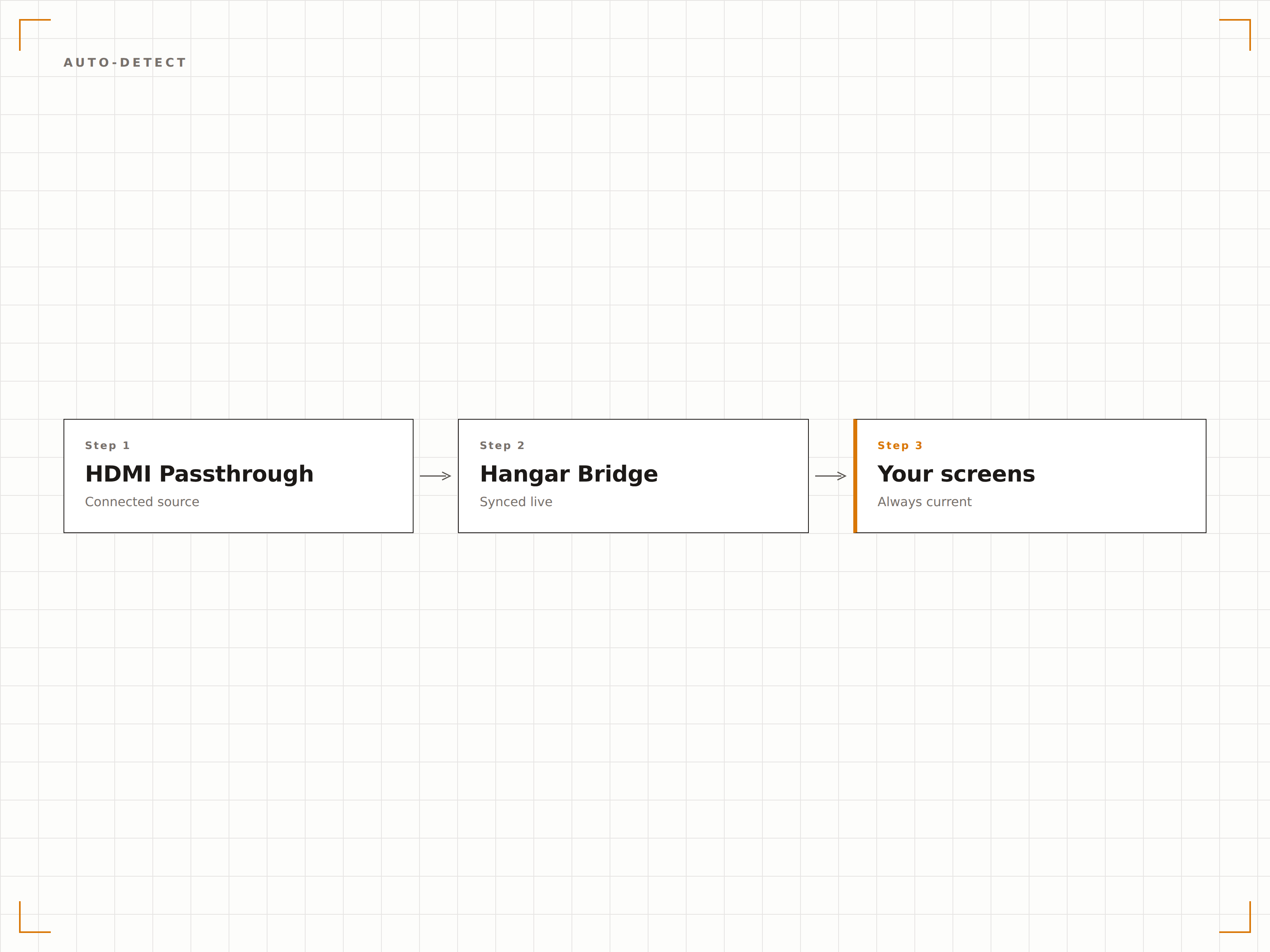
Hangar.Media erkennt, wenn ein HDMI-Gerät angeschlossen wird, und schaltet den Bildschirm automatisch auf die externe Quelle um. Wird das Gerät getrennt, kehrt der Bildschirm zu Ihren geplanten Signage-Inhalten zurück.
Laptop einstecken – der Bildschirm weiss Bescheid.
Automatische HDMI-Signalerkennung
Automatische Rückkehr zu Signage bei Trennung
Keine Fernbedienung erforderlich
Zeitbasierte Quellenumschaltung
Planen Sie, wann Ihre Bildschirme HDMI-Eingang oder Signage-Inhalte anzeigen. Zeigen Sie Kabel-TV während der Mittagszeit und Digital Signage den Rest des Tages – vollständig automatisiert und ohne manuellen Eingriff.
Kabel-TV zum Mittagessen, Signage für den Rest.
Tageszeit-basierte Eingangsplanung
Täglich und wöchentlich wiederkehrende Regeln
Prioritätsüberschreibung für Live-Events
HDMI-Eingang mit Signage-Overlays
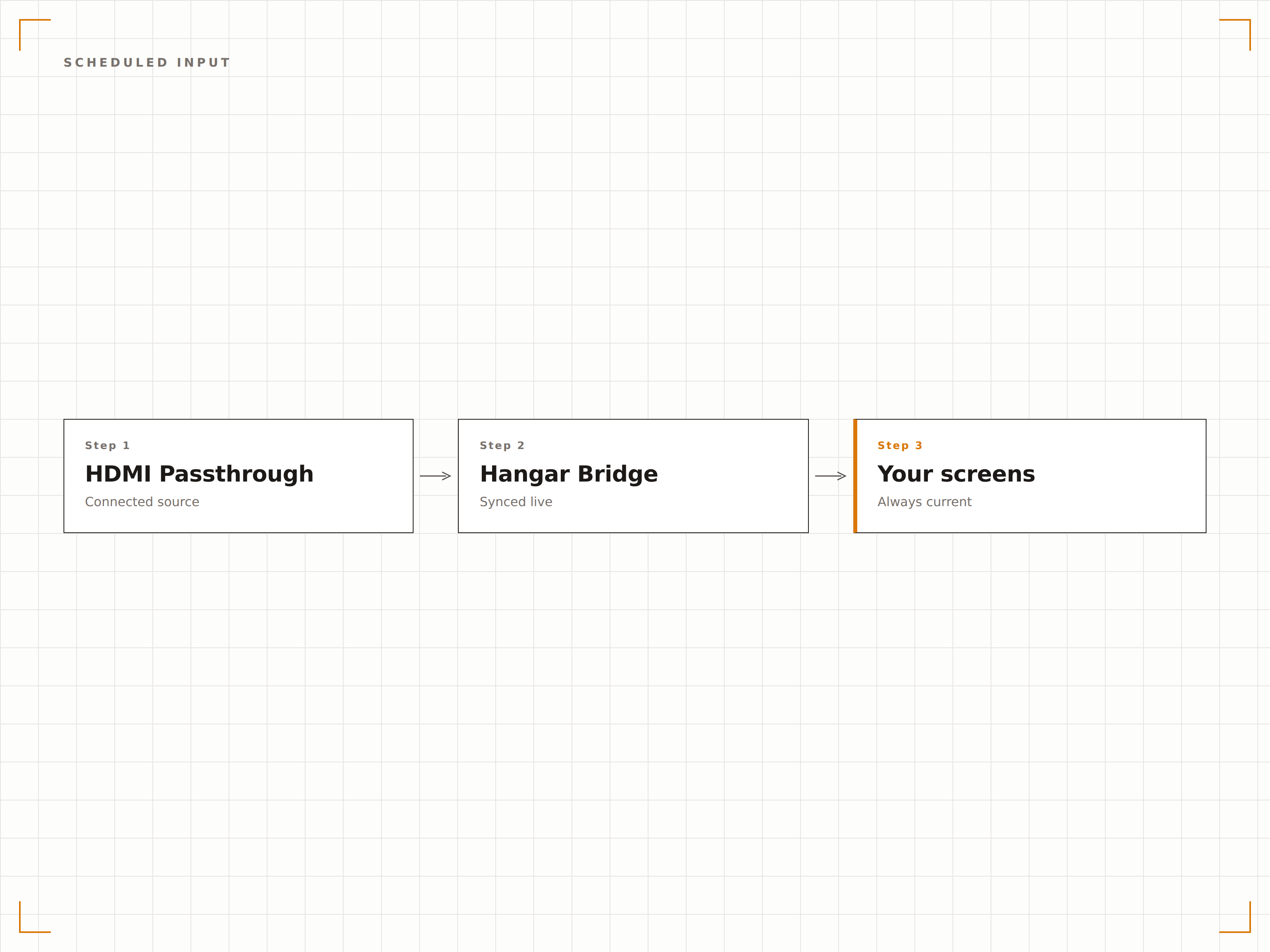
Zeigen Sie HDMI Passthrough-Inhalte mit Signage-Overlays darüber an. Fügen Sie einen Marken-Ticker, ein Logo-Bug oder scrollende Ankündigungen über Ihr Kabel-TV, Ihre Präsentation oder Ihre Spielkonsolen-Ausgabe hinzu.
Ihre Marke über jeder Eingangsquelle.
Logo-Overlay auf HDMI-Eingang
Scrollender Text-Ticker als Overlay
Warnbanner während des Passthroughs
Vier Schritte zu verbundene Bildschirme.
Von der Einrichtung bis zu Live-Inhalten in Minuten, nicht Tagen.
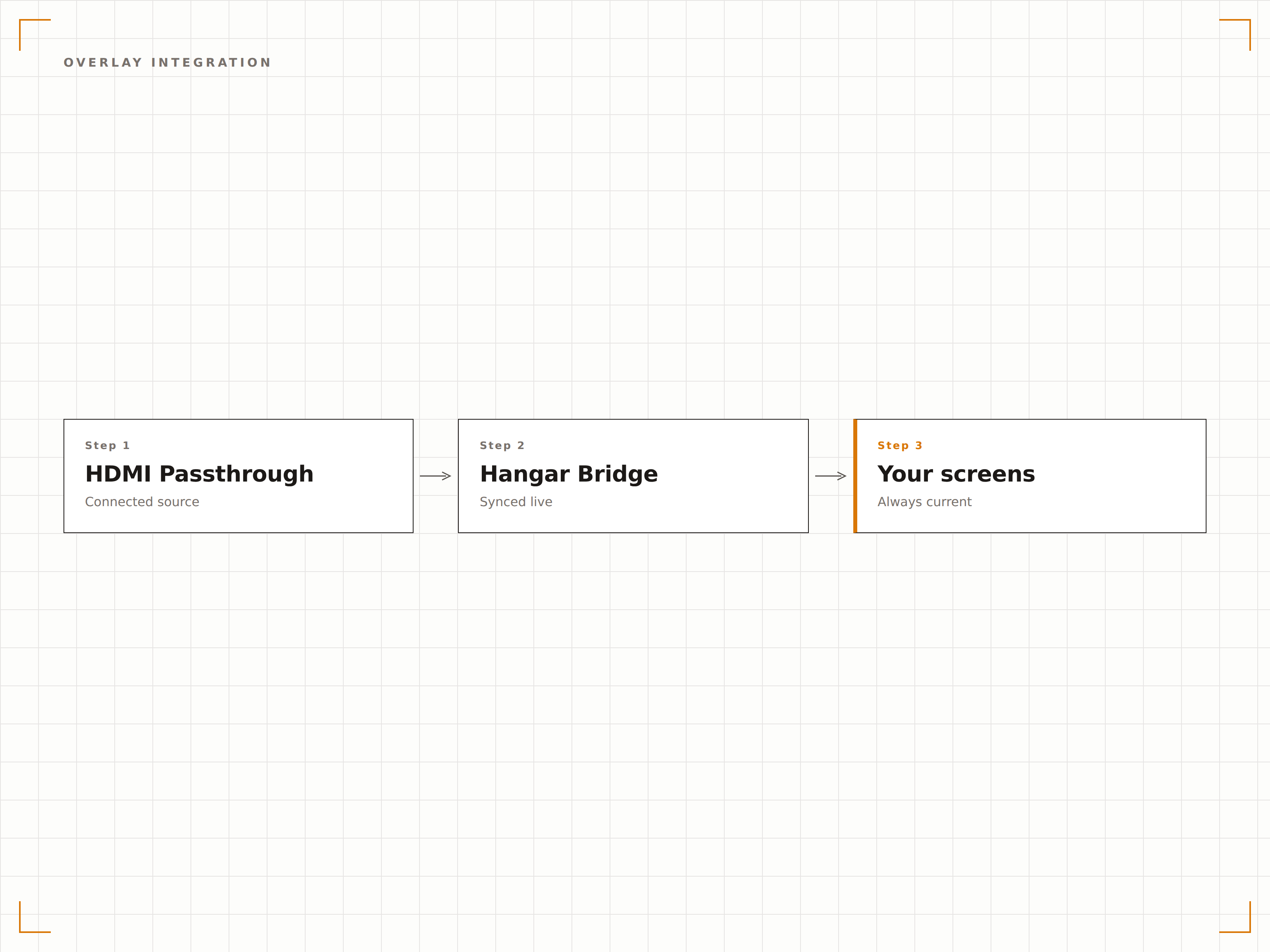
HDMI-Quelle verbinden
Schliessen Sie ein HDMI-Kabel von Ihrem externen Gerät an den HDMI-Eingangsanschluss Ihres Hangar.Media Signage-Players an.
Eingangsverhalten konfigurieren
Wählen Sie zwischen automatischer Erkennung, zeitgesteuerter Umschaltung oder manueller Steuerung für die HDMI-Eingangsanzeige.
Fallback-Inhalt festlegen
Wählen Sie die Signage-Playlist oder den Inhalt, der angezeigt wird, wenn keine HDMI-Quelle verbunden ist.
Optionale Overlays hinzufügen
Legen Sie Markenelemente wie Logos, Ticker oder Warnbanner über den HDMI Passthrough-Feed.
Entwickelt für jeden Branche.
Erfahren Sie, wie verschiedene Branchen diese Integration nutzen, um Ergebnisse zu erzielen.
Konferenzraum-Präsentationen
Ermöglichen Sie Mitarbeitenden, Laptops für Präsentationen an den Konferenzraum-Bildschirm anzuschliessen, während Raumpläne und Unternehmensnews angezeigt werden, wenn niemand präsentiert.
HotellerieHotel-Event-AV-Integration
Verbinden Sie Event-AV-Equipment während Konferenzen mit den Signage-Bildschirmen des Hotels und kehren Sie danach automatisch zu Gästeinformationen zurück.
SportStadion-Kabel-TV-Feeds
Leiten Sie Kabel- und Satelliten-Sportübertragungen während Spielen auf die Bildschirme in den Gängen weiter und zeigen Sie zwischen den Events Sponsor-Inhalte und Wegweiser an.
BildungUnterrichts-Displays im Klassenzimmer
Lehrpersonen schliessen Laptops für den Unterricht an, während die Bildschirme zwischen den Stunden Schulankündigungen und Stundenpläne anzeigen.
Häufige Fragen. Direkte Antworten.
Welche Signage-Player unterstützen HDMI Passthrough?
Für HDMI Passthrough wird ein Player mit HDMI-Eingangsanschluss benötigt. Kompatible Player umfassen ausgewählte Modelle von BrightSign, Giada sowie andere professionelle Signage-Hardware mit HDMI-In-Funktion.
Unterstützt HDMI Passthrough auch Audio?
Ja. Der Ton der HDMI-Quelle wird zusammen mit dem Bild an das Display weitergeleitet. Sie können in Hangar.Media den HDMI-Ton stummschalten und gleichzeitig den Signage-Ton aktiv lassen – oder umgekehrt.
Kann ich den HDMI-Eingang in einer Zone neben anderen Inhalten anzeigen?
Ja, auf unterstützter Hardware. Der HDMI-Eingang kann in einem Multi-Zonen-Layout einer bestimmten Zone zugewiesen werden, während andere Zonen gleichzeitig Signage-Inhalte anzeigen.
Welche Auflösungen werden für Passthrough unterstützt?
Hangar.Media unterstützt HDMI Passthrough mit bis zu 4K bei 60fps und HDCP 2.2-Kompatibilität. Die Ausgabeauflösung entspricht dem Eingangssignal oder kann an die Displaygrösse angepasst werden.
Ein Preis. Die gesamte Plattform.
So stellen wir uns Digital Signage vor. Inhaltseditor, Bildschirmverwaltung und 200+ App-Integrationen – alles von Anfang an inklusive.
14 Tage kostenlos, bis zu 3 Bildschirme – keine Kreditkarte erforderlich.