Jeder Stream, jedes Protokoll. Direkt auf den Bildschirm.
Verbinden Sie HLS- und RTSP-Videostreams von IP-Kameras, Hardware-Encodern und Live-Produktionssystemen mit Ihrem Digital Signage. Zeigen Sie Sicherheitsfeeds, Live-Event-Kameras und Broadcast-Streams mit minimaler Latenz an.
Professionelle Streaming-Protokolle für Digital Signage
HLS und RTSP sind die Backbone-Protokolle des professionellen Video-Streamings. Hangar.Media unterstützt beide nativ und ermöglicht es Ihnen, Feeds von IP-Kameras, Video-Encodern, CDN-Streams und Broadcast-Infrastruktur auf Ihrem Digital Signage anzuzeigen. Kein Transcoding, keine zusätzliche Software – einfach eine Stream-URL einfügen und loslegen.
Was Sie mit Direkt auf den Bildschirm. tun können
Drei Funktionen, die diese Integration für Ihr Digital Signage-Netzwerk unverzichtbar machen.
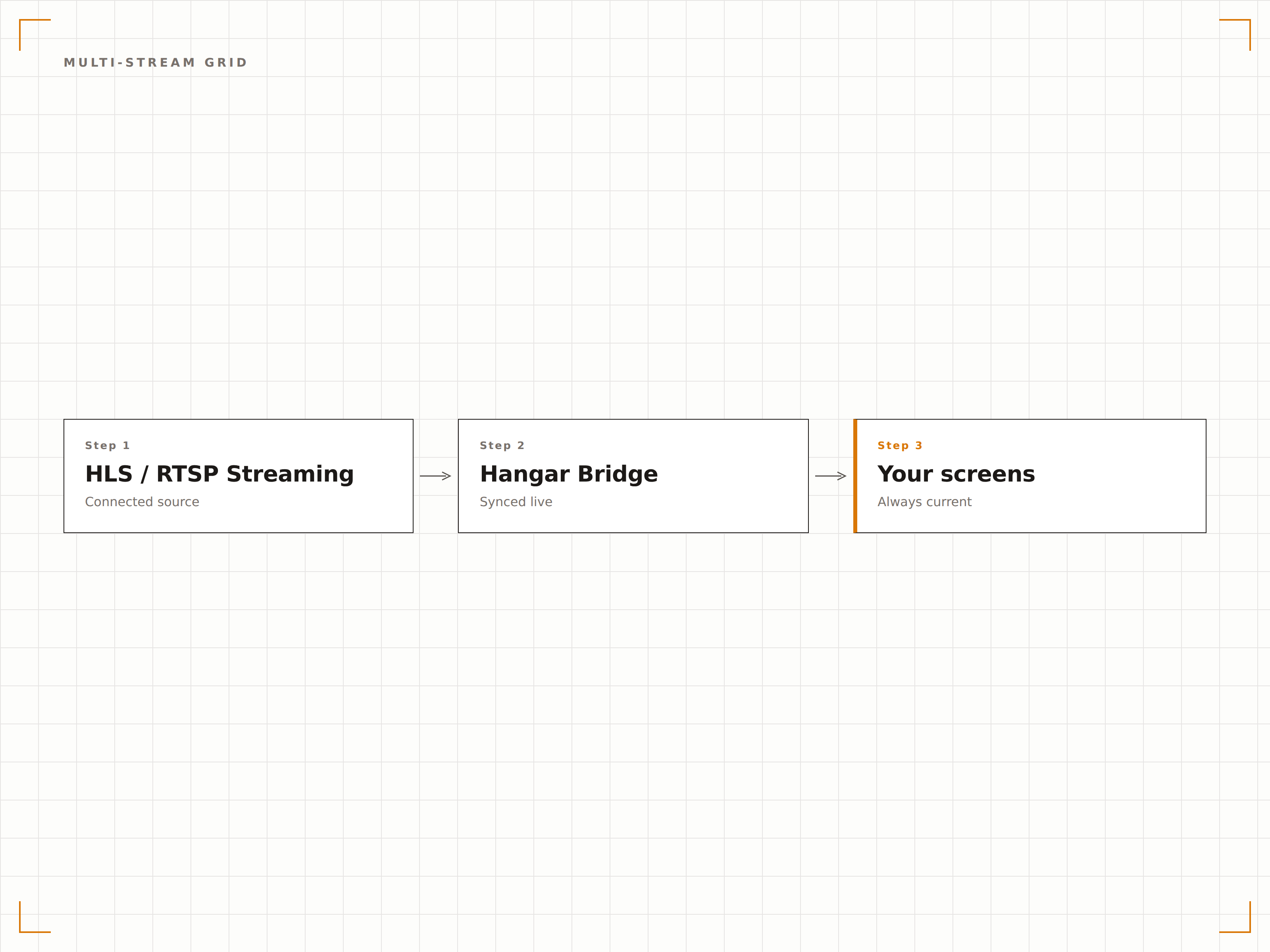
Kameraraster-Layouts
Zeigen Sie mehrere HLS- oder RTSP-Streams in einem Rasterlayout auf einem einzigen Bildschirm an. Erstellen Sie 2x2-, 3x3- oder benutzerdefinierte Rasterlayouts, um mehrere Kamera-Feeds oder Live-Quellen gleichzeitig zu überwachen.
Neun Kameras, ein Bildschirm, null Verzögerung.
Einstellbare Rastergrössen bis 4x4
Individuelle Stream-Beschriftungen und Overlays
Automatische Stream-Statusüberwachung
Nahezu Echtzeit-Wiedergabe
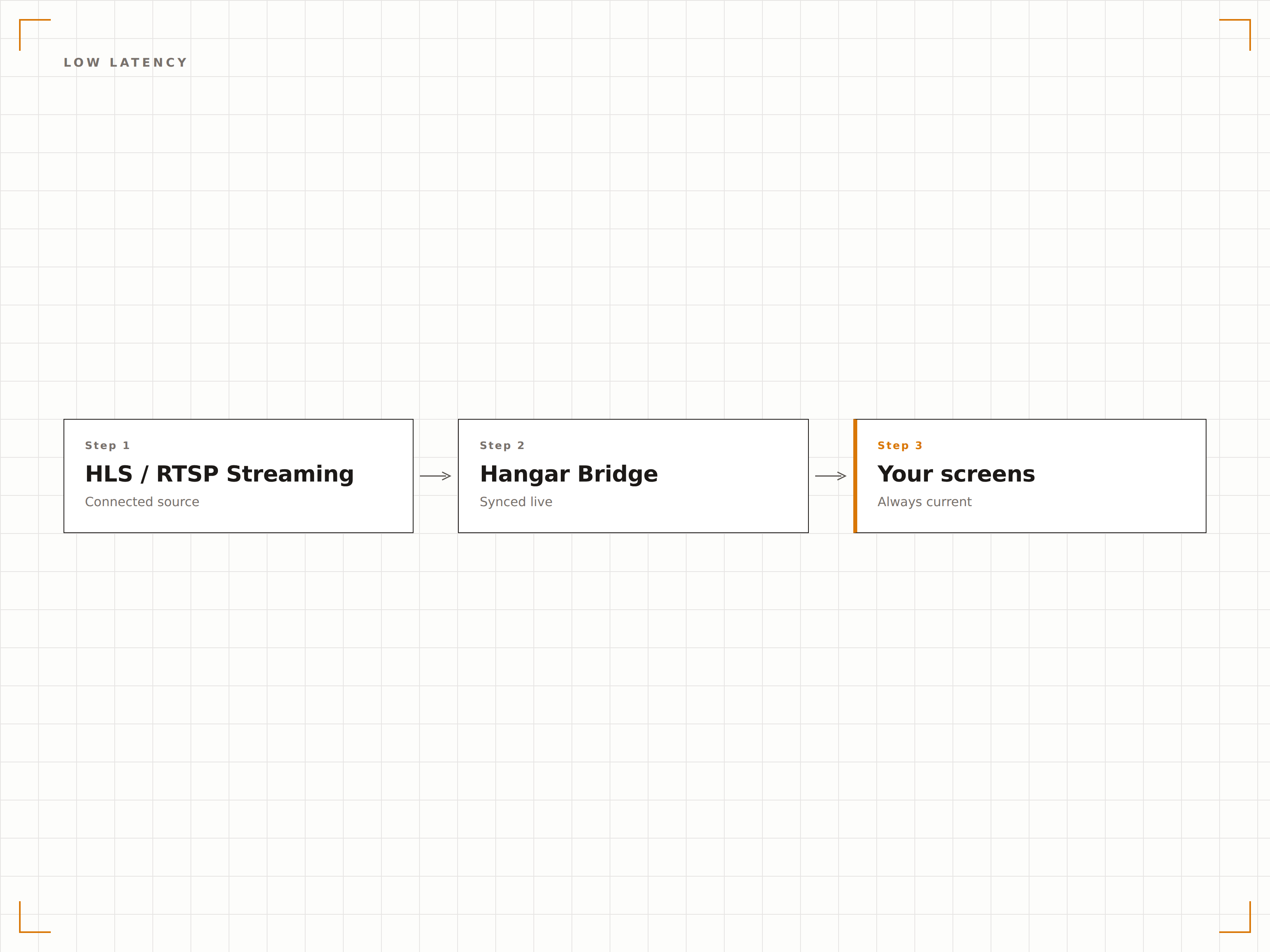
RTSP-Streams werden mit einer Latenz von unter einer Sekunde wiedergegeben – ideal für zeitkritische Anwendungen wie Sicherheitsüberwachung und Live-Event-Displays. HLS-Streams bieten zuverlässige Wiedergabe mit adaptiver Bitrate für wechselnde Netzwerkbedingungen.
Sehen Sie es, während es passiert.
RTSP-Latenz unter 500 Millisekunden
HLS adaptives Bitrate-Streaming
Pufferfreie Wiedergabe in stabilen Netzwerken
Selbstheilende Stream-Verbindungen
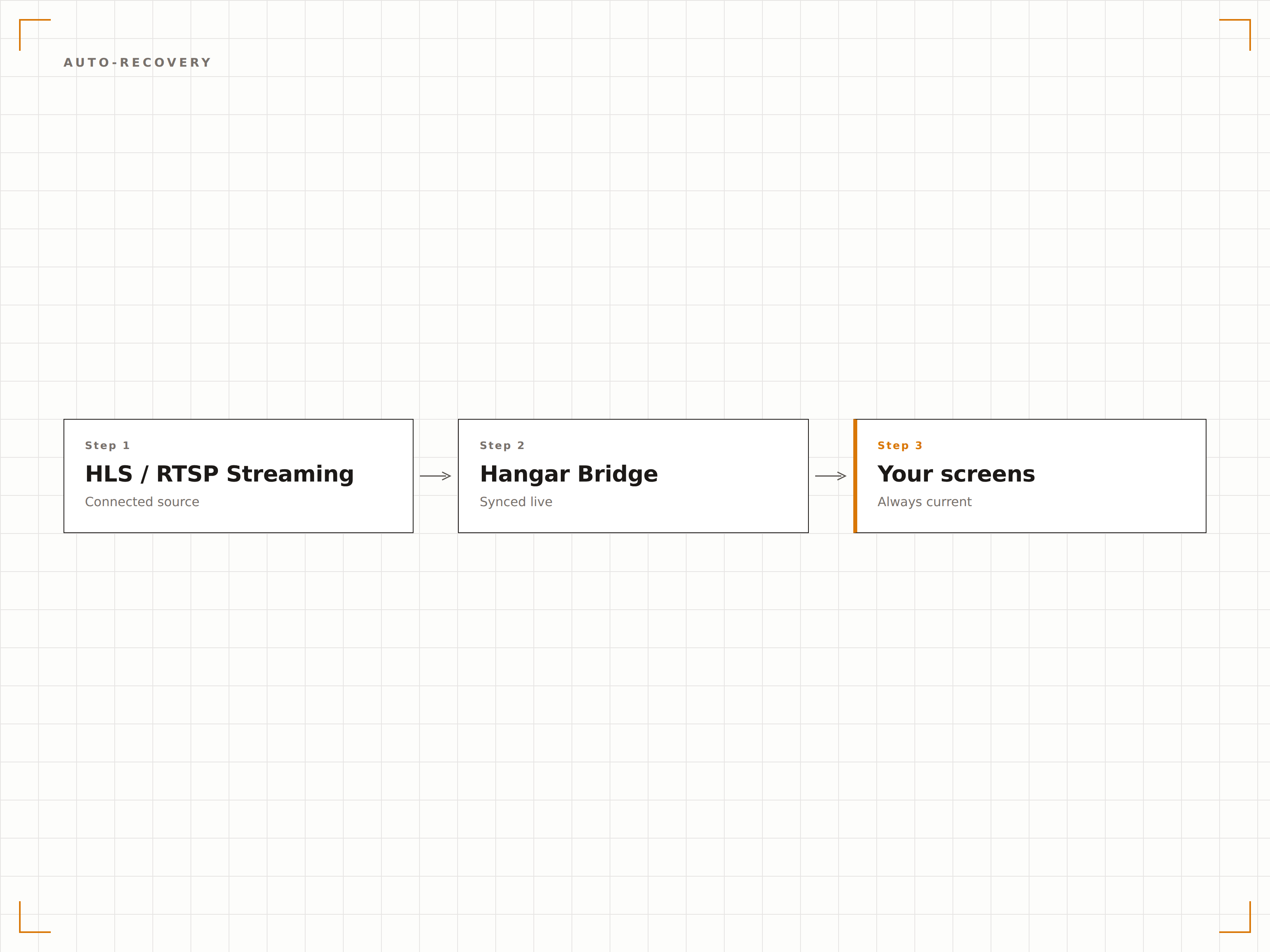
Wenn ein Stream abbricht oder eine Kamera offline geht, versucht Hangar.Media automatisch, die Verbindung wiederherzustellen. Zeigen Sie während der Wiederverbindung eine benutzerdefinierte Offline-Grafik an und setzen Sie den Stream ohne manuellen Eingriff fort.
Streams erholen sich, bevor Sie den Ausfall bemerken.
Automatische Wiederverbindungsversuche
Benutzerdefinierte Offline-Platzhalterbilder
Stream-Statusmeldungen im Dashboard
Vier Schritte zu verbundene Bildschirme.
Von der Einrichtung bis zu Live-Inhalten in Minuten, nicht Tagen.
Stream-URL hinzufügen
Fügen Sie Ihre HLS- (.m3u8) oder RTSP-Stream-URL als neue Stream-Quelle in die Hangar.Media-Inhaltsbibliothek ein.
Vorschau und Anpassung
Zeigen Sie den Stream im Dashboard als Vorschau an, vergeben Sie einen Anzeigenamen und passen Sie Audio, Seitenverhältnis und Pufferung an.
Layout wählen
Zeigen Sie den Stream im Vollbild, in einem Zonenlayout oder als Teil eines Multi-Stream-Kamerarasters an.
Veröffentlichen und überwachen
Übertragen Sie den Stream auf Ihre Bildschirme und überwachen Sie den Verbindungsstatus über das Hangar.Media-Dashboard.
Entwickelt für jeden Branche.
Erfahren Sie, wie verschiedene Branchen diese Integration nutzen, um Ergebnisse zu erzielen.
Lobby-Sicherheitskamera-Displays
Zeigen Sie RTSP-Feeds von Sicherheitskameras auf den Empfangsbildschirmen an, um Besuchern zu signalisieren, dass das Gelände überwacht und gesichert ist.
EntertainmentMulti-Kamera-Ansichten für Live-Events
Streamen Sie mehrere Kamerawinkel von Konzerten und Veranstaltungen auf Bildschirme im gesamten Veranstaltungsort für ein verbessertes Seherlebnis.
ÖffentlichVerkehrs- und Infrastrukturüberwachung
Zeigen Sie HLS-Feeds von Verkehrskameras auf öffentlichen Informationsbildschirmen in Verkehrsknotenpunkten und kommunalen Gebäuden an.
GesundheitswesenBeobachtung im Operationssaal
Streamen Sie Kameras aus dem Operationssaal per RTSP in Beobachtungs- und Schulungsräume für eine nahezu echtzeitnahe chirurgische Ausbildung.
Häufige Fragen. Direkte Antworten.
Was ist der Unterschied zwischen HLS und RTSP?
HLS ist ein HTTP-basiertes Protokoll, das sich ideal für zuverlässiges, adaptives Streaming über Standardnetzwerke eignet. RTSP ist ein Echtzeit-Protokoll mit geringerer Latenz, das typischerweise für IP-Kameras und Live-Produktionen eingesetzt wird. Hangar.Media unterstützt beide Protokolle nativ.
Kann ich Streams von IP-Sicherheitskameras anzeigen?
Ja. Die meisten IP-Kameras stellen eine RTSP-Stream-URL bereit. Geben Sie diese URL in Hangar.Media ein, und der Kamera-Feed wird auf Ihrem Signage angezeigt. Die genaue RTSP-URL finden Sie in der Dokumentation Ihrer Kamera.
Wie viele Streams kann ich auf einem Bildschirm anzeigen?
Sie können bis zu 16 Streams in einem 4x4-Rasterlayout auf einem einzigen Bildschirm anzeigen. Das praktische Limit hängt von der Hardware Ihres Signage-Players und der verfügbaren Netzwerkbandbreite ab.
Ist für Streams eine Authentifizierung erforderlich?
Hangar.Media unterstützt authentifizierte Streams. Sie können Zugangsdaten direkt in die Stream-URL einbetten oder die Authentifizierung separat in den Stream-Einstellungen für RTSP-Quellen konfigurieren, die Benutzername und Passwort erfordern.
Ein Preis. Die gesamte Plattform.
So stellen wir uns Digital Signage vor. Inhaltseditor, Bildschirmverwaltung und 200+ App-Integrationen – alles von Anfang an inklusive.
14 Tage kostenlos, bis zu 3 Bildschirme – keine Kreditkarte erforderlich.