Live-TV auf Digital Signage. Kanalwechsel, automatisiert.
Streamen Sie IPTV-Kanäle direkt auf Ihre Bildschirme – ganz ohne zusätzliche Hardware. Zeigen Sie Live-Nachrichten, Sport und Entertainment gemeinsam mit Ihren Signage-Inhalten in eleganten Multi-Zonen-Layouts.
Broadcast-TV trifft auf Digital Signage
Hangar.Media unterstützt IPTV-Streaming über M3U-Playlists und direkte Stream-URLs. Zeigen Sie Live-TV-Kanäle auf Ihren Bildschirmen an – ganz ohne Set-Top-Boxen, Satellitenempfänger oder zusätzliche Hardware. Kombinieren Sie Live-TV mit Marken-Overlays, Tickern und weiteren Inhaltszonen für ein professionelles Broadcast-Erlebnis.
Was Sie mit Kanalwechsel, automatisiert. tun können
Drei Funktionen, die diese Integration für Ihr Digital Signage-Netzwerk unverzichtbar machen.
Eine Playlist, alle Ihre Kanäle
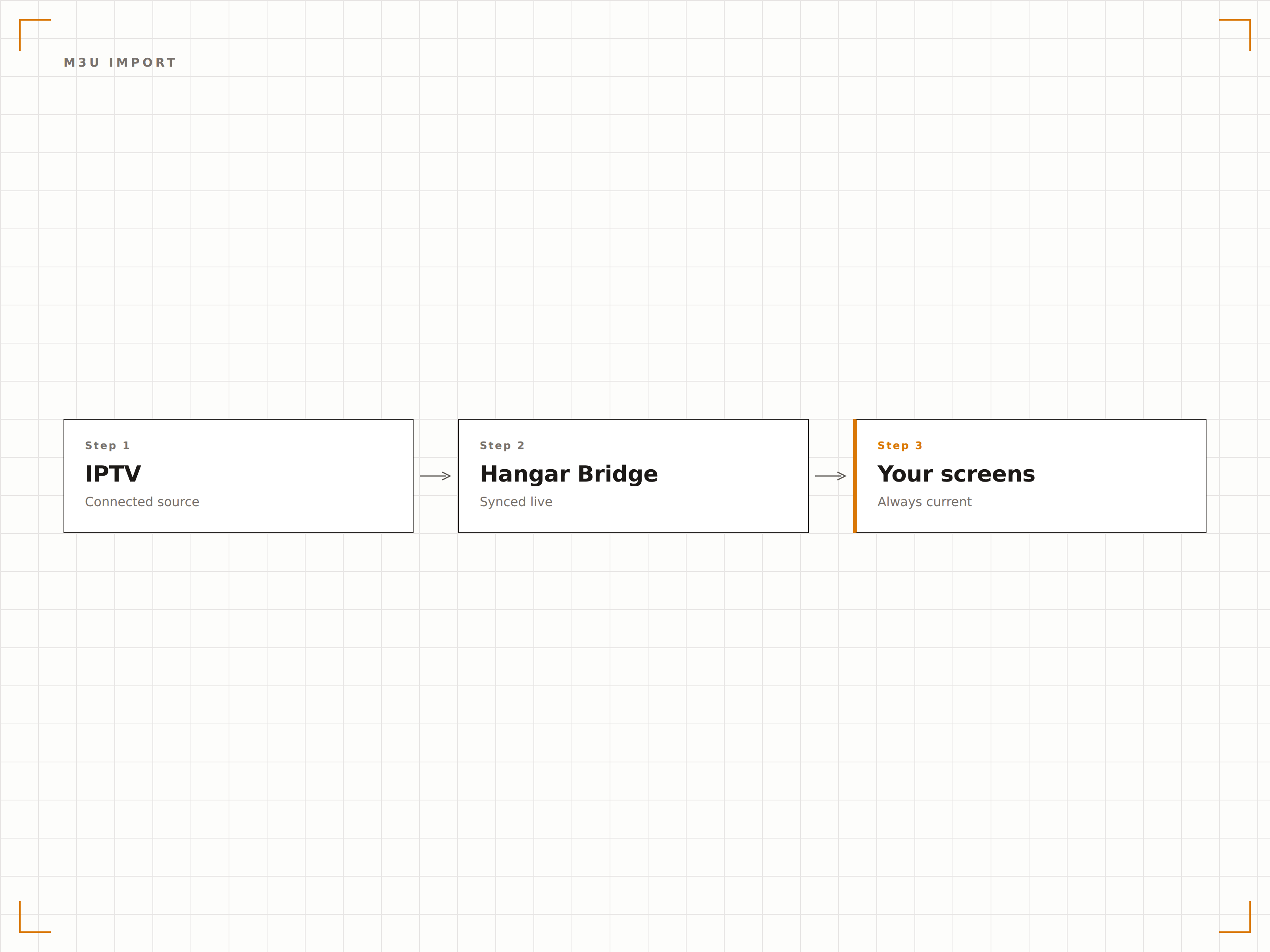
Importieren Sie Ihre IPTV-M3U-Playlist und Hangar.Media analysiert alle verfügbaren Kanäle. Durchsuchen, Vorschau anzeigen und Kanäle über eine einzige Oberfläche den Bildschirmen zuweisen – ganz ohne individuelle Stream-Konfiguration.
Hunderte von Kanälen, ein einziger Import.
Massenimport von Kanälen aus M3U-Dateien
Kanalgruppierung nach Kategorie
Automatische Stream-URL-Validierung
Zeitgesteuerter Kanalwechsel
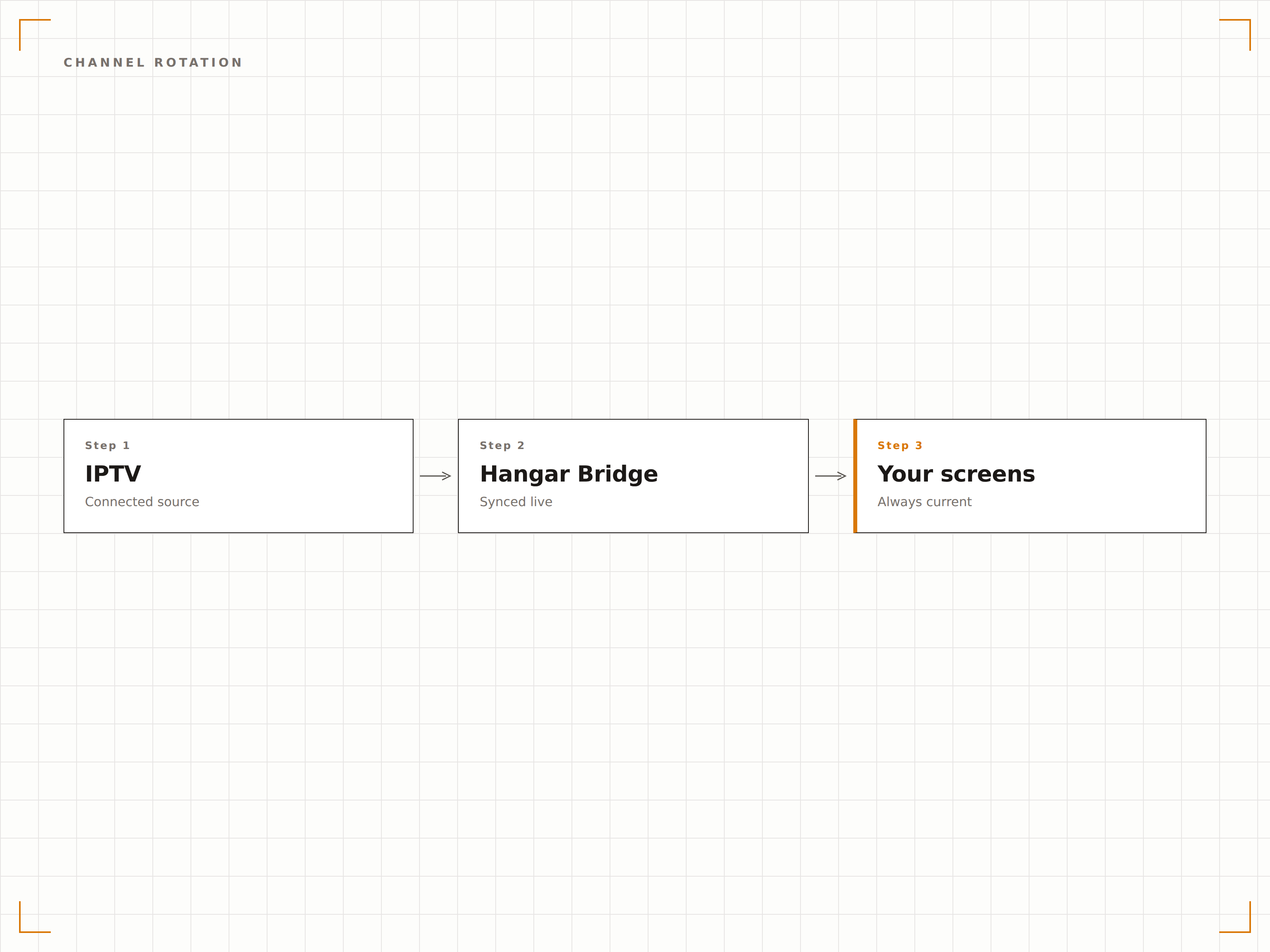
Erstellen Sie Kanalrotations-Zeitpläne, damit Ihre Bildschirme automatisch zwischen Nachrichten am Morgen, Sport am Nachmittag und Unterhaltung am Abend wechseln. Ganz ohne Fernbedienung.
Ihre Bildschirme wechseln die Kanäle von selbst.
Zeitbasierter Kanalwechsel
Wochentag-Programmierung
Manuelle Übersteuerung über das Dashboard
Live-TV mit Marken-Overlays
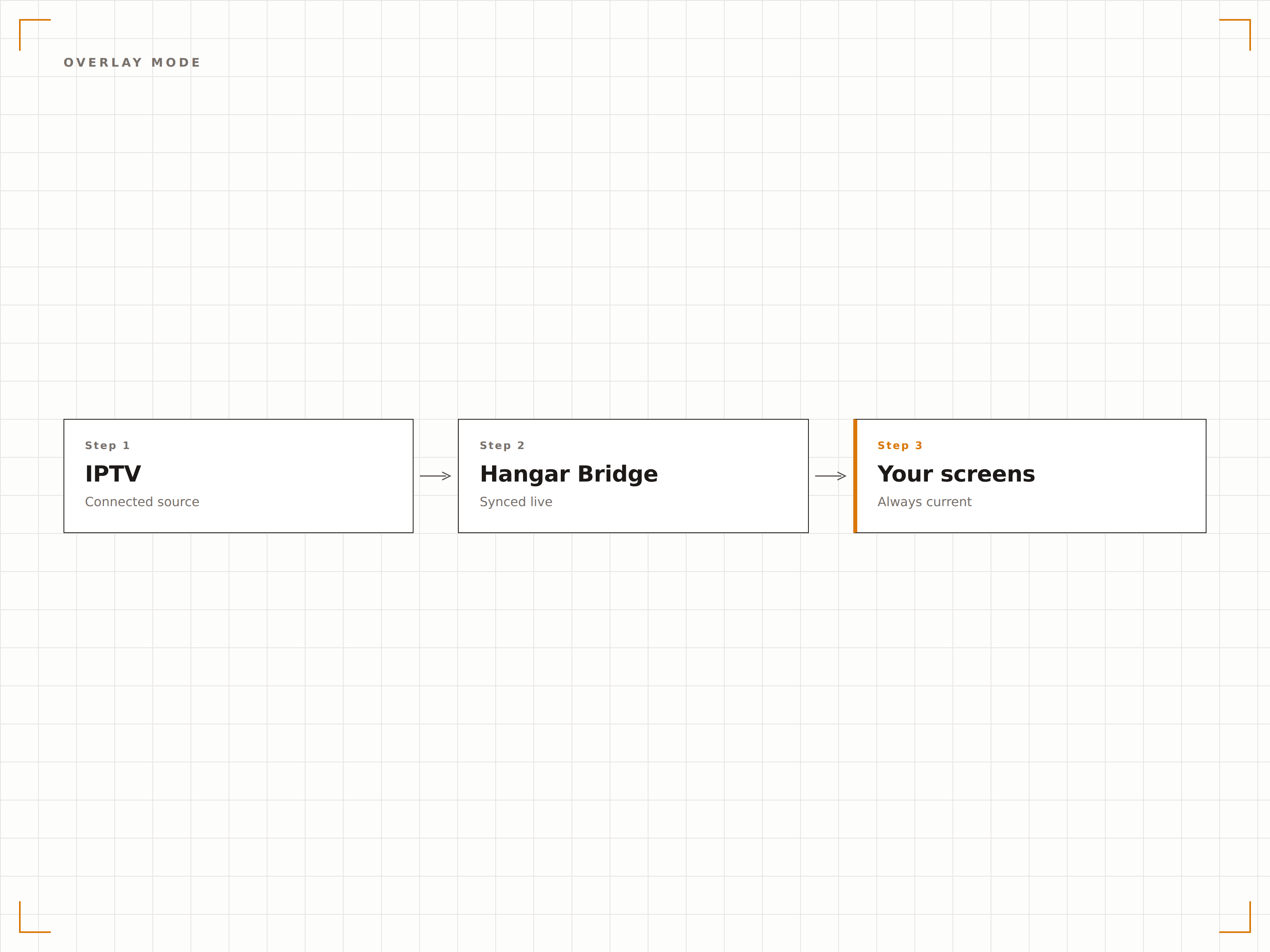
Zeigen Sie Live-IPTV-Inhalte mit Ihrem Branding als Overlay an. Fügen Sie Logo-Einblendungen, scrollende Ticker, Wetter-Widgets und Werbebanner über den Live-TV-Feed für einen professionellen Broadcast-Look hinzu.
Ihre Marke über Live-Inhalten.
Positionierung von Logo-Overlays
Integration eines scrollenden Newstickers
Halbtransparente Marken-Einblendungen
Vier Schritte zu verbundene Bildschirme.
Von der Einrichtung bis zu Live-Inhalten in Minuten, nicht Tagen.
IPTV-Quelle hinzufügen
Laden Sie eine M3U-Playlist-Datei hoch oder fügen Sie eine direkte IPTV-Stream-URL in die Hangar.Media-Inhaltsbibliothek ein.
Kanäle auswählen
Durchsuchen Sie die importierte Kanalliste, zeigen Sie Streams in der Vorschau an und wählen Sie aus, welche Kanäle auf Ihrer Signage verwendet werden sollen.
Anzeigeeinstellungen konfigurieren
Wählen Sie Vollbild- oder Multi-Zonen-Layout, legen Sie das Audio-Routing fest und fügen Sie individuelle Marken-Overlays hinzu.
Auf Bildschirmen veröffentlichen
Weisen Sie Kanäle einzelnen Bildschirmen oder Bildschirmgruppen zu und richten Sie optionale Kanalrotations-Zeitpläne ein.
Entwickelt für jeden Branche.
Erfahren Sie, wie verschiedene Branchen diese Integration nutzen, um Ergebnisse zu erzielen.
Hotellobby und Bar-TV
Streamen Sie Live-Nachrichten und Sportkanäle auf Bildschirmen in Hotellobby und Bar – ganz ohne Kabelboxen an jedem Display.
GesundheitswesenUnterhaltung im Wartezimmer
Spielen Sie familienfreundliche TV-Kanäle auf Wartezimmer-Bildschirmen ab, um die gefühlte Wartezeit für Patienten und Besucher zu verkürzen.
UnternehmenTV in Pausenraum und Kantine
Bieten Sie Live-Fernsehen in Mitarbeiterpausenräumen und Kantinen an – mit vorhandener Signage-Hardware statt separater Fernseher.
SportMulti-Screen-Sportübertragung
Zeigen Sie mehrere Live-Sportkanäle auf einem Raster von Bildschirmen in Sportbars und Fan-Zonen für die gleichzeitige Übertragung mehrerer Spiele an.
Häufige Fragen. Direkte Antworten.
Benötige ich ein separates IPTV-Abonnement?
Ja. Hangar.Media stellt die Streaming-Infrastruktur für Ihre Signage bereit, beinhaltet jedoch keine IPTV-Kanalabonnements. Sie benötigen einen gültigen IPTV-Anbieter mit M3U-Playlist- oder Stream-URL-Zugang.
Welche IPTV-Formate werden unterstützt?
Hangar.Media unterstützt M3U- und M3U8-Playlists, HLS-Streams sowie MPEG-TS über UDP und HTTP. Die meisten kommerziellen IPTV-Anbieter sind kompatibel.
Kann ich IPTV zusammen mit anderen Signage-Inhalten anzeigen?
Ja. Nutzen Sie Multi-Zonen-Layouts, um Live-TV in einer Zone anzuzeigen, während in anderen Zonen desselben Bildschirms Ankündigungen, Social Feeds oder Markeninhalte erscheinen.
Wie viel Bandbreite benötigt IPTV-Streaming?
Der Bandbreitenbedarf hängt von der Stream-Qualität ab. Standardauflösung benötigt ca. 2–4 Mbps pro Bildschirm, Full HD 5–10 Mbps. Hangar.Media kann die Qualität automatisch an die verfügbare Bandbreite anpassen.
Ein Preis. Die gesamte Plattform.
So stellen wir uns Digital Signage vor. Inhaltseditor, Bildschirmverwaltung und 200+ App-Integrationen – alles von Anfang an inklusive.
14 Tage kostenlos, bis zu 3 Bildschirme – keine Kreditkarte erforderlich.