Live Twitch-Streams. Auf jedem Bildschirm.
Bringen Sie Twitch-Livestreams, Esports-Turniere und Gaming-Inhalte auf Ihr Digital Signage. Ideal für Bars, Gaming-Lounges und Entertainment-Venues, die ihr Publikum begeistern möchten.
Live-Gaming und Esports auf Ihren Bildschirmen
Verbinden Sie Twitch-Kanäle mit Ihrem Digital Signage und streamen Sie Live-Inhalte in Echtzeit. Hangar.Media übernimmt die Stream-Einbindung, stellt Fallback-Inhalte bereit, wenn Kanäle offline gehen, und passt die Qualität automatisch an Ihre Netzwerkbandbreite an. Zeigen Sie den Chat neben dem Stream an oder wechseln Sie in den Vollbildmodus für maximale Wirkung.
Was Sie mit Auf jedem Bildschirm. tun können
Drei Funktionen, die diese Integration für Ihr Digital Signage-Netzwerk unverzichtbar machen.
Automatisch umschalten, wenn Streams live gehen
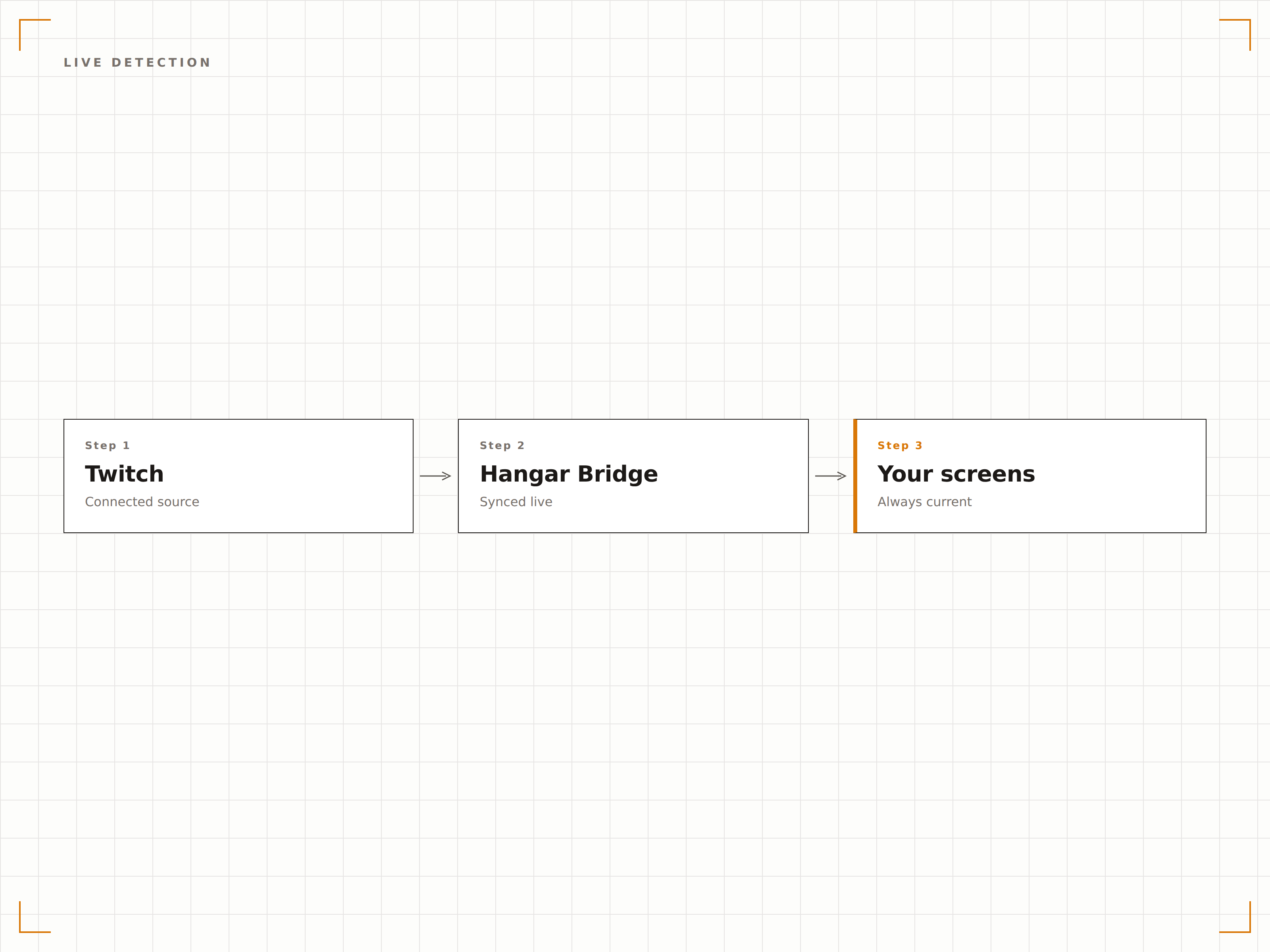
Richten Sie Ihre Lieblings-Twitch-Kanäle ein, und Hangar.Media schaltet Ihr Signage automatisch um, um den Stream anzuzeigen, sobald er live geht. Wenn der Stream endet, wird Ihr regulärer Inhalt automatisch fortgesetzt.
Verpassen Sie keinen Live-Moment auf Ihren Bildschirmen.
Mehrere Kanäle gleichzeitig überwachen
Prioritätsbasierte Kanalumschaltung
Sofortiger Wechsel mit weniger als 5 Sekunden Verzögerung
Twitch-Chat auf dem Bildschirm
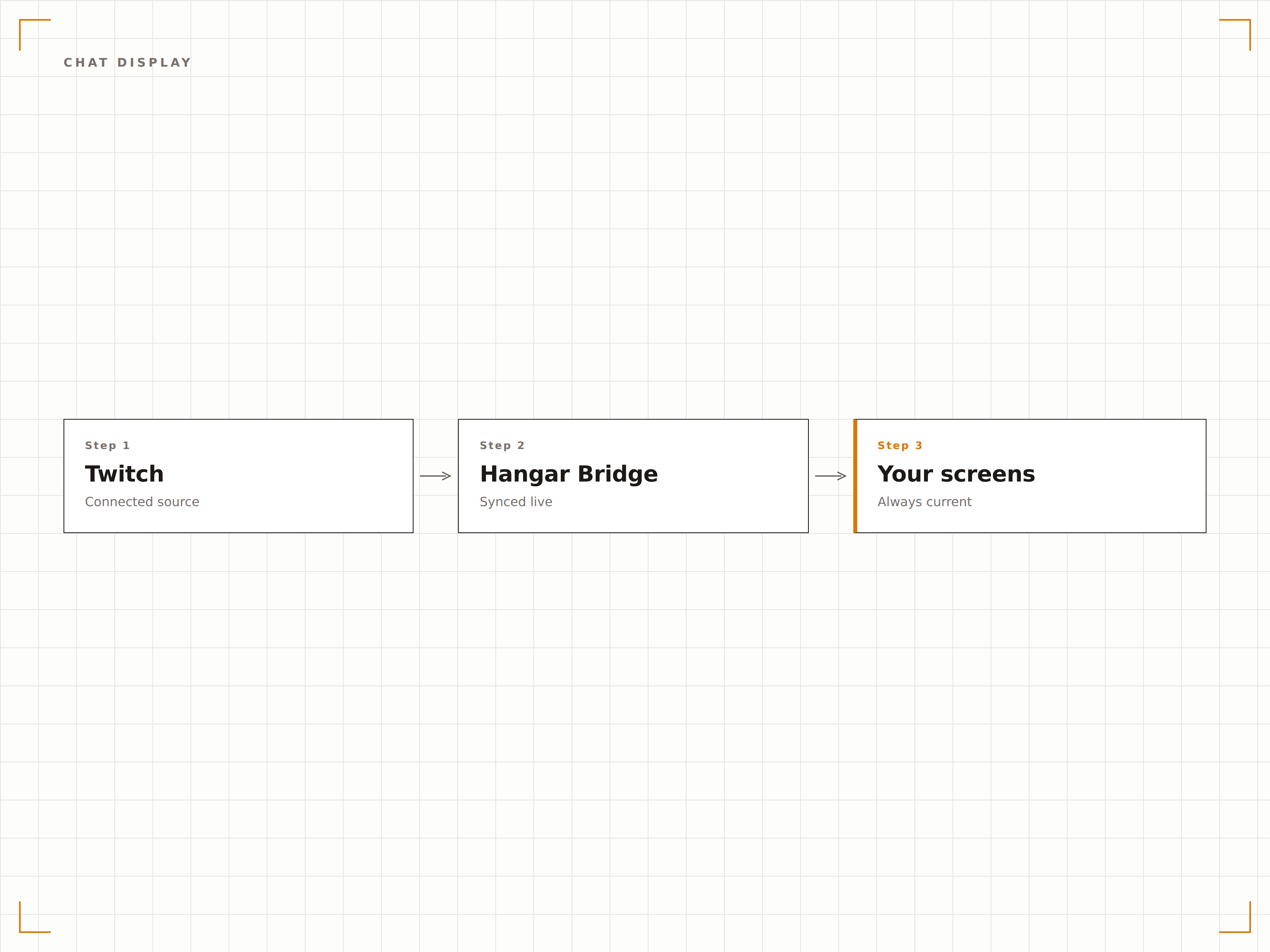
Zeigen Sie den Twitch-Chat-Feed neben dem Live-Stream in einem Split-Screen-Layout an. Filtern Sie Chat-Nachrichten auf unangemessene Inhalte und passen Sie das Chat-Erscheinungsbild an Ihr Venue-Branding an.
Das vollständige Twitch-Erlebnis auf Ihrem grossen Bildschirm.
Anpassbare Chat-Schriftgrösse und -farben
Profanitäts- und Spam-Filterung
Nur-Chat-Modus für Community-Engagement
Esports-Turnieranzeigen
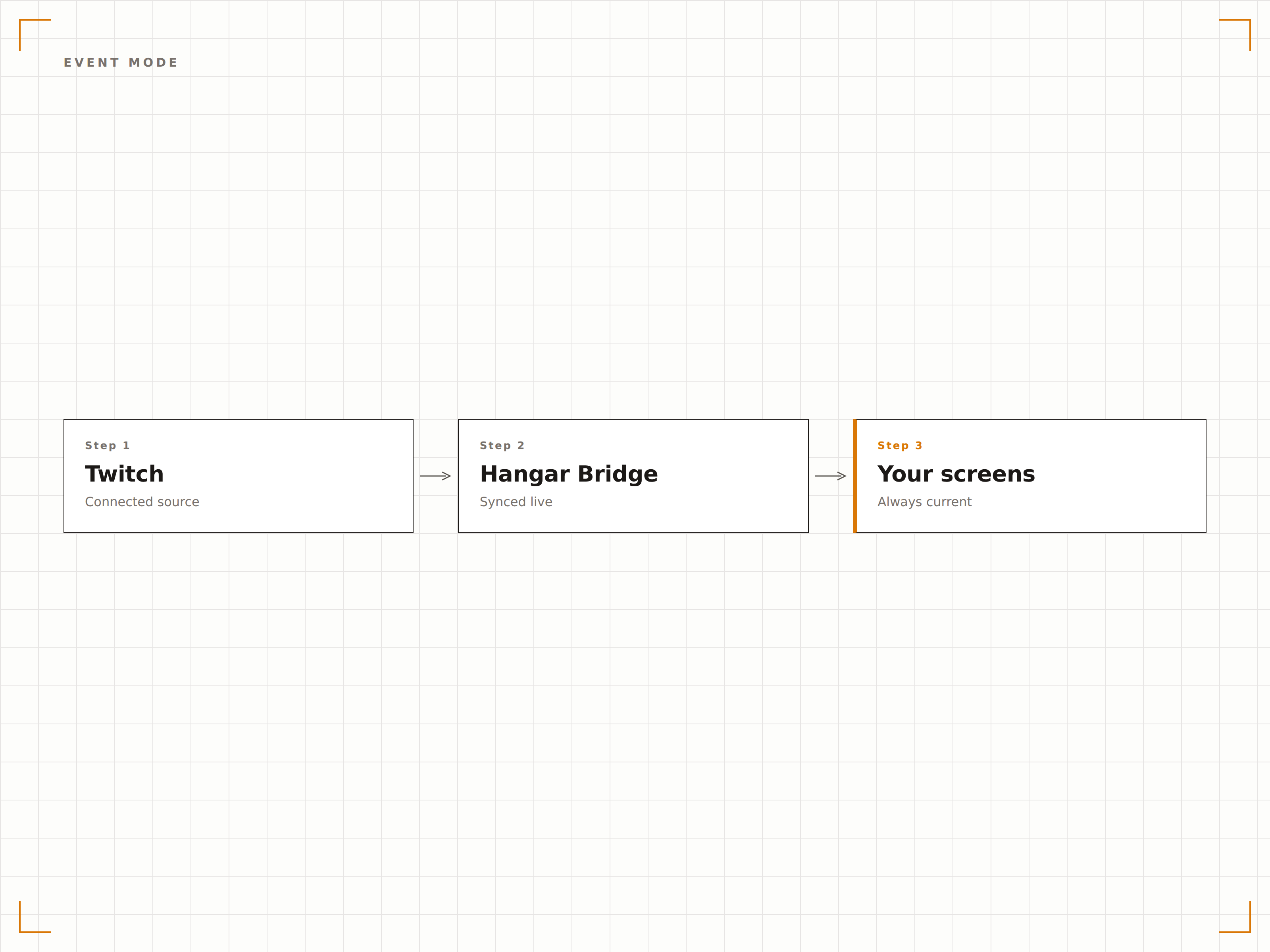
Schaffen Sie dedizierte Esports-Zuschauererlebnisse auf mehreren Bildschirmen. Zeigen Sie den Hauptstream auf Ihrem grössten Bildschirm, während Sie alternative Kamerawinkel, Klammern und Statistiken auf unterstützenden Displays anzeigen.
Verwandeln Sie jedes Venue in eine Esports-Arena.
Synchronisierte Wiedergabe auf mehreren Bildschirmen
Turnierklammer-Overlays
Geplante Event-Countdowns
Vier Schritte zu verbundene Bildschirme.
Von der Einrichtung bis zu Live-Inhalten in Minuten, nicht Tagen.
Twitch-Kanal hinzufügen
Geben Sie den Twitch-Kanal-Benutzernamen oder die URL in der Hangar.Media-Inhaltsbibliothek ein, um ein Live-Stream-Widget zu erstellen.
Stream-Einstellungen konfigurieren
Legen Sie Audioausgabe, Qualitätseinstellungen, Chat-Anzeigeoptionen und Offline-Fallback-Inhalte fest.
Live-Erkennung einrichten
Aktivieren Sie die automatische Umschaltung, damit der Stream automatisch angezeigt wird, sobald der Kanal live geht.
Bildschirmen zuweisen
Fügen Sie das Twitch-Stream-Widget Ihren Bildschirmen hinzu oder integrieren Sie es in ein Multi-Zonen-Layout mit anderen Inhalten.
Entwickelt für jeden Branche.
Erfahren Sie, wie verschiedene Branchen diese Integration nutzen, um Ergebnisse zu erzielen.
Live-Streams in Gaming-Lounges
Streamen Sie beliebte Twitch-Kanäle und Esports-Turniere auf den Bildschirmen von Gaming-Lounges, um eine immersive Zuschauerumgebung zu schaffen.
HospitalityEsports-Viewing in Bars und Pubs
Zeigen Sie live Esports-Wettbewerbe auf Bar-Bildschirmen neben traditionellen Sportarten und sprechen Sie ein jüngeres, technikaffines Publikum an.
RetailProduktpräsentationen in Gaming-Stores
Zeigen Sie Twitch-Streams mit im Laden erhältlichen Spielen, um das Kundeninteresse zu wecken und das Gameplay zu demonstrieren.
EducationUnterhaltungsbildschirme in Studentenverbänden
Streamen Sie beliebte Twitch-Inhalte auf den Bildschirmen der Gemeinschaftsbereiche von Studentenverbänden, um soziale Treffpunkte auf dem Campus zu schaffen.
Häufige Fragen. Direkte Antworten.
Was passiert, wenn der Twitch-Kanal, dem ich folge, offline geht?
Hangar.Media wechselt automatisch zu Ihrem gewählten Fallback-Inhalt, z. B. einer Playlist, einer Bild-Diashow oder einem anderen Widget. Sobald der Kanal wieder live geht, erscheint der Stream erneut.
Kann ich mehrere Twitch-Streams auf einem Bildschirm anzeigen?
Ja. Verwenden Sie den Multi-Zonen-Layout-Editor, um ein Raster von Twitch-Streams auf einem einzigen Bildschirm zu erstellen. Dies ist ideal für Esports-Venues, die mehrere Turnierspiele gleichzeitig überwachen.
Gibt es eine Verzögerung beim Twitch-Stream?
Der Stream wird mit derselben niedrigen Latenz wie beim direkten Ansehen auf Twitch wiedergegeben – typischerweise 3 bis 5 Sekunden hinter der Live-Übertragung, abhängig von Ihren Netzwerkbedingungen.
Kann ich den Twitch-Chat auf unangemessene Sprache filtern?
Ja. Hangar.Media enthält eine integrierte Profanitätsfilterung und Spam-Erkennung für das Twitch-Chat-Overlay. Sie können auch benutzerdefinierte Wort-Blocklisten für Ihr Venue erstellen.
Ein Preis. Die gesamte Plattform.
So stellen wir uns Digital Signage vor. Inhaltseditor, Bildschirmverwaltung und 200+ App-Integrationen – alles von Anfang an inklusive.
14 Tage kostenlos, bis zu 3 Bildschirme – keine Kreditkarte erforderlich.