YouTube auf Ihren Bildschirmen. Immer in Betrieb.
YouTube-Videos, Playlists und ganze Kanäle direkt auf Ihre Digital Signage-Bildschirme streamen. Wiedergabepläne automatisieren und Inhalte ohne manuelle Aktualisierungen stets aktuell halten.
Die grösste Videobibliothek – auf Ihren Bildschirmen
Verbinden Sie Ihr YouTube-Konto mit Hangar.Media und zeigen Sie beliebige öffentliche oder nicht gelistete Videos in Ihrem Digital Signage-Netzwerk an. Erstellen Sie Playlists, die automatisch rotieren, planen Sie Inhalte nach Tageszeit und kombinieren Sie YouTube-Videos mit anderen Signage-Inhalten in mehrzonigen Layouts.
Was Sie mit Immer in Betrieb. tun können
Drei Funktionen, die diese Integration für Ihr Digital Signage-Netzwerk unverzichtbar machen.
Automatisch rotierende Playlists
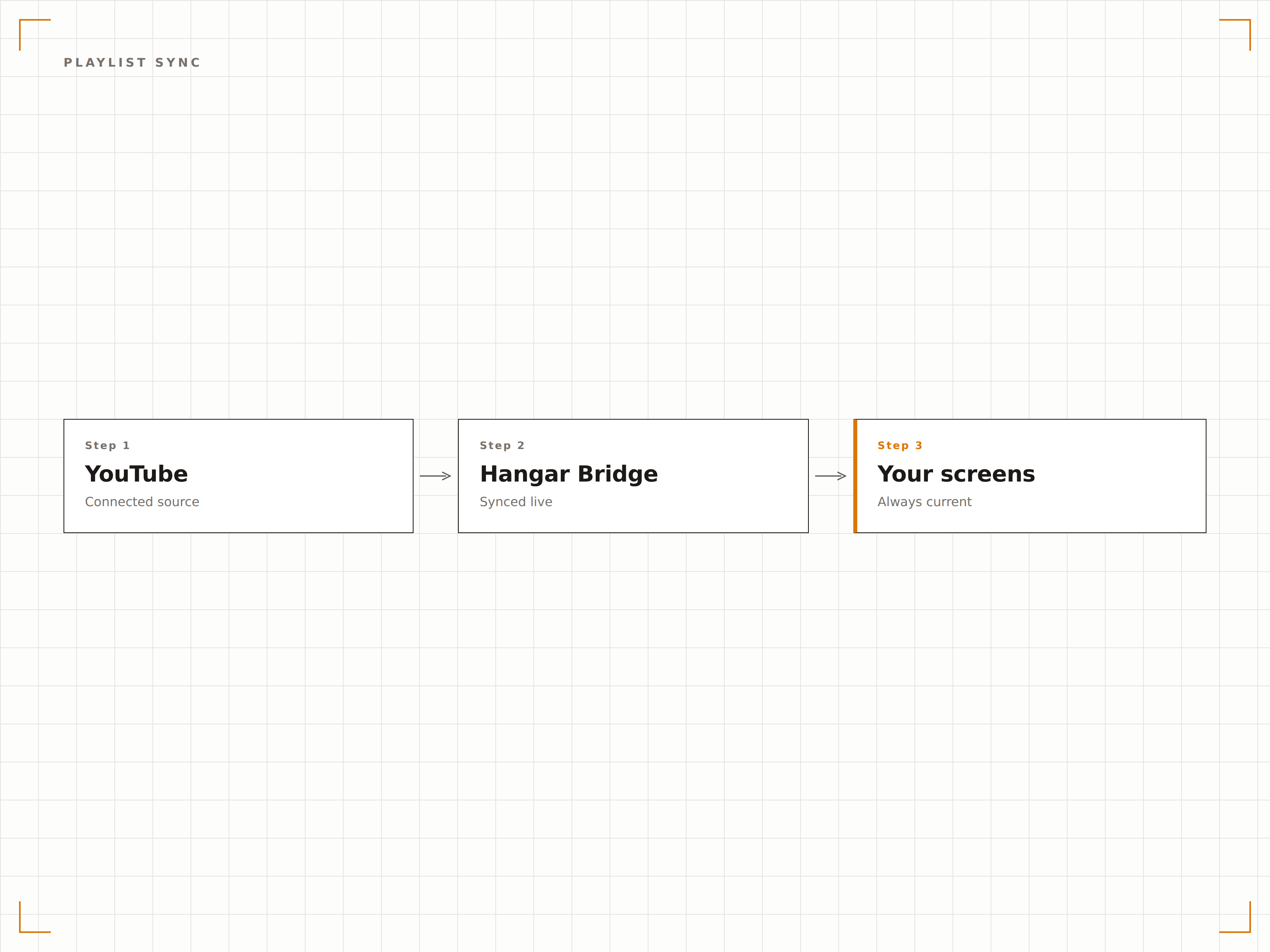
Verknüpfen Sie Ihre YouTube-Playlists und lassen Sie Hangar.Media die Videos automatisch durchlaufen. Wenn Sie ein neues Video zu Ihrer YouTube-Playlist hinzufügen, erscheint es auf Ihren Bildschirmen – ganz ohne manuellen Eingriff.
Einmal auf YouTube aktualisieren – überall auf Ihren Bildschirmen sichtbar.
Playlists in unter 60 Sekunden synchronisieren
Individuelle Wiedergabedauer pro Video festlegen
Videos im Dashboard überspringen oder neu anordnen
Zeitbasierte Video-Planung
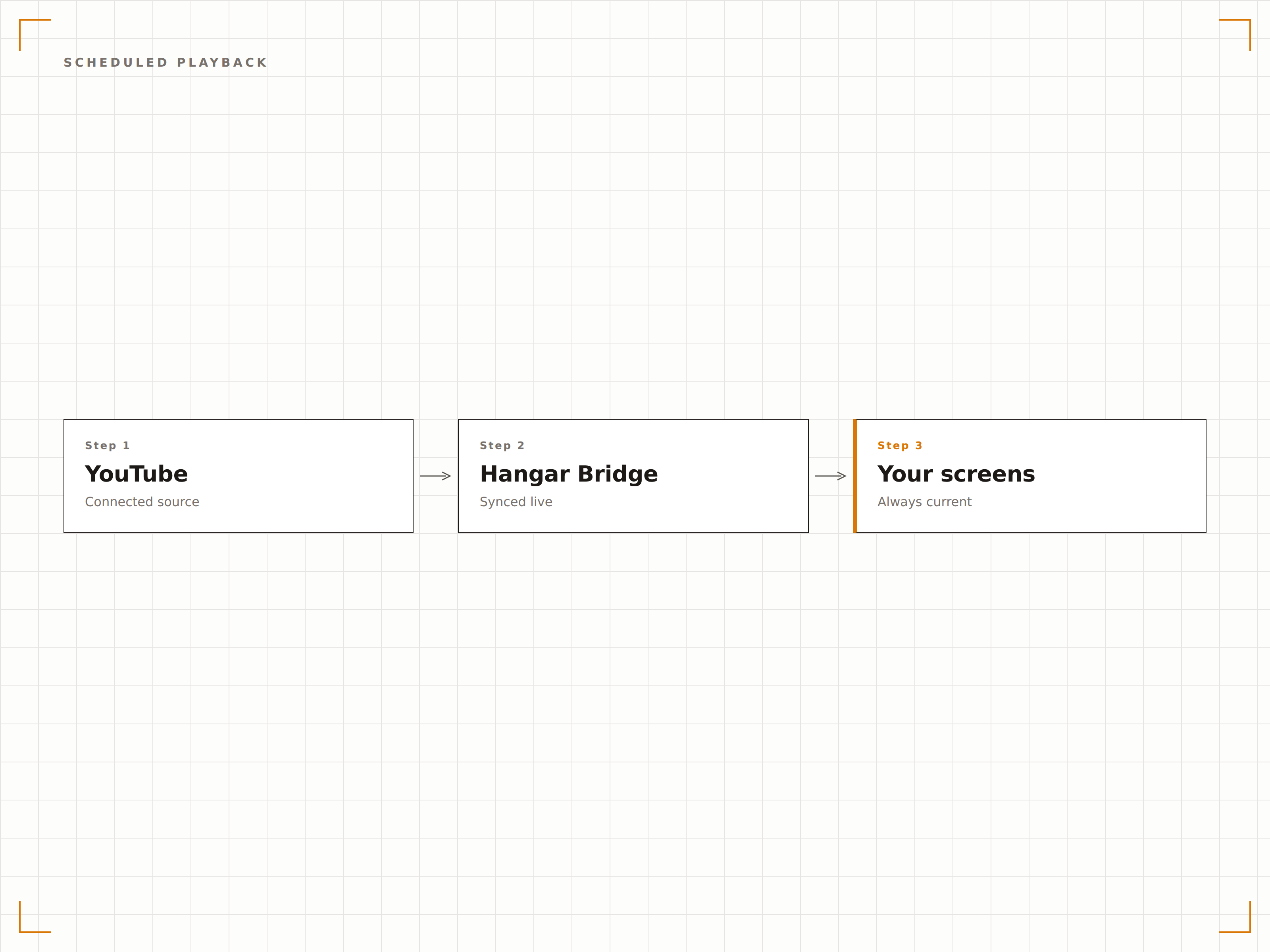
Spielen Sie zu verschiedenen Tageszeiten unterschiedliche YouTube-Inhalte ab. Zeigen Sie morgens Nachrichtenzusammenfassungen beim Frühstück, tagsüber Produktdemos während der Geschäftszeiten und abends Unterhaltungsinhalte.
Der richtige Inhalt, zur richtigen Zeit, ohne Aufwand.
Dayparting mit stündlicher Granularität
Pläne für Wochentage und Wochenenden
Sonderpläne für besondere Ereignisse überschreiben
YouTube in Split-Screen-Layouts
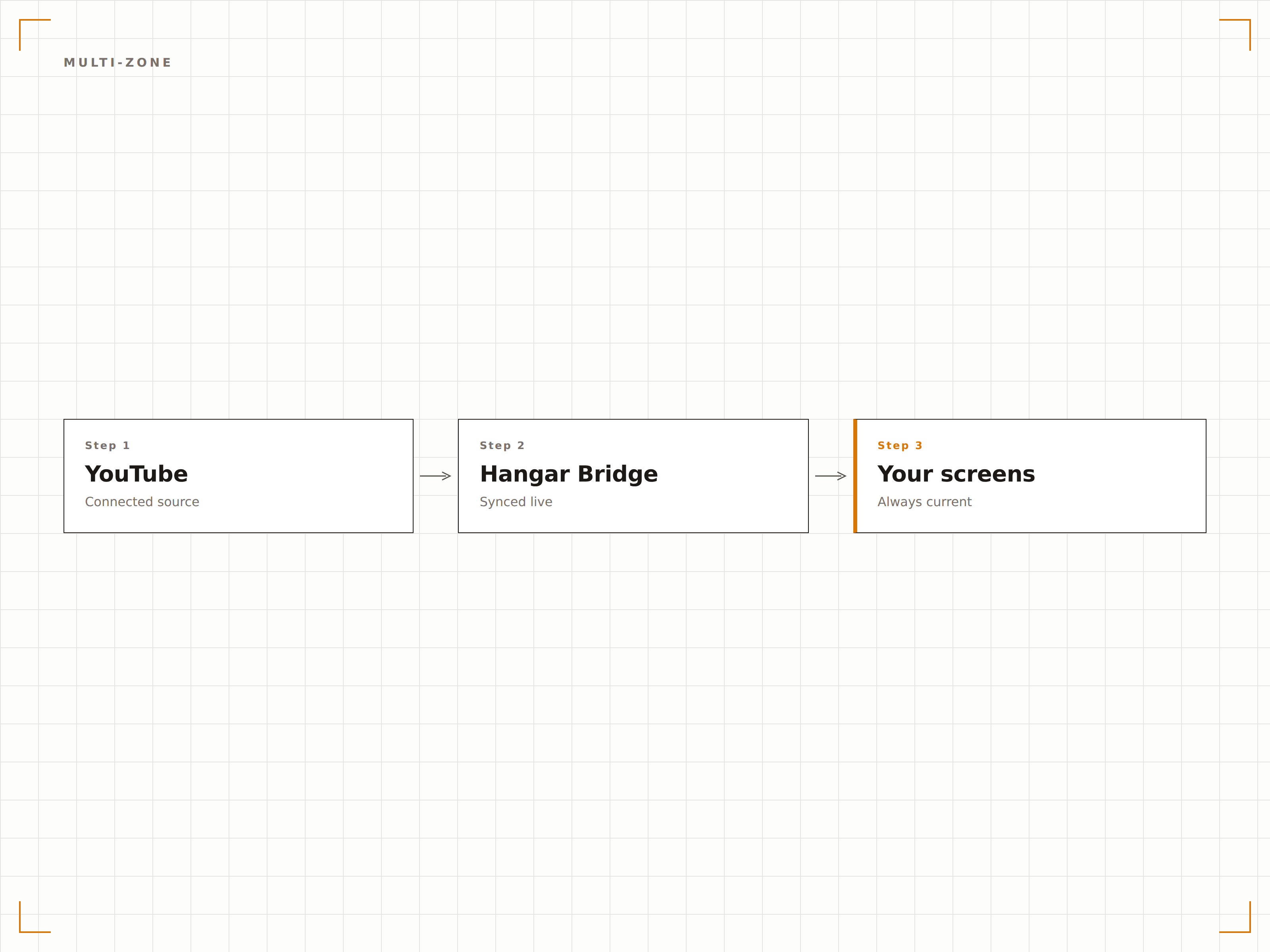
Kombinieren Sie YouTube-Videowiedergabe mit anderen Inhaltszonen auf demselben Bildschirm. Zeigen Sie ein Produktvideo neben Live-Social-Feeds, Preisinformationen oder Marken-Grafiken an.
Video plus Kontext gleich Engagement.
Drag-and-drop-Zonen-Editor
Anpassbare Videozonen-Grösse
Audiosteuerung pro Zone
Vier Schritte zu verbundene Bildschirme.
Von der Einrichtung bis zu Live-Inhalten in Minuten, nicht Tagen.
YouTube verbinden
Fügen Sie eine YouTube-Video-URL, einen Playlist-Link oder eine Kanal-URL in die Hangar.Media-Inhaltsbibliothek ein.
Wiedergabe einrichten
Legen Sie die Videodauer fest, stummschalten oder aktivieren Sie den Ton, wählen Sie das Wiederholungsverhalten und die Wiedergabequalität.
Zur Playlist hinzufügen
Ziehen Sie den YouTube-Inhalt in Ihre Signage-Playlist – zusammen mit anderen Medien und Widgets.
Auf Bildschirmen veröffentlichen
Weisen Sie die Playlist einem oder mehreren Bildschirmen zu und sehen Sie zu, wie Ihre YouTube-Inhalte sofort live gehen.
Entwickelt für jeden Branche.
Erfahren Sie, wie verschiedene Branchen diese Integration nutzen, um Ergebnisse zu erzielen.
Produktdemo-Videos im Geschäft
Spielen Sie YouTube-Produktrezensionen und Demo-Videos neben Warendisplays ab, um Kunden zu informieren und Kaufentscheidungen zu fördern.
UnternehmenUnternehmenskultur-Videos in Lobbys
Streamen Sie YouTube-Unternehmenskanäle mit Team-Highlights, Presseinterviews und Kulturvideos in Empfangsbereichen.
BildungBildungsinhalte auf Campus-Bildschirmen
Zeigen Sie kuratierte YouTube-Bildungs-Playlists auf Flur- und Bibliotheksbildschirmen an, um den Unterricht zu ergänzen.
GastgewerbeVideos lokaler Attraktionen für Gäste
Zeigen Sie YouTube-Videos über lokale Sehenswürdigkeiten, Restaurantbewertungen und Reiseführer auf den Bildschirmen in Hotellobbys.
Häufige Fragen. Direkte Antworten.
Kann ich nicht gelistete YouTube-Videos auf meinen Bildschirmen abspielen?
Ja. Hangar.Media unterstützt sowohl öffentliche als auch nicht gelistete YouTube-Video-URLs. Fügen Sie den Link zum nicht gelisteten Video einfach in die Inhaltsbibliothek ein, und er wird auf Ihren Bildschirmen abgespielt.
Werden YouTube-Anzeigen auf meinen Digital Signage Bildschirmen angezeigt?
YouTube-Videos, die über den Hangar.Media-Player abgespielt werden, nutzen die eingebettete Wiedergabe. Das Verhalten von Werbeanzeigen hängt von den Einstellungen des Videoinhabers und den YouTube-Richtlinien ab. Für werbefreie Wiedergabe empfiehlt sich YouTube Premium oder das direkte Hochladen von Inhalten.
Was passiert, wenn meine Internetverbindung während der Wiedergabe unterbrochen wird?
Hangar.Media wechselt bei Verbindungsunterbruch automatisch auf zwischengespeicherte Ersatzinhalte. Sobald die Verbindung wiederhergestellt ist, wird die YouTube-Wiedergabe dort fortgesetzt, wo sie unterbrochen wurde.
Kann ich YouTube-Videos mit anderen Inhaltstypen kombinieren?
Absolut. Sie können YouTube-Videos in jede Playlist einfügen – zusammen mit Bildern, Webseiten, Social Feeds und anderen Widgets. Nutzen Sie Multi-Zonen-Layouts, um YouTube in einer Zone anzuzeigen, während in anderen Zonen unterschiedliche Inhalte laufen.
Ein Preis. Die gesamte Plattform.
So stellen wir uns Digital Signage vor. Inhaltseditor, Bildschirmverwaltung und 200+ App-Integrationen – alles von Anfang an inklusive.
14 Tage kostenlos, bis zu 3 Bildschirme – keine Kreditkarte erforderlich.