YouTube Live, auf Ihren Bildschirmen. So wie es passiert.
Streamen Sie YouTube-Live-Übertragungen, Premieren und geplante Live-Events direkt in Ihr Digital-Signage-Netzwerk. Berichten Sie über Events, Pressekonferenzen und Launches in Echtzeit – auf allen Ihren Bildschirmen.
YouTube-Live-Übertragungen in Echtzeit auf Digital Signage
YouTube Live ist die weltweit zugänglichste Live-Streaming-Plattform. Hangar.Media ermöglicht es Ihnen, beliebige YouTube-Live-Streams auf Ihren Digital-Signage-Bildschirmen anzuzeigen – ob es sich um Ihre eigene Übertragung oder ein öffentliches Event handelt. Überwachen Sie Kanäle auf bevorstehende Live-Events und schalten Sie Ihre Bildschirme automatisch um, sobald eine Übertragung beginnt.
Was Sie mit So wie es passiert. tun können
Drei Funktionen, die diese Integration für Ihr Digital Signage-Netzwerk unverzichtbar machen.
Kanal-Live-Erkennung
Abonnieren Sie YouTube-Kanäle und Hangar.Media überwacht diese auf Live-Übertragungen. Wenn ein Kanal live geht, wechseln Ihre Bildschirme automatisch zur Anzeige des Streams. Wenn er endet, wird der reguläre Inhalt fortgesetzt.
Ihre Bildschirme schalten automatisch ein.
Mehrere Kanäle gleichzeitig überwachen
Prioritätsranking für konkurrierende Live-Streams
Dashboard-Benachrichtigung bei erkannten Streams
YouTube-Premiere-Countdowns
Planen Sie YouTube-Premieren mit einem Countdown-Timer auf Ihrer Signage, bevor das Video live geht. Schaffen Sie Vorfreude für Produktlaunches, Ankündigungen und besondere Content-Releases.
Spannung aufbauen, bevor die Übertragung beginnt.
Countdown-Timer bis zum Premiere-Start
Individuelle Wartegrafiken
Automatische Wiedergabe beim Start der Premiere
Synchronisiertes Live-Viewing
Zeigen Sie denselben YouTube-Live-Stream gleichzeitig auf Dutzenden oder Hunderten von Bildschirmen an. Jeder Bildschirm zeigt denselben Inhalt zur selben Zeit – für ein einheitliches Seherlebnis in Ihrem gesamten Standort oder Netzwerk.
Ein Stream, jeder Bildschirm, perfekt synchronisiert.
Netzwerkweite synchronisierte Wiedergabe
Einheitliche Audioverzögerung über alle Bildschirme
Bandbreitenoptimierte Verteilung
Vier Schritte zu verbundene Bildschirme.
Von der Einrichtung bis zu Live-Inhalten in Minuten, nicht Tagen.
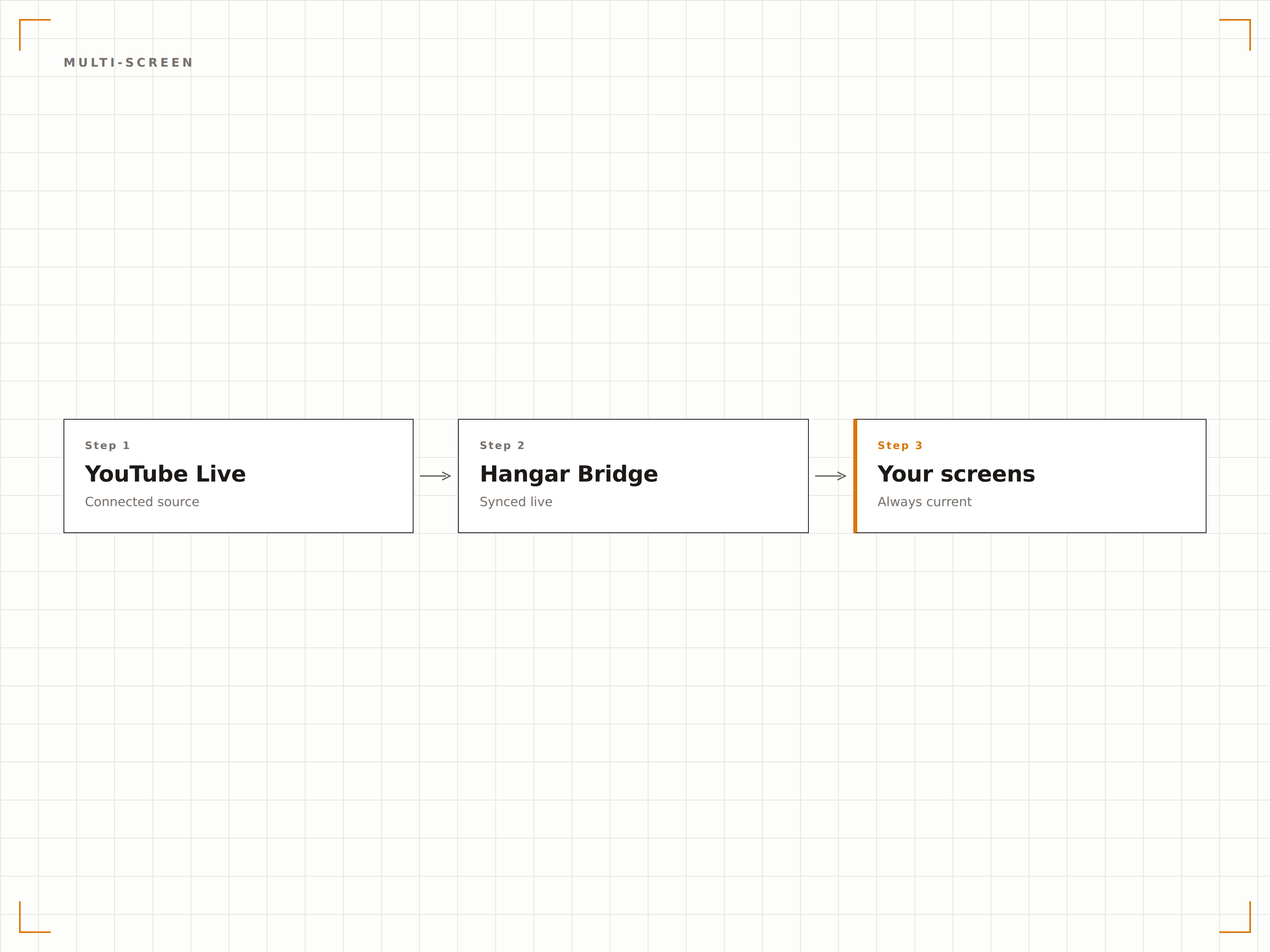
YouTube-Live-Quelle hinzufügen
Fügen Sie eine YouTube-Live-Stream-URL oder Kanal-URL in die Hangar.Media-Inhaltsbibliothek ein.
Live-Einstellungen konfigurieren
Legen Sie Qualitätseinstellungen fest, aktivieren Sie die Live-Erkennung für Kanäle und wählen Sie Fallback-Inhalte für Zeiten aus, in denen Streams offline sind.
Bildschirmzuweisungen festlegen
Wählen Sie, welche Bildschirme den Live-Stream anzeigen sollen, und legen Sie Prioritätsstufen für konkurrierende Übertragungen fest.
Live gehen
Wenn die YouTube-Live-Übertragung startet, wechseln Ihre Bildschirme automatisch. Wenn sie endet, kehren sie zum geplanten Inhalt zurück.
Entwickelt für jeden Branche.
Erfahren Sie, wie verschiedene Branchen diese Integration nutzen, um Ergebnisse zu erzielen.
Viewing-Partys für Branchen-Keynotes
Streamen Sie Branchen-Keynotes und Produktankündigungen von YouTube Live auf Büro-Bildschirme, damit Teams gemeinsam zuschauen können – ganz ohne eigene Geräte.
EinzelhandelLive-Launch-Events für Marken
Zeigen Sie YouTube-Live-Produktlaunches von Marken auf Ladenbildschirmen im ganzen Land an, um Begeisterung zu wecken und den sofortigen Absatz zu steigern.
GastgewerbeLive-Eventberichterstattung für Gäste
Streamen Sie Konzerte, Preisverleihungen und Kulturevents via YouTube Live auf Hotel-Bar- und Lounge-Bildschirmen zur Unterhaltung Ihrer Gäste.
Öffentlicher SektorStaatliche Pressekonferenzen
Zeigen Sie YouTube-Live-Regierungsbriefings und Pressekonferenzen auf öffentlichen Informations-Bildschirmen in Behörden und Bürgercentern an.
Häufige Fragen. Direkte Antworten.
Kann ich einen YouTube-Live-Stream anzeigen, der nicht von meinem eigenen Kanal stammt?
Ja. Sie können jeden öffentlichen YouTube-Live-Stream auf Ihrer Signage anzeigen, indem Sie die Stream-URL einfügen. Für öffentliche Übertragungen ist kein Kanalbesitz erforderlich.
Wie schnell wechseln die Bildschirme, wenn ein Live-Stream startet?
Hangar.Media erkennt Live-Übertragungen innerhalb von 30 Sekunden nach deren Start. Bildschirme wechseln innerhalb von Sekunden nach der Erkennung zum Live-Stream – die Gesamtverzögerung ab Sendebeginn beträgt in der Regel unter einer Minute.
Kann ich den YouTube-Live-Chat auf dem Bildschirm anzeigen?
Die aktuelle Integration konzentriert sich auf die Videowiedergabe. Die Anzeige des Live-Chats ist als separates Widget verfügbar, das neben dem Video in einem Multi-Zonen-Layout platziert werden kann.
Was passiert, wenn der Live-Stream noch nicht gestartet hat?
Wenn Sie einen geplanten YouTube-Live-Stream verknüpfen, zeigt Hangar.Media Ihren Fallback-Inhalt an, bis die Übertragung beginnt, und wechselt dann automatisch zum Live-Feed.
Ein Preis. Die gesamte Plattform.
So stellen wir uns Digital Signage vor. Inhaltseditor, Bildschirmverwaltung und 200+ App-Integrationen – alles von Anfang an inklusive.
14 Tage kostenlos, bis zu 3 Bildschirme – keine Kreditkarte erforderlich.