Wettergesteuerter Inhalt. Automatisch.
Definieren Sie Regeln, die Ihre Bildschirminhalte automatisch anhand aktueller Wetterbedingungen anpassen. Zeigen Sie Werbung für Heissgetränke bei Kälte, Regenschirm-Angebote bei Regen oder Sonnenschutz-Promotionen bei hoher UV-Strahlung. Ihre Bildschirme reagieren auf das Wetter – ganz ohne manuellen Eingriff.
Inhalte, die in Echtzeit auf das Wetter reagieren.
Die Hangar.Media Weather Triggers-Integration überwacht Echtzeit-Wetterdaten und wechselt Bildschirminhalte automatisch, sobald die Bedingungen Ihren definierten Regeln entsprechen. Erstellen Sie Trigger basierend auf Temperatur, Niederschlag, Windgeschwindigkeit, Luftfeuchtigkeit, UV-Index und Wetterbedingungs-Codes. Jeder Trigger ist einem bestimmten Inhalt zugeordnet, der nur bei erfüllten Bedingungen abgespielt wird.
Was Sie mit Automatisch. tun können
Drei Funktionen, die diese Integration für Ihr Digital Signage-Netzwerk unverzichtbar machen.
Regeln auf Basis beliebiger Wetterparameter definieren
Erstellen Sie Triggerregeln anhand von Temperaturschwellenwerten, Niederschlagsart, Windgeschwindigkeit, Luftfeuchtigkeit, UV-Index und Wetterzustandscodes. Kombinieren Sie Bedingungen mit UND-Logik für präzises Targeting – zeigen Sie beispielsweise Eiscreme-Werbung nur, wenn die Temperatur über 25 °C liegt und es sonnig ist.
Wenn das Wetter X tut, tun Ihre Bildschirme Y. Regelbasierte Inhalte, die sich selbst steuern.
Temperatur über, unter oder zwischen Schwellenwerten
Niederschlagsart-Trigger für Regen, Schnee, Graupel und Hagel
Windgeschwindigkeit, Luftfeuchtigkeit, UV-Index und Sichtbedingungen
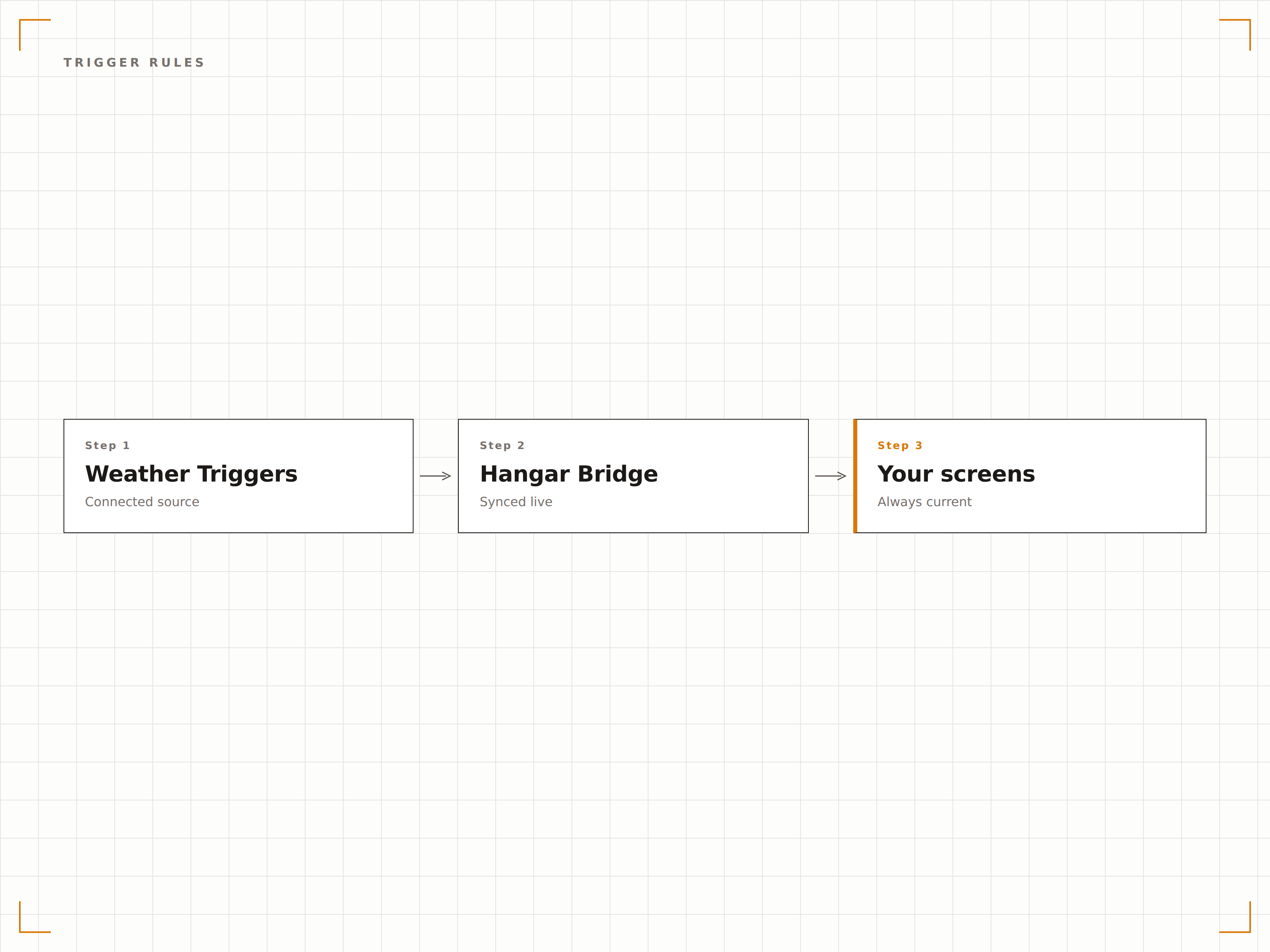
Spezifische Inhalte jeder Wetterbedingung zuordnen
Weisen Sie jeder Triggerregel Layouts, Playlists oder einzelne Medienelemente zu. Sobald die Bedingungen erfüllt sind, wird der zugewiesene Inhalt automatisch abgespielt. Wenn die Bedingungen nicht mehr zutreffen, kehren die Bildschirme automatisch zu ihrem Standardinhalt zurück.
Regen löst die Regenschirm-Anzeige aus. Sonnenschein aktiviert die Terrassen-Speisekarte. Alles geschieht automatisch.
Layouts, Playlists oder Medien Triggerregeln zuweisen
Prioritätsreihenfolge bei gleichzeitig übereinstimmenden Triggern
Sanfte Übergangseffekte zwischen ausgelöstem und Standardinhalt
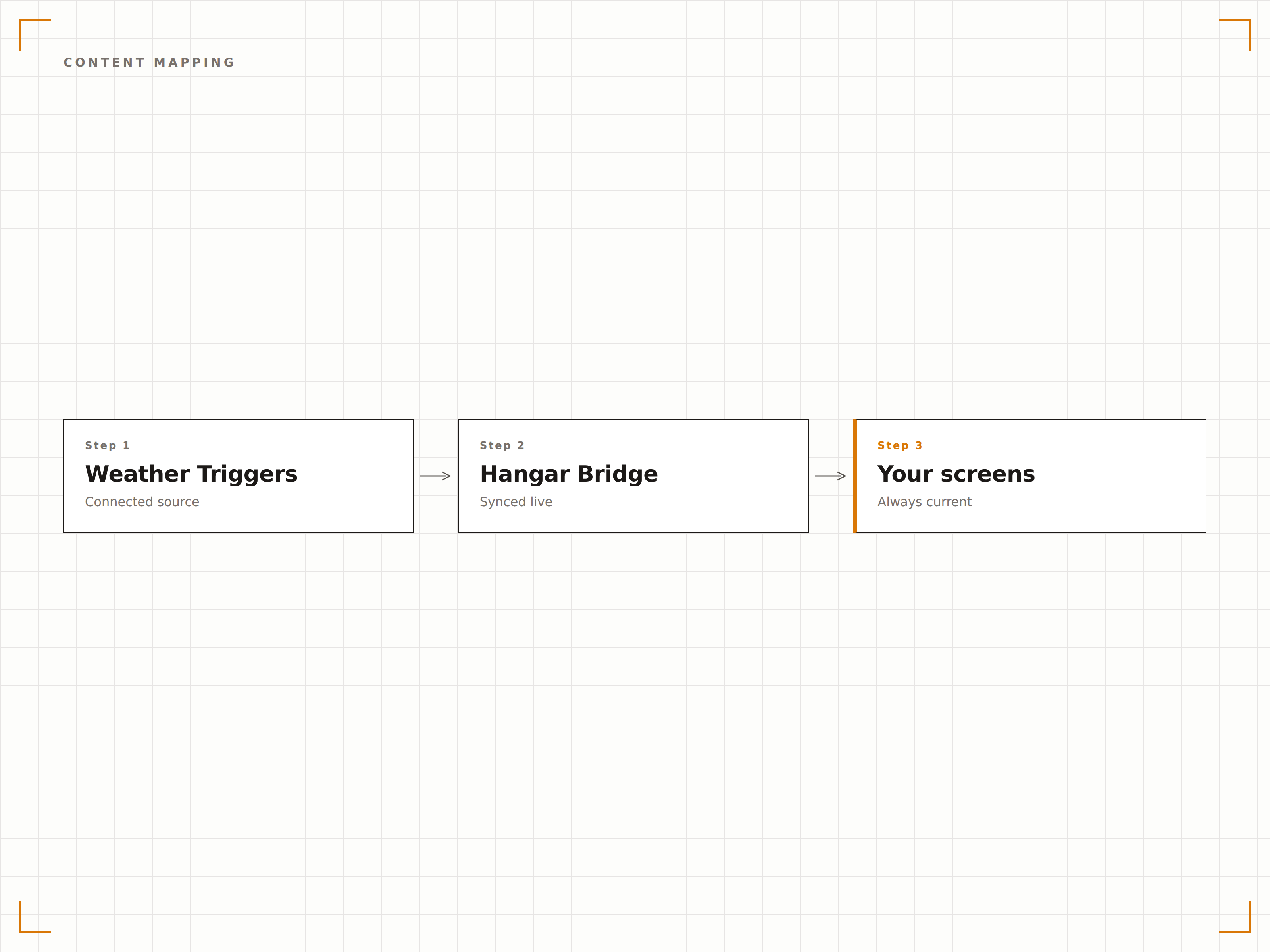
Weather Triggers mit zeitbasierter Planung kombinieren
Legen Sie Weather Triggers über Ihren bestehenden Inhaltsplan. Ihr regulärer Zeitplan läuft wie gewohnt, aber Weather Triggers können bestimmte Zonen oder ganze Bildschirme überschreiben, wenn die Bedingungen erfüllt sind. Sobald sich das Wetter ändert, wird der reguläre Zeitplan wieder aufgenommen.
Ihr Zeitplan gibt den Takt vor. Weather Triggers sind die Ausnahme.
Weather Triggers überschreiben geplante Inhalte, wenn sie aktiv sind
Überschreibungsoptionen auf Zonen- oder Bildschirmebene
Automatische Rückkehr zum geplanten Inhalt, wenn der Trigger erlischt
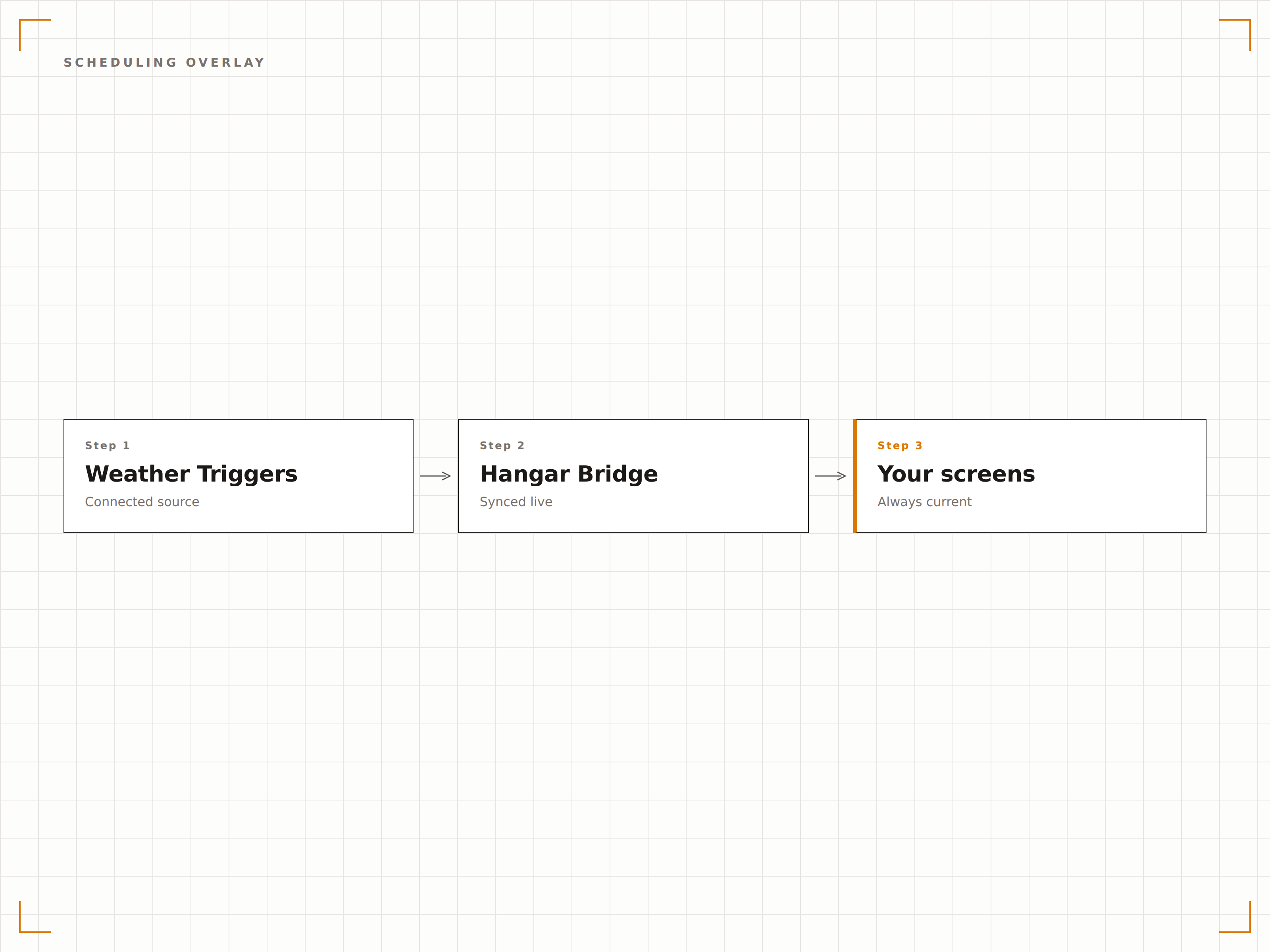
Vier Schritte zu verbundene Bildschirme.
Von der Einrichtung bis zu Live-Inhalten in Minuten, nicht Tagen.
Triggerregeln erstellen
Definieren Sie Wetterbedingungen, die Inhaltswechsel auslösen sollen, mithilfe des visuellen Regelerstellers im Dashboard.
Inhalte jedem Trigger zuweisen
Ordnen Sie jedem Trigger spezifische Layouts, Playlists oder Medienelemente zu.
Priorität und Fallback festlegen
Ordnen Sie Trigger nach Priorität und legen Sie Standardinhalte fest, die angezeigt werden, wenn keine Trigger aktiv sind.
Auf Ihren Bildschirmen aktivieren
Aktivieren Sie Weather Triggers für Ihre Bildschirmgruppen und lassen Sie das System automatisch reagieren.
Entwickelt für jeden Branche.
Erfahren Sie, wie verschiedene Branchen diese Integration nutzen, um Ergebnisse zu erzielen.
Wetterbasierte Promotionen
Zeigen Sie automatisch Regenausrüstung bei Regen, Sonnenschutz bei hohem UV-Index und warme Kleidung bei sinkenden Temperaturen.
HospitalityDynamische Menüboards
Wechseln Sie automatisch von Kaltgetränke-Promotionen zu heissen Getränken, wenn die Temperatur unter einen festgelegten Schwellenwert fällt.
CorporateSicherheitshinweise für Mitarbeitende
Zeigen Sie Eiswarnungen auf den Bildschirmen am Büroeingang an, wenn die Temperaturen unter den Gefrierpunkt fallen und die Strassen gefährlich sein könnten.
EntertainmentEventbezogene Ausweichmeldungen
Zeigen Sie automatisch Alternativen in Innenräumen an, wenn Regen oder starker Wind an Aussenveranstaltungsorten erkannt wird.
Häufige Fragen. Direkte Antworten.
Für welche Wetterbedingungen kann ich Trigger einrichten?
Trigger unterstützen Temperatur, gefühlte Temperatur, Niederschlagsart, Niederschlagswahrscheinlichkeit, Windgeschwindigkeit, Luftfeuchtigkeit, UV-Index, Sichtweite, Bewölkung sowie allgemeine Wetterzustandscodes wie sonnig, bewölkt, Regen oder Schnee.
Wie schnell wechselt der Inhalt bei einer Wetteränderung?
Wetterdaten werden alle 5 Minuten abgerufen. Sobald eine Triggerbedingung erfüllt ist, erfolgt der Inhaltswechsel innerhalb des aktuellen Prüfzyklus – Ihre Bildschirme reagieren also innerhalb von 5 Minuten auf die Wetteränderung.
Kann ich mehrere Bedingungen in einem Trigger kombinieren?
Ja. Verwenden Sie UND-Logik, um Bedingungen zu kombinieren. Lösen Sie einen Trigger beispielsweise nur aus, wenn die Temperatur über 30 °C liegt UND es sonnig ist UND der UV-Index über 6 liegt. Alle Bedingungen müssen erfüllt sein, damit der Trigger aktiviert wird.
Was passiert, wenn keine Trigger aktiv sind?
Wenn keine Triggerbedingungen erfüllt sind, zeigen Ihre Bildschirme den regulär geplanten Inhalt an. Das System kehrt stets zuverlässig zu Ihrer regulären Programmierung zurück.
Ein Preis. Die gesamte Plattform.
So stellen wir uns Digital Signage vor. Inhaltseditor, Bildschirmverwaltung und 200+ App-Integrationen – alles von Anfang an inklusive.
14 Tage kostenlos, bis zu 3 Bildschirme – keine Kreditkarte erforderlich.