Wetterwarnungen. Sicherheit zuerst.
Zeigen Sie Unwetterwarnungen, Vorabinformationen und Hinweise nationaler Wetterdienste in Echtzeit auf Ihren Digital Signage-Bildschirmen an. Schützen Sie Ihre Mitarbeitenden mit automatischer Alarmübernahme, die reguläre Inhalte bei kritischen Wetterinformationen sofort unterbricht.
Sicherheit bei Unwettern – für jeden Bildschirm in Ihrem Netzwerk.
Die Wetterwarnungs-Integration von Hangar.Media überwacht nationale Wetterdienste auf Unwetterwarnungen, Vorabinformationen und Hinweise, die Ihre Bildschirmstandorte betreffen. Sobald Warnungen ausgegeben werden, können Bildschirme automatisch den Alarm mit vollständigen Details, Schweregrad und empfohlenen Massnahmen anzeigen. Reguläre Inhalte werden fortgesetzt, sobald Warnungen ablaufen oder aufgehoben werden.
Was Sie mit Sicherheit zuerst. tun können
Drei Funktionen, die diese Integration für Ihr Digital Signage-Netzwerk unverzichtbar machen.
Kontinuierliche Überwachung auf Unwetter in Ihrer Region
Das System überwacht kontinuierlich Wetterdienste auf Warnungen, die jeden Ihrer Bildschirmstandorte betreffen. Tornado-Warnungen, schwere Gewitterwarnungen, Hochwasserwachten, Wintersturmwarnungen und Hitzehinweise werden automatisch erkannt und an die entsprechenden Bildschirme übermittelt.
Tornado-Warnung in Ihrem Bezirk? Ihre Bildschirme wissen es, bevor Ihr Telefon vibriert.
Kontinuierliche Überwachung aller Warnungstypen und Schweregrade
Standortspezifische Warnungen, abgestimmt auf einzelne Bildschirmstandorte
Tornado-, Gewitter-, Hochwasser-, Wintersturm- und Hitzewarnungen abgedeckt
Automatische Vollbild-Warnungsanzeige für kritische Warnungen
Wenn eine schwere Warnung ausgegeben wird, wechseln betroffene Bildschirme automatisch auf eine Vollbild-Warnungsanzeige. Die Warnung zeigt Warnungstyp, Schweregrad, Zeitraum, betroffenes Gebiet und empfohlene Sicherheitsmassnahmen. Das fette, kontrastreiche Design gewährleistet Lesbarkeit bei jeder Beleuchtung.
Kritische Warnungen übernehmen den Bildschirm automatisch. Kein manueller Eingriff erforderlich.
Vollbild-Übernahme bei schweren Warnungen
Kontrastreiche, fette Typografie für optimale Lesbarkeit im Notfall
Optionaler akustischer Warnton zur Aufmerksamkeitslenkung
Anpassbare Reaktionsstufen für verschiedene Warnschweregrade
Nicht jede Warnung erfordert eine Vollbild-Übernahme. Legen Sie Reaktionsstufen nach Warnschwergrad fest: Vollbild-Übernahme für Warnungen, Ticker-Leiste für Wachten und dezentes Banner für Hinweise. Jede Stufe verfügt über ein eigenes Anzeigeverhalten und eine eigene Priorität.
Warnungen übernehmen den Bildschirm. Wachten fügen einen Ticker hinzu. Hinweise zeigen ein Banner. Verhältnismässige Reaktion.
Vollbildmodus für schwere Warnungen und Notfälle
Ticker-Leiste als Overlay für Wetterwachten
Dezentes Banner für Hinweise und Mitteilungen
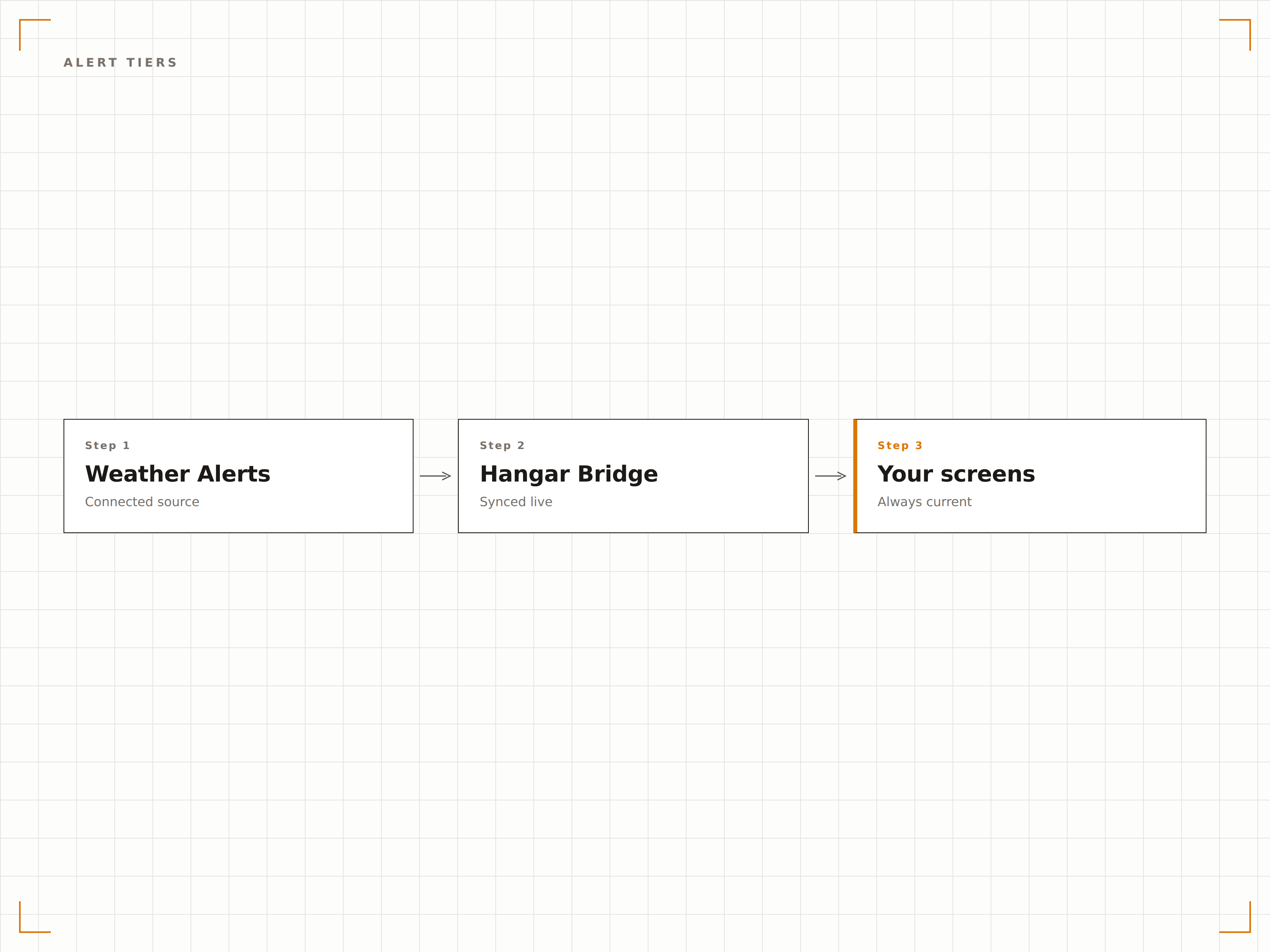
Vier Schritte zu verbundene Bildschirme.
Von der Einrichtung bis zu Live-Inhalten in Minuten, nicht Tagen.
Wetterwarnung-Überwachung aktivieren
Aktivieren Sie Wetterwarnungen für Ihre Bildschirmstandorte im Hangar.Media-Dashboard.
Warnstufen einrichten
Legen Sie das Anzeigeverhalten für jeden Warnschwergrad fest: Übernahme, Ticker oder Banner.
Audio- und Anzeigeoptionen festlegen
Aktivieren oder deaktivieren Sie akustische Warntöne und passen Sie Farben und Gestaltung der Warnungsanzeige an.
Auf Ihren Bildschirmen aktivieren
Aktivieren Sie Wetterwarnungen für Ihre Bildschirmgruppen. Die Überwachung beginnt sofort.
Entwickelt für jeden Branche.
Erfahren Sie, wie verschiedene Branchen diese Integration nutzen, um Ergebnisse zu erzielen.
Unwetterwarnungen für Schulen
Zeigen Sie Tornado-Warnungen und schwere Gewitterwarnungen auf Bildschirmen in Schulfluren an, um Notfallmassnahmen zu unterstützen.
UnternehmenSicherheitsbenachrichtigungen im Büro
Zeigen Sie Unwetterwarnungen auf Bürobildschirmen an, um Mitarbeitende über gefährliche Bedingungen zu informieren, die Arbeitswege und Aussenbereiche betreffen.
GastgewerbeGästesicherheit im Hotel
Zeigen Sie schwere Unwetterwarnungen auf Hotelbildschirmen an, damit Gäste über gefährliche Bedingungen und Schutzempfehlungen informiert sind.
SportUnwetterwarnungen für Veranstaltungsorte
Zeigen Sie Blitz-, Tornado- und Sturmwarnungen auf Bildschirmen in Stadien und Freiluftveranstaltungsorten an, um die Sicherheit des Publikums zu gewährleisten.
Häufige Fragen. Direkte Antworten.
Welche Wetterdienste werden überwacht?
Die Integration überwacht den US National Weather Service, Environment Canada, das britische Met Office sowie entsprechende Behörden in unterstützten Ländern. Die Warnungen decken das gesamte Spektrum an Wettergefahren ab.
Wie schnell erscheinen Warnungen auf den Bildschirmen?
Warnungen erscheinen auf betroffenen Bildschirmen innerhalb von 60 Sekunden nach der Ausgabe durch den nationalen Wetterdienst. Das System prüft kontinuierlich den ganzen Tag über auf neue Warnungen.
Kann ich verhindern, dass Warnungen bestimmte Bildschirme übernehmen?
Ja. Jeder Bildschirm oder jede Bildschirmgruppe kann so konfiguriert werden, dass vollständige Übernahme-Warnungen, nur Ticker-Warnungen oder gar keine Wetterwarnungen angezeigt werden. Dies ist nützlich für Bildschirme in gesicherten Bereichen, die nicht unterbrochen werden sollen.
Laufen Warnungen automatisch ab?
Ja. Wetterwarnungen enthalten Ablaufzeiten, die vom ausgebenden Wetterdienst festgelegt werden. Sobald eine Warnung abläuft oder aufgehoben wird, kehren Ihre Bildschirme automatisch zu ihrem regulären Inhalt zurück.
Ein Preis. Die gesamte Plattform.
So stellen wir uns Digital Signage vor. Inhaltseditor, Bildschirmverwaltung und 200+ App-Integrationen – alles von Anfang an inklusive.
14 Tage kostenlos, bis zu 3 Bildschirme – keine Kreditkarte erforderlich.