Datos de ocupación en tiempo real. Capacidad de un vistazo.
Muestre conteos de ocupación en tiempo real, límites de capacidad e indicadores de estado de acceso en pantallas de señalización digital ubicadas en entradas, vestíbulos y áreas comunes. Ayude a visitantes y personal a saber cuándo un espacio está lleno.
Sepa en tiempo real qué tan lleno está cada espacio.
La integración de gestión de capacidad de Hangar.Media se conecta con sensores de conteo de personas, sistemas de control de acceso y plataformas de seguimiento de ocupación para mostrar datos de ocupación en vivo en su señalización digital. Las pantallas de entrada indican si un espacio está abierto o lleno. Las pantallas interiores muestran el aforo actual frente a la capacidad máxima. Los paneles de gestión presentan las tendencias de ocupación en todas las zonas monitoreadas.
Lo que puedes hacer con Capacidad de un vistazo.
Tres capacidades que hacen esencial esta integración para tu red de señalización digital.
Indicadores de estado de acceso claros en las entradas
Muestre indicadores de estado de acceso grandes y claros en verde o rojo en las pantallas de las entradas. Verde indica que el espacio está abierto y los visitantes pueden ingresar. Rojo indica que se ha alcanzado el aforo máximo y los visitantes deben esperar. El estado cambia automáticamente a medida que fluctúan los recuentos de ocupación.
Verde significa adelante. Rojo significa esperar. Sin confusiones.
Estado de acceso en colores de gran tamaño, visible desde lejos
Visualización del recuento actual y la capacidad restante
Cambio de estado automático en porcentajes de umbral ajustables
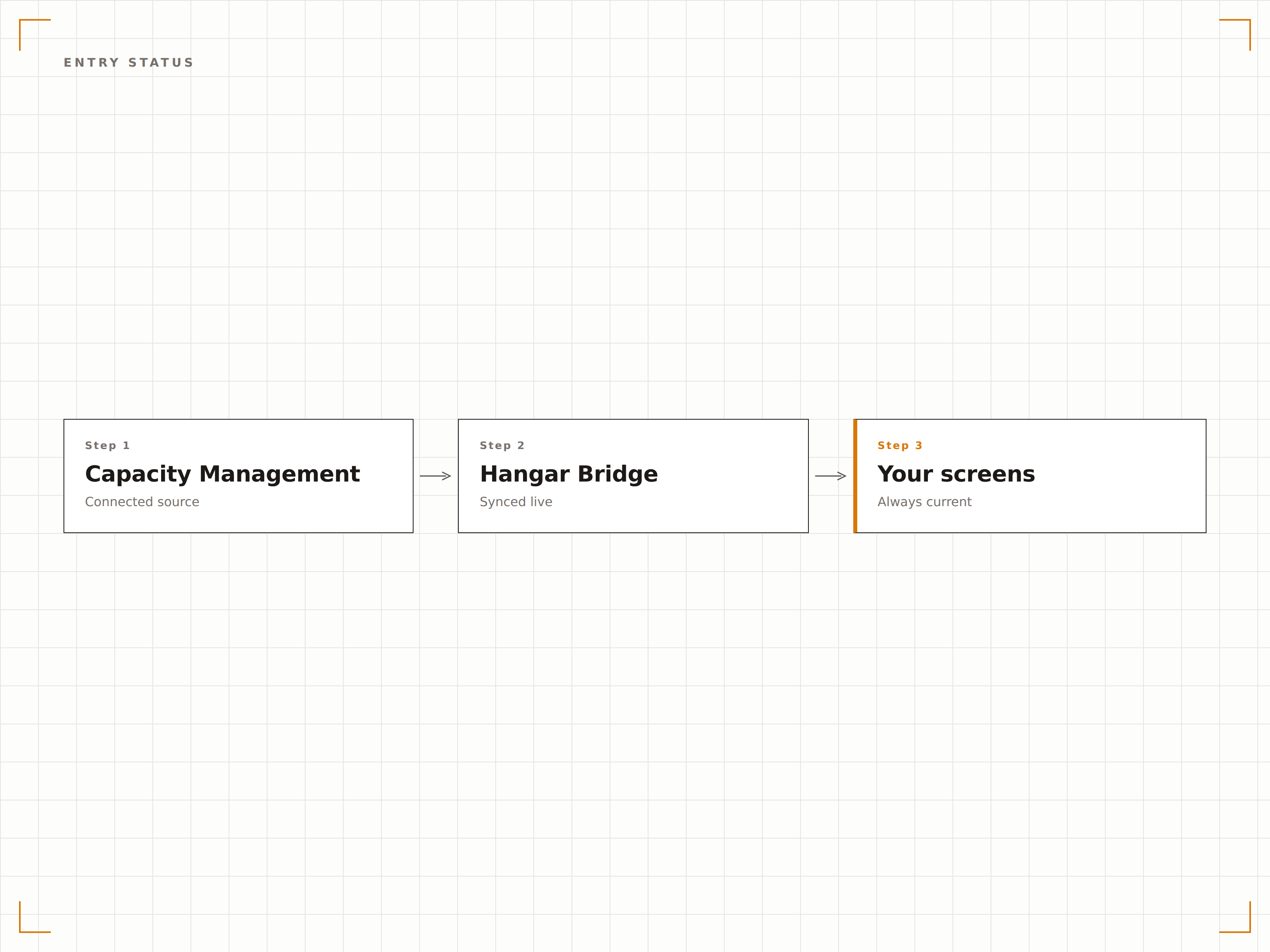
Medidores visuales de aforo y visualización de porcentajes
Muestre la utilización del aforo como medidores visuales, barras de progreso o porcentajes numéricos en pantallas interiores. El personal y los visitantes pueden ver de un vistazo qué tan lleno está un espacio. Los colores transicionan de verde a ámbar y luego a rojo a medida que se completa el aforo.
El personal ve cómo se llena el espacio antes de que se convierta en un problema.
Medidor visual de aforo con transiciones de color
Visualización del porcentaje de ocupación con recuento numérico
Umbrales de alerta ajustables para una gestión proactiva
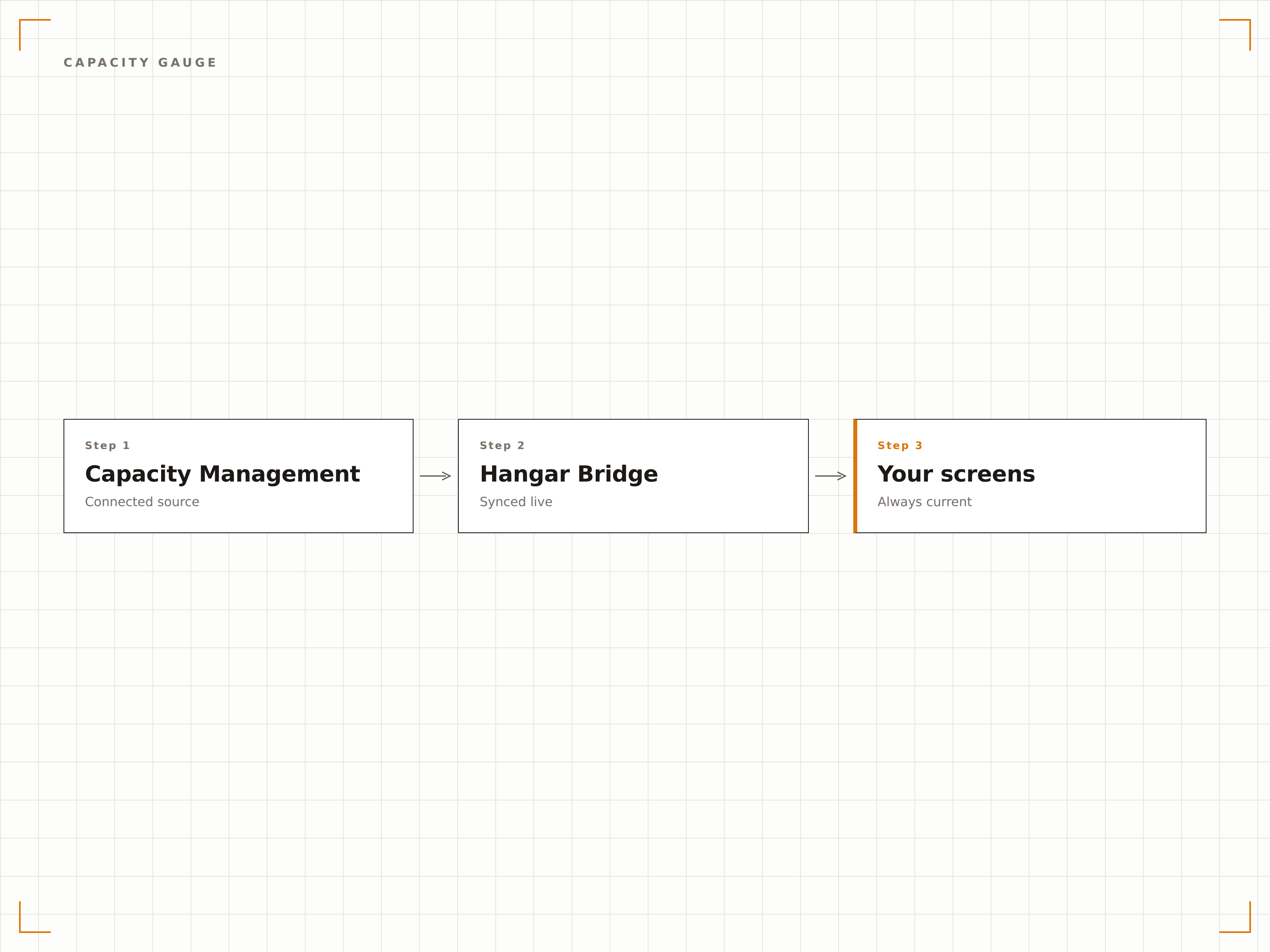
Panel de ocupación de todo el edificio
Muestre el estado de ocupación de todas las zonas monitorizadas en una sola pantalla de panel de gestión. Vea qué salas están llenas, cuáles están vacías y cuáles se están acercando al límite. La vista general ayuda a los gestores de instalaciones a asignar recursos y dirigir el flujo de personas.
Cada sala del edificio, una sola pantalla, un solo vistazo.
Todas las zonas mostradas con estado de aforo codificado por colores
Ordenable por porcentaje de ocupación o nombre de zona
Gráficos históricos de tendencias de ocupación máxima
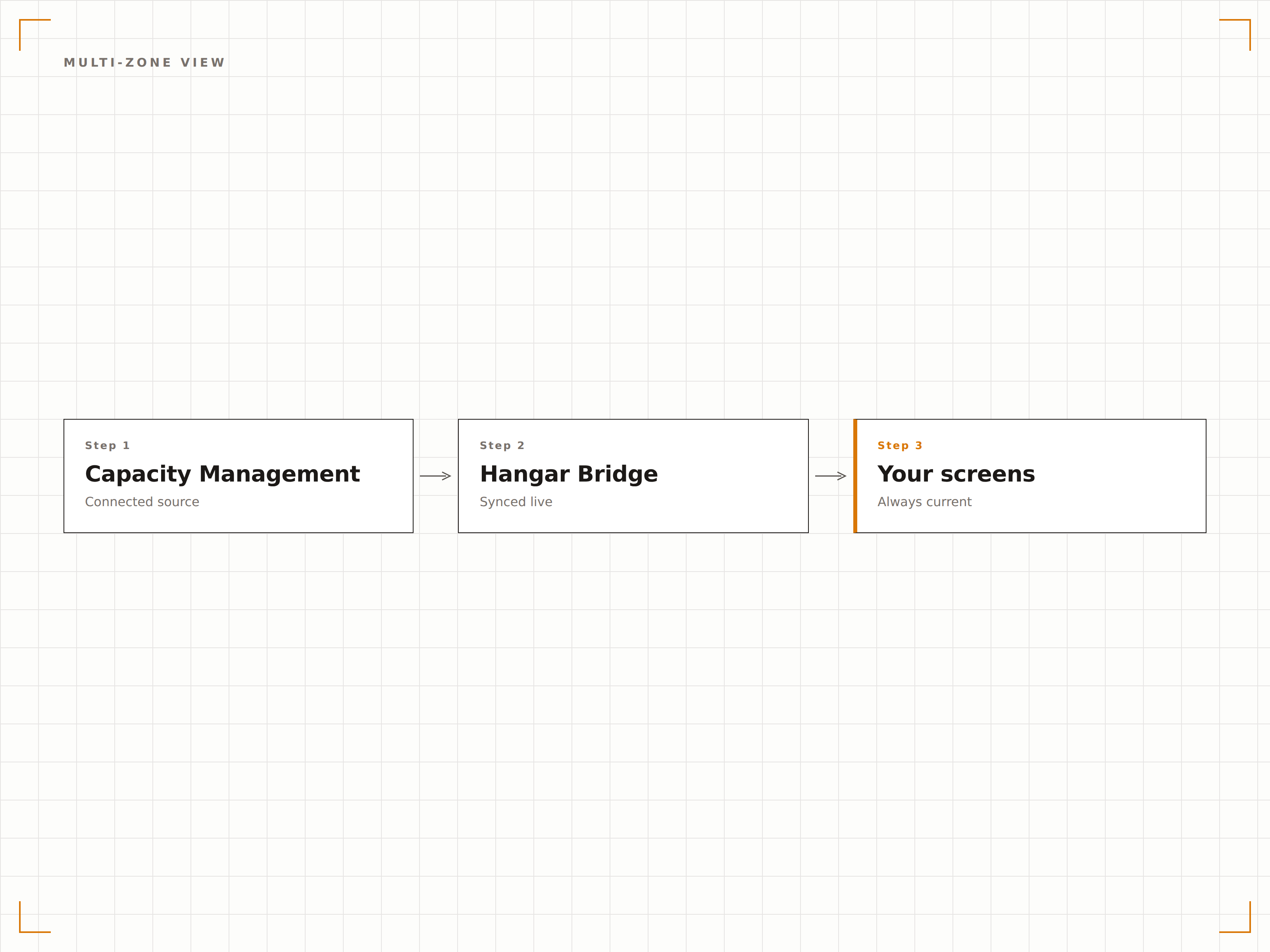
Cuatro pasos hacia pantallas conectadas.
Desde la configuración hasta contenido en vivo en minutos, no en días.
Conecte sus sensores
Vincule sus sensores de conteo de personas, su sistema de control de acceso o su plataforma de seguimiento de ocupación a Hangar.Media mediante integración por API.
Defina zonas y aforo
Configure las zonas monitorizadas con nombres, límites máximos de aforo y umbrales de alerta para cada espacio.
Configure los modos de visualización
Elija indicadores de estado de acceso para entradas, medidores de aforo para pantallas interiores o paneles de control para áreas de gestión.
Publique en pantallas
Asigne visualizaciones de ocupación a las pantallas de entrada, interiores y de gestión, y los datos en tiempo real comenzarán a fluir.
Diseñado para cada sector.
Descubre cómo distintas industrias utilizan esta integración para obtener resultados.
Visualización de aforo en recintos
Muestre la ocupación en tiempo real en entradas de recintos, áreas de piscinas y espacios para eventos para gestionar el flujo de público y cumplir con los límites del código de incendios.
RetailGestión de aforo en tiendas
Muestre los recuentos de ocupación en las entradas durante los períodos de mayor actividad comercial para gestionar el flujo de clientes y mantener un entorno de compra cómodo.
SaludAforo en salas de espera
Muestre la ocupación de la sala de espera en las pantallas del vestíbulo para que los pacientes que llegan sepan si está llena y puedan planificar en consecuencia.
CorporativoUtilización de plantas de oficinas
Muestre la ocupación planta por planta en las pantallas del vestíbulo para ayudar a los empleados a encontrar espacio de trabajo disponible en los días de mayor afluencia.
Preguntas frecuentes. Respuestas directas: respuestas.
¿Qué sistemas de conteo de personas son compatibles?
Hangar.Media se integra con las principales plataformas de conteo de personas, incluidas SensMax, Xovis, RetailNext, AXIS y Brickstream. Cualquier sistema que proporcione datos de ocupación a través de una API puede conectarse. También se admiten sistemas de estimación basados en WiFi y Bluetooth.
¿Qué tan preciso es el recuento de ocupación?
La precisión depende del hardware de conteo de personas que utilice. Los sistemas de cámara estéreo y sensor 3D suelen alcanzar una precisión del 95 al 98 por ciento. Los sensores térmicos e infrarrojos logran entre el 90 y el 95 por ciento. Hangar.Media muestra el recuento que reporta su sistema de sensores.
¿Puedo establecer diferentes límites de aforo para distintos horarios?
Sí. Los límites de aforo pueden programarse para cambiar según la hora del día, el día de la semana o el tipo de evento. Una sala de reuniones podría tener un límite de 50 personas para reuniones estándar y de 100 personas para asambleas generales con espacio de pie.
¿Funciona sin sensores físicos?
Sí. Además de la integración con sensores de hardware, Hangar.Media admite la entrada manual de recuentos desde dispositivos del personal y la estimación de ocupación basada en WiFi. La entrada manual es adecuada para espacios donde los sensores de hardware no son viables.
Un precio. La plataforma completa.
Así es como creemos que debe funcionar la señalización digital. Editor de contenido, gestión de pantallas y más de 200 integraciones de aplicaciones — todo incluido desde el primer día.
14 días gratis, hasta 3 pantallas — sin tarjeta.