Gestión de menús empresarial. Precisión impulsada por Titan.
Sincronice los datos de Titan Menu directamente con las pantallas de Hangar.Media. Gestione miles de elementos de menú en cientos de ubicaciones con una fiabilidad probada y tiempos de sincronización de menos de un minuto.
Titan Menu y la señalización digital se unen a escala
Titan Menu es la solución de confianza de los grandes operadores de servicios de alimentación para la gestión centralizada de datos de menú. La integración con Hangar.Media extrae datos de elementos, precios, información nutricional y disponibilidad directamente desde Titan Menu, para que sus tableros digitales reflejen siempre lo que su cocina está sirviendo. Sin doble entrada de datos, sin desfases de información.
Lo que puedes hacer con Precisión impulsada por Titan.
Tres capacidades que hacen esencial esta integración para tu red de señalización digital.
Fuente única de verdad para los datos del menú
Mantén tu menú en Titan Menu y deja que la integración se encargue del resto. Cada actualización de elemento, cambio de precio y modificación de disponibilidad se sincroniza automáticamente con tu señalización digital. Sin necesidad de volver a introducir datos manualmente en cada sistema.
Edita una vez en Titan Menu. Vélo en todas tus pantallas.
Conexión API bidireccional con Titan Menu
Sincronización incremental para actualizaciones más rápidas
Resolución de conflictos en ediciones simultáneas
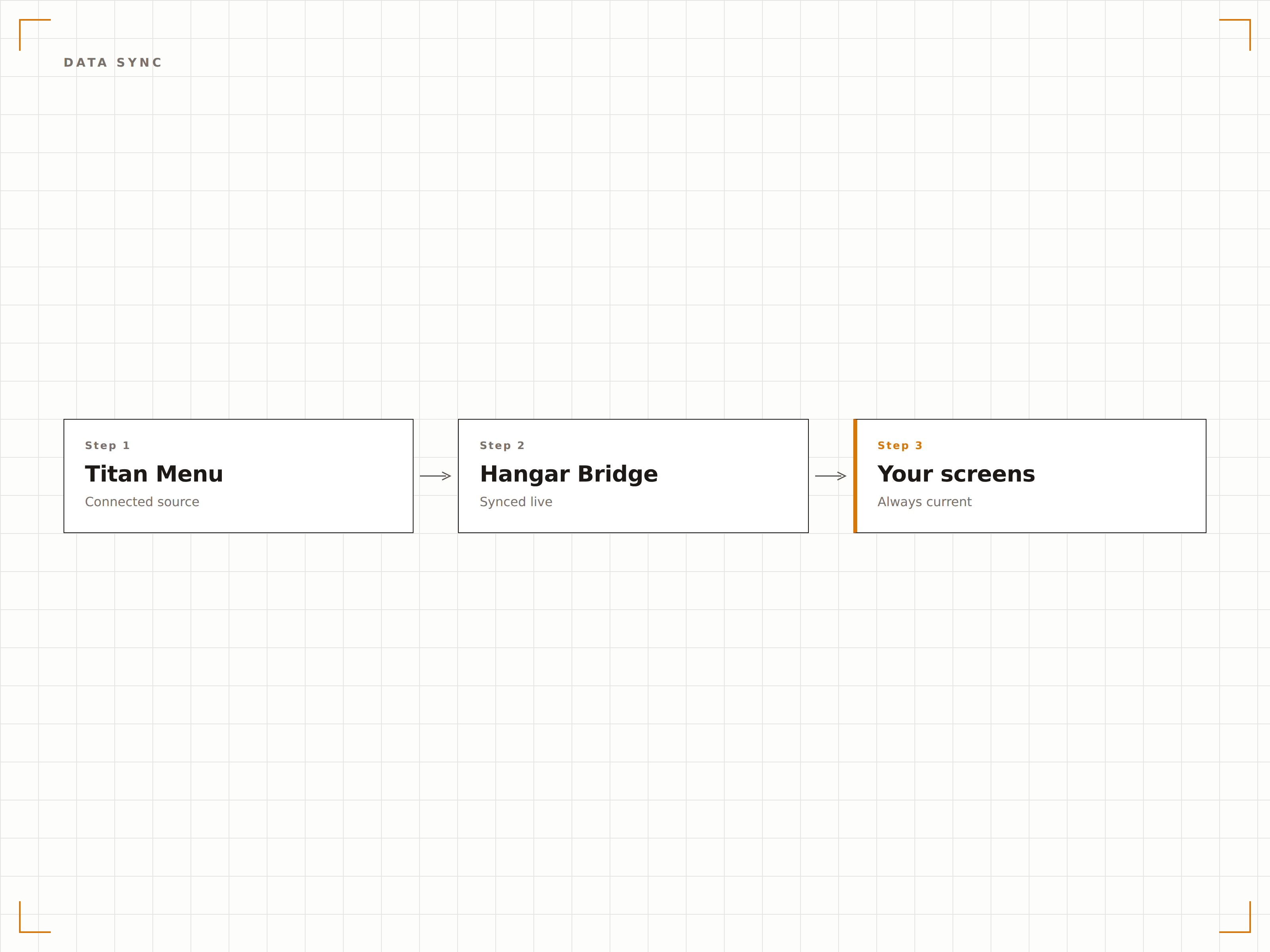
Información calórica y de alérgenos en cada pantalla
Muestra automáticamente el recuento de calorías, advertencias de alérgenos y etiquetas dietéticas extraídas de los datos nutricionales de Titan Menu. Mantén el cumplimiento de la normativa de etiquetado de menús sin necesidad de gestionar conjuntos de datos independientes.
Cumplimiento normativo integrado en cada tablero de menú de forma automática.
14 iconos de alérgenos principales generados automáticamente a partir de los datos de Titan
Formato de visualización calórica según normativas regionales
Etiquetas dietéticas para productos veganos, vegetarianos y sin gluten
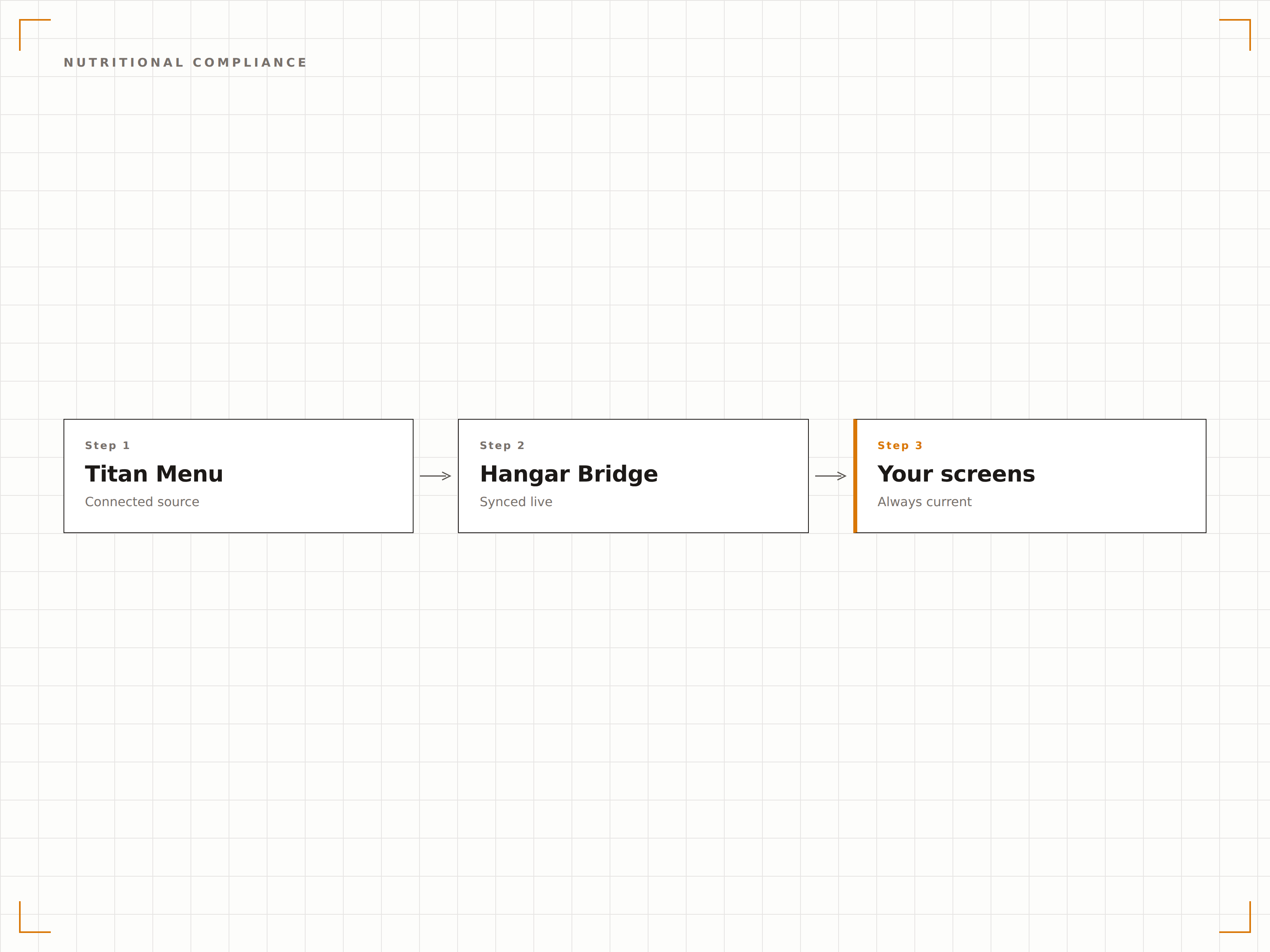
Cientos de ubicaciones desde un único panel
Asigna diferentes categorías de Titan Menu a distintas ubicaciones y grupos de pantallas. Lanza nuevos elementos del menú primero en ubicaciones piloto y, después, expándelos a toda la cadena con una sola acción.
Prueba en cinco establecimientos, despliega en quinientos.
Agrupación y etiquetado de ubicaciones para despliegues por fases
Variaciones de menú regionales con supervisión centralizada
Capacidad de personalización por ubicación para ofertas locales
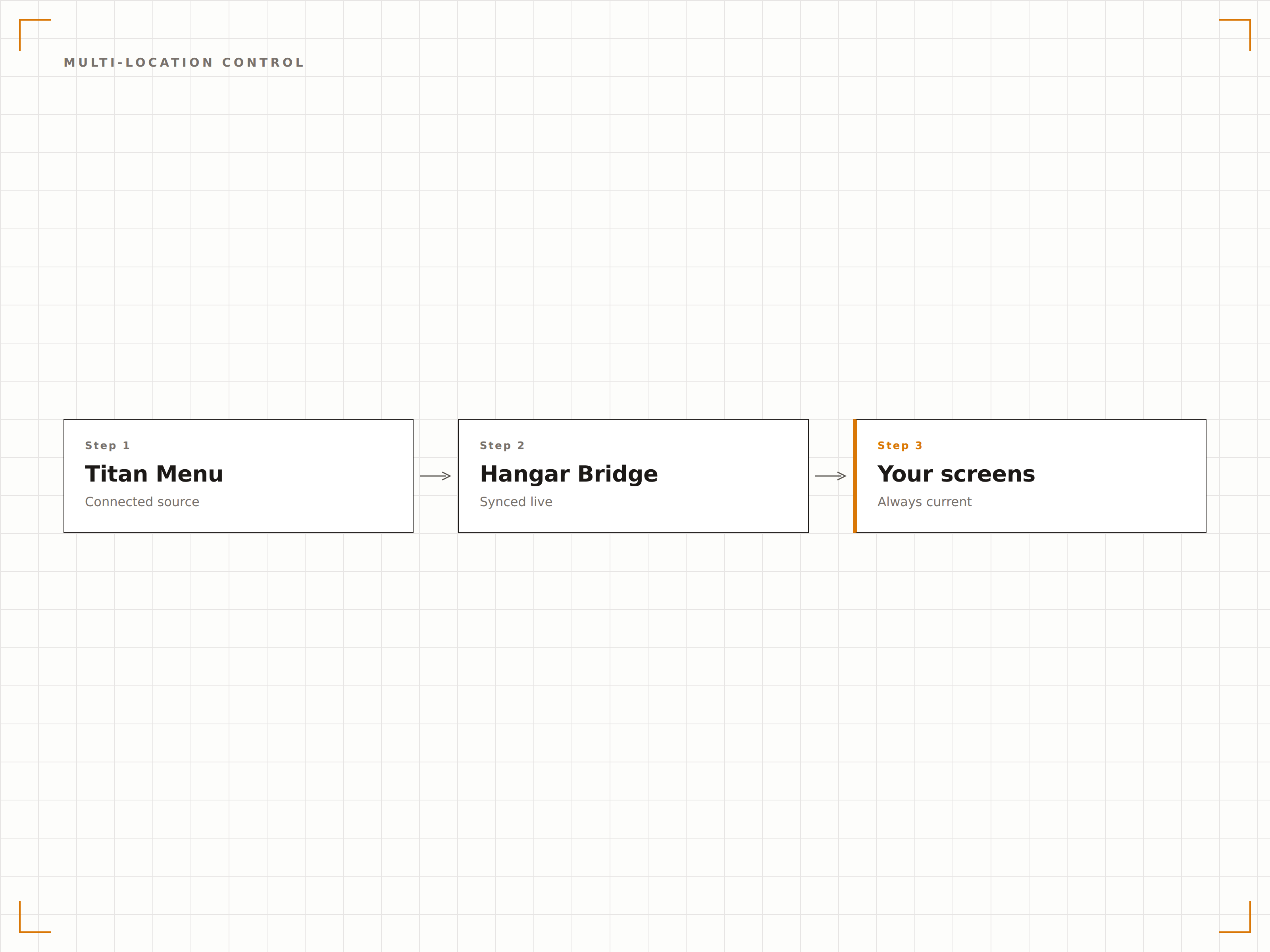
Cuatro pasos hacia pantallas conectadas.
Desde la configuración hasta contenido en vivo en minutos, no en días.
Conecta tu cuenta de Titan Menu
Introduce las credenciales de la API de Titan Menu en el panel de integraciones de Hangar.Media para establecer una conexión segura.
Asigna categorías de menú a pantallas
Asigna categorías y grupos de elementos de Titan Menu a grupos de pantallas y ubicaciones específicas de tu red.
Configura las plantillas de visualización
Elige cómo aparecen los datos del menú en pantalla seleccionando plantillas y mapeando los campos de Titan a las zonas de visualización.
Activa la sincronización y publica
Habilita la sincronización automática y publica tus tableros de menú. Los cambios en Titan Menu se reflejarán en las pantallas en menos de 60 segundos.
Diseñado para cada sector.
Descubre cómo distintas industrias utilizan esta integración para obtener resultados.
Restauración en cadenas hoteleras
Gestiona los tableros de menú en restaurantes de hotel, pantallas de servicio de habitaciones y barras de piscina con datos centralizados de Titan Menu para una experiencia de marca coherente.
SanidadTableros nutricionales en cafeterías hospitalarias
Muestra menús accesibles para pacientes con información nutricional detallada y datos de alérgenos extraídos de Titan Menu en las áreas de restauración hospitalaria.
EducaciónComedores universitarios
Impulsa los tableros de menú digitales en múltiples comedores del campus con menús rotativos diarios, datos nutricionales y precios de planes de comidas procedentes de Titan Menu.
CorporativoRestauración en campus corporativos
Muestra los menús de cafetería en las instalaciones del campus corporativo con integración de planes de comidas para empleados y etiquetado nutricional orientado al bienestar.
Preguntas frecuentes. Respuestas directas: respuestas.
Qué versión de Titan Menu se requiere para esta integración
La integración de Hangar.Media funciona con Titan Menu versión 3.0 o superior. Utiliza la API REST de Titan Menu, disponible en todos los planes empresariales actuales. Contacta con tu gestor de cuenta de Titan Menu para confirmar que el acceso a la API está habilitado.
Con qué frecuencia se sincronizan los datos del menú desde Titan Menu
De forma predeterminada, la integración sincroniza cada 60 segundos. Puedes configurar el intervalo de sincronización entre 30 segundos y 15 minutos según tus necesidades. Hangar.Media también admite sincronizaciones activadas por webhook para actualizaciones instantáneas cuando se realizan cambios críticos en Titan Menu.
Qué ocurre si se pierde la conexión con Titan Menu
Hangar.Media almacena en caché los últimos datos de menú correctos localmente en cada reproductor. Si se interrumpe la conexión con Titan Menu, las pantallas continúan mostrando el menú en caché. Cuando se restablece la conectividad, el sistema sincroniza automáticamente los datos más recientes.
¿Puedo personalizar el diseño de los tableros de menú con un estilo diferente al predeterminado de Titan Menu?
Sí. La integración extrae datos sin procesar de Titan Menu y tienes control total sobre la presentación visual en Hangar.Media. Puedes aplicar plantillas personalizadas, colores de marca, tipografías y diseños de forma independiente a cómo aparecen los datos en Titan Menu.
Un precio. La plataforma completa.
Así es como creemos que debe funcionar la señalización digital. Editor de contenido, gestión de pantallas y más de 200 integraciones de aplicaciones — todo incluido desde el primer día.
14 días gratis, hasta 3 pantallas — sin tarjeta.