I dati di fatturazione Chargebee sempre in primo piano.
Mostra le metriche di fatturazione degli abbonamenti Chargebee, i dati di fatturato e le analisi sugli iscritti su schermi di segnaletica digitale per una visibilità condivisa con tutto il team.
Le Metriche di Fatturazione sul Grande Schermo
Chargebee gestisce la fatturazione degli abbonamenti per migliaia di aziende in tutto il mondo. Hangar.Media si connette a Chargebee RevenueStory e alle tue dashboard Chargebee per visualizzare il numero di iscritti, l'MRR, la distribuzione dei piani e i trend di fatturato su schermi di segnaletica digitale. Mantieni la salute della fatturazione visibile a tutto il team, senza dover condividere l'accesso ai singoli account.
Cosa puoi fare con sempre in primo piano.
Tre funzionalità che rendono questa integrazione indispensabile per la tua rete di segnaletica digitale.
Chargebee RevenueStory sullo Schermo
Chargebee RevenueStory offre analisi degli abbonamenti integrate nella tua piattaforma di fatturazione. Mostra le dashboard di RevenueStory sugli schermi di segnaletica digitale con trend MRR, analisi del churn e previsioni di ricavo, utilizzando gli stessi dati che alimentano le tue operazioni di fatturazione.
Analisi di fatturazione e insight sui ricavi, direttamente dalla fonte.
Analisi MRR e churn da RevenueStory
Visualizzazioni delle previsioni di ricavo
Dettagli per piano e fascia di prezzo
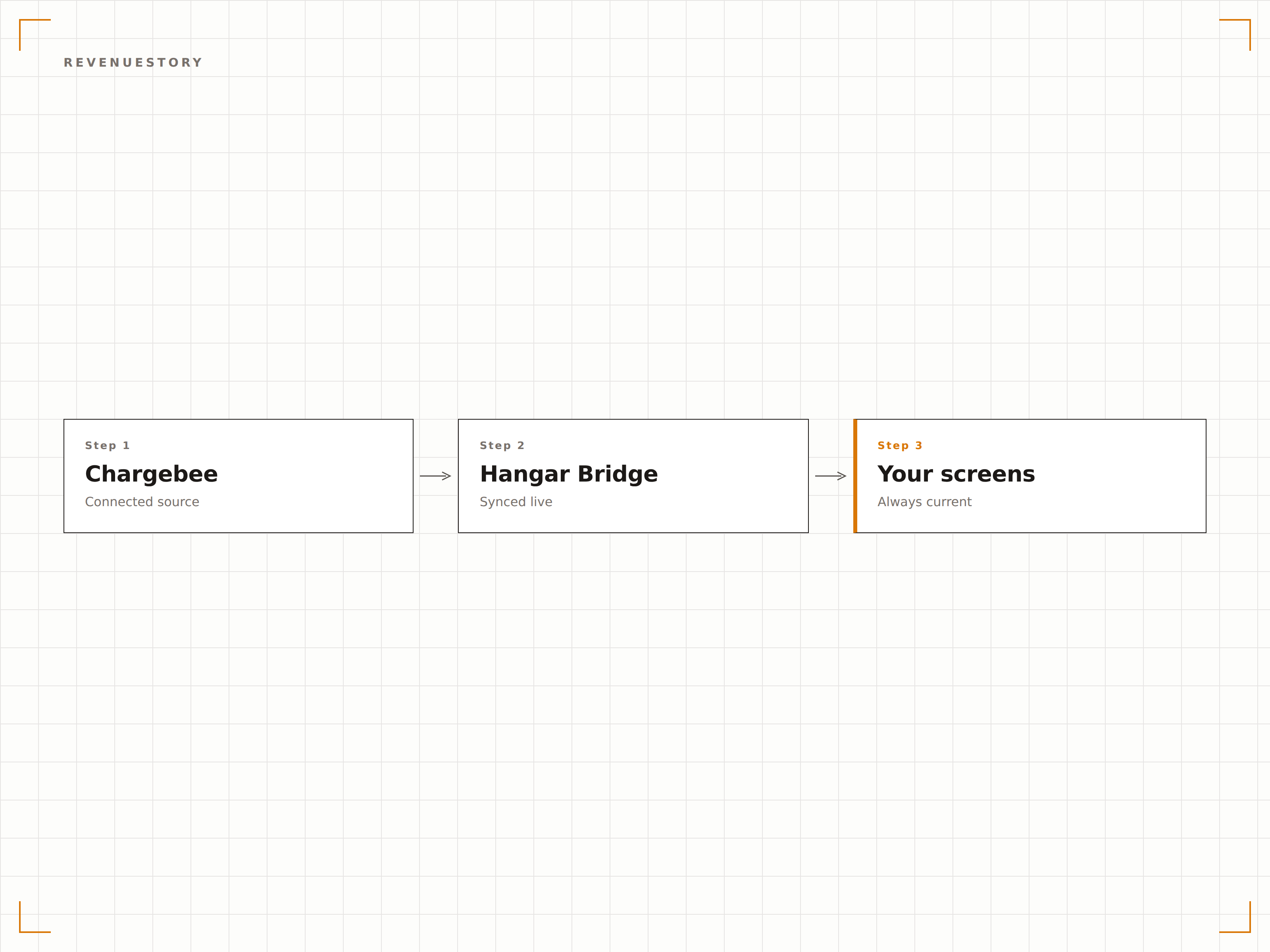
Panoramica dello Stato degli Abbonamenti
Mostra le metriche sulla salute degli abbonati sugli schermi di segnaletica digitale, inclusi abbonati attivi, utenti in prova, account con pagamenti scaduti e abbonamenti cancellati. Il team ha sempre il polso della base abbonati senza dover accedere a Chargebee.
Metriche sulla salute degli abbonati, visibili al team che li serve.
Conteggio abbonati attivi e in prova
Monitoraggio dei pagamenti scaduti e delle cancellazioni
Visualizzazione della distribuzione dei piani
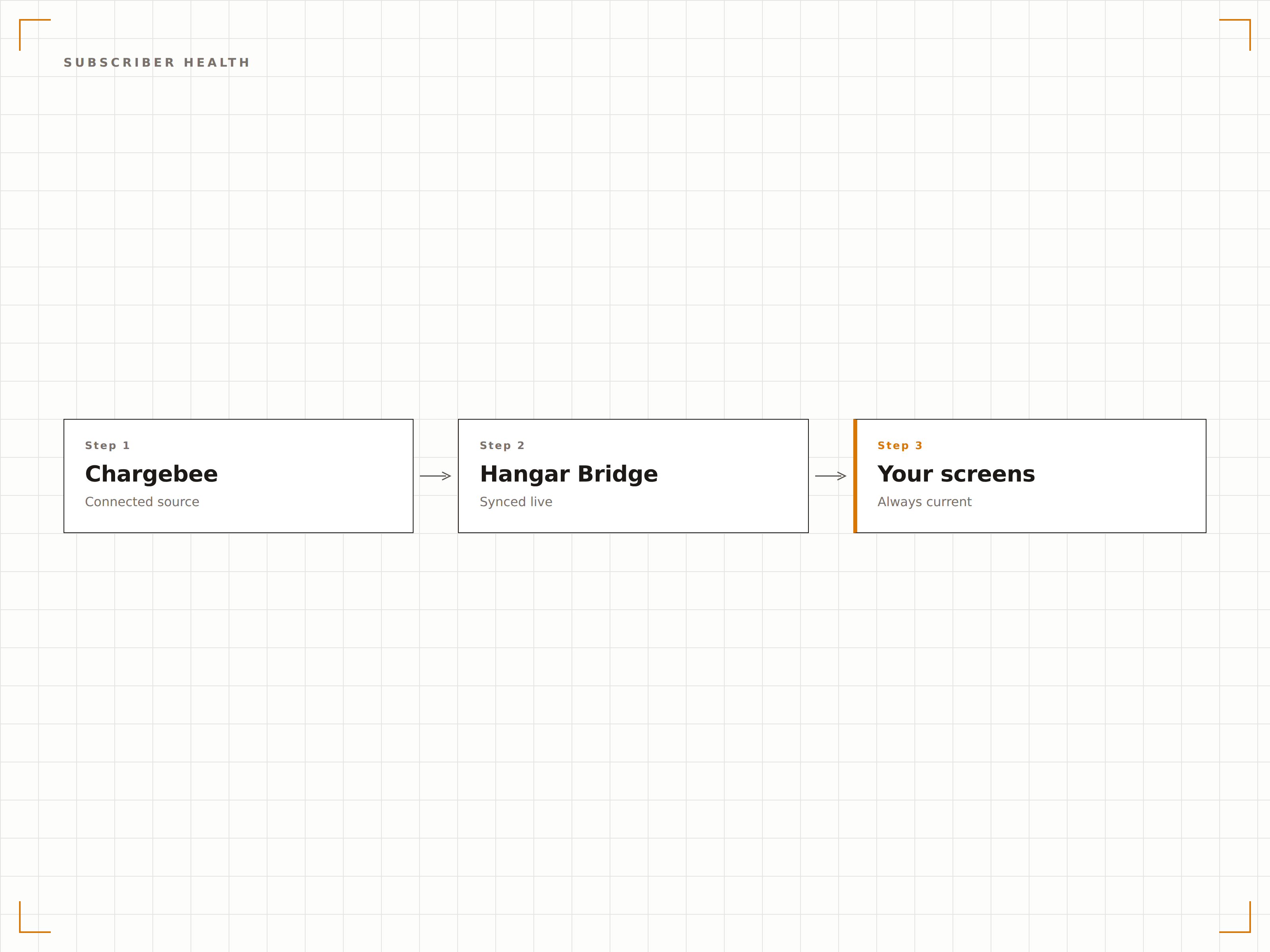
Visibilità sui Pagamenti Falliti
Visualizza i tassi di pagamento fallito e lo stato del dunning sugli schermi di segnaletica digitale. Quando i problemi di fatturazione aumentano, il team lo sa immediatamente. Questa visibilità accelera la risoluzione e riduce il churn involontario.
Individuare i pagamenti falliti più rapidamente significa recuperare ricavi prima.
Monitoraggio del tasso di pagamenti falliti
Panoramica dello stato del ciclo di dunning
Monitoraggio del trend dei pagamenti falliti
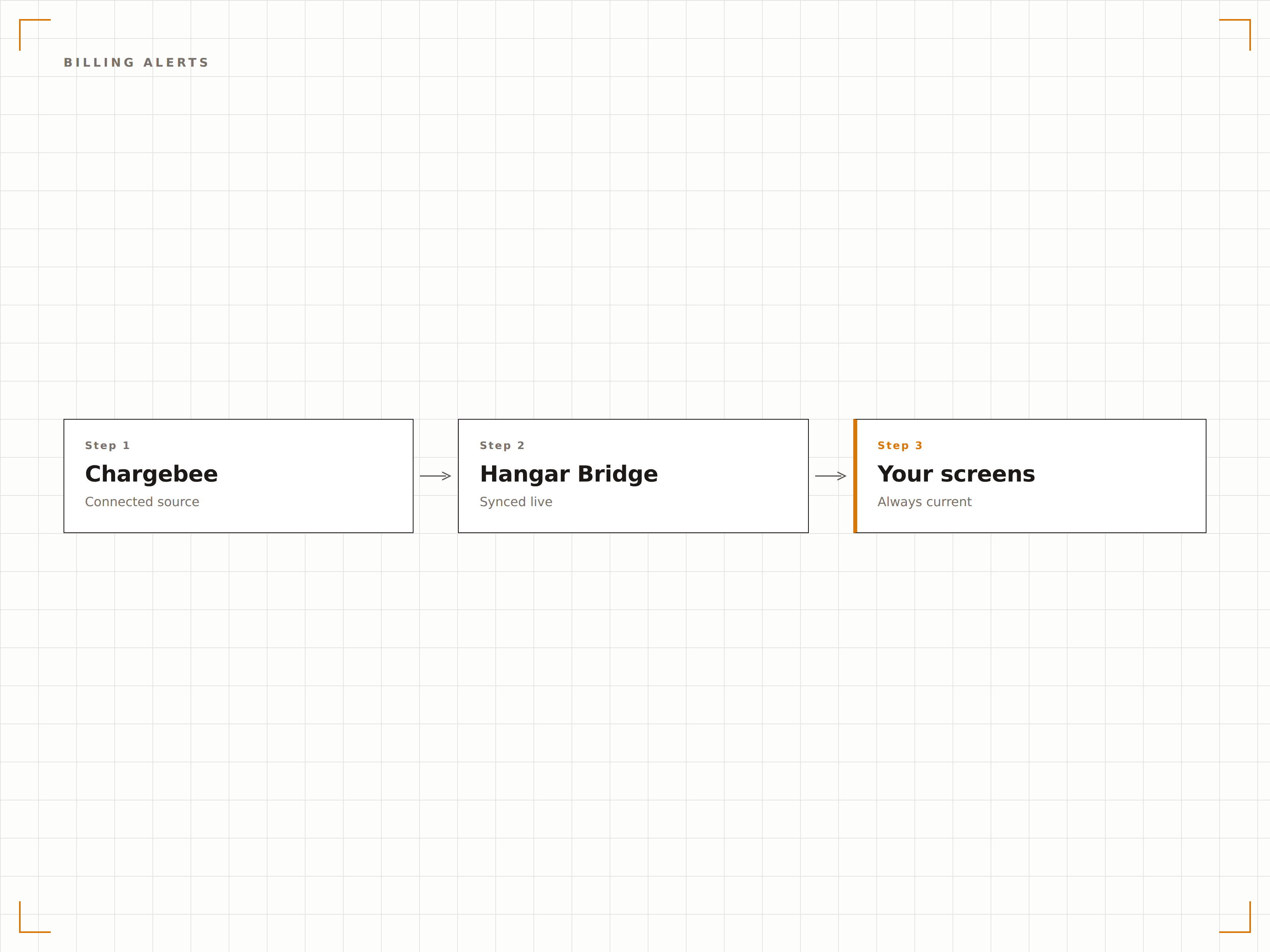
Quattro passaggi verso schermi connessi.
Dalla configurazione ai contenuti live in minuti, non giorni.
Accedi a RevenueStory
Assicurati che Chargebee RevenueStory sia attivo sul tuo account e che i dati degli abbonamenti siano popolati correttamente.
Genera il link di condivisione
Crea un link di dashboard condiviso da Chargebee RevenueStory o dalla tua pagina di analisi Chargebee.
Aggiungi a Hangar.Media
Incolla l'URL della dashboard Chargebee nel content manager di Hangar.Media e configura le opzioni di visualizzazione.
Pubblica
Assegna agli schermi del tuo ufficio e le metriche di fatturazione andranno in diretta sui tuoi display di segnaletica digitale.
Costruito per ogni settore.
Scopri come diversi settori utilizzano questa integrazione per ottenere risultati concreti.
SaaS Revenue Board
Mostra MRR, crescita degli abbonati e distribuzione dei piani su uno schermo nell'area principale dell'ufficio per una visibilità trasparente sui ricavi.
FinanceMonitor della Salute della Fatturazione
Visualizza tassi di pagamento fallito, stato del dunning e metriche di recupero sugli schermi nell'area delle operazioni di fatturazione per i servizi fintech in abbonamento.
EducationMonitoraggio Abbonamenti EdTech
Mostra il numero di abbonamenti scolastici, i tassi di rinnovo e le metriche di conversione dei trial sugli schermi nelle aree sales e customer success.
EntertainmentDashboard Fatturazione Membership
Visualizza i ricavi da abbonamenti membership, gli upgrade di piano e lo stato dei pagamenti sugli schermi nell'area di gestione membership per palestre e club.
Domande frequenti. Risposte dirette risposte.
Ho bisogno di Chargebee RevenueStory per questa integrazione?
RevenueStory offre le viste analitiche più complete per la visualizzazione su segnaletica. Puoi anche mostrare le pagine standard della dashboard Chargebee tramite la funzione Authenticated Dashboards di Hangar.Media, qualora RevenueStory non fosse disponibile nel tuo piano.
Posso visualizzare i dati di fatturazione senza mostrare i dettagli dei singoli clienti?
Sì. Le dashboard di RevenueStory mostrano metriche aggregate come MRR, numero di abbonati e distribuzione dei piani, senza esporre nomi di clienti o dettagli di fatturazione individuali. È la soluzione ideale per gli schermi negli spazi condivisi.
Con quale frequenza si aggiornano i dati di fatturazione sullo schermo?
Chargebee elabora gli eventi di fatturazione in tempo reale. Le analisi di RevenueStory si aggiornano generalmente nell'arco di poche ore. Hangar.Media ricarica la dashboard all'intervallo da te scelto per acquisire i dati più recenti.
Posso monitorare più siti Chargebee su un unico schermo?
Puoi creare voci di dashboard separate per ogni sito Chargebee in Hangar.Media e alternarle su un unico schermo, oppure assegnare siti diversi a schermi diversi.
Un prezzo. L'intera piattaforma.
Così pensiamo che la segnaletica digitale dovrebbe funzionare. Editor di contenuti, gestione degli schermi e oltre 200 integrazioni di app — tutto incluso fin dal primo giorno.
14 giorni gratis, fino a 3 schermi — senza carta.