Dashboard Power BI su ogni schermo.
Trasmetti i tuoi report Power BI, dashboard interattive e KPI in tempo reale direttamente agli schermi di segnaletica digitale in tutta la tua organizzazione.
I Tuoi Dati Power BI, Amplificati
Collega il tuo workspace Power BI a Hangar.Media e visualizza qualsiasi dashboard, report o report impaginato sui tuoi schermi di segnaletica digitale. I dati si aggiornano automaticamente così i tuoi team vedono sempre i numeri più recenti. Niente esportazioni manuali, niente screenshot obsoleti — solo business intelligence live e interattiva su ogni display.
Cosa puoi fare con ogni schermo.
Tre funzionalità che rendono questa integrazione indispensabile per la tua rete di segnaletica digitale.
Autenticazione di Livello Professionale
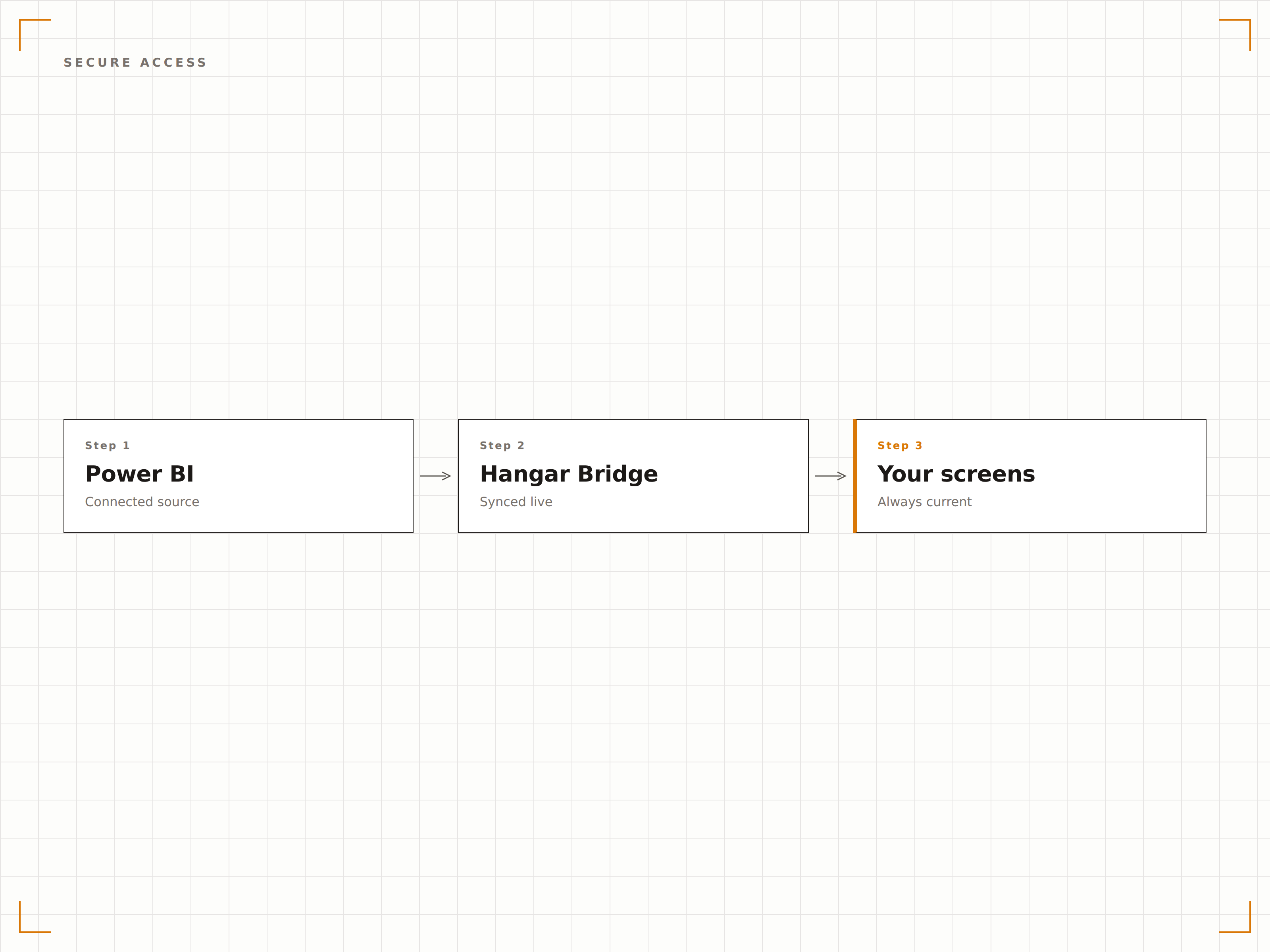
Connettiti a Power BI tramite service principal Azure AD o autenticazione delegata. I tuoi dati non transitano mai attraverso server di terze parti. Hangar.Media visualizza le dashboard direttamente sul dispositivo player utilizzando token cifrati.
Le tue dashboard restano protette — autenticate al margine, visualizzate in locale.
Supporto per service principal Azure AD
Sicurezza a livello di riga preservata sullo schermo
Aggiornamento dei token gestito automaticamente
Rotazione e Ciclo delle Pagine
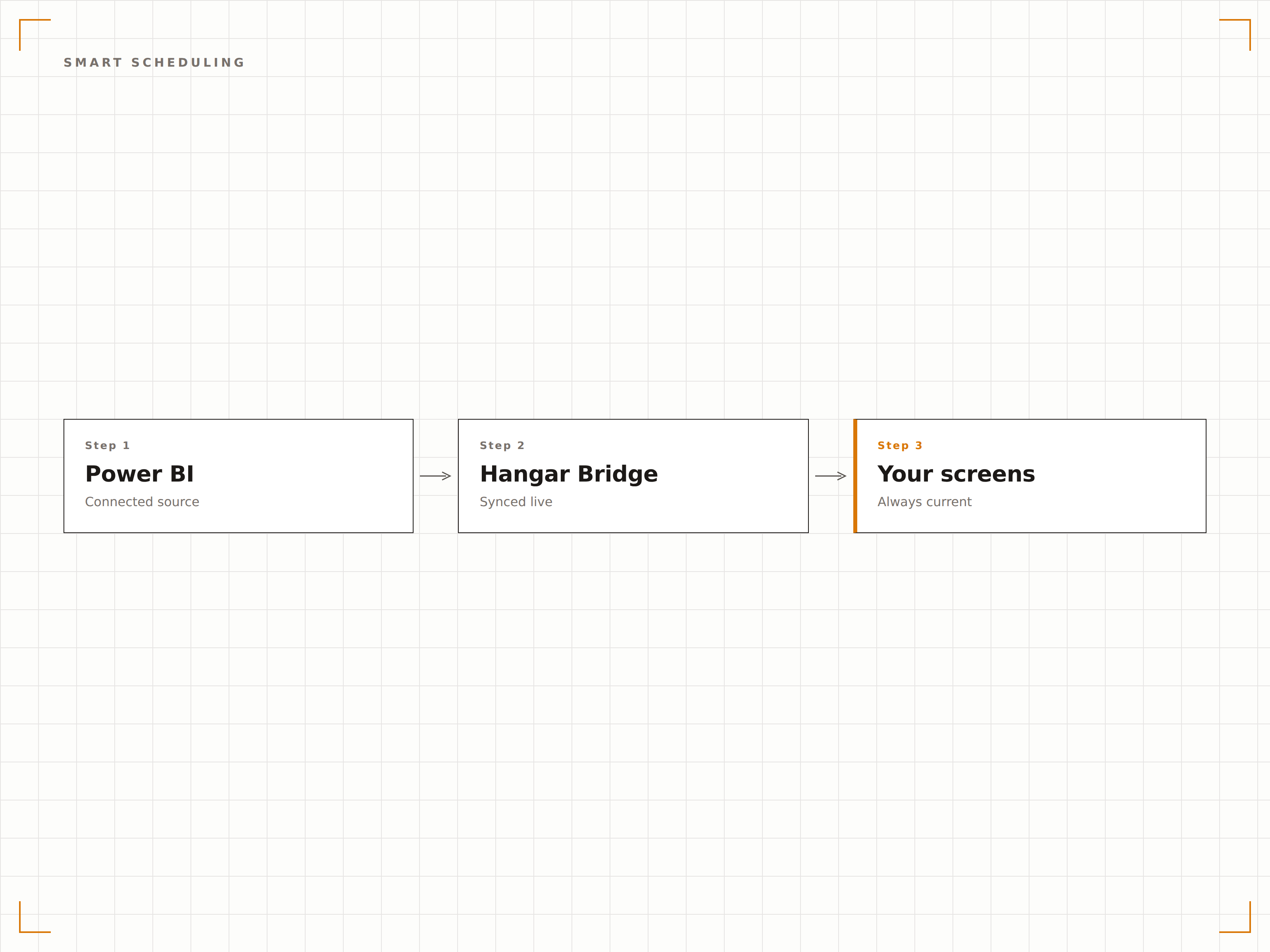
Configura il ciclo automatico delle pagine all'interno di un report Power BI o ruota tra più dashboard secondo una pianificazione. Mostra i dati di vendita durante l'orario di lavoro e le metriche operative durante la notte, il tutto senza interventi manuali.
La dashboard giusta, al momento giusto, sullo schermo giusto.
Regole di rotazione delle dashboard basate sull'orario
Ciclo automatico delle pagine del report
Day-parting per contenuti contestuali
Progettato per Grandi Schermi
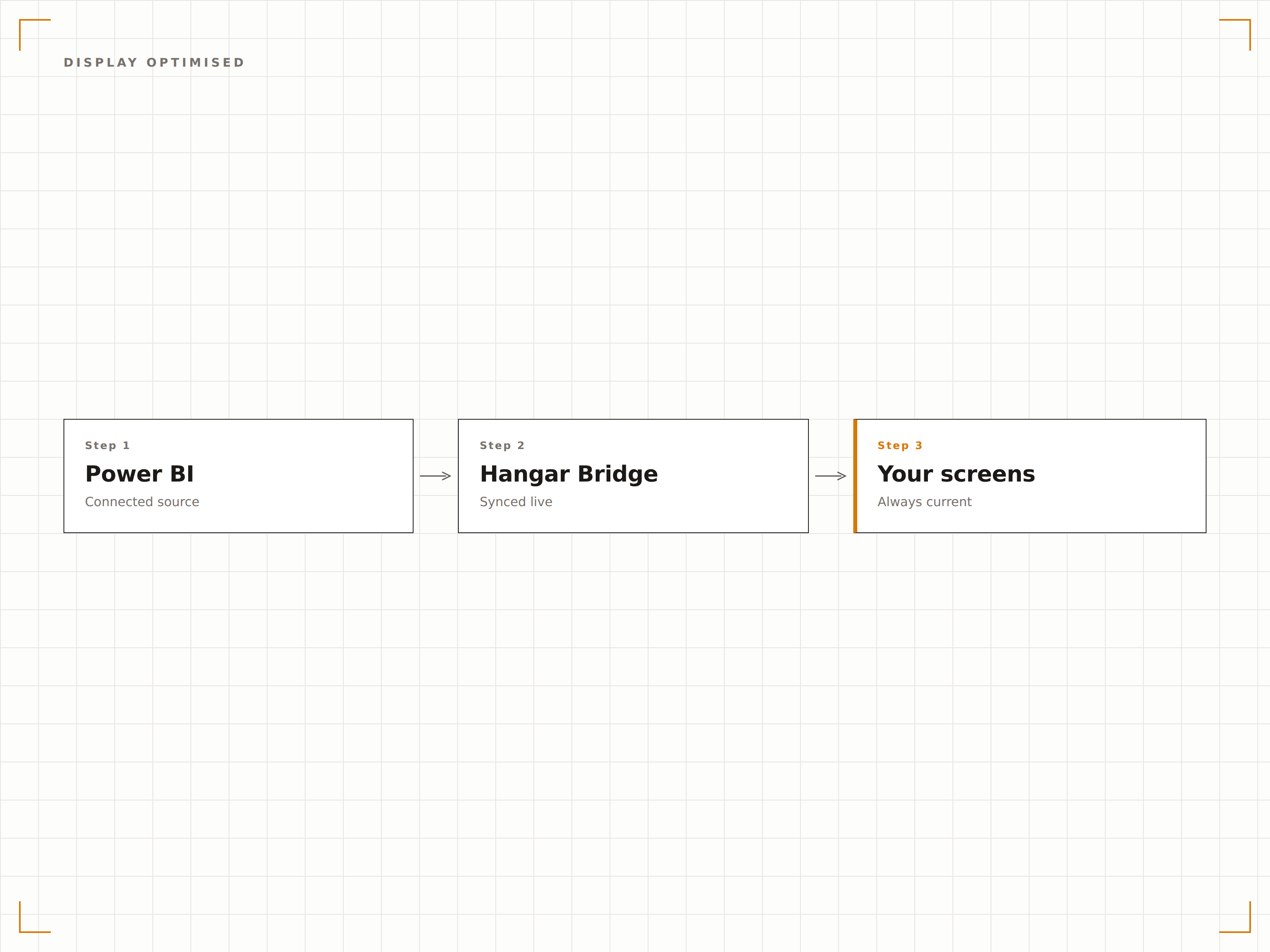
I report Power BI vengono visualizzati alla massima risoluzione per display di grande formato. Hangar.Media regola automaticamente la scala, nasconde gli elementi di navigazione e massimizza l'area dati, così le tue visualizzazioni riempiono lo schermo da bordo a bordo.
Ogni pixel dedicato ai tuoi dati, non alle barre degli strumenti del browser.
Rendering a schermo intero in modalità kiosk
Scala della risoluzione adattabile a qualsiasi dimensione dello schermo
Navigazione e barre degli strumenti nascoste per una presentazione pulita
Quattro passaggi verso schermi connessi.
Dalla configurazione ai contenuti live in minuti, non giorni.
Connetti Power BI
Autentica il tuo workspace Power BI tramite Azure AD nella dashboard di Hangar.Media.
Seleziona i Report
Sfoglia i tuoi workspace e scegli le dashboard o i report da visualizzare.
Configura la Visualizzazione
Imposta gli intervalli di aggiornamento, il ciclo delle pagine, le pianificazioni di rotazione e le opzioni di scala dello schermo.
Pubblica sugli Schermi
Assegna i contenuti Power BI ai tuoi schermi di segnaletica digitale e vai live all'istante.
Costruito per ogni settore.
Scopri come diversi settori utilizzano questa integrazione per ottenere risultati concreti.
Pareti KPI Executive
Visualizza dashboard KPI aziendali nelle sale riunioni e ai piani dirigenziali, così il management ha sempre visibilità sulle metriche di performance.
RetailBacheche di Performance Vendite
Mostra dati di vendita in tempo reale, tassi di conversione e performance regionali su schermi nelle aree back-office per motivare i team di vendita.
HealthcareDashboard Operative
Visualizza dati su occupazione dei posti letto, tempi di attesa dei pazienti e throughput dei reparti su schermi nelle aree del personale e nei centri di controllo.
FinancialDisplay per Trading Floor
Trasmetti dashboard di performance del portafoglio, metriche di rischio e dati di mercato su schermi di grande formato nei trading floor.
Domande frequenti. Risposte dirette risposte.
Ho bisogno di una licenza Power BI Pro per visualizzare le dashboard sugli schermi?
Sì, l'account utilizzato per autenticarsi con Hangar.Media deve disporre almeno di una licenza Power BI Pro, oppure i report devono trovarsi in un'area di lavoro con capacità Premium. Questo garantisce il corretto accesso alle API e i diritti di incorporamento.
Con quale frequenza vengono aggiornati i dati sullo schermo?
Hangar.Media aggiorna il report Power BI incorporato in base all'intervallo scelto, in genere ogni 5-60 minuti. Il ciclo di aggiornamento segue la pianificazione del dataset Power BI, così i dati sullo schermo sono sempre sincronizzati con la fonte.
Posso mostrare dashboard Power BI diverse su schermi diversi?
Assolutamente sì. Puoi assegnare dashboard o pagine di report specifiche a singoli schermi, gruppi di schermi o sedi. Hangar.Media supporta anche regole basate sull'orario, così lo stesso schermo può mostrare report diversi in momenti diversi della giornata.
I miei dati sono al sicuro quando vengono visualizzati sulla segnaletica?
Sì. Hangar.Media utilizza l'autenticazione Azure AD e visualizza i contenuti Power BI direttamente sul dispositivo player tramite token di incorporamento cifrati. I tuoi dati non vengono mai archiviati sui server di Hangar.Media. Vengono rispettate anche le policy di sicurezza a livello di riga di Power BI.
Un prezzo. L'intera piattaforma.
Così pensiamo che la segnaletica digitale dovrebbe funzionare. Editor di contenuti, gestione degli schermi e oltre 200 integrazioni di app — tutto incluso fin dal primo giorno.
14 giorni gratis, fino a 3 schermi — senza carta.