I dati finanziari Xero, visibili a tutto il team.
Mostra riepiloghi contabili Xero, dati sul flusso di cassa e metriche di salute finanziaria su schermi di segnaletica digitale per la visibilità di leadership e team.
Salute Finanziaria a Colpo d'Occhio
Xero è la piattaforma di contabilità cloud utilizzata da milioni di aziende. Hangar.Media può visualizzare snapshot del dashboard Xero e riepiloghi finanziari su schermi di segnaletica in uffici, sale riunioni e aree back-of-house. Mostra lo stato del flusso di cassa, le fatture in sospeso, i riepiloghi di profitti e perdite e i saldi dei conti bancari, senza dover fornire a tutti l'accesso a Xero.
Cosa puoi fare con il team.
Tre funzionalità che rendono questa integrazione indispensabile per la tua rete di segnaletica digitale.
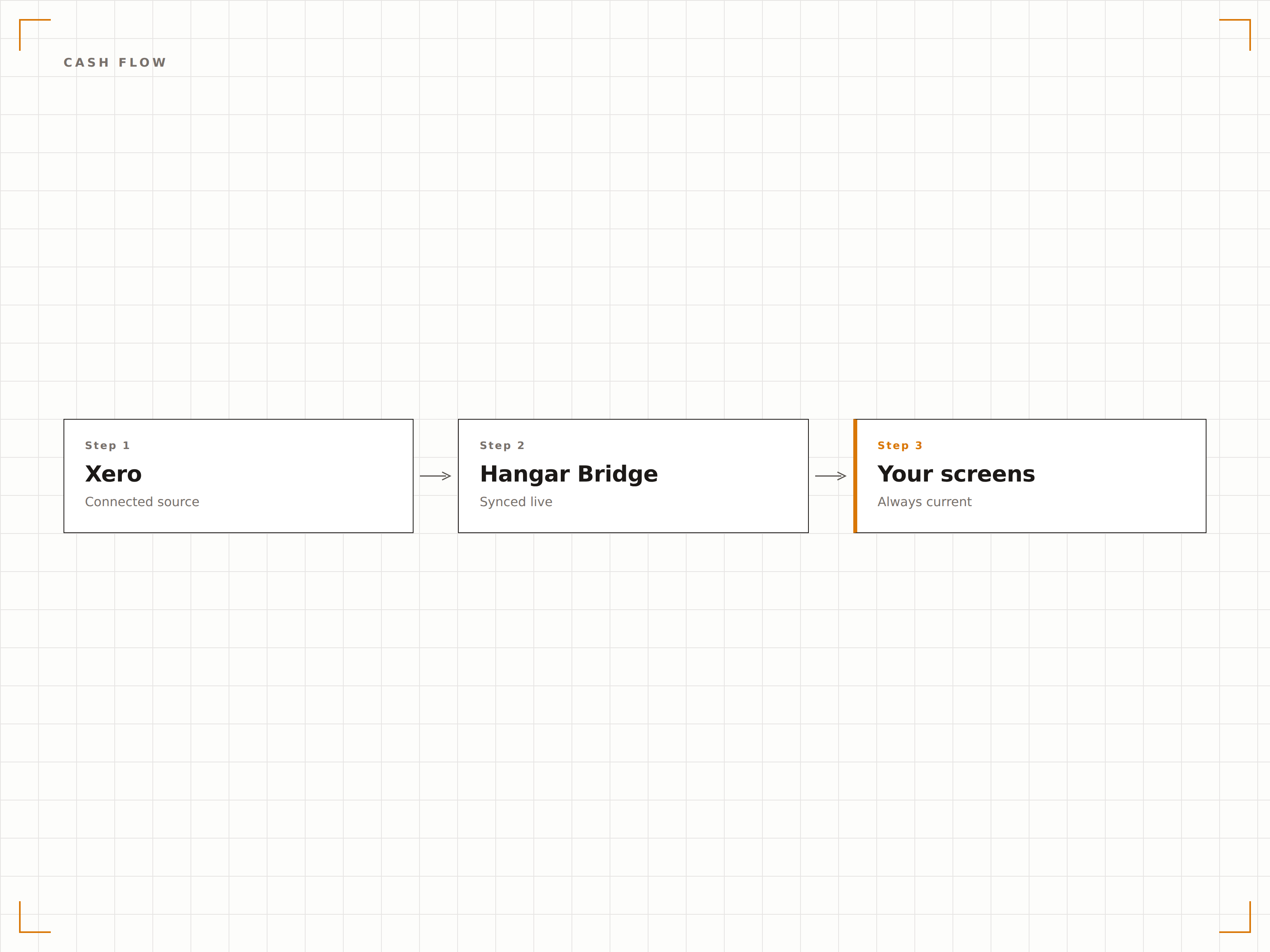
Posizione di Cassa sul Display
Visualizza il riepilogo del flusso di cassa Xero su uno schermo di segnaletica digitale con i saldi bancari correnti, i pagamenti in entrata e le fatture in uscita. I team di leadership e finanza possono monitorare la posizione di cassa durante tutta la giornata senza aprire Xero.
La posizione di cassa sempre visibile, ogni ora del giorno.
Visualizzazione del saldo bancario corrente
Flusso di cassa in entrata e in uscita
Proiezione del flusso di cassa a breve termine
Monitoraggio delle Fatture in Sospeso
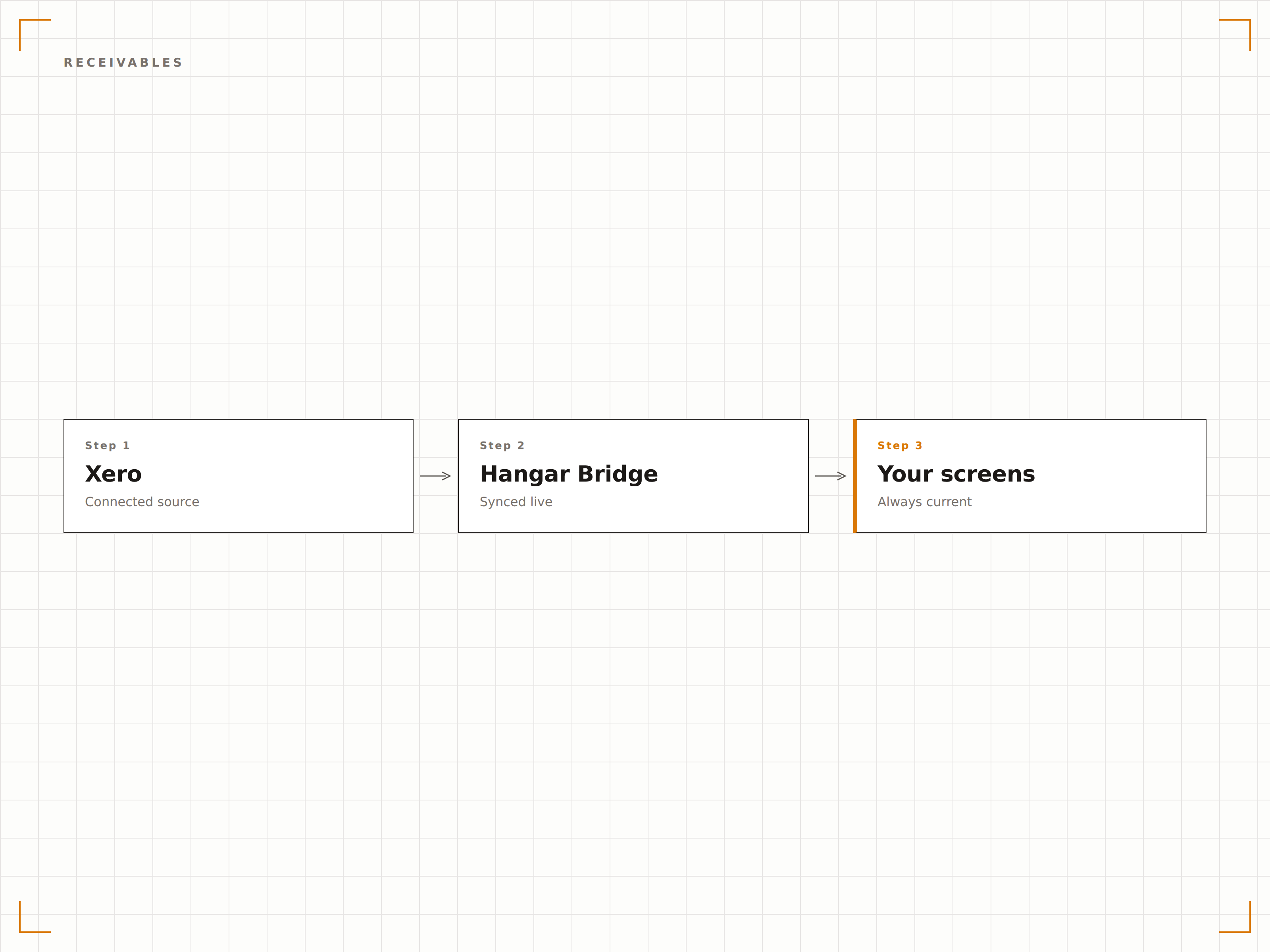
Mostra i totali delle fatture in sospeso e il dettaglio dei crediti scaduti sugli schermi di segnaletica digitale. Quando l'intero team vede quanti ricavi sono bloccati in fatture non pagate, la riscossione diventa una priorità condivisa.
Le fatture non pagate sempre visibili significano incassi più rapidi.
Importo totale delle fatture in sospeso
Dettaglio dei crediti scaduti
Numero e valore delle fatture scadute
Riepilogo Conto Economico sullo Schermo
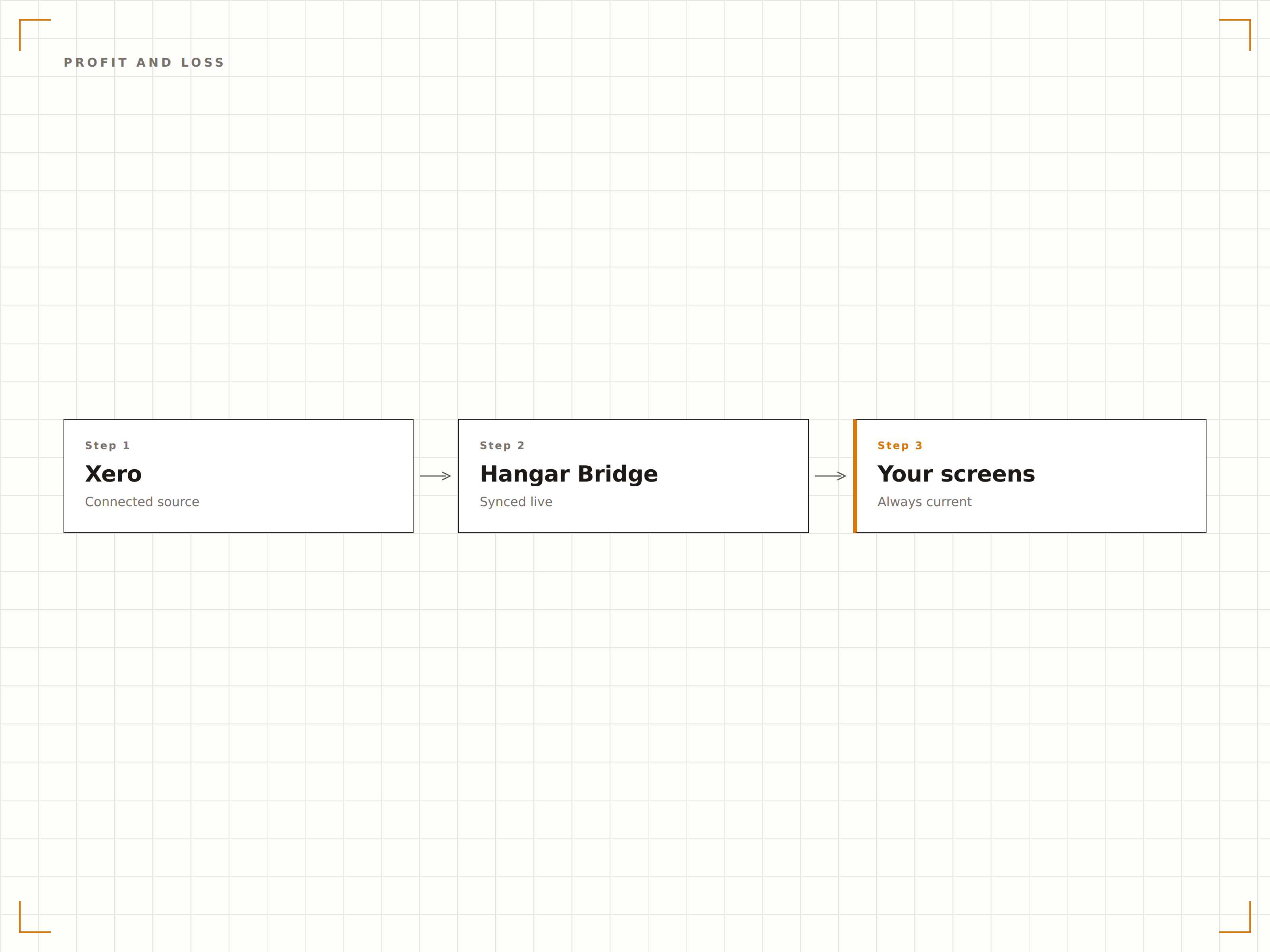
Visualizza un riepilogo del conto economico sugli schermi di segnaletica digitale con ricavi, spese e utile netto del periodo corrente. I confronti mensili e da inizio anno offrono il contesto necessario per valutare le performance finanziarie.
Trasparenza sulle performance finanziarie, condivisa con il team.
Riepiloghi di ricavi e spese
Utile netto con confronti per periodo
Monitoraggio finanziario da inizio anno
Quattro passaggi verso schermi connessi.
Dalla configurazione ai contenuti live in minuti, non giorni.
Connetti Xero
Autorizza Hangar.Media ad accedere alla tua organizzazione Xero tramite OAuth 2.0 con permessi in sola lettura.
Seleziona i Report
Scegli quali viste della dashboard Xero e riepiloghi finanziari vuoi visualizzare sugli schermi.
Configura il Display
Imposta gli intervalli di aggiornamento, la formattazione e le metriche finanziarie da mostrare o nascondere.
Pubblica
Assegna le viste finanziarie Xero allo schermo della sala riunioni, al display dell'ufficio o ai monitor dell'area direzionale.
Costruito per ogni settore.
Scopri come diversi settori utilizzano questa integrazione per ottenere risultati concreti.
Display per il Team Finance
Mostra lo stato del flusso di cassa, le fatture in sospeso e i riepiloghi degli utili su uno schermo nel reparto finanziario per una consapevolezza finanziaria costante.
HospitalitySalute Finanziaria della Struttura
Visualizza ricavi, riepiloghi delle spese e posizione di cassa su uno schermo back-of-house nell'ufficio di gestione dell'hotel per il monitoraggio finanziario quotidiano.
RetailRiepilogo Finanziario del Punto Vendita
Mostra i ricavi giornalieri totali, le fatture fornitori in sospeso e la posizione di cassa sugli schermi del back office retail per i responsabili di negozio.
BeautyMetriche di Business del Salone
Visualizza ricavi, spese e flusso di cassa per saloni e centri benessere su uno schermo nell'ufficio del responsabile per la visibilità finanziaria quotidiana.
Domande frequenti. Risposte dirette risposte.
I miei dati Xero sono al sicuro quando vengono visualizzati sulla segnaletica?
Sì. Hangar.Media si connette a Xero tramite OAuth 2.0 con accesso in sola lettura. I dati finanziari vengono elaborati localmente sul dispositivo player e non vengono archiviati sui server di Hangar.Media. Si consiglia di visualizzare riepiloghi aggregati anziché dettagli a livello di transazione su schermi condivisi.
Posso controllare quali dati finanziari vengono mostrati sullo schermo?
Sì. Puoi scegliere quali report Xero e riepiloghi di metriche visualizzare. Mostra il flusso di cassa su uno schermo e il conto economico su un altro, oppure combinali in una rotazione. I dettagli sensibili possono essere esclusi.
Con quale frequenza si aggiornano i dati Xero sullo schermo?
Hangar.Media aggiorna i dati da Xero all'intervallo da te scelto, in genere ogni 30-60 minuti. I feed bancari di Xero si aggiornano durante la giornata man mano che le transazioni vengono elaborate, così i dati sullo schermo rimangono ragionevolmente aggiornati.
Posso visualizzare i dati Xero insieme ad altre metriche aziendali?
Sì. I riepiloghi finanziari Xero possono essere aggiunti a qualsiasi playlist di Hangar.Media insieme a dashboard di vendita, metriche di marketing, comunicazioni del team e altri tipi di contenuto.
Un prezzo. L'intera piattaforma.
Così pensiamo che la segnaletica digitale dovrebbe funzionare. Editor di contenuti, gestione degli schermi e oltre 200 integrazioni di app — tutto incluso fin dal primo giorno.
14 giorni gratis, fino a 3 schermi — senza carta.