Menu cloud su ogni schermo. Powered by MenuZen.
Collega il tuo account MenuZen a Hangar.Media e mostra menu gestiti nel cloud sulla tua segnaletica digitale. Modifiche agli articoli, articoli 86d e aggiornamenti dei prezzi appaiono sugli schermi in tempo reale.
I tuoi dati MenuZen in diretta sulla segnaletica digitale
MenuZen semplifica la gestione dei menu nel cloud per ristoranti indipendenti e piccole catene. L'integrazione con Hangar.Media porta questi dati sui tuoi schermi, così gli aggiornamenti effettuati nella dashboard o nell'app MenuZen appaiono automaticamente sui tuoi menu digitali. Smetti di stampare i menu e inizia a mostrarli in formato digitale.
Cosa puoi fare con Powered by MenuZen.
Tre funzionalità che rendono questa integrazione indispensabile per la tua rete di segnaletica digitale.
Modifica in MenuZen, visualizzalo sullo schermo
L'integrazione monitora il tuo account MenuZen per rilevare le modifiche e invia gli aggiornamenti alla tua segnaletica digitale in tempo reale. Aggiungi una nuova offerta, cambia un prezzo o contrassegna un articolo come esaurito e i tuoi schermi riflettono la modifica in pochi secondi.
Il tuo menu digitale è sempre aggiornato come la tua cucina.
Aggiornamenti push in tempo reale da MenuZen agli schermi
Supporto per le immagini degli articoli caricate in MenuZen
Formattazione automatica dei prezzi nella valuta locale
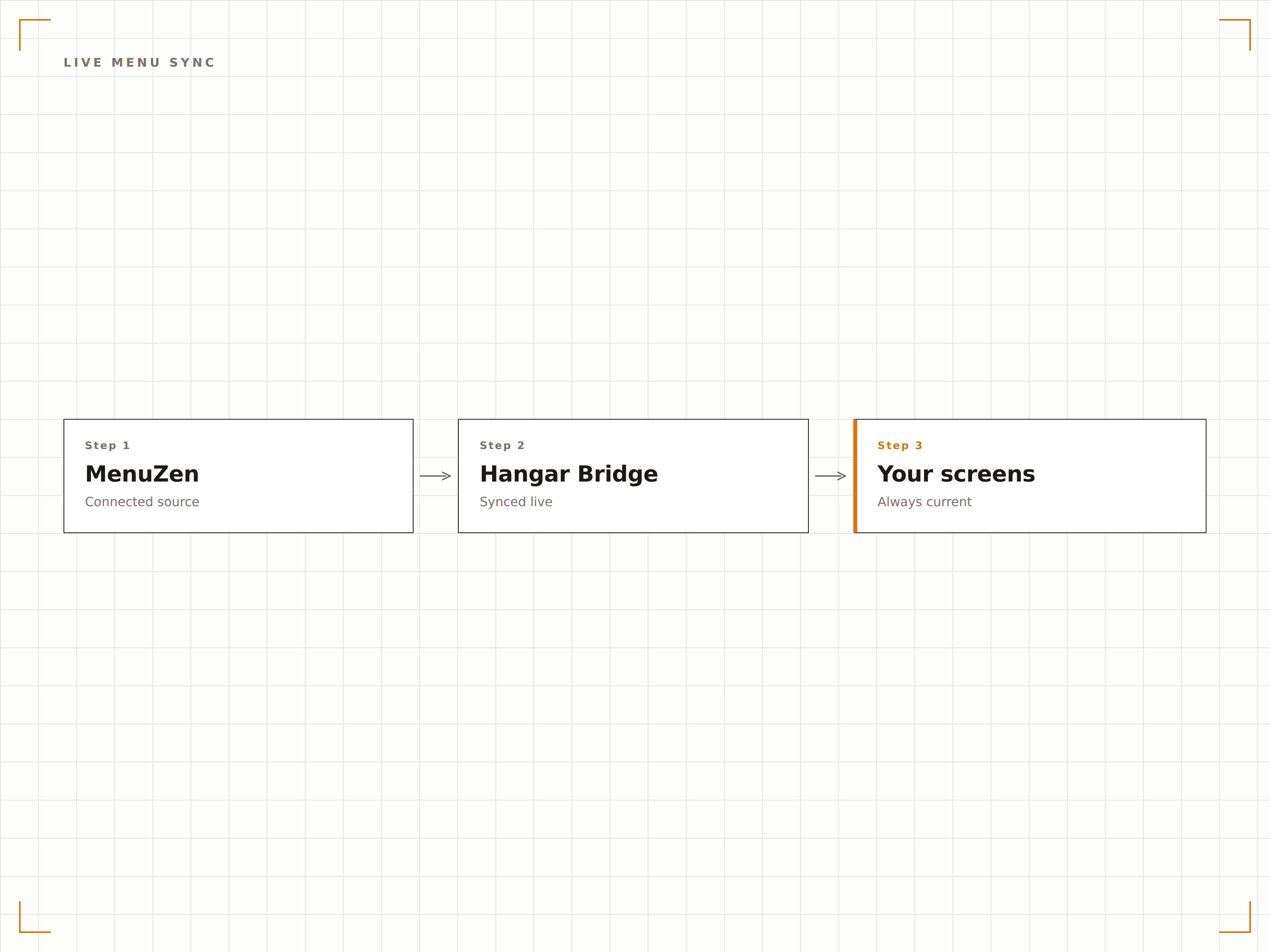
Gli articoli esauriti scompaiono dalla bacheca
Quando la tua cucina contrassegna un articolo come esaurito (86d) in MenuZen, scompare immediatamente dalla tua bacheca menu digitale. Gli articoli rimanenti si ridispongono per colmare lo spazio in modo ordinato. Quando l'articolo torna disponibile, riappare automaticamente.
Niente più clienti che ordinano articoli che non puoi servire.
Rimozione immediata degli articoli esauriti dalla visualizzazione
Ridisposizione ordinata degli articoli del menu rimanenti
Ripristino automatico quando gli articoli tornano disponibili
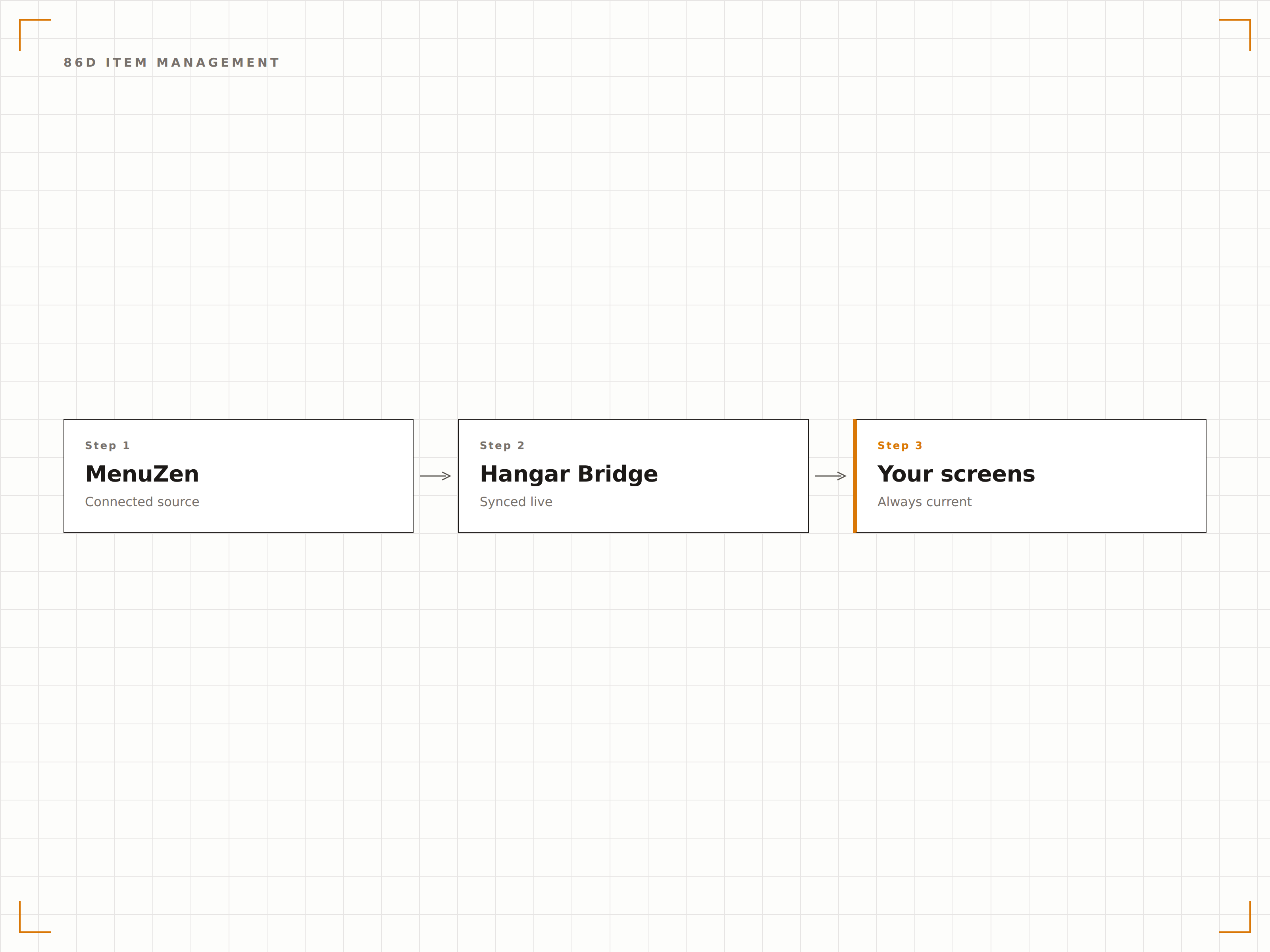
Informazioni sugli allergeni di cui i tuoi clienti si possono fidare
Recupera i tag degli allergeni e le informazioni dietetiche direttamente dai record degli articoli in MenuZen. Mostra icone chiare per gli allergeni comuni e le preferenze dietetiche, così i clienti possono fare scelte consapevoli in un colpo d'occhio.
La trasparenza sugli allergeni rafforza la fiducia e la fidelizzazione dei clienti.
Icone visive per i 14 allergeni principali
Badge dietetici per vegano, vegetariano e senza glutine
Stili delle icone personalizzabili per adattarsi al tuo brand
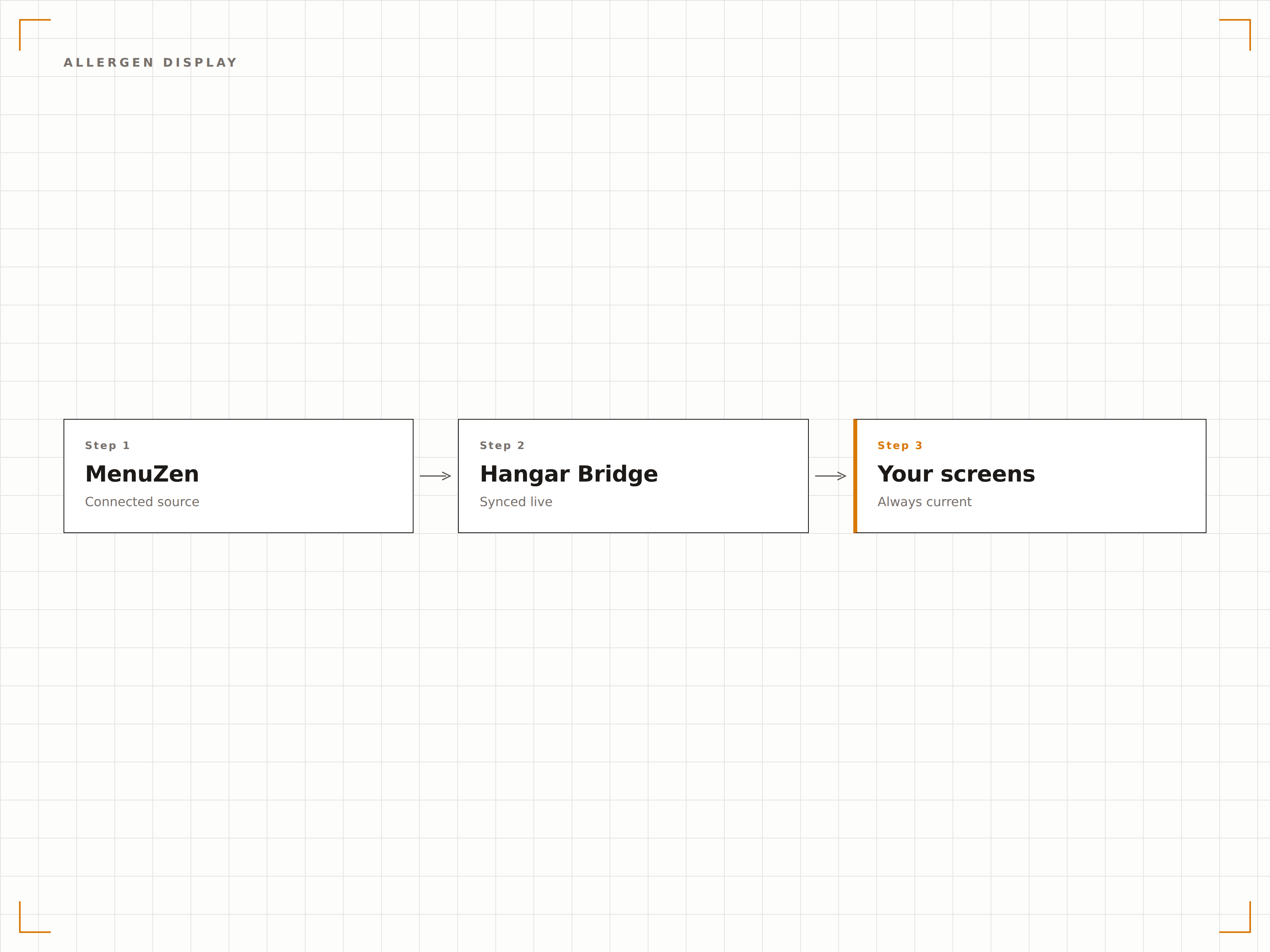
Quattro passaggi verso schermi connessi.
Dalla configurazione ai contenuti live in minuti, non giorni.
Collega il tuo account MenuZen
Accedi al tuo account MenuZen dal pannello integrazioni di Hangar.Media utilizzando le tue credenziali MenuZen o la chiave API.
Seleziona i menu da visualizzare
Scegli quali menu e categorie MenuZen vuoi mostrare sugli schermi della tua segnaletica digitale.
Applica un template di visualizzazione
Scegli un template per la bacheca menu e mappa i campi dati di MenuZen nelle zone del layout. Personalizza colori e font.
Vai live
Pubblica sugli schermi. Da questo momento, ogni modifica in MenuZen apparirà automaticamente sulle tue bacheche menu digitali.
Costruito per ogni settore.
Scopri come diversi settori utilizzano questa integrazione per ottenere risultati concreti.
Menu digitali per ristoranti
Sostituisci i menu cartacei con bacheche digitali dinamiche che si aggiornano in tempo reale quando gli articoli si esauriscono o i prezzi cambiano durante il servizio.
RetailPanetterie e gastronomie
Mostra i prodotti da forno del giorno e gli articoli di gastronomia con disponibilità e prezzi in tempo reale sugli schermi dietro il bancone.
IntrattenimentoStand di concessione nei locali
Visualizza i menu degli stand negli stadi e nelle arene con aggiornamenti istantanei quando gli articoli più richiesti si esauriscono durante gli eventi.
IstruzioneBacheche per il punto ristoro scolastico
Mostra i menu di snack e bevande nei punti ristoro scolastici con una chiara etichettatura degli allergeni e aggiornamenti giornalieri sulla disponibilità.
Domande frequenti. Risposte dirette risposte.
Ho bisogno di un piano MenuZen a pagamento per questa integrazione
L'integrazione funziona con tutti i piani MenuZen che includono l'accesso API. La maggior parte dei piani MenuZen Pro e Business include l'accesso API per impostazione predefinita. Controlla le impostazioni del tuo account MenuZen o contatta il supporto MenuZen per verificare che il tuo piano includa l'accesso API.
Posso visualizzare più menu MenuZen su schermi diversi
Sì. Puoi assegnare menu MenuZen diversi a gruppi di schermi diversi. Ad esempio, mostra il menu del bar sugli schermi vicino al bancone e il menu dei piatti sugli schermi nell'area ristorante. Ogni gruppo di schermi recupera i dati dal menu MenuZen che gli assegni.
Cosa succede quando un articolo viene contrassegnato come esaurito (86d) in MenuZen
L'articolo viene automaticamente nascosto dalla tua bacheca menu digitale in pochi secondi. Il layout si ridispone per colmare lo spazio in modo ordinato, così i clienti non vedono spazi vuoti. Quando l'articolo viene nuovamente contrassegnato come disponibile in MenuZen, riappare automaticamente sulla bacheca.
Posso aggiungere al menu digitale articoli non presenti in MenuZen
Sì. Puoi aggiungere articoli statici, banner promozionali e contenuti personalizzati direttamente nell'editor di Hangar.Media accanto ai dati sincronizzati da MenuZen. Questo è utile per i piatti del giorno o le promozioni a tempo limitato che gestisci al di fuori di MenuZen.
Un prezzo. L'intera piattaforma.
Così pensiamo che la segnaletica digitale dovrebbe funzionare. Editor di contenuti, gestione degli schermi e oltre 200 integrazioni di app — tutto incluso fin dal primo giorno.
14 giorni gratis, fino a 3 schermi — senza carta.