Contenuti Facebook. In diretta sui tuoi schermi.
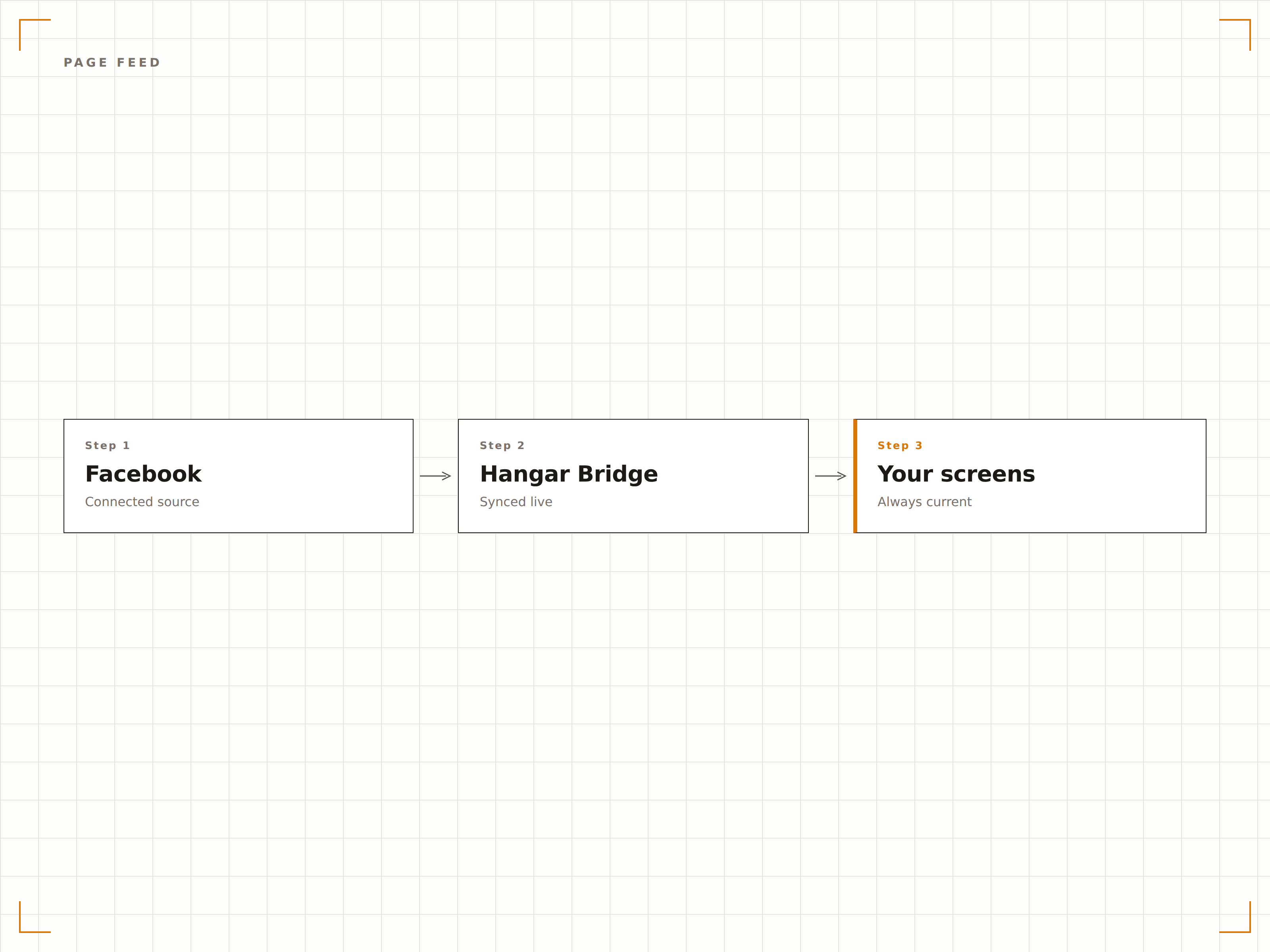
Collega la tua Pagina Facebook e mostra post, eventi, foto e video sulla tua segnaletica digitale. I contenuti si sincronizzano automaticamente, così i tuoi schermi riflettono sempre le ultime attività social.
La tua Pagina Facebook, amplificata su ogni schermo.
L'integrazione Facebook di Hangar.Media utilizza la Facebook Graph API per recuperare post, foto, video ed eventi dalla tua Pagina. I contenuti vengono visualizzati in piena risoluzione su schermi di qualsiasi dimensione, e il feed si aggiorna automaticamente ogni volta che pubblichi nuovi contenuti.
Cosa puoi fare con In diretta sui tuoi schermi.
Tre funzionalità che rendono questa integrazione indispensabile per la tua rete di segnaletica digitale.
Sincronizzazione automatica dei post con filtri intelligenti
Collega la tua pagina Facebook e ogni nuovo post raggiungerà automaticamente i tuoi schermi. Filtra per tipo di post per mostrare solo foto, solo video o una selezione curata. Imposta intervalli di date per mantenere i contenuti freschi e pertinenti.
La tua pagina Facebook diventa una fonte di contenuti in tempo reale per ogni schermo della tua rete.
Filtro per tipo di post: foto, video, link e testo
Controlli per intervallo di date per mostrare solo i contenuti recenti
Ordinamento basato sul coinvolgimento per mettere in evidenza i post più performanti
Mostra i prossimi Facebook Events sui tuoi schermi
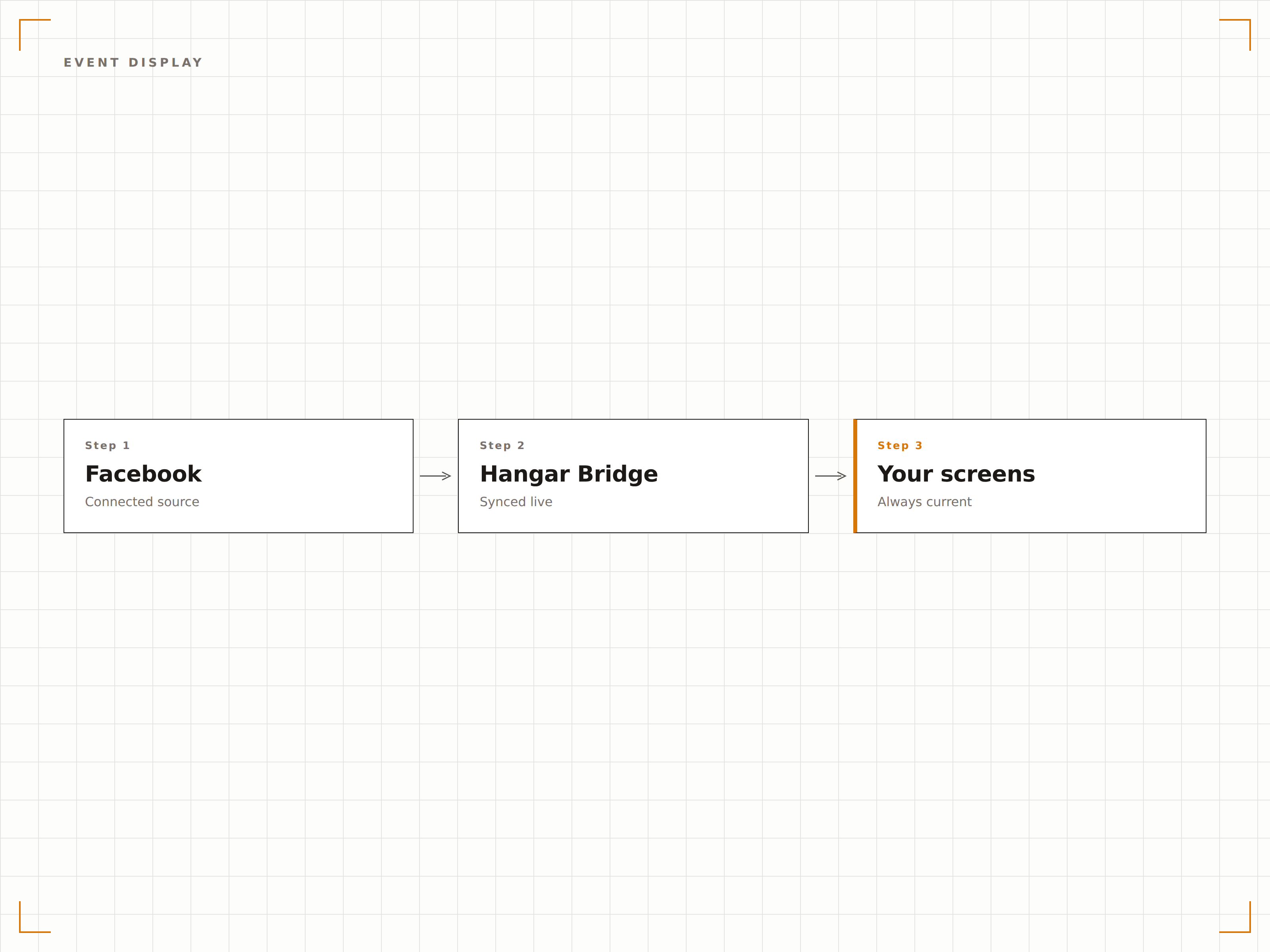
Recupera automaticamente gli eventi imminenti dalla tua pagina Facebook e visualizzali con date, orari, immagini di copertina e descrizioni. Perfetto per locali, ristoranti e spazi comunitari che usano i Facebook Events per la promozione.
Trasforma i tuoi Facebook Events in display accattivanti per lobby e vetrine.
Recupero automatico degli eventi imminenti con immagini di copertina e dettagli
Conto alla rovescia per le date degli eventi in avvicinamento
Filtro degli eventi passati per mostrare solo quelli futuri
Layout dedicati ai contenuti social su grandi schermi
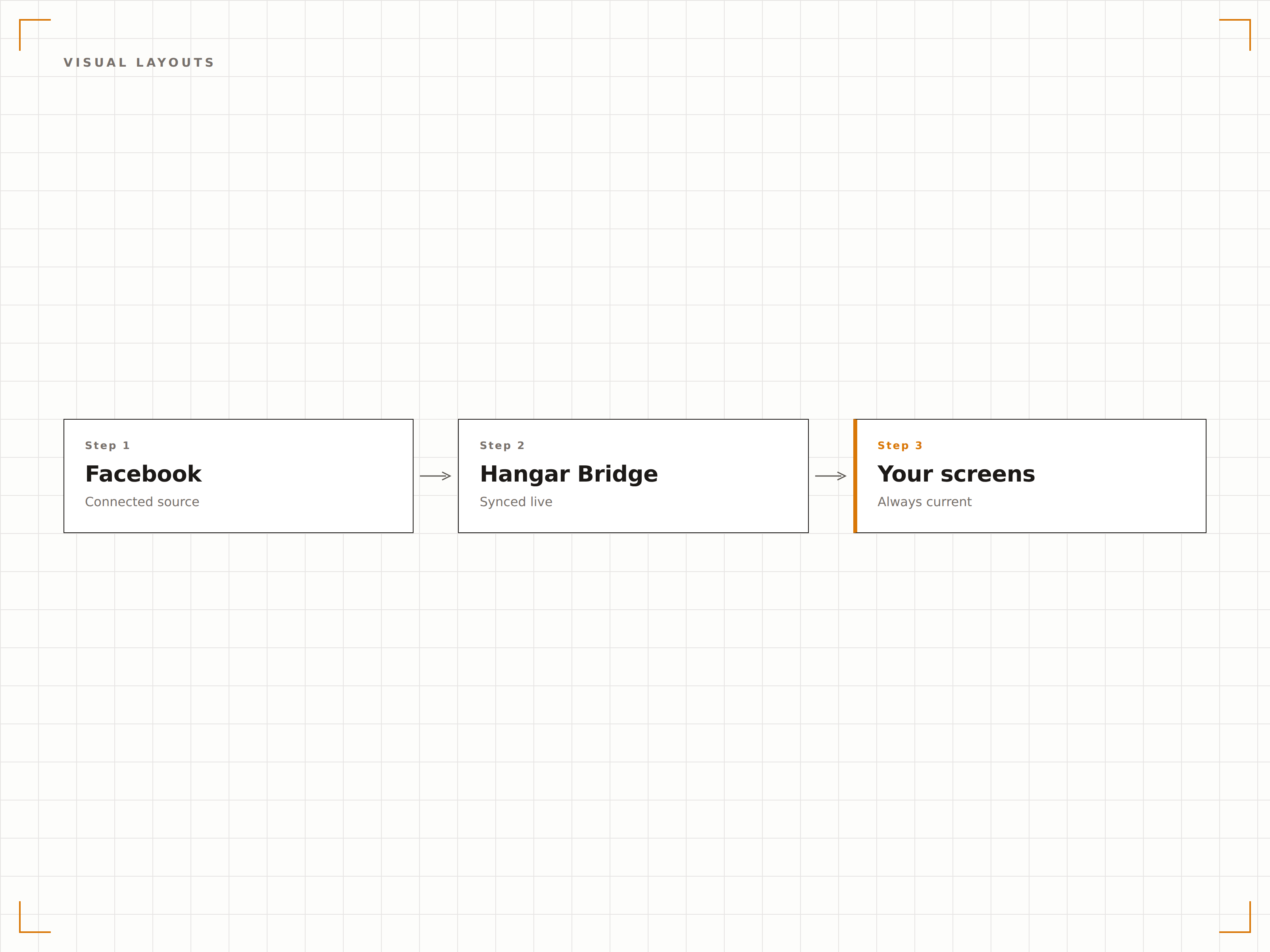
Scegli tra layout timeline, griglia, carosello e spotlight progettati specificamente per la segnaletica digitale. Ogni layout gestisce testo, immagini e video in modo impeccabile a qualsiasi risoluzione dello schermo, con colori del brand e effetti di transizione personalizzabili.
Layout pensati per i muri, non per i telefoni.
Modalità timeline, griglia, carosello e spotlight a schermo intero
Sovrapposizioni di colori del brand personalizzati e dimensioni dei font
Transizioni fluide con dissolvenza e scorrimento tra i post
Quattro passaggi verso schermi connessi.
Dalla configurazione ai contenuti live in minuti, non giorni.
Collega la tua pagina Facebook
Autorizza Hangar.Media ad accedere alla tua pagina Facebook tramite accesso OAuth sicuro dalla dashboard.
Seleziona i tipi di contenuto
Scegli quali tipi di post visualizzare: foto, video, eventi, post di testo o tutti insieme.
Personalizza il layout
Scegli un layout di visualizzazione e regola colori, font, velocità di transizione e numero di post mostrati.
Pubblica sugli schermi
Aggiungi il widget Facebook ai layout dei tuoi schermi e pubblica. Da quel momento i contenuti si sincronizzano automaticamente.
Costruito per ogni settore.
Scopri come diversi settori utilizzano questa integrazione per ottenere risultati concreti.
Promozione eventi nelle lobby
Mostra i prossimi Facebook Events sugli schermi delle lobby di hotel e venue per aumentare la partecipazione e la visibilità.
RetailRiprova sociale in vetrina
Mostra recensioni dei clienti, foto con tag e aggiornamenti del negozio sui display rivolti alla vetrina e alle casse.
EducationNotizie ed eventi del campus
Mostra aggiornamenti della pagina Facebook scolastica, annunci di eventi e foto della comunità sugli schermi dei corridoi.
PublicBacheche informative comunitarie
Mostra aggiornamenti Facebook degli enti locali, eventi pubblici e comunicazioni della comunità sui display municipali.
Domande frequenti. Risposte dirette risposte.
Posso collegare più pagine Facebook?
Sì. Puoi collegare tutte le pagine Facebook che gestisci e assegnare pagine diverse a schermi o zone differenti. Ogni connessione di pagina è indipendente e configurabile.
L'integrazione mostra i Facebook Reels?
Sì. L'integrazione supporta tutti i tipi di post, inclusi Reels, video standard, foto, caroselli e post di testo. I contenuti video vengono riprodotti automaticamente con impostazioni audio regolabili.
Come posso impedire la visualizzazione di determinati post?
Utilizza il filtro per tipo di post, la lista di parole chiave bloccate o i controlli per intervallo di date nella dashboard. Puoi anche attivare la modalità di approvazione manuale per esaminare ogni post prima che vada in onda sugli schermi.
È richiesto un account Facebook Business?
Per utilizzare questa integrazione è necessaria una pagina Facebook. I profili personali non sono supportati. La pagina può essere gestita tramite Facebook Business Suite o direttamente.
Un prezzo. L'intera piattaforma.
Così pensiamo che la segnaletica digitale dovrebbe funzionare. Editor di contenuti, gestione degli schermi e oltre 200 integrazioni di app — tutto incluso fin dal primo giorno.
14 giorni gratis, fino a 3 schermi — senza carta.