Your data warehouse, on the wall.
Retool Workflows query databases and APIs on schedules, transform results in JavaScript or Python, and push the outcome to your Hangar.Media screens — HMAC-signed, mapped, and rendered as a live table or cards.
Scheduled queries become standing dashboards
A workflow queries Postgres, BigQuery, REST APIs — anything Retool connects to — shapes the result in a code block, and POSTs it to your Hangar.Media inbound webhook. The screens render the latest run as a live table or cards; the office sees the numbers without opening a tool.
What you can do with on the wall.
Three capabilities that make this integration essential for your digital signage network.
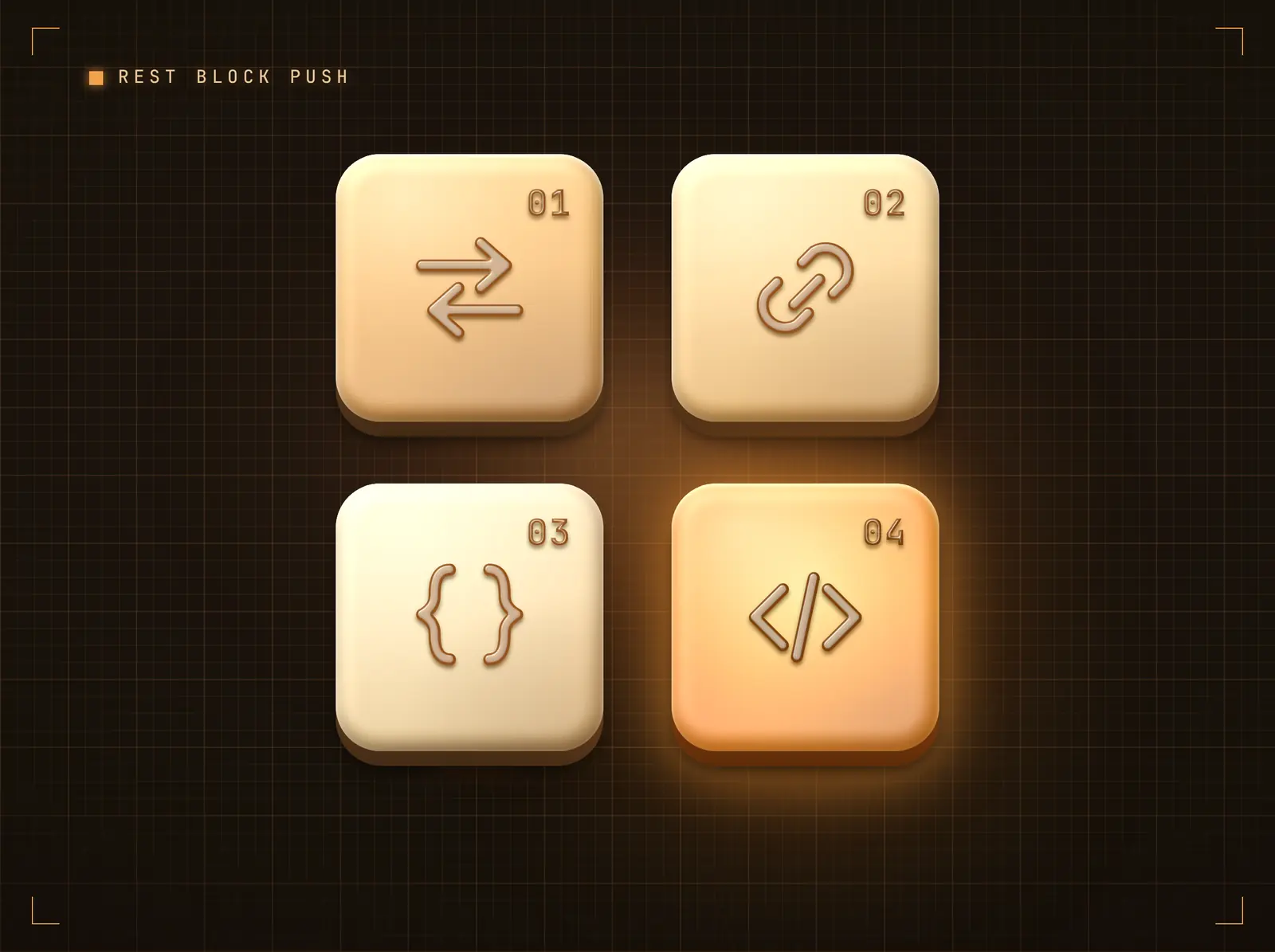
A REST block (or code block) makes the push
End the workflow with a REST API block POSTing JSON to your inbound webhook URL — or a code block that shapes, signs and sends in one step. Each scheduled run refreshes the screen.
The morning numbers, on screen before the morning.
Loop blocks emit arrays — one row or card per record
JSON payloads of any shape — single records or lists
Screens update within seconds of the push arriving
Shape the payload into screen content
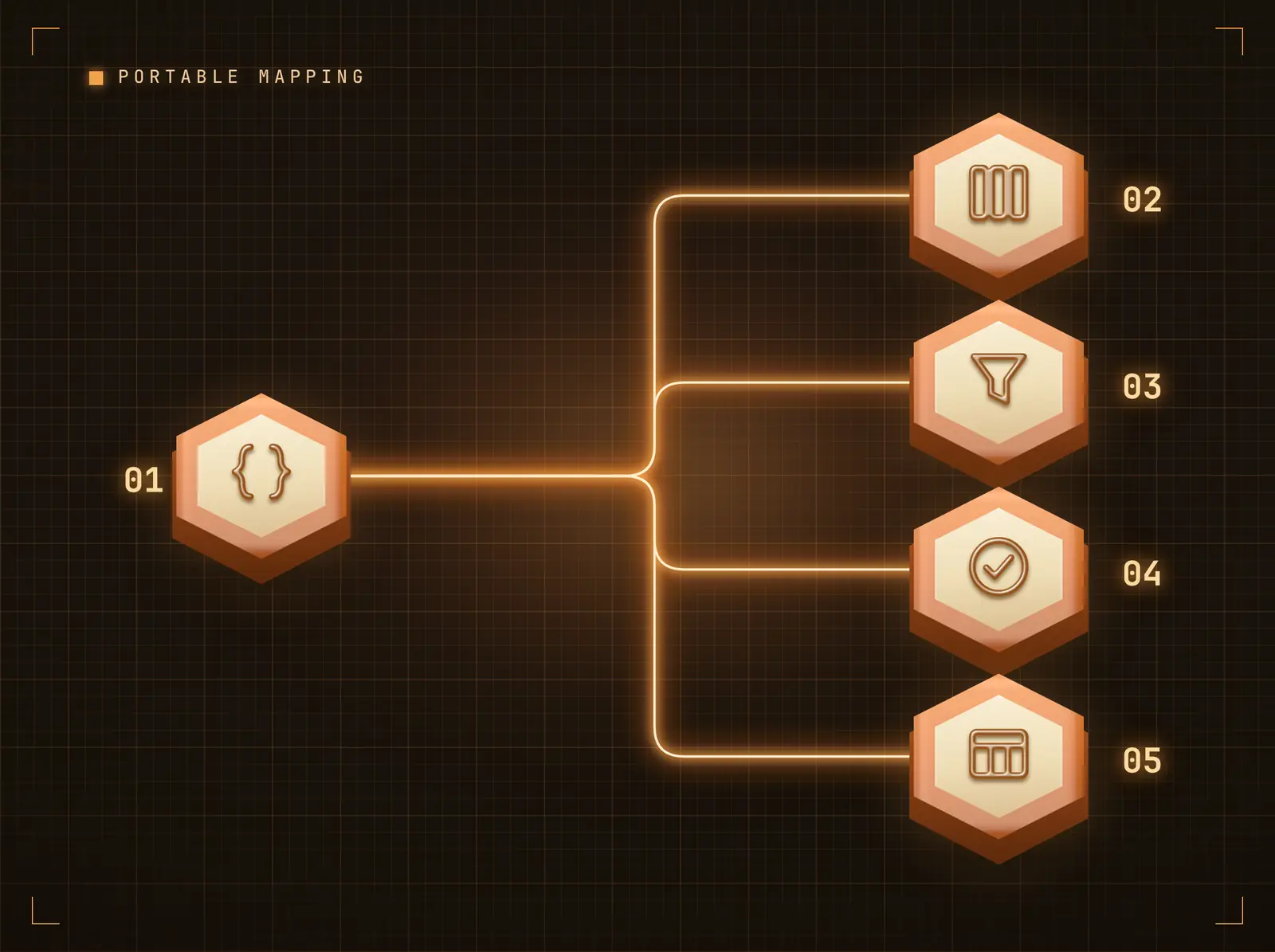
Point display columns at payload fields with dot-notation paths, set defaults for missing fields, and apply per-column transforms — uppercase, lowercase, truncate, prefix, suffix. The same mapping engine powers every automation platform integration, so a recipe built once is portable across tools.
Your automation sends data; the mapping decides how it reads on screen.
Dot-notation paths reach nested payload fields
Defaults fill gaps so screens never show blanks
Transforms tidy values without touching the automation
HMAC-signed, replay-protected delivery
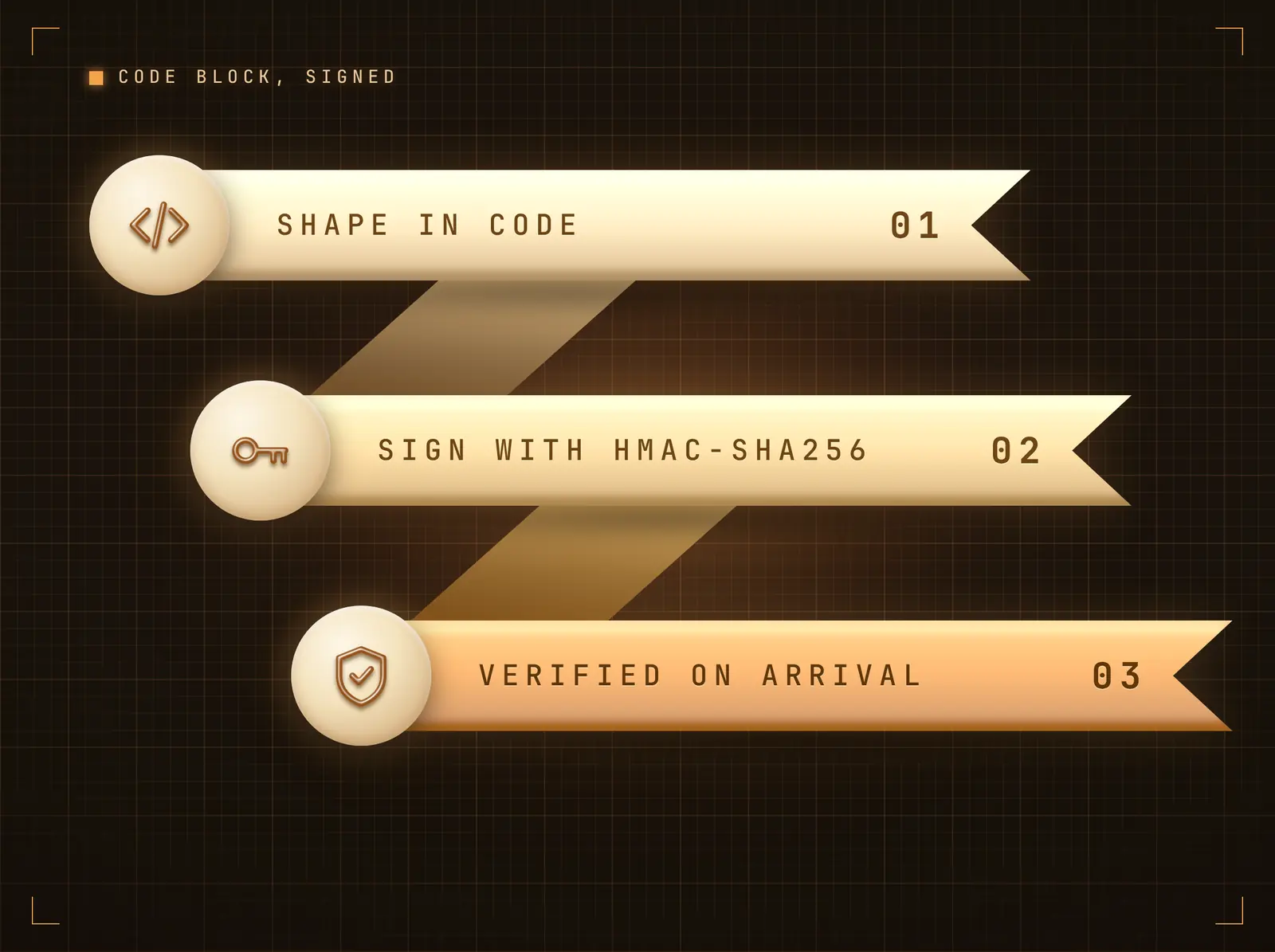
A code block computes an HMAC-SHA256 of the body with your integration secret and sends it as X-Webhook-Signature; Hangar.Media verifies in constant time with optional replay protection.
Every push is authenticated before a pixel changes.
HMAC-SHA256 body signing in a code block (recommended)
Optional Stripe-style replay protection
Secret-header mode via the REST block alone
Four steps to connected screens.
From setup to live content in minutes, not days.
Connect the integration
Add the Retool Workflows integration in Hangar.Media. Your unique inbound webhook URL and secret are generated instantly.
Add the push block in Retool
End the workflow with a code block: build the JSON from query results, compute an HMAC-SHA256 with your integration secret, and POST to your inbound webhook URL with X-Webhook-Signature.
Map fields to the display
Choose Data Table or Content Cards, then map payload fields to display columns with the field mapper. Defaults and transforms are optional.
Push and publish
Run the automation. The payload renders in the bound widget on your screens within seconds — enable Accumulate for a rolling board of recent pushes.
Built for every sector.
See how different industries use this integration to drive results.
Revenue ops boards
Scheduled workflows query the warehouse and push the day's revenue ops table to the leadership screen.
RetailStore league tables
Workflows ranking store performance push the league table to regional office screens each morning.
HealthcareCapacity snapshots
Workflows querying capacity systems push ward-level snapshots to operations screens on a fixed cadence.
EducationAttendance dashboards
Workflows on the MIS database push attendance summaries to staff-room screens before first period.
Common questions. Straight answers.
How is the webhook secured
Pushes are HMAC-SHA256-signed in a Retool code block with your integration secret and verified in constant time, with optional replay protection. The REST-block-only setup can use the X-Webhook-Token header instead.
What payload shape does Hangar.Media expect
Any JSON. A single object becomes one row or card; an array of objects becomes one row or card per record. With a field mapping configured, only the mapped fields are displayed; without one, the raw fields are shown as a key-value table.
Can one push update several screens
Yes. The push lands in the integration's data feed; every design widget bound to that feed updates, wherever those designs are scheduled — one push can update one screen or the whole estate.
Can the workflow push query results directly
Yes — a query block's result array maps straight onto the JSON body; each record becomes a row or card. Use a transformer block to rename or trim columns before the push.
One price. The whole platform.
That's how we think signage should work. Content editor, screen management, and 200+ app integrations — all included from day one.
14 days free, up to 3 screens — no card needed.