Any system can POST. Every screen can show it.
The generic inbound webhook receiver: any system that can send an HTTP POST can put data on your screens. HMAC-SHA256 verification, optional replay protection, an IP allow-list, event filtering, and onward forwarding — the hardened path for custom senders.
The hardened receiver for custom integrations
Where the platform tiles (Zapier, Make, n8n…) speak each tool's language, this is the raw contract for your own systems: POST JSON to your unique URL, sign it with your integration secret, and the payload renders as a live data table. Event-type filtering keeps noise off screen; forwarding can relay verified deliveries onward; the IP allow-list and replay protection harden unattended senders.
What you can do with Every screen can show it.
Three capabilities that make this integration essential for your digital signage network.
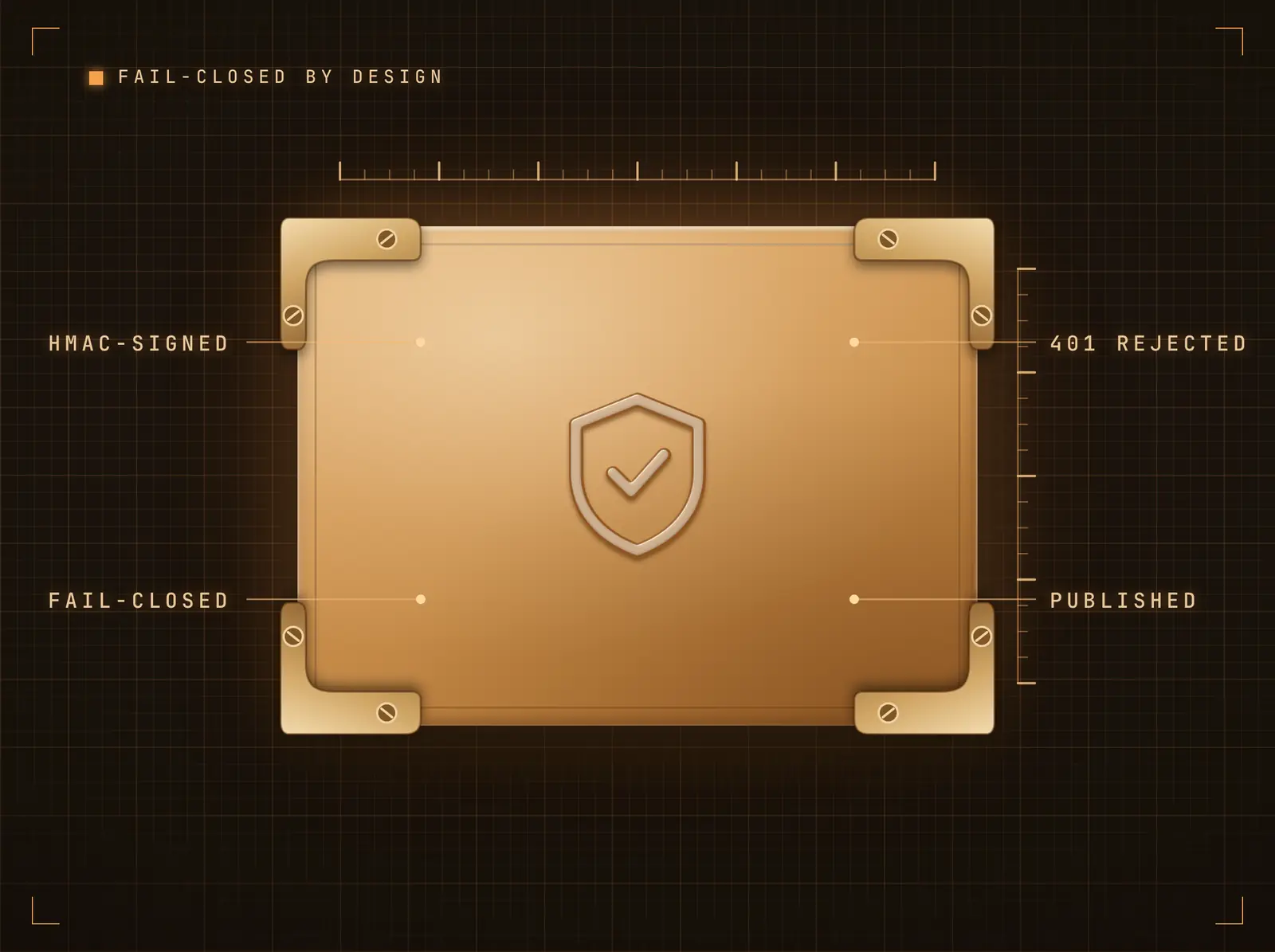
Fail-closed by design
Every delivery must carry a valid HMAC signature computed with your integration secret; unsigned or mis-signed requests receive 401 and publish nothing. The signing secret is generated at connect time and shown once on the integration page, alongside a copy-paste signing example.
If it isn't signed, it never reaches a screen.
Configurable signature header and digest algorithm
GitHub-style sha256= prefixes handled automatically
One-click secret rotation
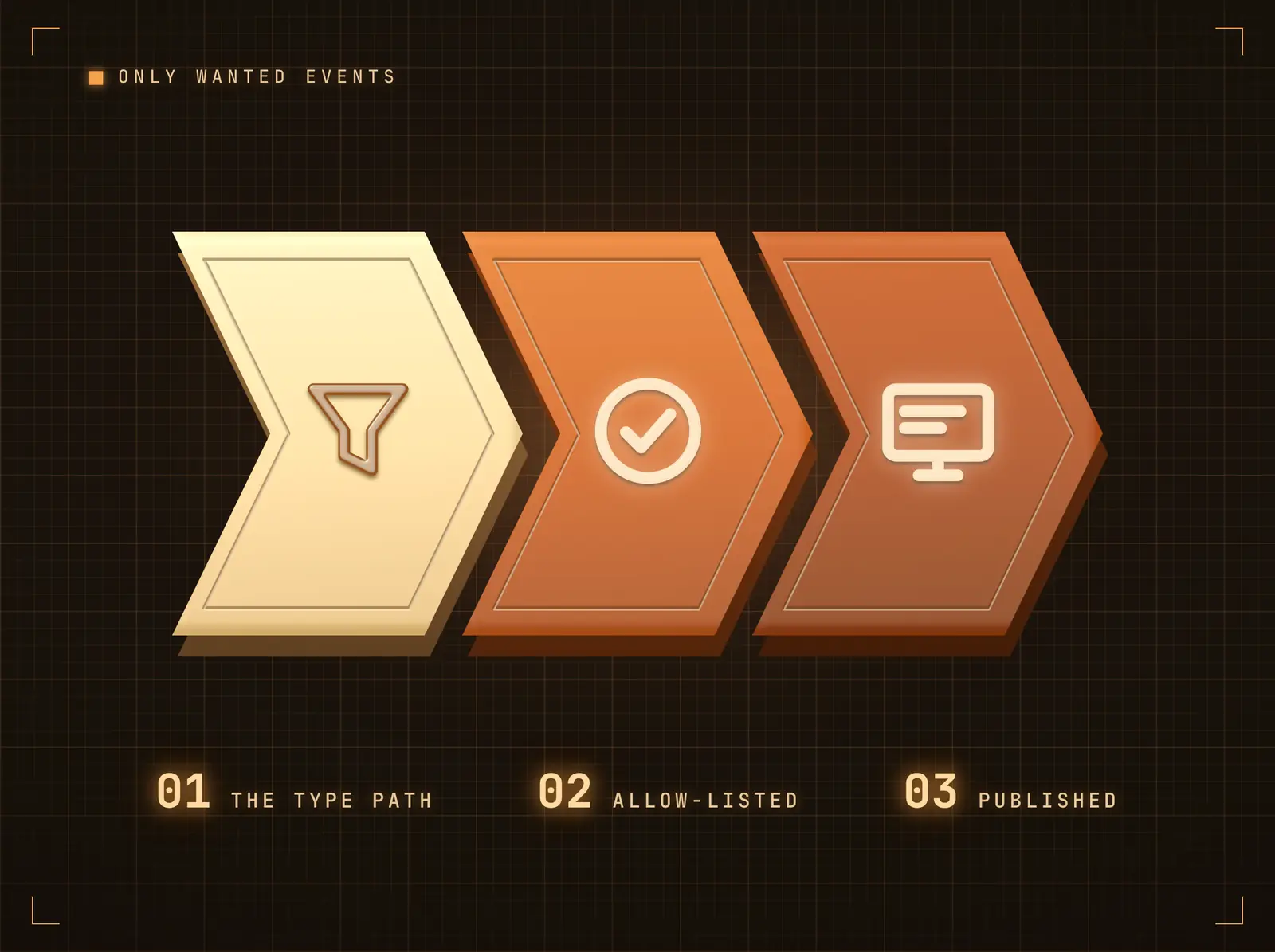
Only the events you want, only from where you expect
Point the event-type path at your payload's type field and allow-list the events worth displaying; everything else is acknowledged and ignored. The IP allow-list (single IPs or CIDR ranges) rejects unknown sources before signature verification even runs.
Your screens show the signal, not the firehose.
Dot-notation event-type matching
Content path drills into nested payloads
Rate limit caps a runaway sender with 429s
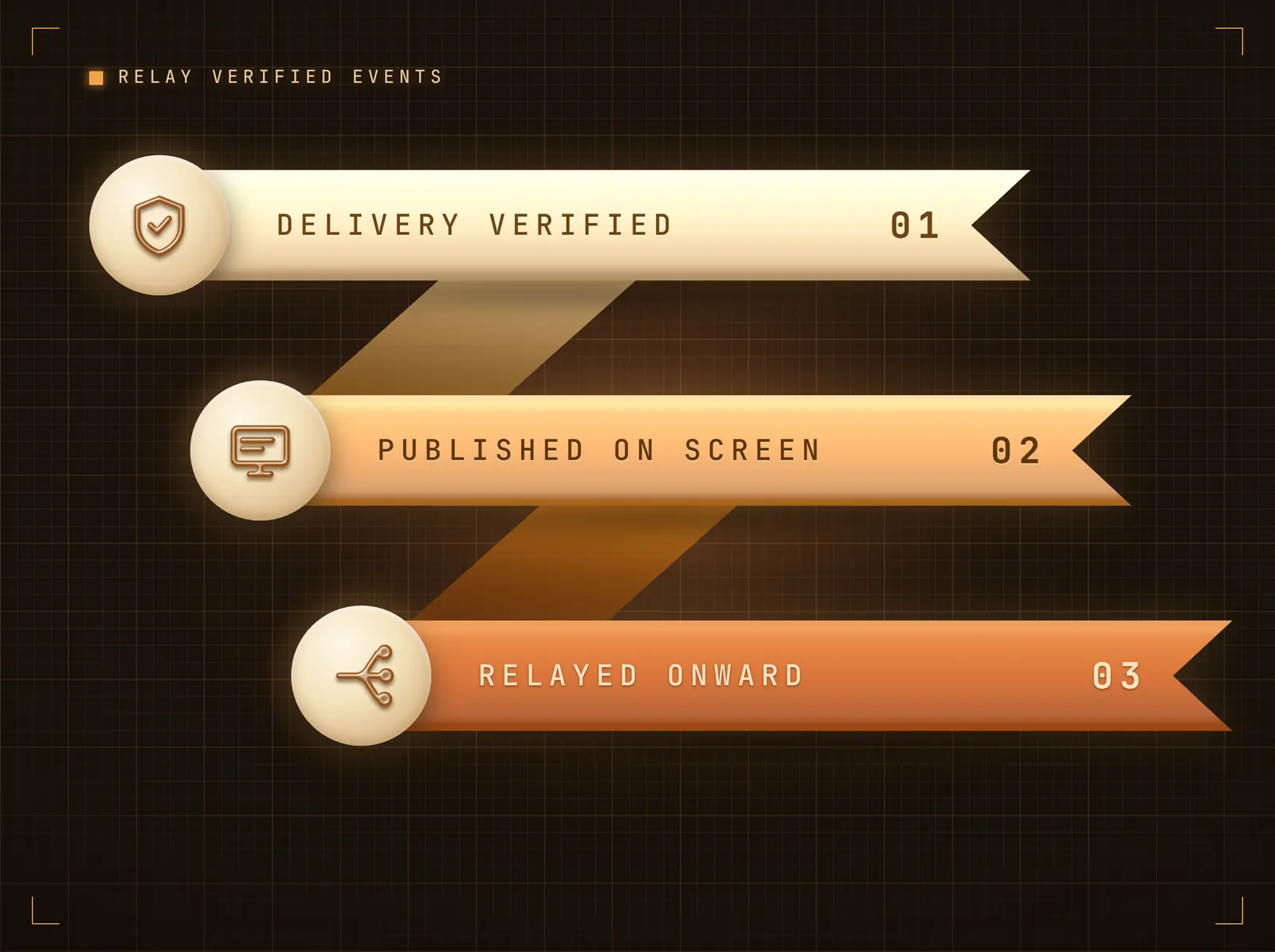
Relay verified events onward
After a delivery verifies and publishes, it can be forwarded to a downstream URL with operator-configured headers — fan one sender out to your own logging or processing without touching the sender. Failures are recorded and never block the inbound delivery.
One webhook in, screens plus your systems out.
Fire-and-forget with tight timeouts
SSRF-guarded — private and reserved addresses are refused
Custom forward headers (JSON-configured)
Four steps to connected screens.
From setup to live content in minutes, not days.
Connect the integration
Add the Webhooks integration. Your unique inbound URL and signing secret are generated instantly and shown on the integration page.
Sign and send from your system
POST JSON to the URL with an HMAC-SHA256 of the body in the signature header — the integration page includes a copy-paste signing example.
Filter and map
Optionally set the event-type filter, content path, IP allow-list and rate limit. Send a Test Push to see data land.
Bind the widget
Bind the Live Data Table widget to the feed in the Content Designer and schedule the design to your screens.
Built for every sector.
See how different industries use this integration to drive results.
Internal tooling displays
In-house systems POST status snapshots that render as live tables on operations screens.
RetailPOS event boards
A custom POS export pushes transaction summaries to back-office screens through the day.
HealthcareDevice fleet alerts
Medical-device gateways POST status events; the event filter keeps only actionable states on screen.
EducationFacility system feeds
Building-management systems push occupancy and environment data to estates screens.
Common questions. Straight answers.
What verification options are available
HMAC body signing (SHA-1/256/512) with a per-integration secret is the default, with optional Stripe-style replay protection that signs a timestamp-prefixed payload and rejects deliveries older than five minutes. A CIDR-aware IP allow-list runs before any cryptography, and a per-integration rate limit returns 429 beyond your configured pushes per minute.
What payload formats are accepted
JSON (an object or an array of objects) and form-encoded bodies up to 1MB. A list becomes one table row per record; a flat object becomes a key-value table. The content path can drill into nested structures first.
Can deliveries be forwarded to my own systems
Yes — after verification and publishing, the payload can be relayed to a downstream URL with custom headers. Forwarding is SSRF-guarded and never blocks the inbound delivery.
Where do outbound screen events live
On the automation-platform tiles (Zapier, Make, n8n, …) — their Outbound Events panel POSTs signed signage events to your platform's catch-hook. This tile is the inbound receiver.
One price. The whole platform.
That's how we think signage should work. Content editor, screen management, and 200+ app integrations — all included from day one.
14 days free, up to 3 screens — no card needed.