Wenn es eine API hat, Es hat einen Bildschirm.
Verbinden Sie den Connector mit einem beliebigen REST-Endpunkt – Ihre internen Dienste, eine Anbieter-API, eine öffentliche Datenquelle – und die JSON-Antwort wird als Live-Datentabelle auf Ihren Bildschirmen angezeigt, nach Zeitplan aktualisiert.
Jeder JSON-Endpunkt wird zum dauerhaften Display
Konfigurieren Sie Endpunkt, Methode, Query-Parameter und Authentifizierung; richten Sie den Response-Path auf die Datensätze im Payload aus; der Connector fragt gemäss dem Synchronisierungsplan ab und veröffentlicht das Ergebnis als kanonische Datentabelle. Das Live-Datentabellen-Widget rendert sie überall dort, wo das Design eingeplant ist – eine Anbieter-Status-API, ein interner Microservice, ein Open-Data-Feed.
Was Sie mit Es hat einen Bildschirm. tun können
Drei Funktionen, die diese Integration für Ihr Digital Signage-Netzwerk unverzichtbar machen.
Die Anfrage ohne Code gestalten
Methode, URL, Query-Parameter, Request-Body und Content-Type sind vollständig konfigurierbar. Benutzerdefinierte Header decken API-Versionen und Tenant-Scoping ab; Timeouts verhindern, dass ein langsamer Endpoint den Sync-Zyklus blockiert.
So viel Kontrolle wie ein curl-Befehl – in einem Formular.
Query-Parameter und Request-Body als Konfiguration
Benutzerdefinierte Header für Versionierung und Scoping
Konfigurierbares Timeout pro Anfrage

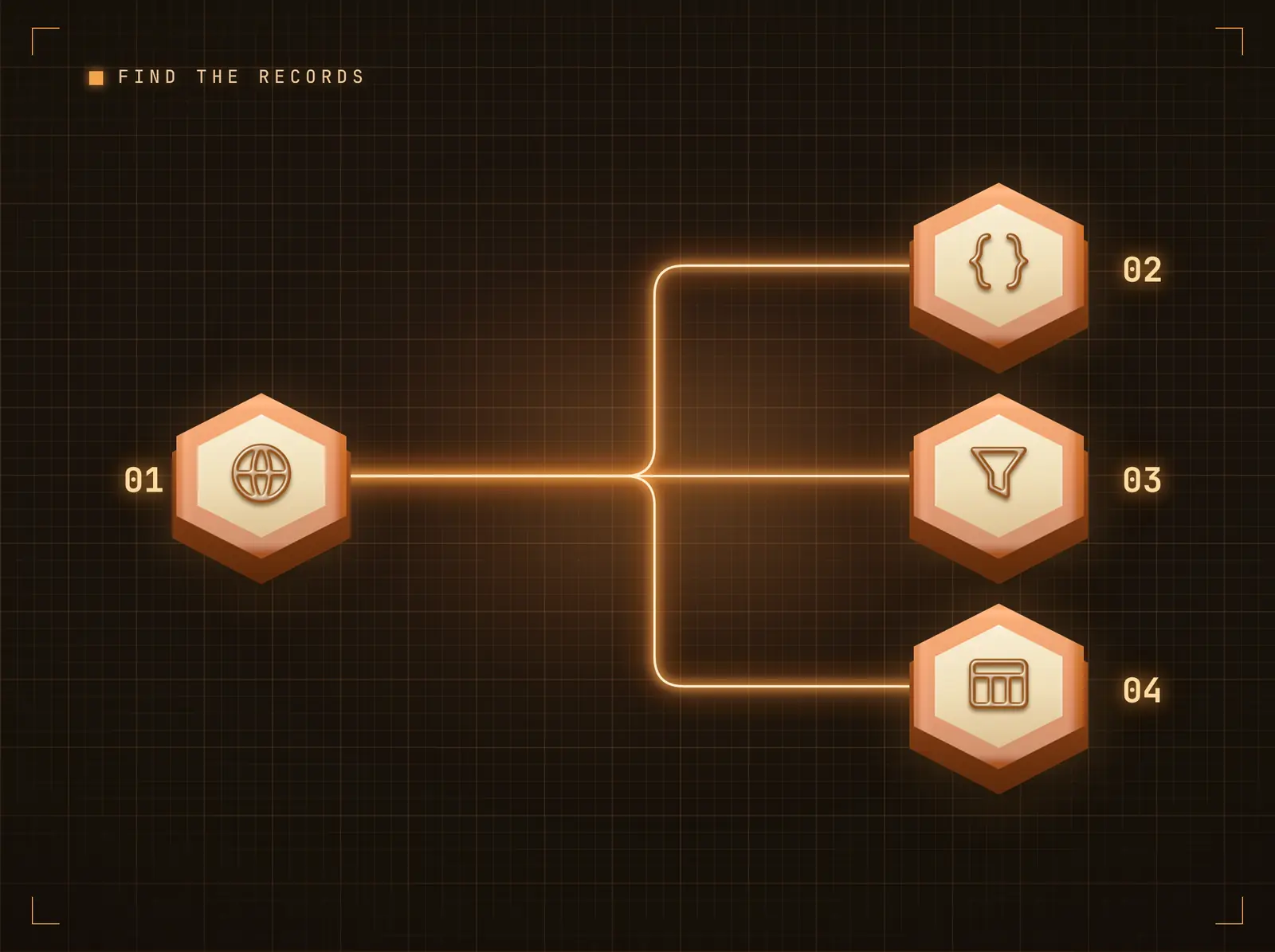
Datensätze finden, Tabelle rendern
APIs verpacken ihre Daten unterschiedlich – als einfaches Array, data.items oder results.records. Der Response-Pfad zeigt auf die Liste; jeder Datensatz wird zu einer Tabellenzeile mit Spalten aus seinen Feldern. Die Paginierungsunterstützung durchläuft Seiten bis zur Zeilenbegrenzung.
Unabhängig vom Envelope gelangen die Datensätze auf den Bildschirm.
Dot-Notation-Response-Pfad
Ein einzelnes Objekt wird als Schlüssel-Wert-Tabelle dargestellt
Paginierungsunterstützung für seitenbasierte APIs
Veraltete Daten sind besser als keine
Wenn der Endpoint einen Fehler zurückgibt oder das Timeout überschreitet, zeigen die Bildschirme weiterhin die letzten gültigen Daten, während die Integration den Fehler für den Betreiber protokolliert – eine unzuverlässige Vendor-API leert nie einen Lobby-Bildschirm.
Ihre Bildschirme degradieren graceful – ohne dass es auffällt.
Caching der letzten gültigen Daten bei Fehlern
Fehler werden auf der Integrationsseite angezeigt
Health-Checks prüfen den Endpoint unabhängig

Vier Schritte zu verbundene Bildschirme.
Von der Einrichtung bis zu Live-Inhalten in Minuten, nicht Tagen.
Integration verbinden
Fügen Sie die REST-API-Integration in Hangar.Media hinzu und öffnen Sie die Konfigurationsseite.
Anfrage konfigurieren
Legen Sie Endpoint-URL, Methode, Parameter und Authentifizierung fest. Zugangsdaten werden verschlüsselt gespeichert.
Datensätze referenzieren
Setzen Sie den Response-Pfad auf die Liste innerhalb des Payloads und begrenzen Sie die anzuzeigenden Zeilen.
Verknüpfen und planen
Verknüpfen Sie das Live-Data-Table-Widget im Content Designer mit dem Feed; der Connector aktualisiert ihn gemäss dem Sync-Zeitplan.
Entwickelt für jeden Branche.
Erfahren Sie, wie verschiedene Branchen diese Integration nutzen, um Ergebnisse zu erzielen.
Interne Service-Boards
Microservice-Status-Endpoints werden als Live-Tabelle auf dem Bildschirm im Engineering-Bereich dargestellt.
RetailVendor-Feed-Anzeigen
Lieferanten-Verfügbarkeits-APIs speisen ein Lagerbestandsboard im Einkaufsbüro.
HospitalityLokale Datenanzeigen
Open-Data-Endpoints (Veranstaltungen, Nahverkehr, Wetterdienste) werden auf Concierge-Bildschirmen dargestellt.
EducationCampus-Systemtabellen
Raumbuchungs- oder Bibliothekssystem-APIs halten Live-Verfügbarkeitstabellen auf Flurbildschirmen aktuell.
Häufige Fragen. Direkte Antworten.
Welche Authentifizierungsmethoden werden unterstützt
API-Key (Header oder Query-Parameter), HTTP Basic sowie benutzerdefinierte Header. Zugangsdaten werden verschlüsselt gespeichert und erscheinen nie im veröffentlichten Feed.
Wie oft werden die Daten aktualisiert
Gemäss dem Sync-Zeitplan der Integration. Zwischen den Aktualisierungen zeigt der Bildschirm die zuletzt veröffentlichte Tabelle; bei einem fehlgeschlagenen Poll bleibt die letzte gültige Datenlage erhalten, anstatt das Widget zu leeren.
Was passiert, wenn meine API Datensätze in einem Envelope verpackt
Legen Sie den Response-Pfad fest (z. B. data.items) – der Connector extrahiert die Liste; jeder Datensatz wird zu einer Zeile mit Spalten aus seinen Feldern. Ein einzelnes Objekt wird als Schlüssel-Wert-Tabelle dargestellt.
Ist das die eigene API von Hangar.Media
Nein – diese Kachel bringt IHRE APIs auf die Bildschirme. Die eigene REST-API von Hangar.Media zur programmatischen Steuerung ist separat unter Platform → API & Webhooks dokumentiert.
Ein Preis. Die gesamte Plattform.
So stellen wir uns Digital Signage vor. Inhaltseditor, Bildschirmverwaltung und 200+ App-Integrationen – alles von Anfang an inklusive.
14 Tage kostenlos, bis zu 3 Bildschirme – keine Kreditkarte erforderlich.