If it has an API, it has a screen.
Point the connector at any REST endpoint — your internal services, a vendor API, a public data source — and its JSON response renders as a live data table on your screens, refreshed on schedule.
Any JSON endpoint becomes a standing display
Configure the endpoint, method, query parameters and authentication; point the response path at the records inside the payload; the connector polls on the sync schedule and publishes the result as the canonical data table. The Live Data Table widget renders it wherever the design is scheduled — a vendor status API, an internal microservice, an open-data feed.
What you can do with it has a screen.
Three capabilities that make this integration essential for your digital signage network.
Shape the call without code
Method, URL, query parameters, request body and content type are all configuration. Custom headers cover API versions and tenant scoping; timeouts keep a slow endpoint from holding up the sync cycle.
A curl command's worth of control, in a form.
Query params and request body as configuration
Custom headers for versioning and scoping
Configurable timeout per request

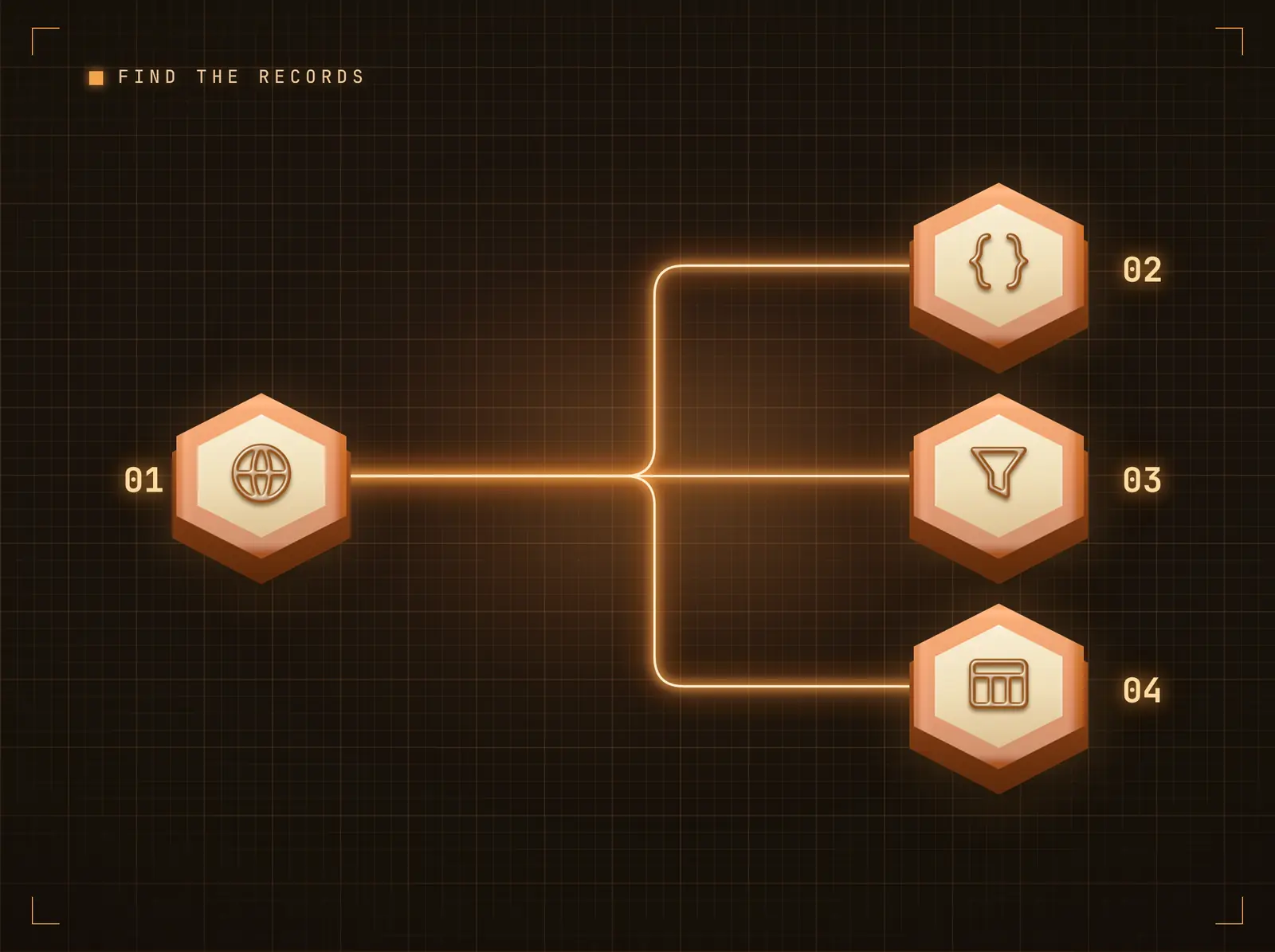
Find the records, render the table
APIs wrap their data differently — a bare array, data.items, results.records. The response path points at the list; each record becomes a table row with columns from its fields. Pagination support walks pages up to the row cap.
Whatever the envelope, the records reach the screen.
Dot-notation response path
A single object renders as a key-value table
Pagination support for paged APIs
Stale beats blank
When the endpoint errors or times out, screens keep showing the last good data while the integration records the failure for the operator — a flaky vendor API never blanks a lobby screen.
Your screens degrade gracefully, not visibly.
Last-good caching on error
Failures surfaced on the integration page
Health checks verify the endpoint independently

Four steps to connected screens.
From setup to live content in minutes, not days.
Connect the integration
Add the REST API integration in Hangar.Media and open its configuration page.
Configure the request
Set the endpoint URL, method, parameters and authentication. Secrets are stored encrypted.
Point at the records
Set the response path to the list inside the payload and cap the rows worth showing.
Bind and schedule
Bind the Live Data Table widget to the feed in the Content Designer; the connector refreshes it on the sync schedule.
Built for every sector.
See how different industries use this integration to drive results.
Internal service boards
Microservice status endpoints render as a live table on the engineering floor screen.
RetailVendor feed displays
Supplier availability APIs feed a stock board in the buying office.
HospitalityLocal data displays
Open-data endpoints (events, transit, weather services) render on concierge screens.
EducationCampus system tables
Room-booking or library-system APIs keep live availability tables on hall screens.
Common questions. Straight answers.
Which authentication methods are supported
API key (header or query parameter), HTTP Basic, and custom headers. Credentials are stored encrypted and never appear in the published feed.
How often does the data refresh
On the integration's sync schedule. Between refreshes the screen shows the last published table; a failed poll keeps the last good data rather than blanking the widget.
What if my API wraps records in an envelope
Set the response path (e.g. data.items) and the connector extracts the list; each record becomes a row with columns from its fields. A single object renders as a key-value table.
Is this Hangar.Media's own API
No — this tile pulls YOUR APIs onto screens. The platform's own REST API for controlling Hangar.Media programmatically is documented separately under Platform → API & Webhooks.
One price. The whole platform.
That's how we think signage should work. Content editor, screen management, and 200+ app integrations — all included from day one.
14 days free, up to 3 screens — no card needed.