Ihr Data Warehouse, an der Wand.
Retool Workflows fragen Datenbanken und APIs nach Zeitplan ab, transformieren die Ergebnisse in JavaScript oder Python und übertragen das Resultat auf Ihre Hangar.Media-Bildschirme – HMAC-signiert, gemappt und als Live-Tabelle oder Karten gerendert.
Geplante Abfragen werden zu dauerhaften Dashboards
Ein Workflow fragt Postgres, BigQuery, REST-APIs ab – alles, womit Retool sich verbindet –, formt das Ergebnis in einem Code-Block und sendet es per POST an Ihren Hangar.Media-Inbound-Webhook. Die Bildschirme rendern den letzten Durchlauf als Live-Tabelle oder Karten; das Büro sieht die Zahlen, ohne ein Tool öffnen zu müssen.
Was Sie mit an der Wand. tun können
Drei Funktionen, die diese Integration für Ihr Digital Signage-Netzwerk unverzichtbar machen.
Ein REST-Block (oder Code-Block) führt den Push durch
Beenden Sie den Workflow mit einem REST-API-Block, der JSON per POST an Ihre eingehende Webhook-URL sendet – oder mit einem Code-Block, der in einem Schritt formt, signiert und sendet. Jeder geplante Durchlauf aktualisiert den Bildschirm.
Die Morgenzahlen – auf dem Bildschirm, bevor der Morgen beginnt.
Loop-Blöcke erzeugen Arrays – eine Zeile oder Karte pro Datensatz
JSON-Payloads in beliebiger Form – einzelne Datensätze oder Listen
Bildschirme werden innerhalb von Sekunden nach Eingang des Pushs aktualisiert
Den Payload in Bildschirminhalt umwandeln
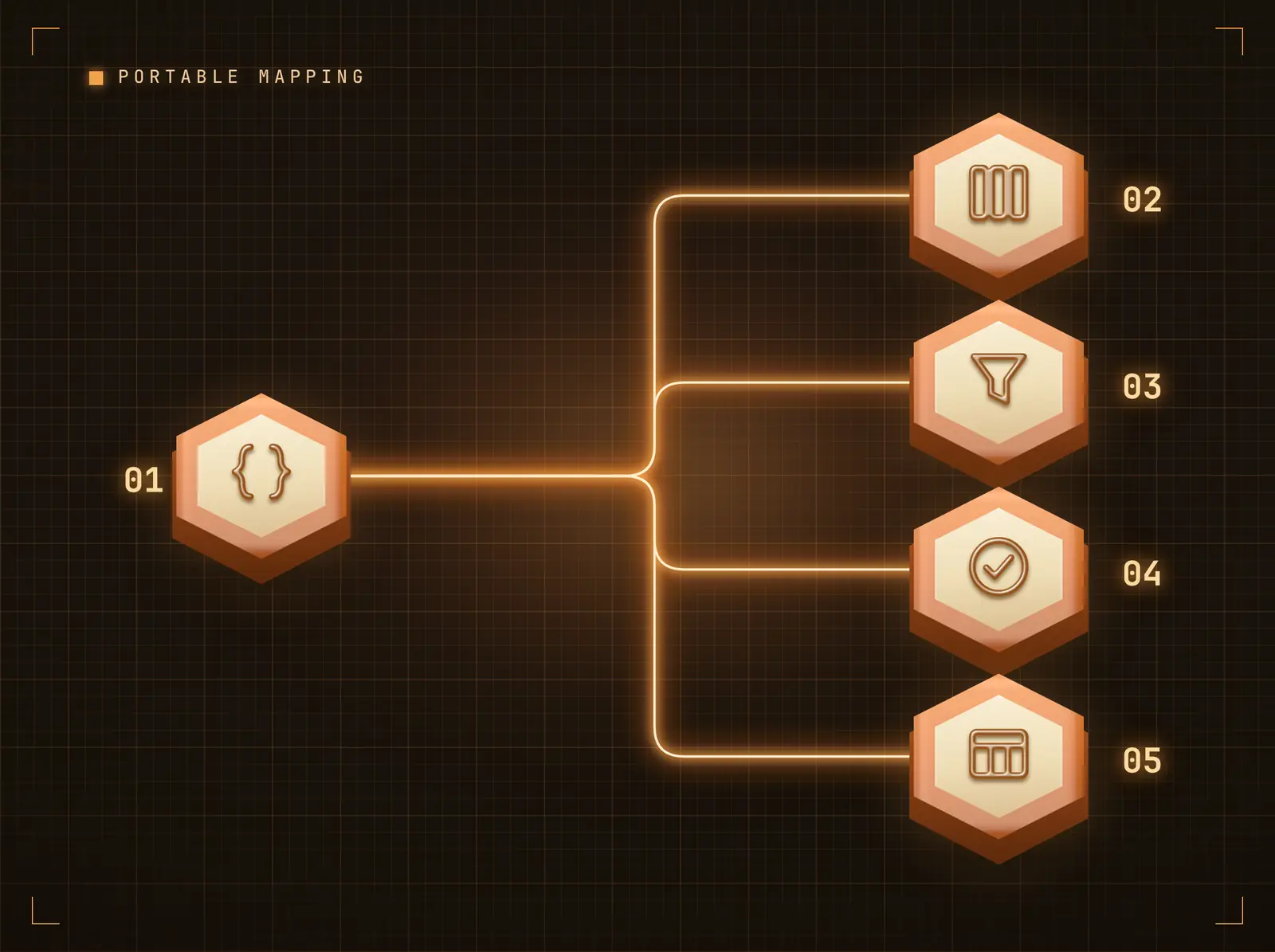
Weisen Sie Anzeigespalten Payload-Felder mit Dot-Notation-Pfaden zu, legen Sie Standardwerte für fehlende Felder fest und wenden Sie spaltenweise Transformationen an – Grossschreibung, Kleinschreibung, Kürzen, Präfix, Suffix. Dieselbe Zuordnungs-Engine treibt jede Automatisierungsplattform-Integration an, sodass ein einmal erstelltes Schema plattformübergreifend einsetzbar ist.
Ihre Automatisierung sendet Daten; die Zuordnung bestimmt, wie sie auf dem Bildschirm erscheinen.
Dot-Notation-Pfade erreichen verschachtelte Payload-Felder
Standardwerte füllen Lücken, damit Bildschirme nie leer bleiben
Transformationen bereinigen Werte, ohne die Automatisierung zu berühren
HMAC-signierte, replay-geschützte Zustellung
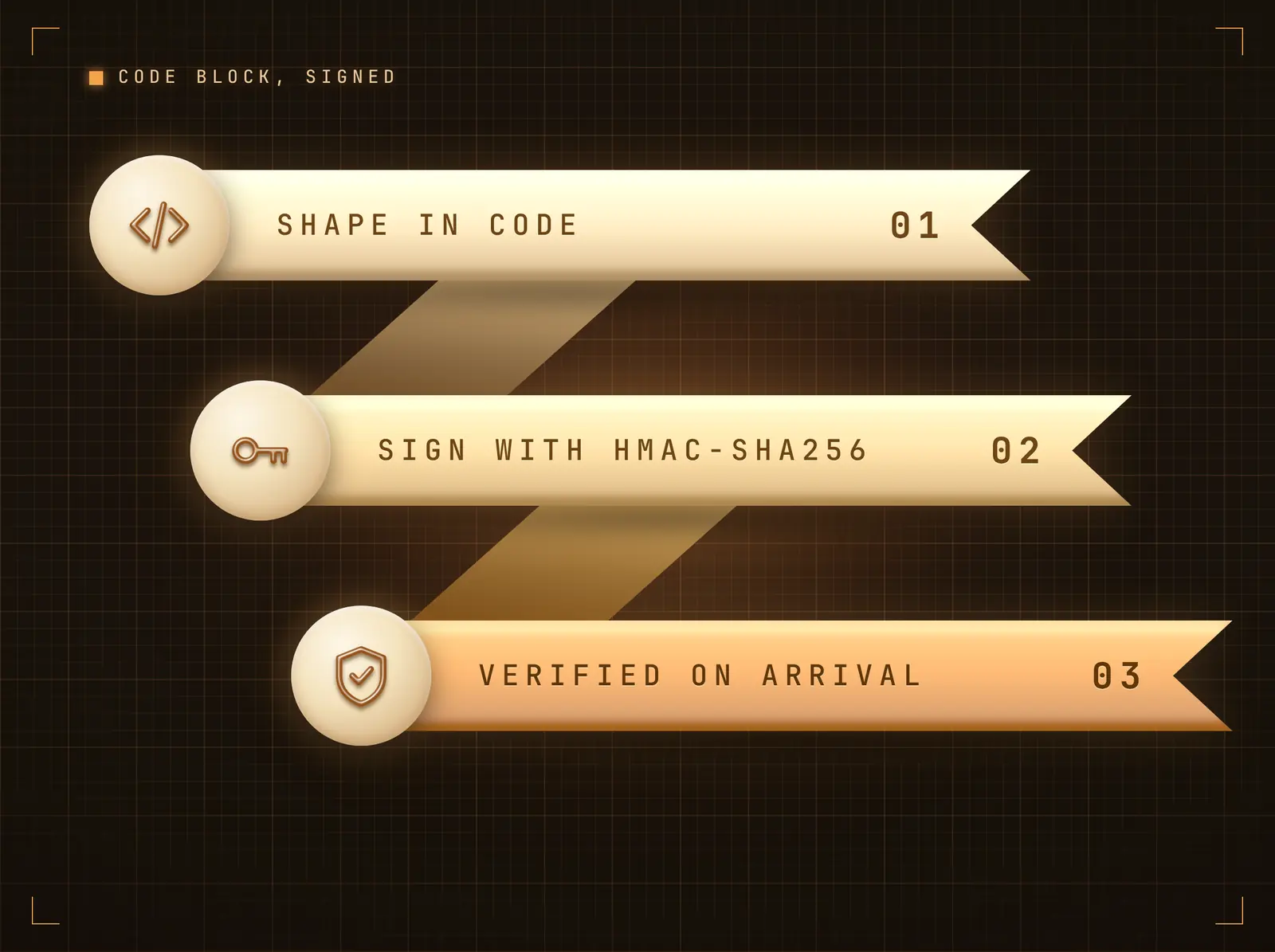
Ein Code-Block berechnet einen HMAC-SHA256 des Bodys mit Ihrem Integrationsgeheimnis und sendet ihn als X-Webhook-Signature; Hangar.Media verifiziert in konstanter Zeit mit optionalem Replay-Schutz.
Jeder Push wird authentifiziert, bevor sich ein Pixel verändert.
HMAC-SHA256-Body-Signierung in einem Code-Block (empfohlen)
Optionaler Replay-Schutz im Stripe-Stil
Secret-Header-Modus nur über den REST-Block
Vier Schritte zu verbundene Bildschirme.
Von der Einrichtung bis zu Live-Inhalten in Minuten, nicht Tagen.
Integration verbinden
Fügen Sie die Retool Workflows-Integration in Hangar.Media hinzu. Ihre eindeutige eingehende Webhook-URL und Ihr Geheimnis werden sofort generiert.
Push-Block in Retool hinzufügen
Beenden Sie den Workflow mit einem Code-Block: Erstellen Sie das JSON aus Query-Ergebnissen, berechnen Sie einen HMAC-SHA256 mit Ihrem Integrationsgeheimnis und senden Sie einen POST an Ihre eingehende Webhook-URL mit X-Webhook-Signature.
Felder der Anzeige zuordnen
Wählen Sie Datentabelle oder Inhaltskarten, und ordnen Sie dann Payload-Felder mit dem Feld-Mapper den Anzeigespalten zu. Standardwerte und Transformationen sind optional.
Übertragen und veröffentlichen
Starten Sie die Automatisierung. Der Payload wird innerhalb von Sekunden im gebundenen Widget auf Ihren Bildschirmen dargestellt – aktivieren Sie «Akkumulieren» für ein fortlaufendes Board der letzten Pushes.
Entwickelt für jeden Branche.
Erfahren Sie, wie verschiedene Branchen diese Integration nutzen, um Ergebnisse zu erzielen.
Revenue-Ops-Boards
Geplante Workflows fragen das Data Warehouse ab und übertragen die tägliche Revenue-Ops-Tabelle auf den Bildschirm der Geschäftsleitung.
EinzelhandelStore-Ranglisten
Workflows, die die Store-Performance bewerten, übertragen die Rangliste jeden Morgen auf die Bildschirme der Regionalbüros.
GesundheitswesenKapazitäts-Snapshots
Workflows, die Kapazitätssysteme abfragen, übertragen stationsweise Snapshots in einem festen Rhythmus auf die Betriebsbildschirme.
BildungAnwesenheits-Dashboards
Workflows auf der MIS-Datenbank übertragen Anwesenheitszusammenfassungen vor der ersten Stunde auf die Bildschirme im Lehrerzimmer.
Häufige Fragen. Direkte Antworten.
Wie wird der Webhook gesichert
Pushes werden in einem Retool-Code-Block mit Ihrem Integrationsgeheimnis per HMAC-SHA256 signiert und in konstanter Zeit verifiziert, mit optionalem Replay-Schutz. Das reine REST-Block-Setup kann stattdessen den X-Webhook-Token-Header verwenden.
Welches Payload-Format erwartet Hangar.Media
Beliebiges JSON. Ein einzelnes Objekt wird zu einer Zeile oder Karte; ein Array von Objekten wird zu einer Zeile oder Karte pro Datensatz. Mit einer konfigurierten Feldzuordnung werden nur die zugeordneten Felder angezeigt; ohne eine solche werden die Rohfelder als Schlüssel-Wert-Tabelle dargestellt.
Kann ein Push mehrere Bildschirme aktualisieren
Ja. Der Push landet im Datenfeed der Integration; jedes Design-Widget, das an diesen Feed gebunden ist, wird aktualisiert – unabhängig davon, wo diese Designs eingeplant sind. Ein einziger Push kann einen Bildschirm oder den gesamten Bestand aktualisieren.
Kann der Workflow Query-Ergebnisse direkt übertragen
Ja – das Ergebnis-Array eines Query-Blocks wird direkt auf den JSON-Body abgebildet; jeder Datensatz wird zu einer Zeile oder Karte. Verwenden Sie einen Transformer-Block, um Spalten vor dem Push umzubenennen oder zu kürzen.
Ein Preis. Die gesamte Plattform.
So stellen wir uns Digital Signage vor. Inhaltseditor, Bildschirmverwaltung und 200+ App-Integrationen – alles von Anfang an inklusive.
14 Tage kostenlos, bis zu 3 Bildschirme – keine Kreditkarte erforderlich.