Jedes System kann per POST senden. Jeder Bildschirm kann es anzeigen.
Der generische eingehende Webhook-Empfänger: Jedes System, das einen HTTP-POST senden kann, überträgt Daten auf Ihre Bildschirme. HMAC-SHA256-Verifizierung, optionaler Replay-Schutz, eine IP-Zulassungsliste, Event-Filterung und Weiterleitung — der gehärtete Pfad für benutzerdefinierte Sender.
Der gehärtete Empfänger für benutzerdefinierte Integrationen
Während die Plattform-Kacheln (Zapier, Make, n8n…) die Sprache der jeweiligen Tools sprechen, ist dies der direkte Vertrag für Ihre eigenen Systeme: Senden Sie JSON per POST an Ihre eindeutige URL, signieren Sie es mit Ihrem Integrations-Secret, und der Payload wird als Live-Datentabelle dargestellt. Event-Typ-Filterung hält Rauschen vom Bildschirm fern; Forwarding kann verifizierte Zustellungen weiterleiten; die IP-Zulassungsliste und der Replay-Schutz sichern unbeaufsichtigte Sender ab.
Was Sie mit Jeder Bildschirm kann es anzeigen. tun können
Drei Funktionen, die diese Integration für Ihr Digital Signage-Netzwerk unverzichtbar machen.
Fail-closed by Design
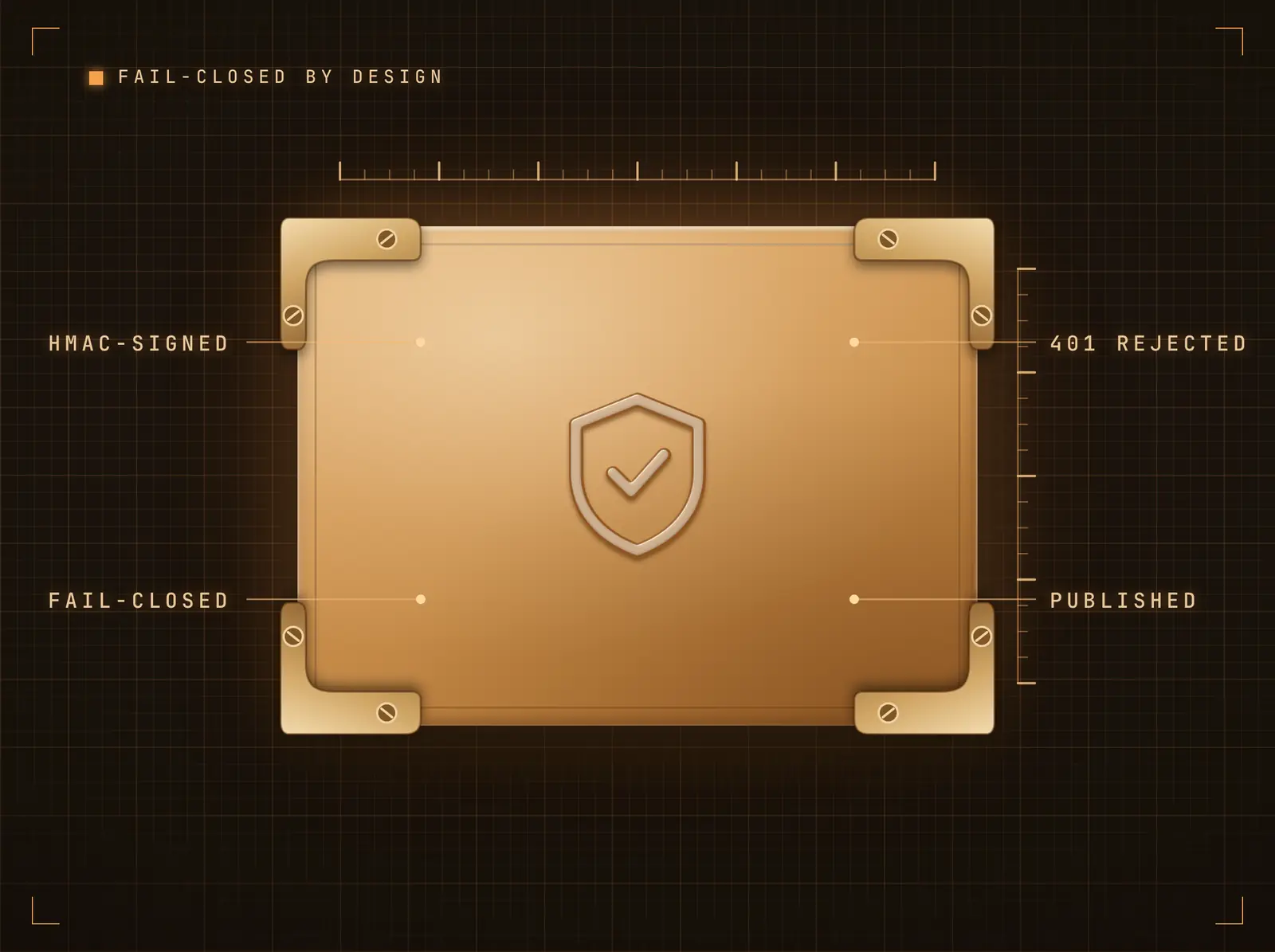
Jede Zustellung muss eine gültige HMAC-Signatur tragen, die mit Ihrem Integrations-Secret berechnet wurde; unsignierte oder falsch signierte Anfragen erhalten 401 und veröffentlichen nichts. Das Signing-Secret wird beim Verbinden generiert und einmalig auf der Integrationsseite angezeigt — zusammen mit einem kopierfertig Signing-Beispiel.
Was nicht signiert ist, erreicht keinen Bildschirm.
Konfigurierbarer Signatur-Header und Digest-Algorithmus
GitHub-artige sha256=-Präfixe werden automatisch verarbeitet
Secret-Rotation per Klick
Nur die Events, die Sie möchten — nur aus den Quellen, die Sie erwarten
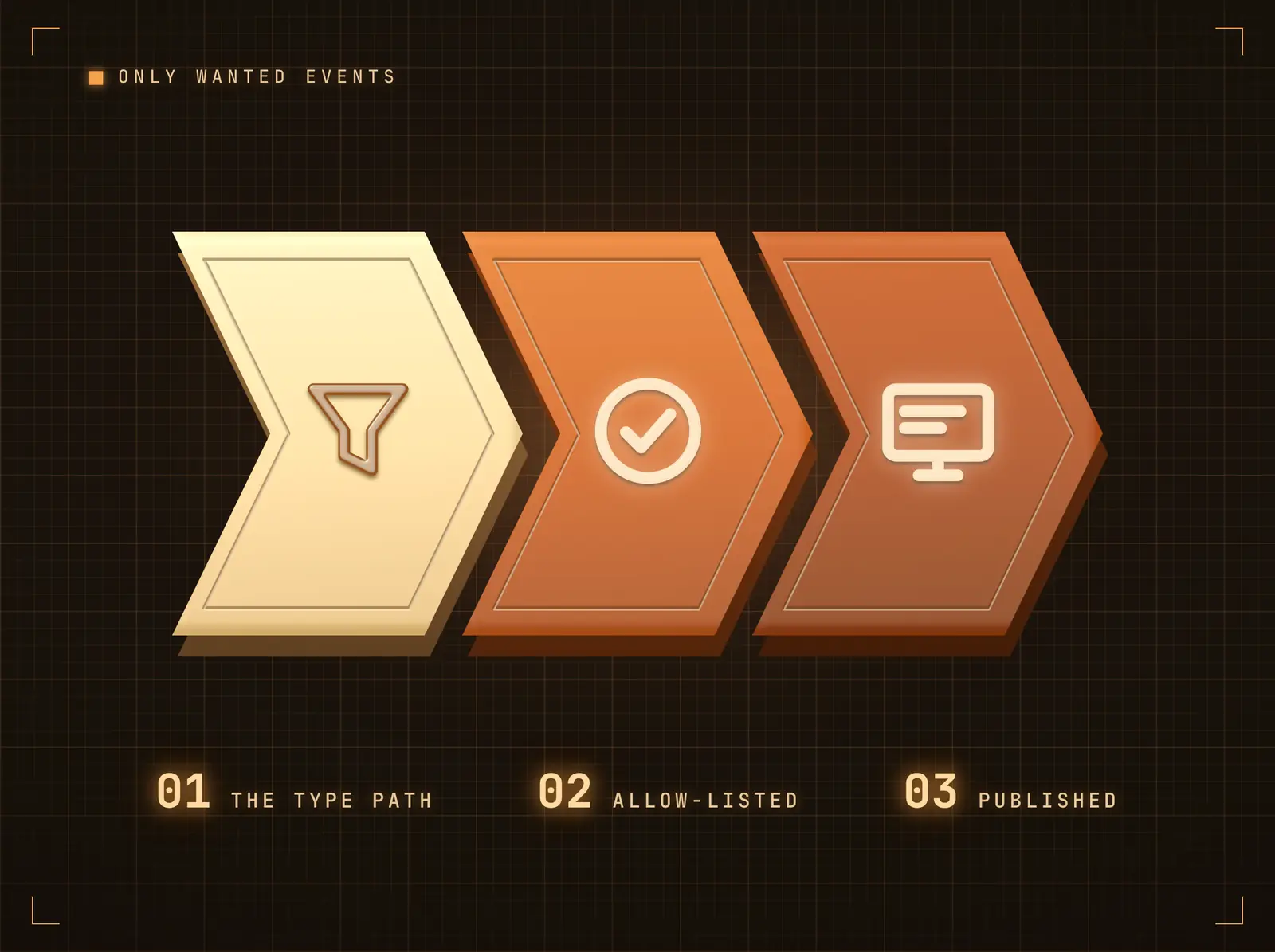
Richten Sie den Event-Typ-Pfad auf das Typfeld Ihres Payloads und erlauben Sie nur die anzuzeigenden Events; alles andere wird bestätigt und ignoriert. Die IP-Allowlist (einzelne IPs oder CIDR-Bereiche) lehnt unbekannte Quellen ab, bevor die Signaturverifizierung überhaupt greift.
Ihre Bildschirme zeigen das Signal, nicht den Datenstrom.
Event-Typ-Matching per Dot-Notation
Content-Pfad taucht in verschachtelte Payloads ein
Rate-Limit bremst unkontrollierte Sender mit 429s
Verifizierte Events weiterleiten
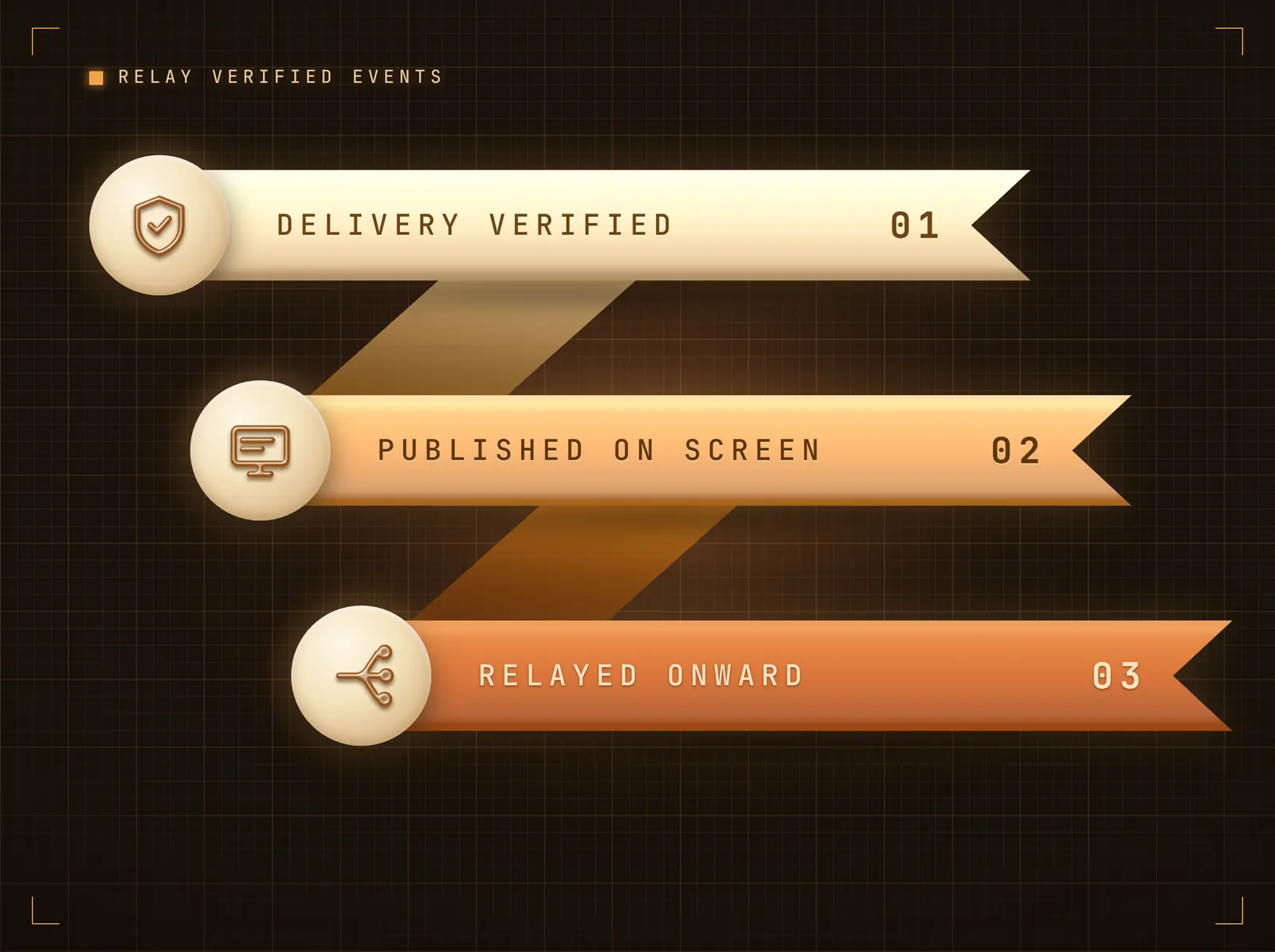
Nach erfolgreicher Verifizierung und Veröffentlichung einer Zustellung kann diese an eine nachgelagerte URL mit operator-konfigurierten Headern weitergeleitet werden — fächern Sie einen Sender ohne Eingriff in die Quelle in Ihr eigenes Logging oder Ihre Verarbeitung auf. Fehler werden protokolliert und blockieren die eingehende Zustellung nie.
Ein Webhook eingehend — Bildschirme und Ihre Systeme bedient.
Fire-and-Forget mit kurzen Timeouts
SSRF-geschützt — private und reservierte Adressen werden abgewiesen
Benutzerdefinierte Forward-Header (JSON-konfiguriert)
Vier Schritte zu verbundene Bildschirme.
Von der Einrichtung bis zu Live-Inhalten in Minuten, nicht Tagen.
Integration verbinden
Fügen Sie die Webhooks-Integration hinzu. Ihre eindeutige Eingangs-URL und Ihr Signing-Secret werden sofort generiert und auf der Integrationsseite angezeigt.
Signieren und senden Sie aus Ihrem System
Senden Sie JSON per POST an die URL mit einem HMAC-SHA256 des Bodys im Signatur-Header — die Integrationsseite enthält ein kopierfertig Signing-Beispiel.
Filtern und zuordnen
Legen Sie optional den Event-Typ-Filter, den Content-Pfad, die IP-Allowlist und das Rate-Limit fest. Senden Sie einen Test-Push, um zu sehen, wie die Daten ankommen.
Widget verknüpfen
Verknüpfen Sie das Live-Data-Table-Widget im Content Designer mit dem Feed und planen Sie das Design für Ihre Bildschirme ein.
Entwickelt für jeden Branche.
Erfahren Sie, wie verschiedene Branchen diese Integration nutzen, um Ergebnisse zu erzielen.
Interne Tooling-Anzeigen
Interne Systeme senden Status-Snapshots per POST, die als Live-Tabellen auf Betriebsbildschirmen dargestellt werden.
EinzelhandelPOS-Event-Boards
Ein benutzerdefinierter POS-Export überträgt Transaktionszusammenfassungen den ganzen Tag über auf Back-Office-Bildschirme.
GesundheitswesenGeräteflotten-Alarme
Medizingeräte-Gateways senden Status-Events per POST; der Event-Filter zeigt auf dem Bildschirm nur handlungsrelevante Zustände an.
BildungGebäudesystem-Feeds
Gebäudemanagementsysteme übertragen Belegungs- und Umgebungsdaten an Liegenschaftsbildschirme.
Häufige Fragen. Direkte Antworten.
Welche Verifizierungsoptionen stehen zur Verfügung
HMAC-Body-Signierung (SHA-1/256/512) mit einem integrationsspezifischen Secret ist der Standard, ergänzt durch optionalen Stripe-artigen Replay-Schutz, der einen Zeitstempel-präfixierten Payload signiert und Zustellungen ablehnt, die älter als fünf Minuten sind. Eine CIDR-fähige IP-Allowlist greift vor jeder Kryptografie, und ein integrationsspezifisches Rate-Limit gibt 429 zurück, sobald Ihre konfigurierten Pushes pro Minute überschritten werden.
Welche Payload-Formate werden unterstützt
JSON (ein Objekt oder ein Array von Objekten) sowie form-kodierte Bodies bis zu 1 MB. Eine Liste ergibt eine Tabellenzeile pro Datensatz; ein flaches Objekt wird als Schlüssel-Wert-Tabelle dargestellt. Der Content-Pfad kann dabei zuerst in verschachtelte Strukturen eintauchen.
Können Zustellungen an meine eigenen Systeme weitergeleitet werden
Ja — nach Verifizierung und Veröffentlichung kann der Payload an eine nachgelagerte URL mit benutzerdefinierten Headern weitergeleitet werden. Die Weiterleitung ist SSRF-geschützt und blockiert die eingehende Zustellung nie.
Wo befinden sich ausgehende Bildschirm-Events
Auf den Kacheln der Automatisierungsplattformen (Zapier, Make, n8n, …) — deren Outbound-Events-Panel sendet signierte Signage-Events per POST an den Catch-Hook Ihrer Plattform. Diese Kachel ist der eingehende Empfänger.
Ein Preis. Die gesamte Plattform.
So stellen wir uns Digital Signage vor. Inhaltseditor, Bildschirmverwaltung und 200+ App-Integrationen – alles von Anfang an inklusive.
14 Tage kostenlos, bis zu 3 Bildschirme – keine Kreditkarte erforderlich.