CASEL SEL-Inhalte. Auf jedem Schulbildschirm.
Zeigen Sie CASEL-Frameworks für sozial-emotionales Lernen, tägliche SEL-Impulse, Inhalte zur Charakterbildung und kompetenzfördernde Aktivitäten auf Digital Signage in Ihrer Schule oder Ihrem Schulbezirk an.
Sozial-emotionales Lernen, sichtbar auf dem gesamten Campus.
Die CASEL-Integration von Hangar.Media bringt das CASEL-Framework für sozial-emotionales Lernen auf das Digital Signage Ihrer Schule. Zeigen Sie tägliche SEL-Impulse, Kompetenzdefinitionen, Reflexionsfragen und Highlights zu Charaktereigenschaften auf Bildschirmen im Flur, in der Cafeteria und im Klassenzimmer an. Die Inhalte sind auf die fünf CASEL-Kompetenzen abgestimmt und können nach Schulstufe angepasst werden.
Was Sie mit Auf jedem Schulbildschirm. tun können
Drei Funktionen, die diese Integration für Ihr Digital Signage-Netzwerk unverzichtbar machen.
Automatische tägliche SEL-Inhaltsrotation
Jeden Tag zeigen Ihre Bildschirme einen neuen SEL-Impuls, eine Reflexionsfrage oder eine Botschaft zur Charakterbildung, die am CASEL-Rahmenwerk ausgerichtet ist. Die Inhalte rotieren automatisch durch die Kompetenzen Selbstwahrnehmung, Selbstmanagement, soziales Bewusstsein, Beziehungskompetenzen und verantwortungsvolles Entscheiden.
Ein neuer SEL-Gesprächsimpuls auf jedem Bildschirm, jeden Morgen.
Ein Impuls pro Kompetenz pro Woche mit täglicher Rotation
Stufengerechte Sprache von der Primar- bis zur Oberstufe
Diskussionsformat zur Förderung der Weiterarbeit im Unterricht
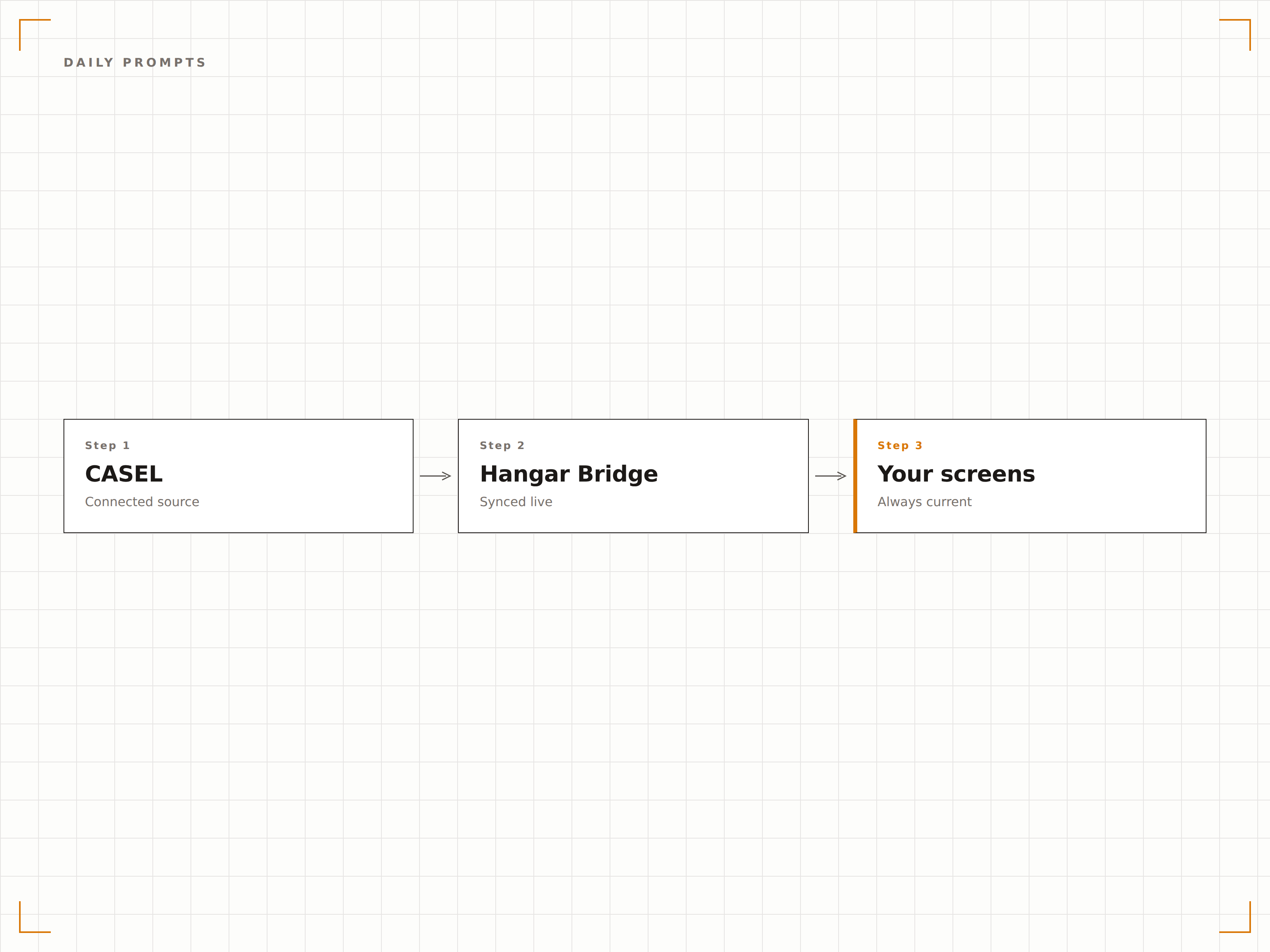
Vertiefende Kompetenz-Spotlights
Planen Sie ein- oder mehrwöchige Vertiefungen zu bestimmten CASEL-Kompetenzen. Die Bildschirme zeigen die Kompetenzdefinition, verwandte Fähigkeiten, Beispiele aus dem Alltag und schülergerechte Erklärungen, die das Verständnis schrittweise aufbauen.
Eine Woche lang dreht sich die ganze Schule um Selbstwahrnehmung.
Kompetenzdefinitionen in schülergerechter Sprache
Beispiele aus dem realen Leben für jede Kompetenz
Wöchentliche Themen, die aufeinander aufbauen
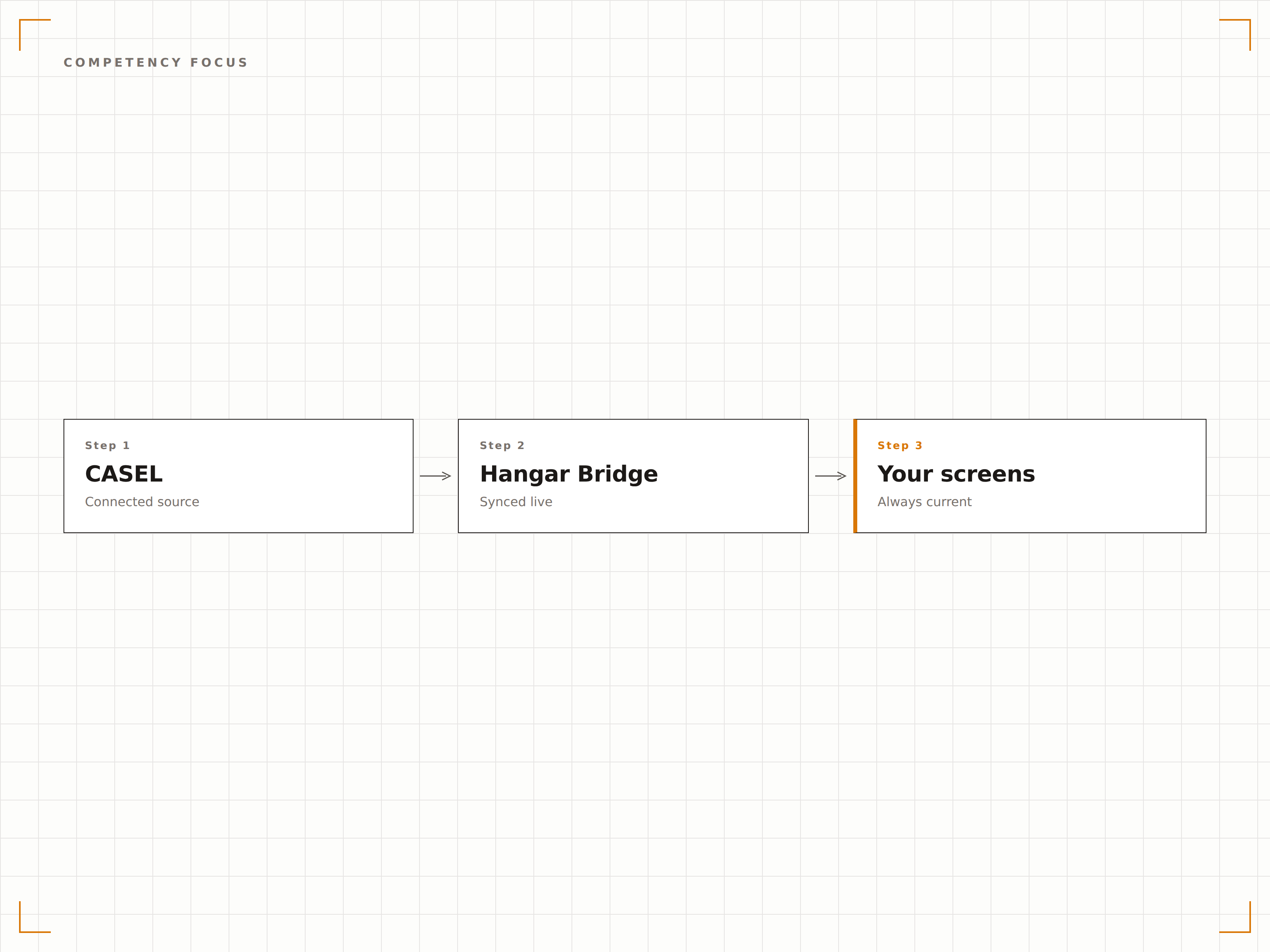
Inhalte für Awareness-Monate und Kampagnen
Vorgeladene Inhaltspakete für den Monat der psychischen Gesundheit, Anti-Mobbing-Wochen, Freundlichkeitskampagnen und weitere schulweite Initiativen. Die Bildschirme zeigen Kampagnenbotschaften, tägliche Challenges und Beteiligungstracker, die die gesamte Schulgemeinschaft motivieren.
Die Woche der Freundlichkeit erreicht jeden Flur – nicht nur die Klassen, die mitmachen wollen.
Vorgefertigte Inhalte für wichtige Awareness-Monate und Kampagnen
Tägliche Challenge-Impulse für schulweite Beteiligung
Anpassbares Kampagnen-Branding und individuelle Botschaften
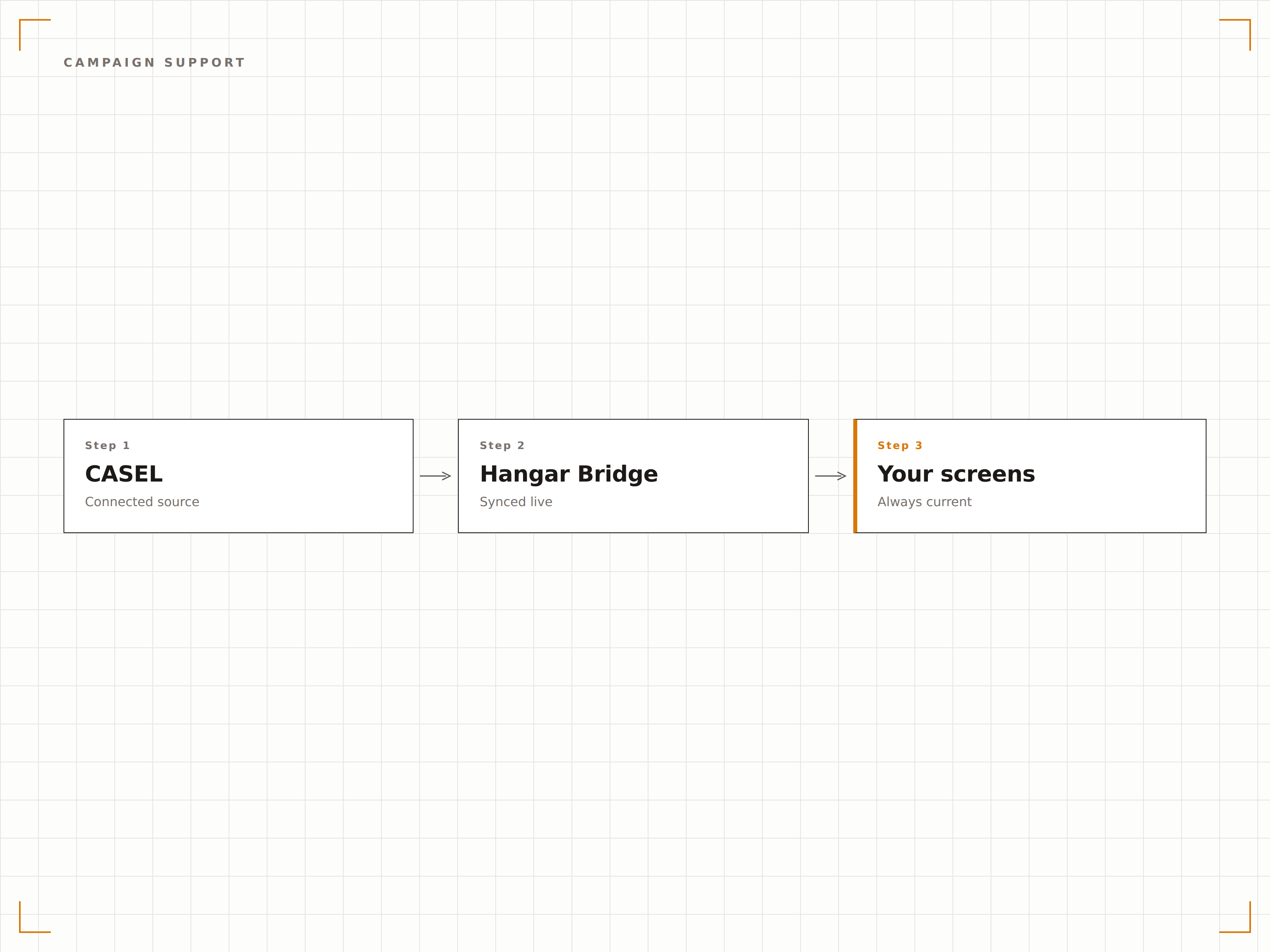
Vier Schritte zu verbundene Bildschirme.
Von der Einrichtung bis zu Live-Inhalten in Minuten, nicht Tagen.
Wählen Sie Ihre Schulstufen
Geben Sie an, ob Ihre Schule Primar-, Mittel- oder Oberstufenschülerinnen und -schüler unterrichtet, um altersgerechte CASEL-Inhalte zu erhalten.
Inhaltsplan einrichten
Richten Sie den Rotationsplan für tägliche Impulse, wöchentliche Themen und monatliche Kompetenz-Highlights ein.
Botschaften anpassen
Fügen Sie Schulnamen, Maskottchen und Corporate Design zu den CASEL-Inhaltsvorlagen hinzu, um einen individuellen Look zu erzielen.
Auf Schulbildschirmen veröffentlichen
Weisen Sie SEL-Inhalte den Bildschirmen in Fluren, Mensen und Gemeinschaftsbereichen zu – die tägliche Rotation startet automatisch.
Entwickelt für jeden Branche.
Erfahren Sie, wie verschiedene Branchen diese Integration nutzen, um Ergebnisse zu erzielen.
SEL-Displays in Schulfluren
Zeigen Sie tägliche SEL-Impulse und Botschaften zur Charakterbildung auf Flurbildschirmen, damit Schülerinnen und Schüler sozial-emotionales Lernen den ganzen Schultag über erleben.
BildungSchulbezirksweite SEL-Kampagnen
Führen Sie koordinierte SEL-Kampagnen über alle Schulen eines Bezirks hinweg durch – mit synchronisierten Inhalten auf jedem Campus-Bildschirm.
UnternehmensbereichEmotionale Intelligenz am Arbeitsplatz
Passen Sie CASEL-Kompetenzinhalte für Unternehmensumgebungen an, um die Entwicklung emotionaler Intelligenz und zwischenmenschlicher Kompetenzen zu fördern.
GesundheitswesenInhalte für pädiatrische Wartezimmer
Zeigen Sie altersgerechte SEL-Inhalte und Tipps zur Emotionsregulation auf Bildschirmen in Wartezimmern pädiatrischer Kliniken.
Häufige Fragen. Direkte Antworten.
Sind die Inhalte offiziell von CASEL lizenziert?
Die Inhalte sind vom CASEL-Rahmenwerk für sozial-emotionales Lernen inspiriert und daran ausgerichtet. Hangar.Media erstellt originale Inhalte, die den fünf CASEL-Kernkompetenzen zugeordnet sind. Schulen können ausserdem eigene SEL-Inhalte hochladen, um die Bibliothek zu ergänzen.
Können Lehrpersonen die täglichen Impulse anpassen?
Ja. Lehrpersonen und Schulleitung können die tägliche Impulsbibliothek über das Hangar.Media-Dashboard bearbeiten, ersetzen oder erweitern. Individuelle Impulse können gezielt auf bestimmte Bildschirme oder Klassenstufen innerhalb der Schule ausgerichtet werden.
Wie unterscheiden sich die Inhalte nach Schulstufe?
Inhalte für die Primarstufe verwenden einfachere Sprache, konkrete Beispiele und charakterorientierte Botschaften. Inhalte für die Mittelstufe führen nuanciertere Szenarien und Themen rund um Gleichaltrigenbeziehungen ein. Inhalte für die Oberstufe behandeln Anwendungen im realen Leben und die Vorbereitung auf Erwachsenenverantwortung.
Kann ich bestimmte Inhalte für Prüfungswochen oder Feiertage einplanen?
Ja. Der Inhaltskalender unterstützt datumsspezifische Überschreibungen. Sie können Stressmanagement-Inhalte für Prüfungswochen, Dankbarkeitsthemen vor Feiertagen und motivierende Inhalte zum Semesterbeginn einplanen.
Ein Preis. Die gesamte Plattform.
So stellen wir uns Digital Signage vor. Inhaltseditor, Bildschirmverwaltung und 200+ App-Integrationen – alles von Anfang an inklusive.
14 Tage kostenlos, bis zu 3 Bildschirme – keine Kreditkarte erforderlich.